Tipp:
Besuchen Sie die Fuse Interaktive Sift-Tour für eine 3D-Ansicht vieler Komponenten detailliert.


Tipp:
Besuchen Sie die Fuse Interaktive Sift-Tour für eine 3D-Ansicht vieler Komponenten detailliert.
Arbeitsbereich und externe Komponenten
| Item | Description | Image |
|---|---|---|
| Hood | Prevents powder and debris from leaving the Fuse Sift’s workspace. | |
| Control panel | A touchscreen and physical control panel for interfacing with the Fuse Sift. | |
| Vacuum | The vacuum hose and power cord plug into ports on the side of the Fuse Sift, allowing the vacuum to be controlled via the Fuse Sift's touchscreen or control panel. | |
| Vacuum hose | Connected to the external vacuum for cleaning the Fuse 1 and Fuse Sift after use. | |
| Tool shelf | Storage for break-out tools and brushes. | |
| Parts basket | Storage container for extracted parts while processing a cake. | |
| Vent | A fan pulls dispersed powder into a filter, preventing plumes from leaving the workspace. | |
| Light | The light illuminates the workspace while extracting and cleaning printed parts. | |
| Sifter | The sifter agitates and breaks up clumps of unsintered powder from previous prints before it is recaptured for reuse. | |
| Surface grate | Protective grate covering the sifter. | 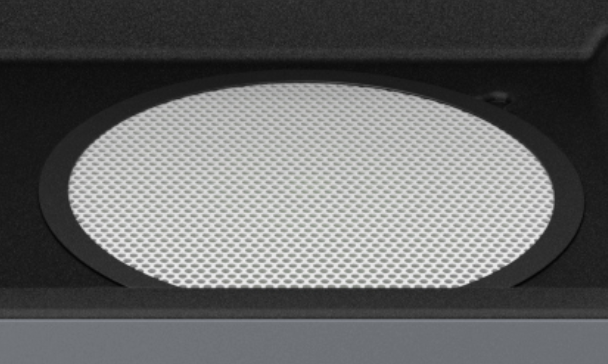
|
| Powder catch | Removable tray for catching loose powder. | 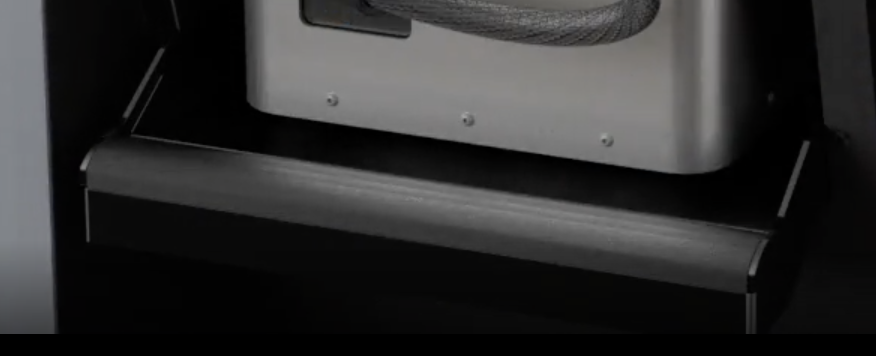
|
| Mixer | The mixer spins a filled powder cartridge to ensure a homogeneous distribution of fresh and used powder. |
Konstruktionskammer
| Item | Description | Image |
|---|---|---|
| Build chamber | An interchangeable component of the Fuse 1 that contains the print bed, heaters and temperature sensors, and encapsulates the sintered parts and loose powder from a print. The accompanying plug allows the Fuse 1 and Fuse Sift to monitor the build chamber, and differentiate one build chamber from another. | |
| Build chamber enclosure | Area for housing the build chamber with prints ready to be ejected. | 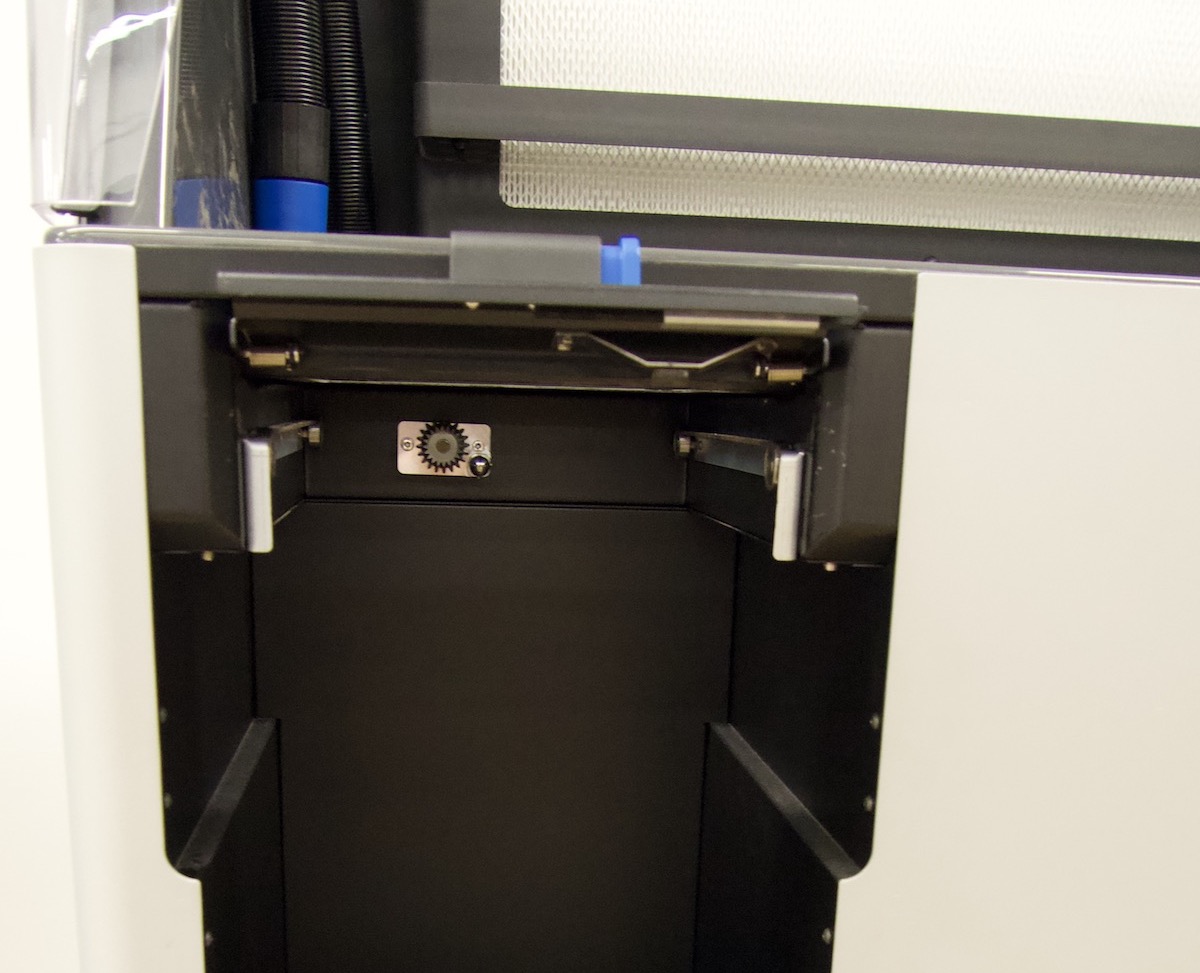
|
| Build chamber port | Access port for the cooled powder cake to enter the workspace. | 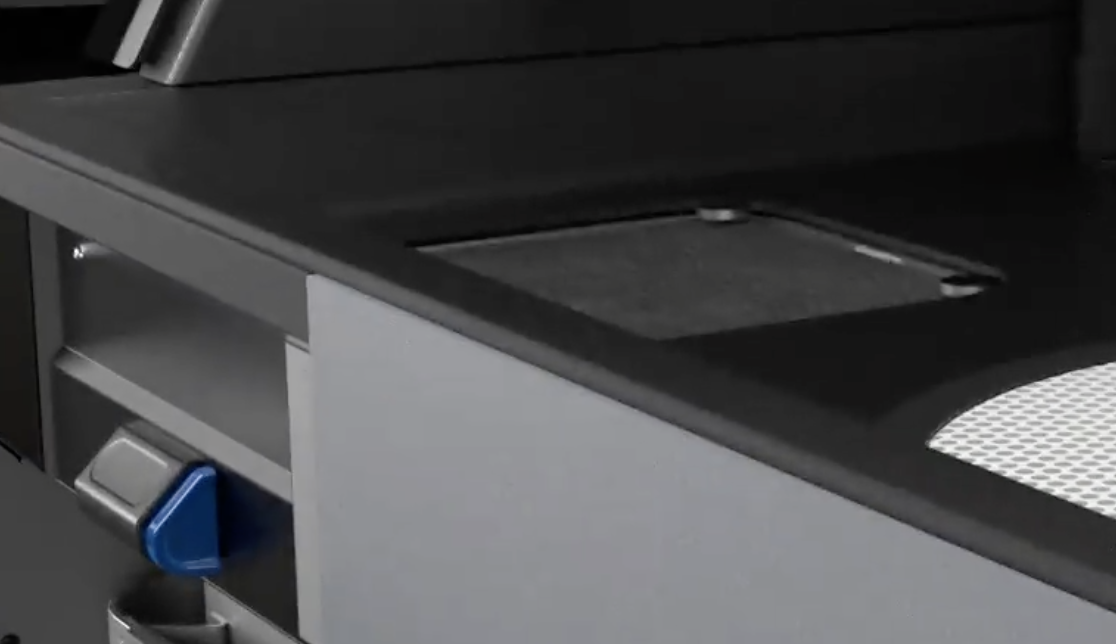
|
| Build chamber latch | Secures the build chamber. | 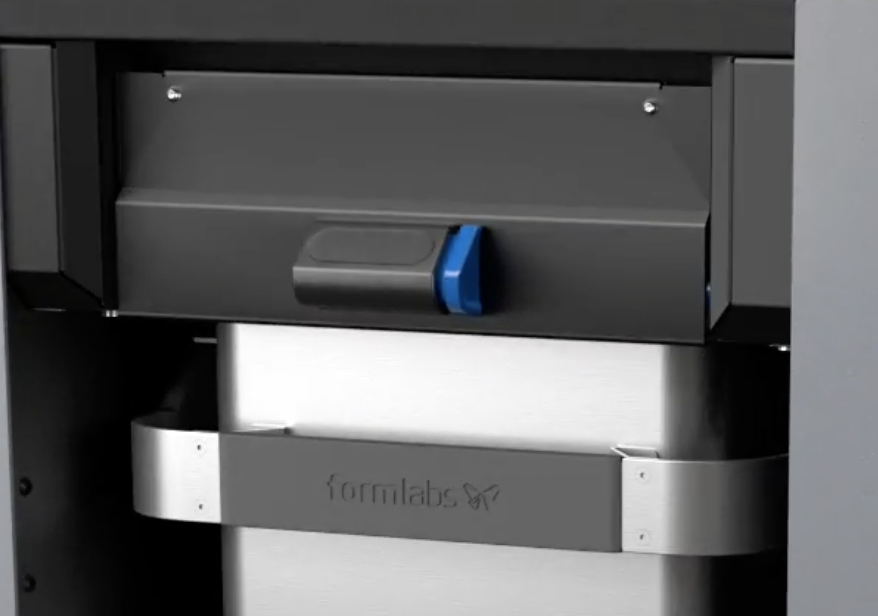
|
| Build chamber socket | Connects the build chamber’s plug. | 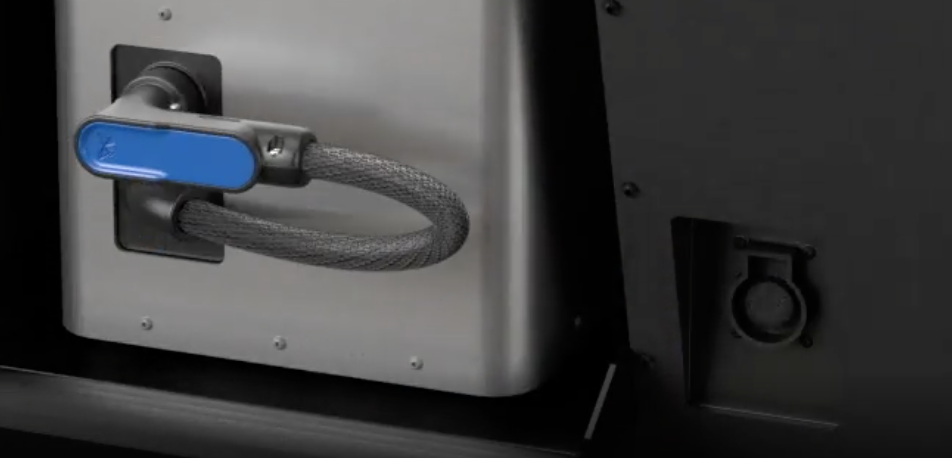
|
Handhabung des Pulvers
| Item | Description | Image |
|---|---|---|
| Sifter | The sifter agitates and breaks up clumps of unsintered powder from previous prints before it is recaptured for reuse. | |
| Surface grate | Protective grate covering the sifter. |
|
| Sifter mesh | The sifter mesh filters reusable powder from unusable powder. | 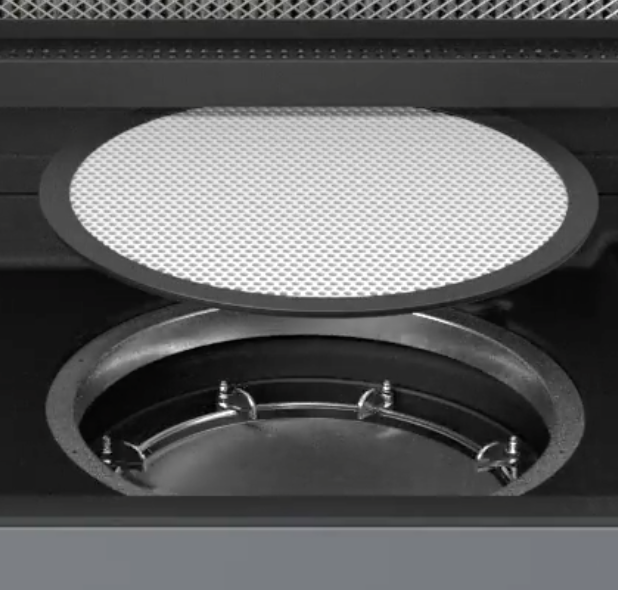
|
| Fresh powder hopper | The fresh powder hopper holds unused powder for dispensing into a powder cartridge. | |
| Used powder hopper | The used powder hopper holds recaptured powder for dispensing into a powder cartridge. | |
| Fresh powder hopper lid | Access point for filling the fresh powder hopper. | 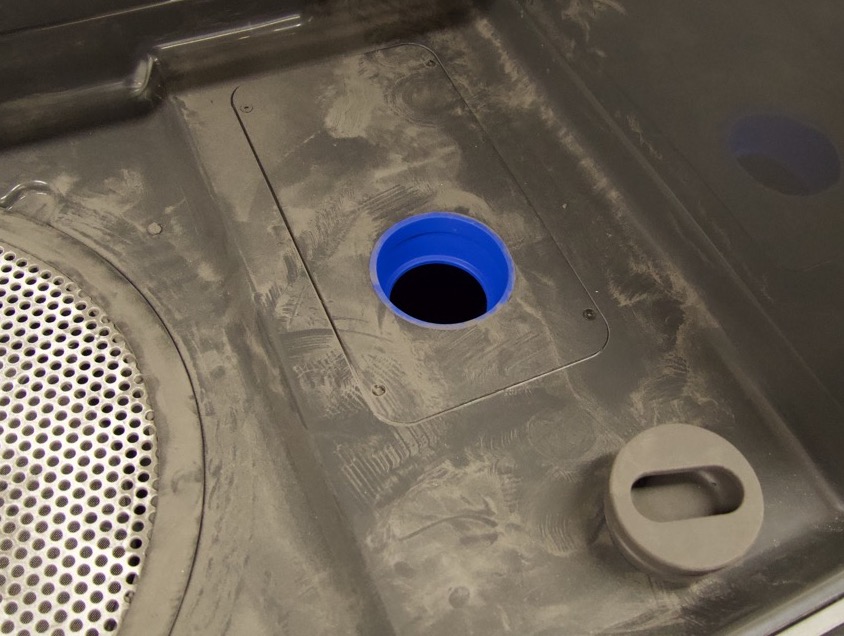
|
| Doser assembly | The doser assembly dispenses fresh and used powder into a powder cartridge in a ratio matching the selected refresh rate. | 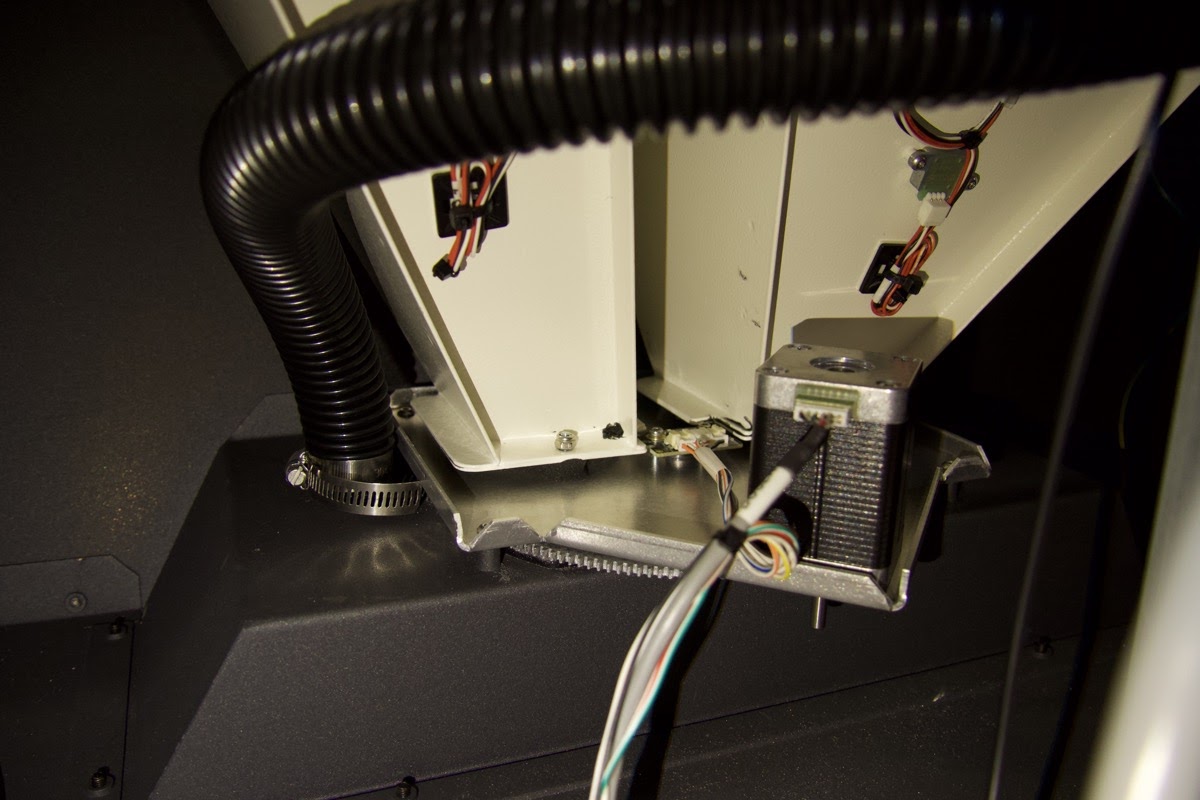
|
| Cartridge drawer | Holds the powder cartridge while it is being filled with powder. Weight sensors in the cartridge drawer ensure that the cartridge is filled properly. |
Hauptplatine und Elektronik
| Item | Description | Image |
|---|---|---|
| Motherboard | The main circuitry through which all systems in the machine communicate. | |
| Power supply | The Fuse Sift requires a 230 VAC (50 Hz), 7.5 A power supply (EU) or 120 VAC (60 Hz), 15 A power supply (US) for nominal operation. | 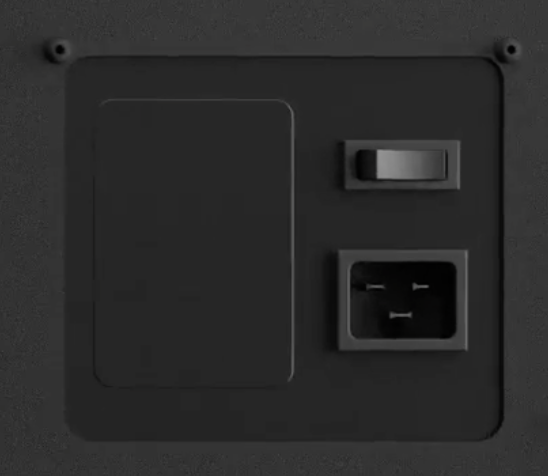
|
| Wi-Fi antenna | The Wi-Fi antenna enables the Fuse Sift's wireless connectivity. The antenna is connected to the machine's motherboard. | 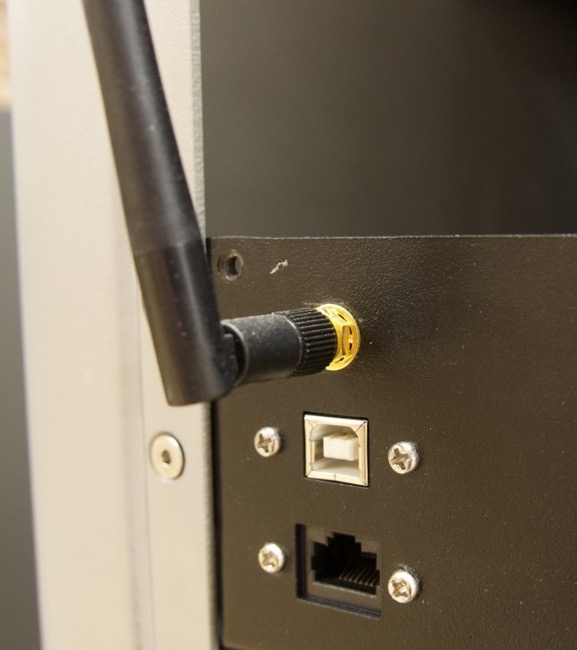
|
| Ethernet and USB ports | The Fuse Sift can connect to a network via Ethernet or to a computer via USB. These ports are connected to the motherboard and can be accessed from the back of the machine. |
Bedienfeld
| Item | Description | Image |
|---|---|---|
| Touchscreen | Interactive touchscreen for controlling subsystems and settings of the Fuse Sift. | |
| Physical controls |
|
Pulverkartusche
| Artikel | Beschreibung | Abbildung |
|---|---|---|
| Pulverkartusche | Der Behälter, in dem SLS-Pulver gemischt und vom Fuse Sift zum Trichter des Druckers transportiert wird. | 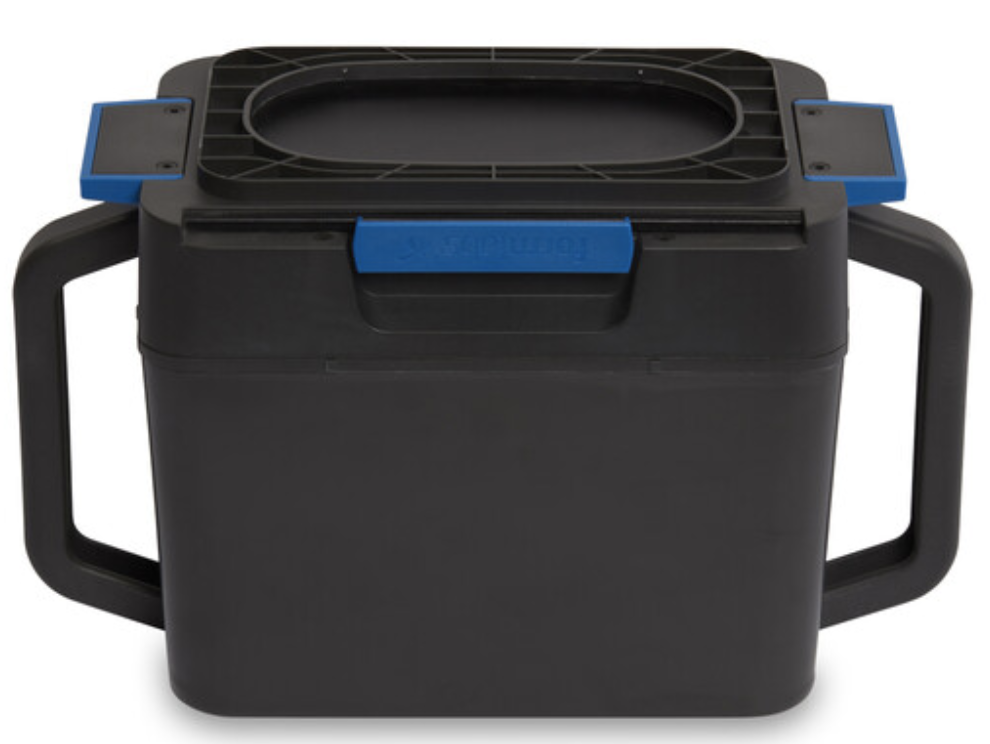
|
| Kartuschenflügel | Zwei Halterungen zum Verriegeln der Kartusche am Mischer. | 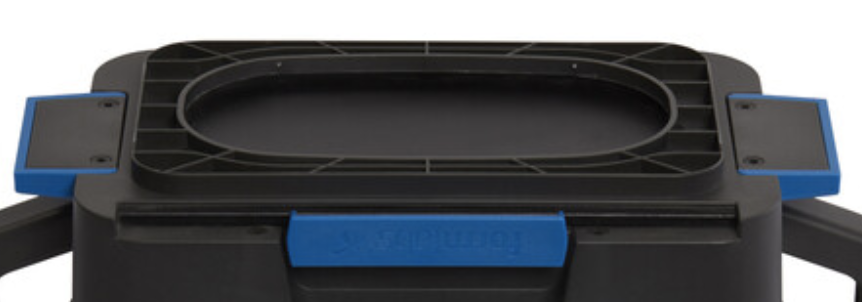
|
| Kartuschenventil | Die primäre Öffnung zum Befüllen und Ablagern von Pulver. | 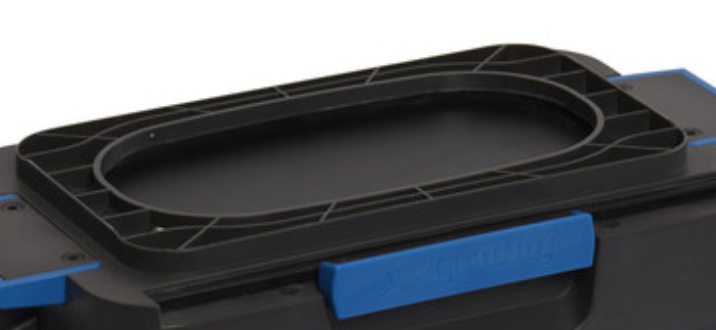
|
| Ventilklappe | Dient zum Schließen und Öffnen des Kartuschenventils. | 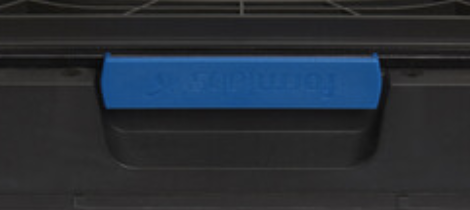
|
| Griffe | Zum Halten und Anheben der Kartusche. |
|
Mischer
| Artikel | Beschreibung | Abbildung |
|---|---|---|
| Mischerdrehteller | Die Außenseite des Mischers, die sich mit der Kartusche dreht. | 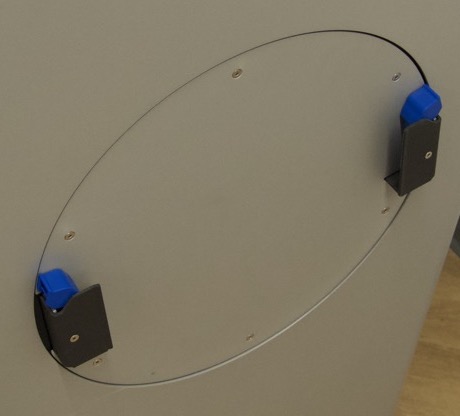
|
| Arretierlaschen | Zwei federbelastete Laschen zur Befestigung der Kartusche im Mischer. | 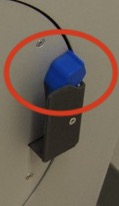
|
| Kartuschenflügelkupplungen | Zwei Halterungen, die die Flügel der Kartusche in Position führen. | 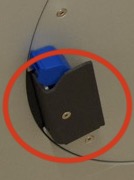
|