Anmerkung:
Die letzte unterstützte Form-1+-Version von PreForm ist Version 2.20.0.


Anmerkung:
Die letzte unterstützte Form-1+-Version von PreForm ist Version 2.20.0.
Wenn Sie Ihren Form 1+ aus irgendeinem Grund versenden müssen, halten Sie sich an die folgenden Anweisungen zur Verpackung, um das Risiko von Transportschäden auf ein Mindestmaß zu beschränken.
1. Reinigen Sie die Konstruktionsplattform.
Entfernen Sie die Konstruktionsplattform mit Handschuhen aus dem Form 1+. Reinigen Sie die Oberfläche von überschüssigem Harz, indem Sie überschüssiges Harz in den Tank schaben. Wischen Sie dann die Konstruktionsplattform mit einem in IPA getränkten Papiertuch ab.
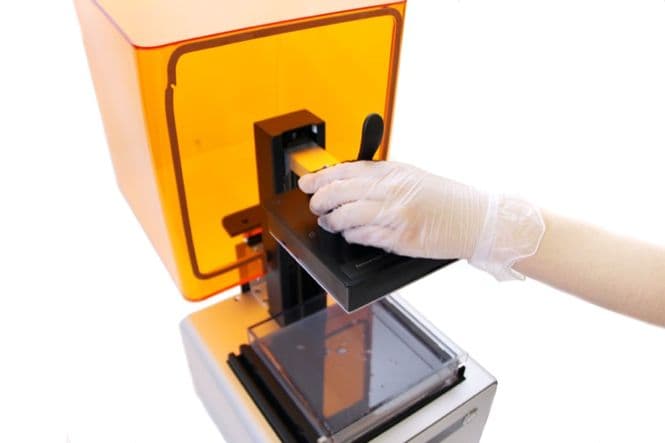
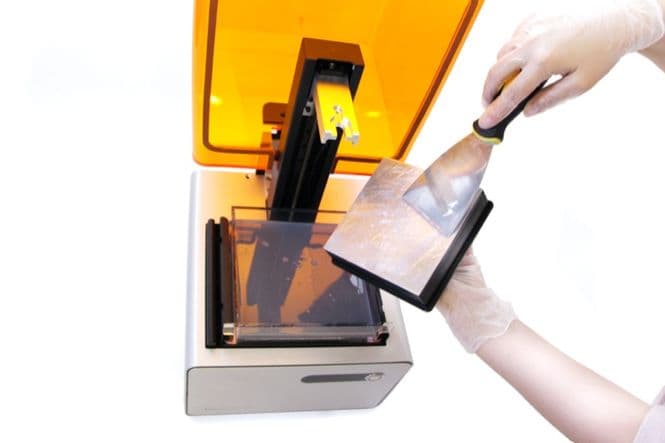
2. Konstruktionsplattform einwickeln und sichern
Wickeln Sie die Konstruktionsplattform in Plastikfolie ein, um eventuelle Harzreste aufzufangen. Lagern Sie die Konstruktionsplattform an einem kühlen, dunklen Ort.
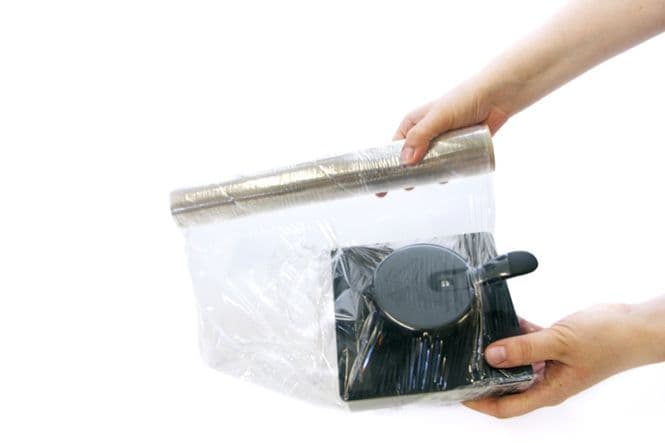
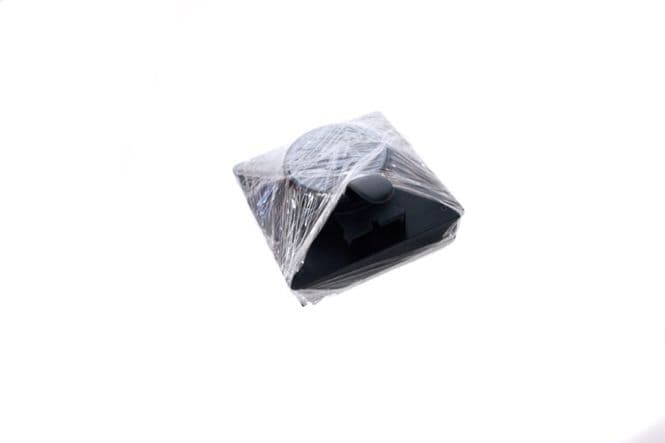
3. Entfernen und lagern Sie den Harztank
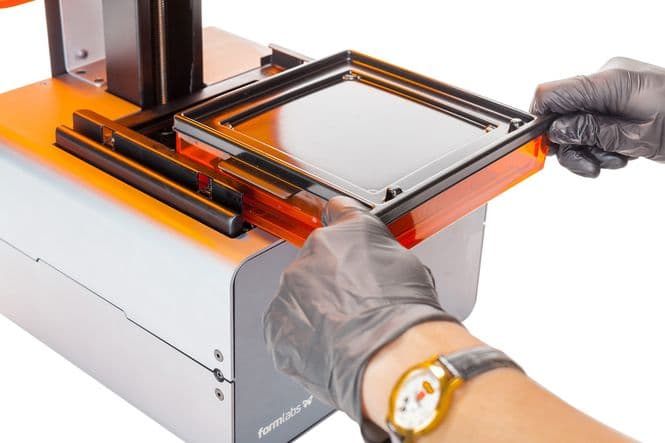
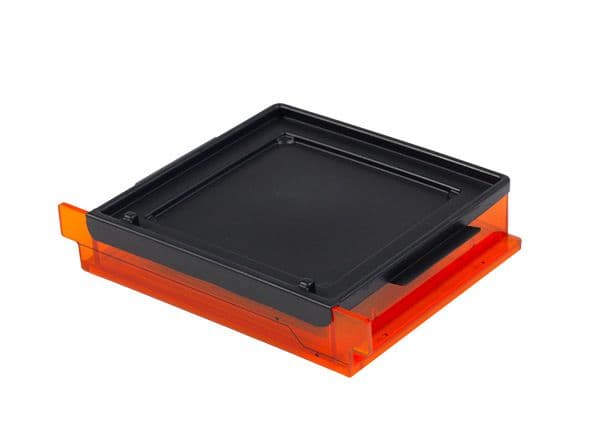
Entfernen Sie den Harztank an den Laschen. Tragen Sie dabei Handschuhe. Abdecken und außerhalb des Druckers aufbewahren.
4. Sichern Sie die Abdeckung mit Kantenschützern
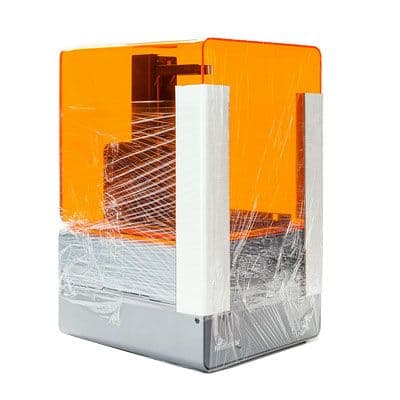
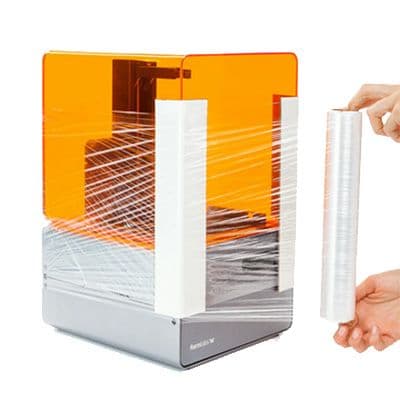
Ihr Drucker wurde mit zwei weißen Kantenschützern geliefert. Positionieren Sie diese über die vorderen Kanten auf beiden Seiten und befestigen Sie sie dann mit Plastikfolie. Falls Sie keine Kantenschützer mehr haben, können Sie welche anfertigen, indem Sie Karton einritzen. Wickeln Sie die Seiten und die Oberseite des Geräts mit Plastikfolie ein.
Tipp:
Um zu überprüfen, ob die Abdeckung sicher sitzt, versuchen Sie, die Abdeckung von einer Seite zur anderen zu schieben. Er sollte sich gut an der Basis des Geräts befestigt anfühlen.
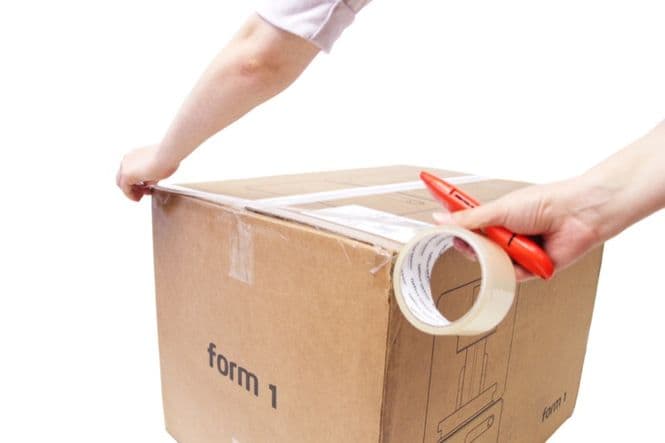
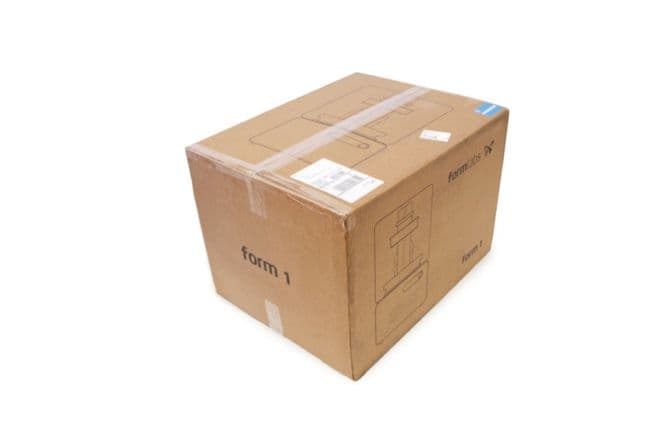
5. Das Gerät wieder verpacken
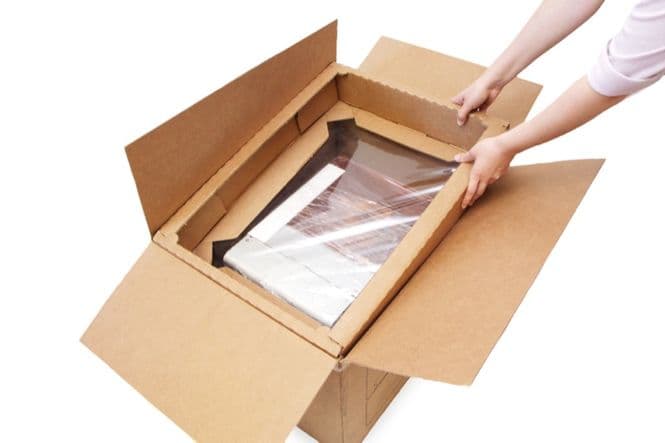
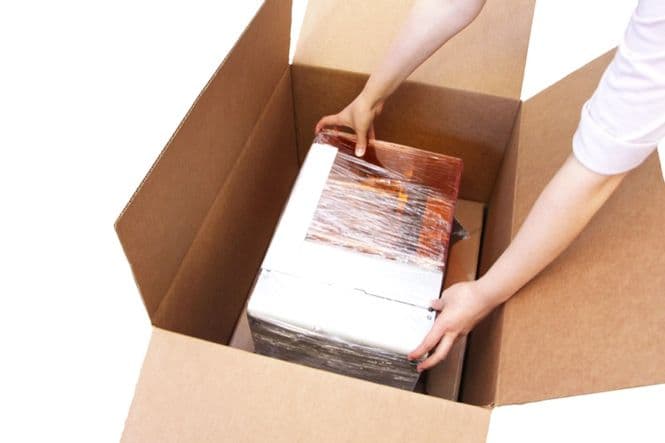
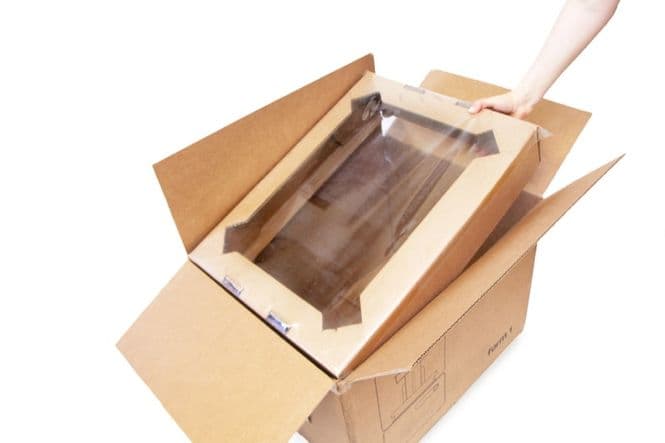
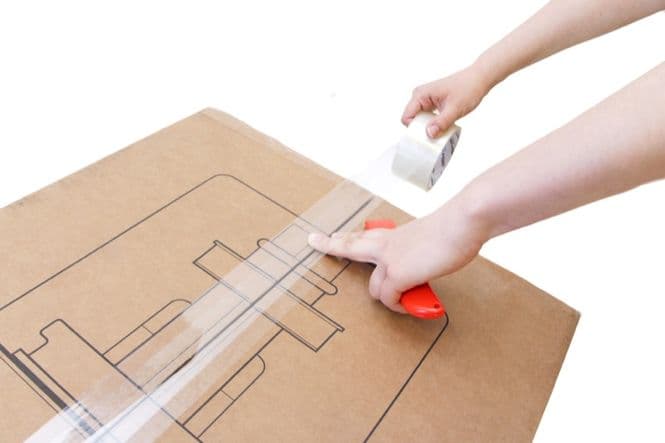
Dazu benötigen Sie die Originalverpackung des Form 1+ (Box, zwei Suspensionseinlagen, Pappeinlage).
Ihr Drucker kann jetzt verschickt werden!
Anmerkung:
Bevor Sie Ihren Drucker versenden, stellen Sie sicher, dass Sie Ihren Harztank, Ihre Konstruktionsplattform sowie die Strom- und USB-Kabel aufbewahren. Diese werden nicht mit Ihrem Drucker zurückgeschickt!