
Notice:
To avoid damage to equipment, check the resin tank compatibility table in Choosing the right material to confirm you are using a resin tank that is compatible with this material.

Notice:
To avoid damage to equipment, check the resin tank compatibility table in Choosing the right material to confirm you are using a resin tank that is compatible with this material.
Tough 1500 Resin produces stiff and pliable parts that bend and spring back quickly under repeated use. This material is ideal for functional prototypes, jigs and fixtures, and connectors undergoing temporary deflection or high impacts.
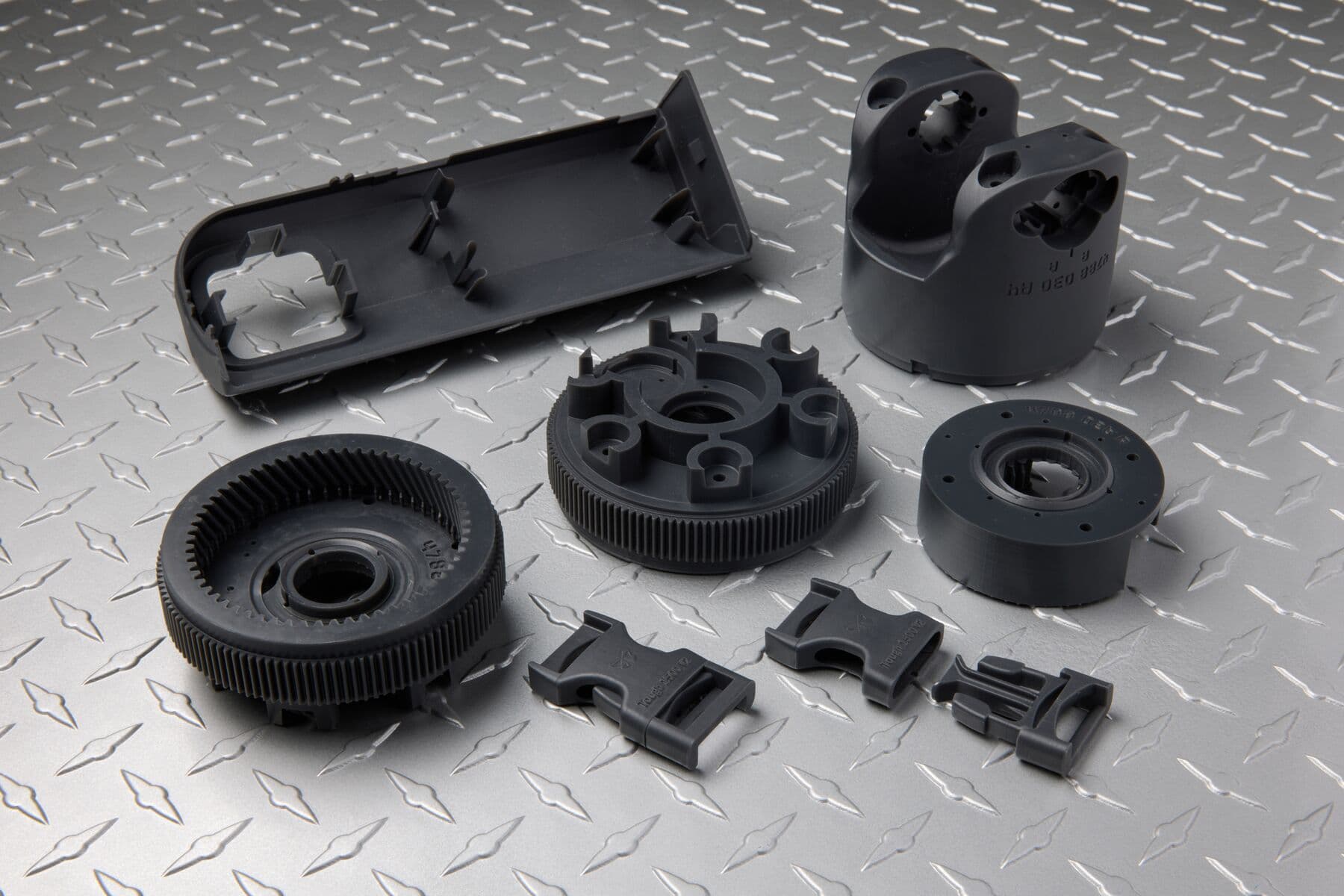
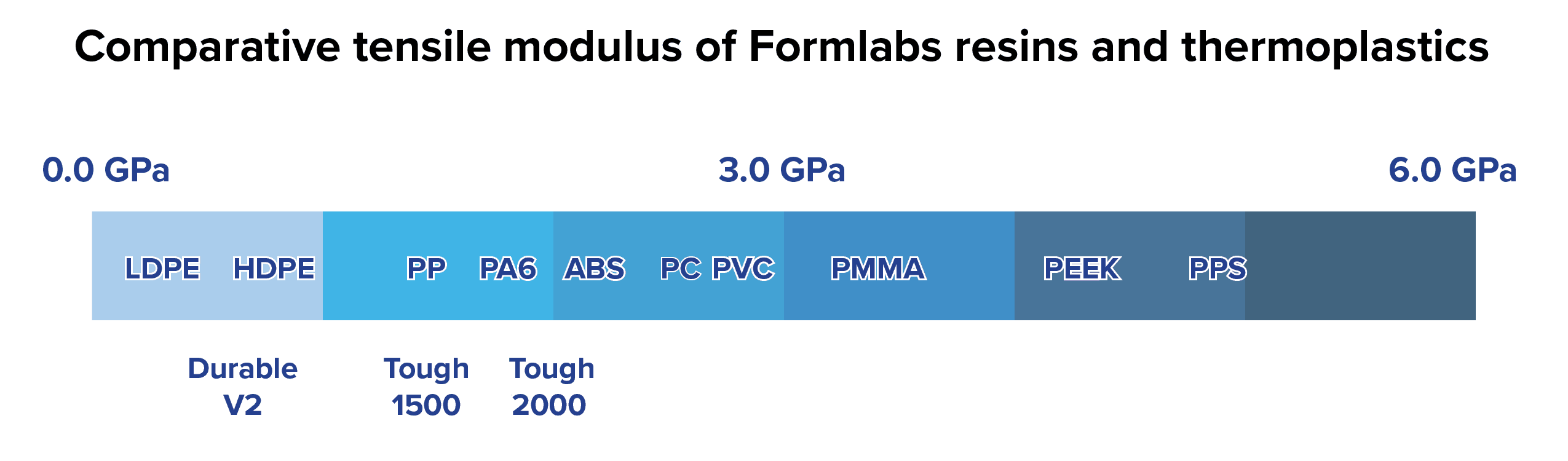
Formlabs developed Tough 1500 Resin to bridge the gap in mechanical properties between Durable Resin and Tough 2000 Resin. Tough 1500 Resin performs similarly to polypropylene in terms of strength and stiffness, which makes it an excellent choice for prototyping products that will be made from that material.
Recommended for:
Not recommended for:
Note:
To learn more about the performance or specific material properties of Tough 1500 Resin, please refer to the Safety Data Sheet (SDS) and Technical Data Sheet (TDS). Always consult the SDS as the primary source of information to understand safety and handling of Formlabs materials.
Comparison with other materials
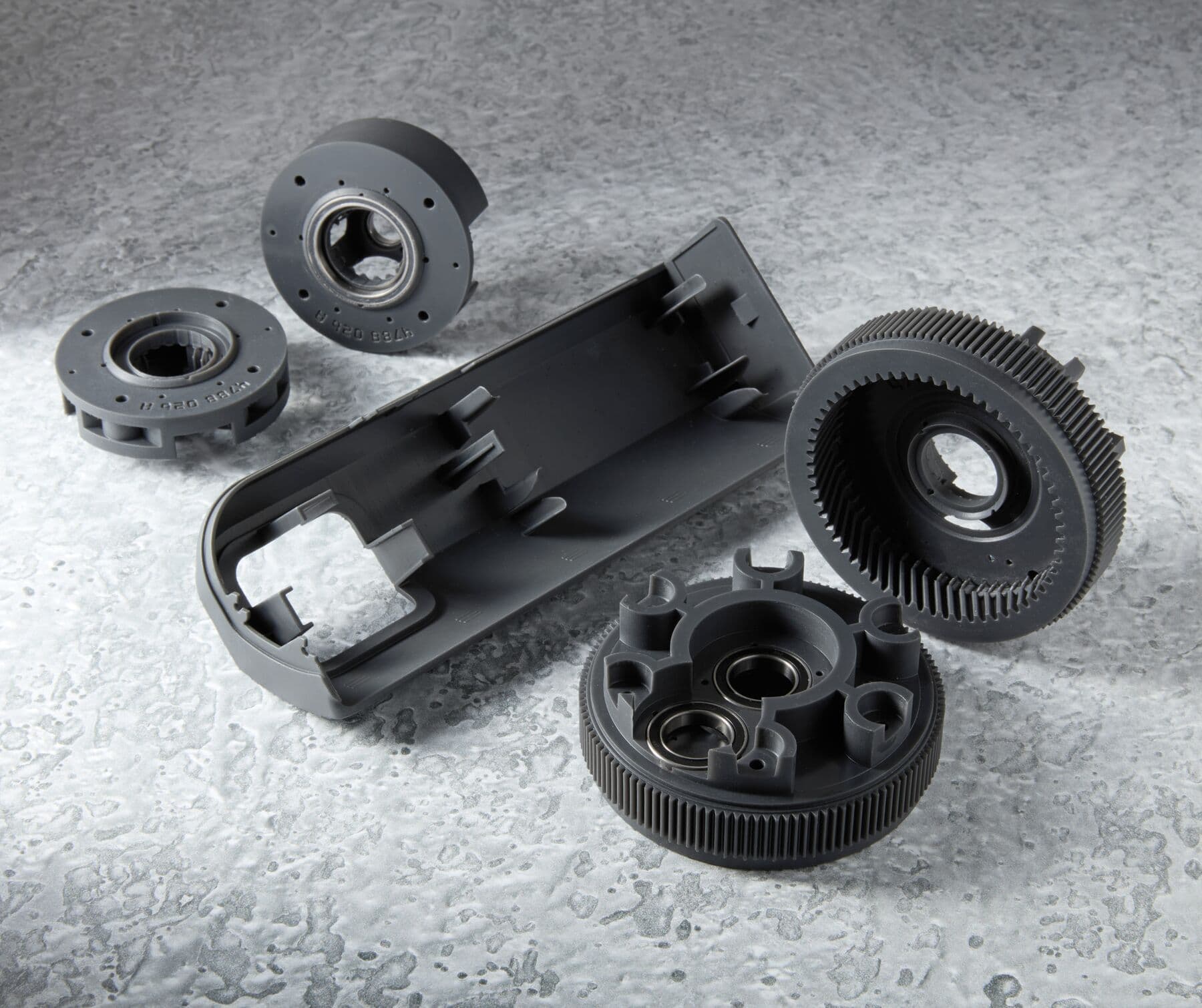
Tough 1500 Resin has material properties that fall between Durable Resin and Tough 2000 Resin, making it a resilient, robust and versatile material.
See the table below for a comparison of relevant material properties:
| Durable Resin V2, post-cured (60 °C) | Tough 1500 Resin, post-cured (70 °C) | Tough 2000 Resin, post-cured (80 °C) | |
|---|---|---|---|
| Ultimate Tensile Strength (MPa) | 31.8 | 33 | 46 |
| Tensile Modulus (GPa) | 1.26 | 1.50 | 2.20 |
| Elongation at Break (%) | 49.0 | 51.0 | 48.0 |
| Flexural Modulus (GPa) | 0.82 | 1.40 | 1.90 |
| Izod Impact Strength (J/m) | 109 | 67 | 40 |
| HDT @ 1.8 MPa (°C) | -- | 45 | 53 |
| HDT @ 0.45 MPa (°C) | 43.3 | 52.0 | 63 |
To learn more about the performance properties of Formlabs resins, refer to the library of material properties datasheets.
Required resources:
Printing with Tough 1500 Resin
Notice:
To avoid damage to equipment, check the resin tank compatibility table in Choosing the right material to confirm you are using a resin tank that is compatible with this material.
Notice:
Always use supports when printing with Tough 1500 Resin. Do not print parts directly on the build platform.
PreForm has two settings for Tough 1500 Resin: 50 microns and 100 microns. For more information about available settings and compatibility, see the support article Choosing the right material.
Finishing
The Form Wash agitates the solvent bath and removes parts from the bath after a set time. Wash parts according to the support article Form Wash time settings. Pay particular attention to information that affects mechanical properties or biocompatibility requirements.
Notice:
If parts printed with Tough 1500 Resin will be used for skin contact use, wash parts in ≥99% IPA in a Form Wash for 20 minutes to comply with biocompatibility requirements.
If the model is hollow or has internal channels, ensure liquid resin is flushed out thoroughly from these features. Allow parts to fully dry before post-curing.
Post-curing requirements
Tough 1500 Resin requires post-curing to reach its optimal mechanical properties. Cure parts printed in Tough 1500 Resin on supports to prevent warping or distortion.
Refer to the support article Form Cure time and temperature settings for post-curing recommendations.