WHITE PAPER
Formlabs Logo

Adding blasting media to the Fuse Blast

Adding blasting media to the Fuse Blast

The Fuse Blast media hopper holds 8.3 L (2.2 gal) of blasting media. The total weight of that blasting media varies based on which media blasting material is used. For example, the Fuse Blast media hopper can hold roughly 10 kg (22 lbs) of 200–300 µm (50–70 mesh size) glass media.

There are two windows on the bottom front of the Fuse Blast. The clear window on the media hopper displays the level of blasting media and the orange window on the waste hopper displays the level of waste material.

Notice:

The Fuse Blast is only intended for use with Formlabs recommended media: 200–300 µm (50–70 mesh size) glass media (available globally from many sources) or Fuse Blast Polishing Media (supplied by Formlabs). Using other media types may interfere with operation or damage the machine. Contact Formlabs before attempting to use any foreign media.

Do not overfill the media hopper or you may clog the air inlet.
Filling the media hopper

To fill the media hopper:

  1. Check that the knife valve at the bottom of the media hopper is fully closed.
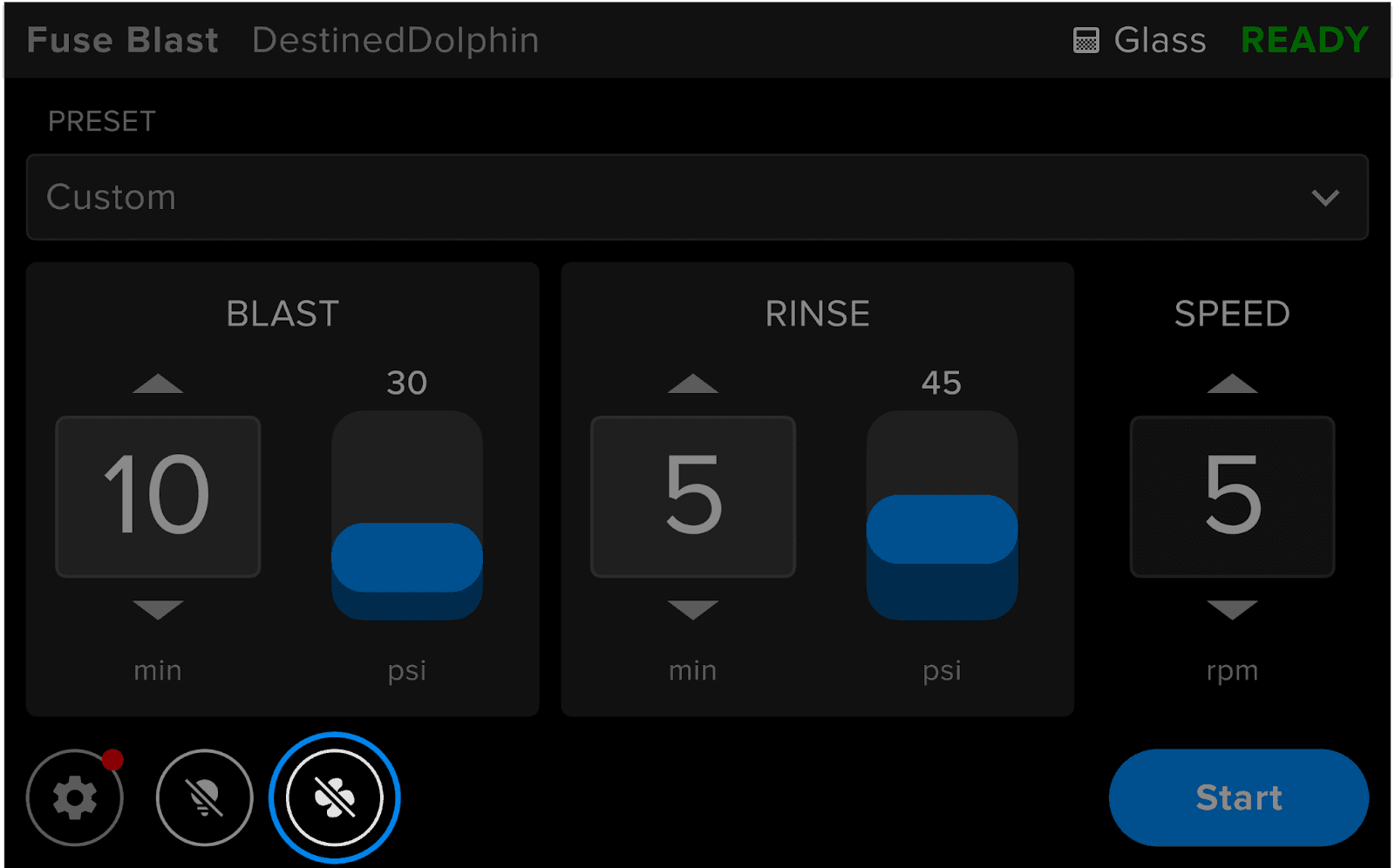
  2. On the touchscreen, tap the Fan button. Wait a few seconds for the fan to audibly start.
  1. Open the blasting chamber door.
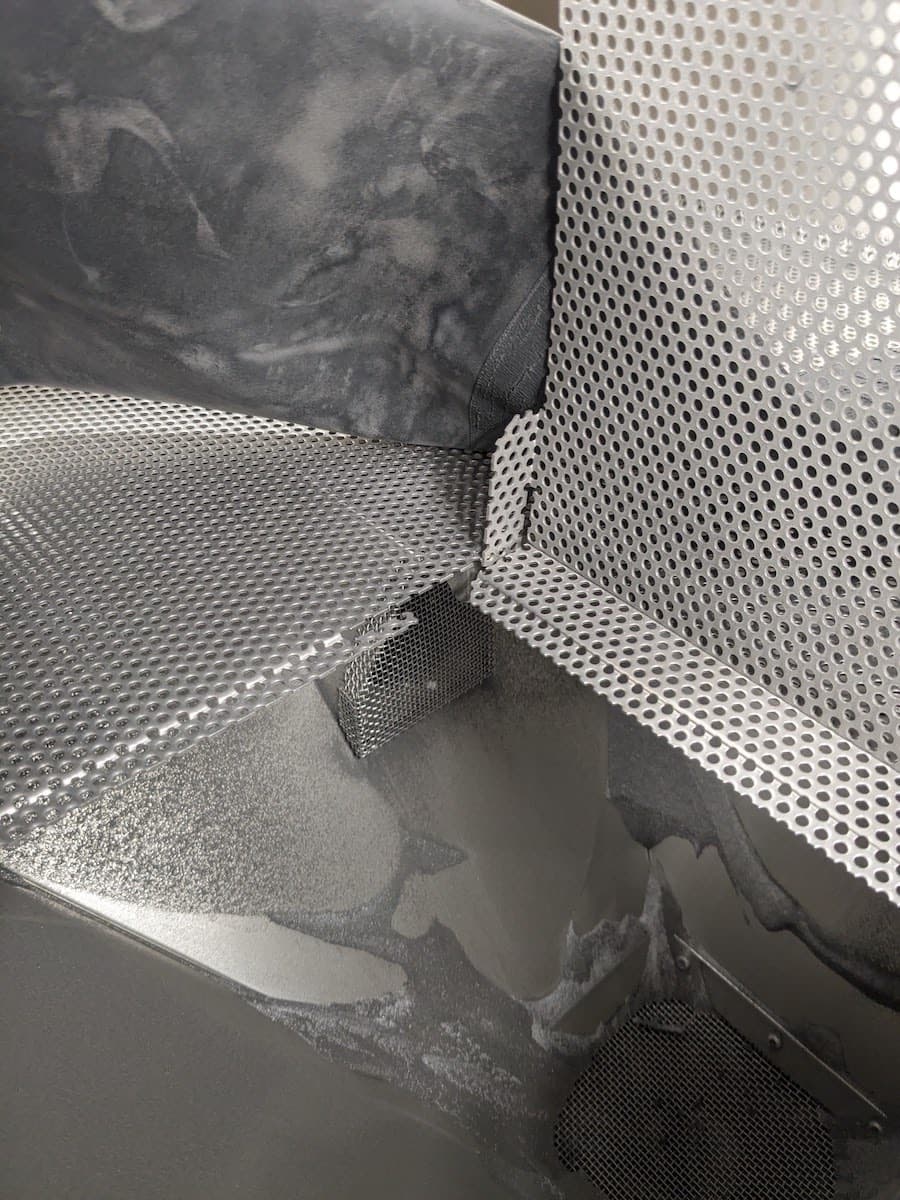
  2. Carefully pour blasting media directly onto the work area and allow it to fall through the grate. Monitor the media level when pouring and ensure it does not block the air inlet. The air inlet is located below the work area grate, on the left side of the machine.
  3. Wait 15 minutes while the fan is blowing for the media to move through the system into the hopper. Do not overfill the hopper. If the media level is above the fill line, put a suitable container under the media hopper knife valve. Pull the knife valve open and allow excess media to drain into the container. Close the valve when the media level is below the fill line.
  1. Check the media hopper window to ensure the blasting media is diverted to the correct hopper. If the blasting media was diverted into the waste hopper instead, check the media filter mesh for damage.

Tip:

For an on-device reminder of how to refill and circulate blasting media, tap Settings > Maintenance > Media Topoff.