Step 4: Mount the heater bracket
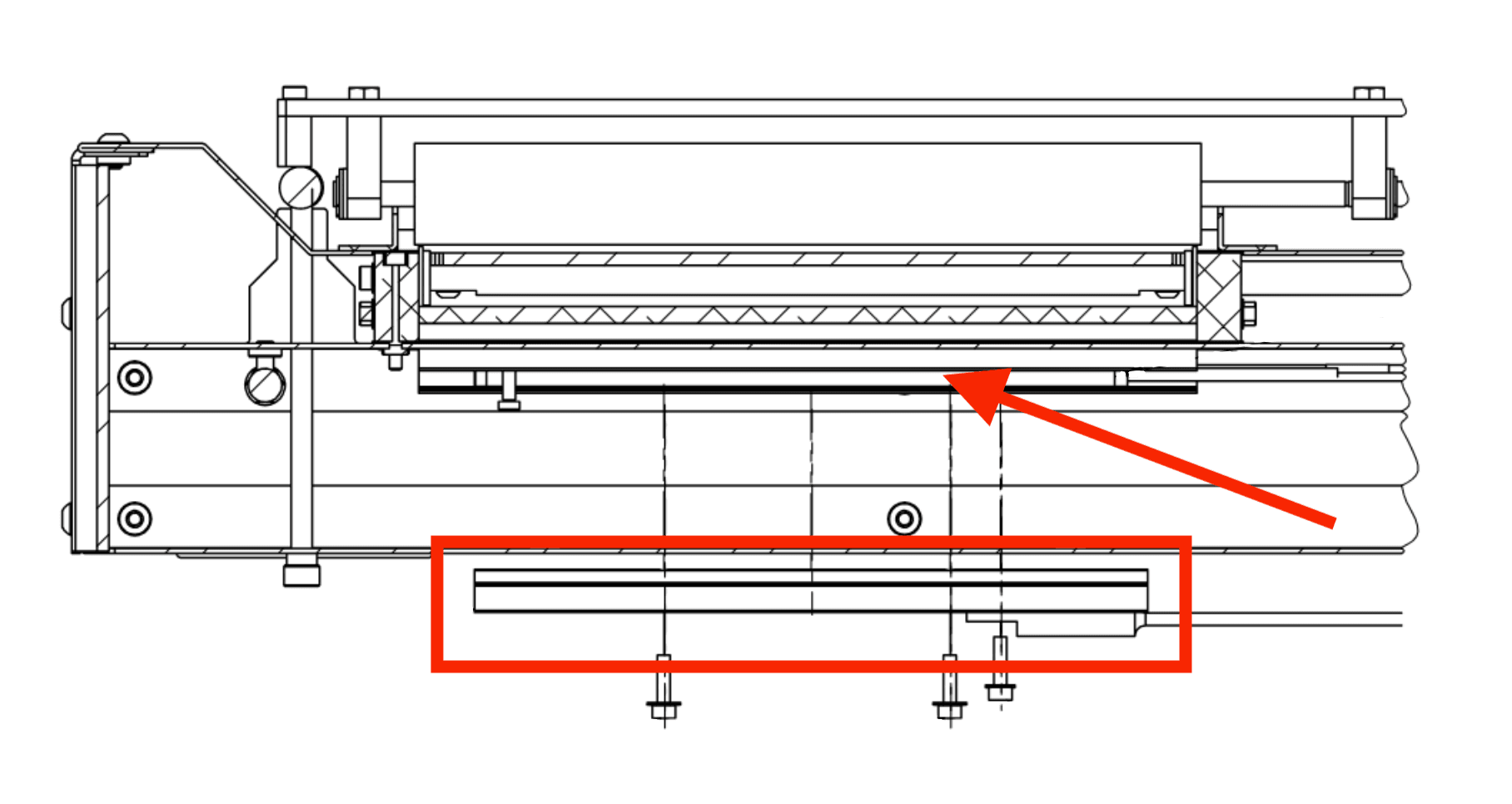
Orient the heater bracket so that the slot aligns with the
shoulder bolt near the front of the printer, circled in blue here. Hold the bracket against the heater, then push the bracket towards the front of the printer until the screw holes in the bracket align with those in the trough.
Step 5: Secure the heater bracket
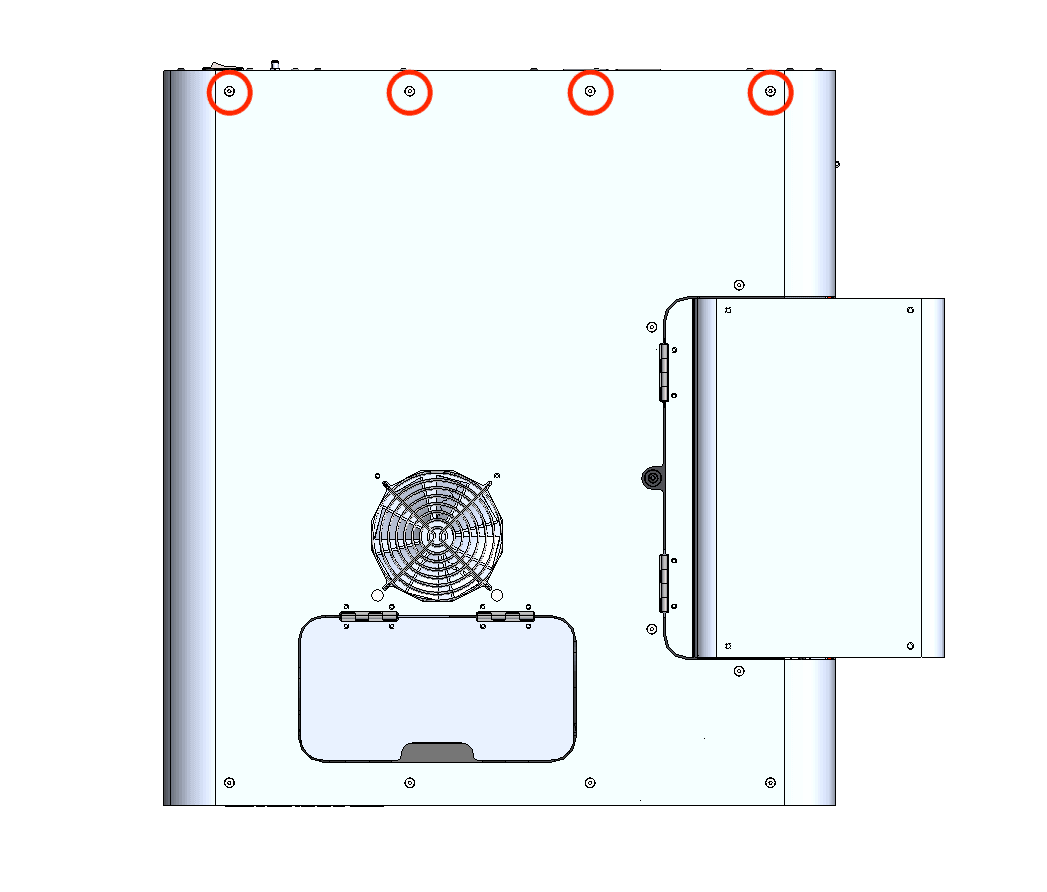
Remove the M3 socket head screw from the middle hole in the bracket. Place a spring washer on two M3 socket head screws, thread them into the screw holes circled in red here, then use a 2.5 mm hex driver tighten until snug.
Step 6: Mount and secure the RTD
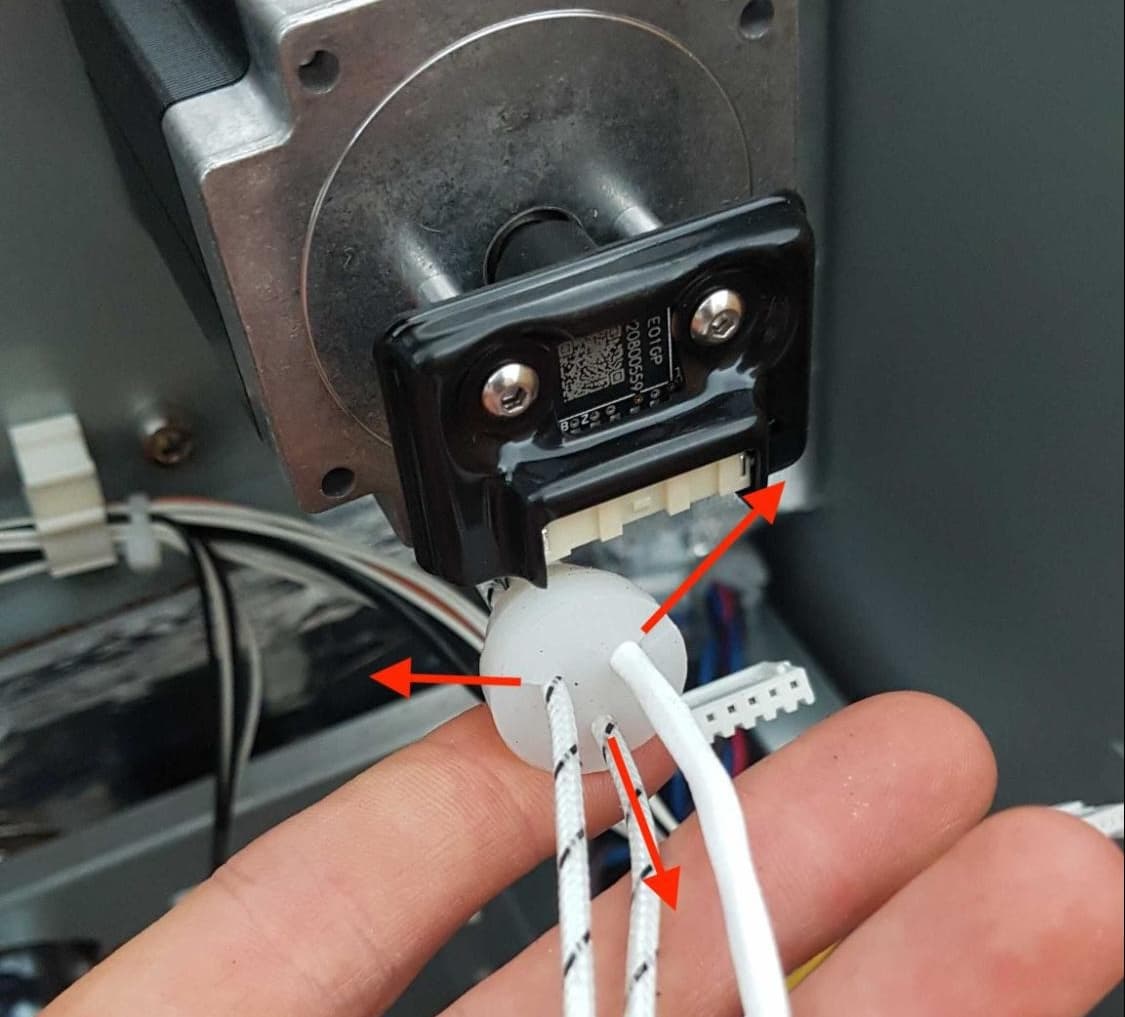
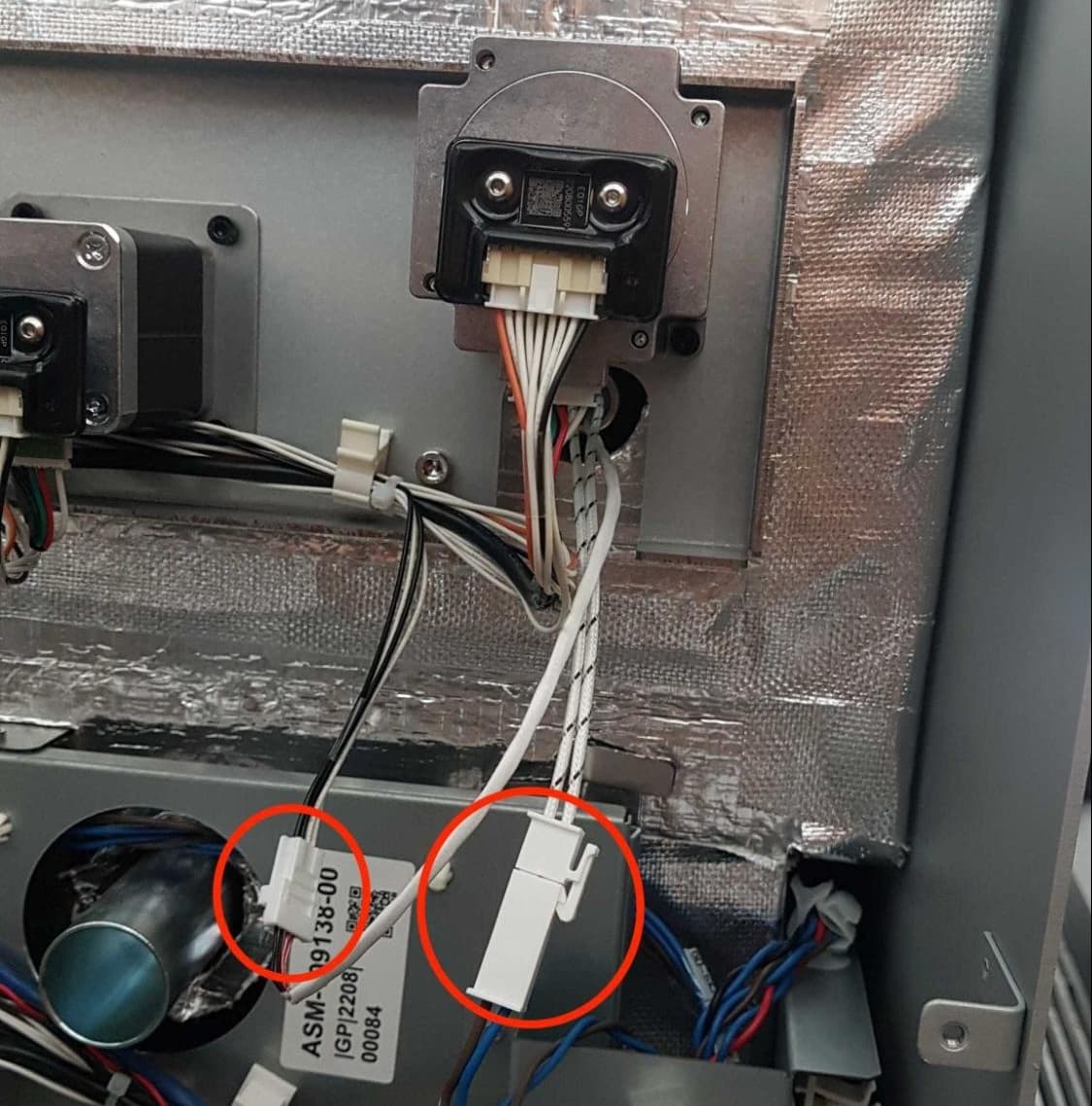
Align the screw hole in the RTD with the remaining empty screw hole in the heater bracket, circled in yellow here. Place a spring washer on a M3 socket head screw, thread it into the screw hole, then use a 2.5 mm hex driver tighten until snug.