
Notice:
To avoid damage to equipment, check the resin tank compatibility table in Choosing the right material to confirm you are using a resin tank that is compatible with this material.

Notice:
To avoid damage to equipment, check the resin tank compatibility table in Choosing the right material to confirm you are using a resin tank that is compatible with this material.
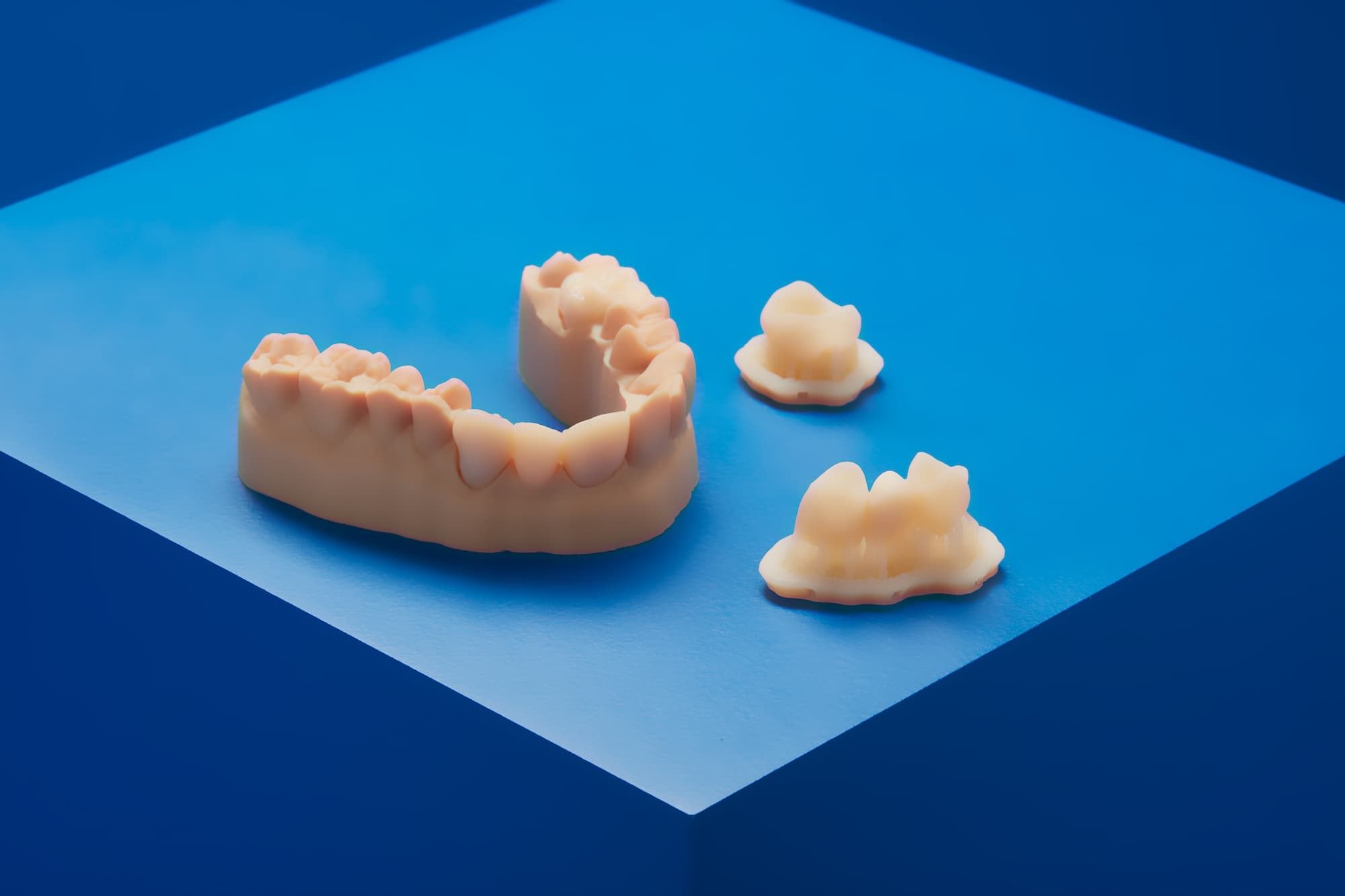
Temporary CB Resin is a tooth-colored resin for 3D printing of temporary crown and bridge restorations, inlays, onlays and veneers. Indicated for up to seven-unit bridges and available in five VITA* shades, this material provides excellent marginal adaptation, strength, and aesthetics. Use traditional temporary cements to fix restorations produced with Temporary CB Resin. Restorations made with Temporary CB Resin may remain up to 12 months in the mouth. Digitally created restorations enable a quick, collaborative process between dentist, technician, and patient.
Temporary CB Resin prints at 50 microns.
Note:
To learn more about the performance or specific material properties of Temporary CB Resin, please refer to the Safety Data Sheet (SDS) and Technical Data Sheet (TDS). Always consult the SDS as the primary source of information to understand safety and handling of Formlabs materials.
Required resources
Made by Formlabs:
Made by third parties:
Workflow overview
Notice:
Read the instructions for use [en] and application guide, 3D Printing Temporary Crowns and Bridges with Formlabs SLA 3D Printers [en], for detailed instructions about the workflow for Temporary CB Resin.
Scan
In order to 3D print an impression tray, use a scanner to collect anatomical data of the patient’s dentition. Either scan the patient directly with an intraoral scanner, or use a desktop optical scanner to scan a polyvinyl siloxane (PVS) impression or stone model.
Design
Use a dental CAD software package to process and design the restoration before printing. Choose software that offers open STL file export.
Feature requirements
Minimum thickness (crowns, inlays, onlays, veneers): 1.0 mm
Anterior: 1.0 mm
Posterior: 1.5 mm
Notice:
The Stainless Steel Build Platform is required for printing with Temporary CB Resin.
Install or update PreForm, then set up the next print job.
To prepare a model for printing in PreForm:
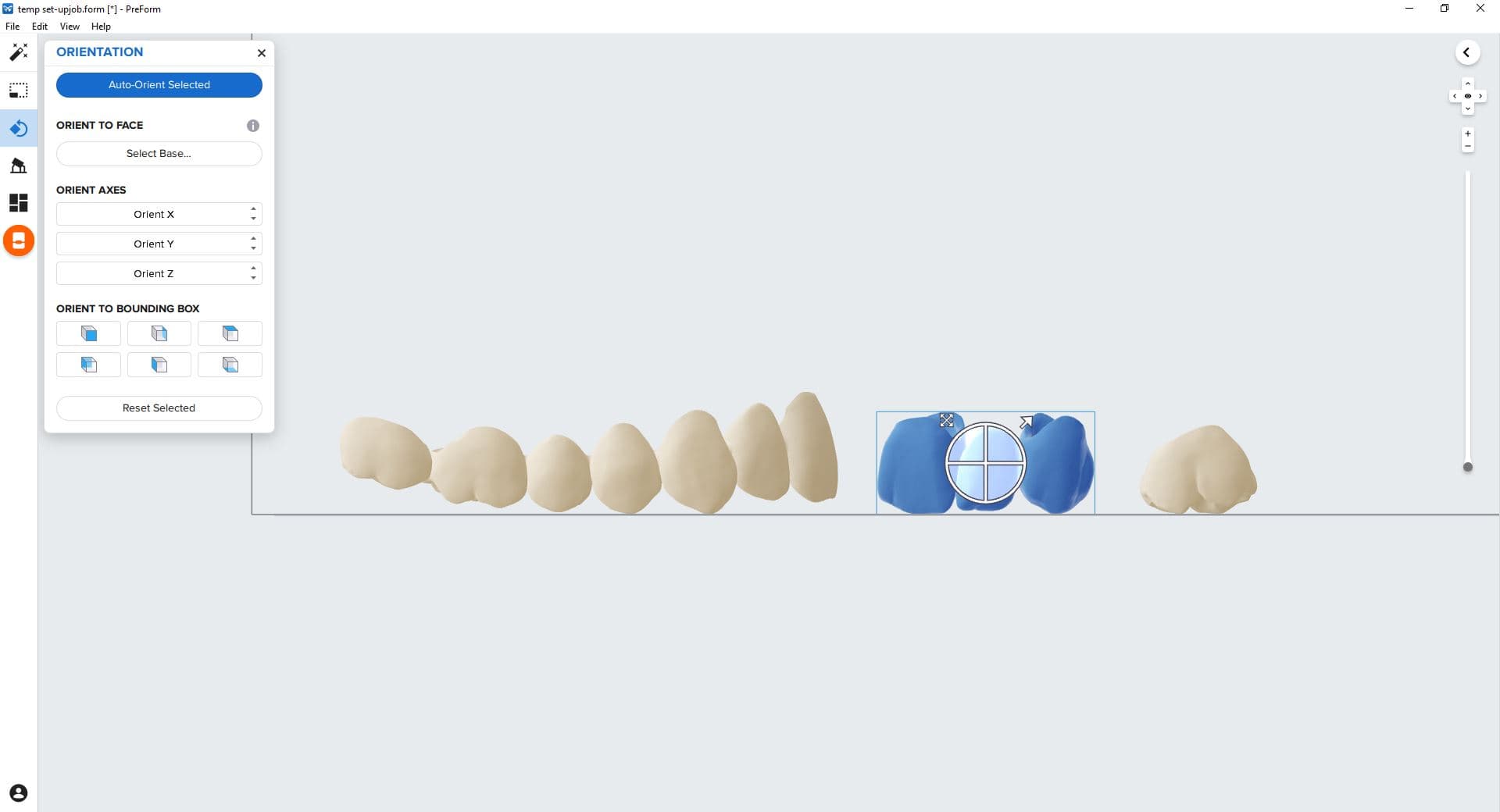
Orient the restoration horizontally, with the occlusal plane facing the build platform.
Notice:
For full compliance and biocompatibility, Temporary CB Resin requires a dedicated resin tank and a Stainless Steel Build Platform. Only use the Form Wash with other Formlabs resins for biocompatible applications, such as Surgical Guide Resin.
Washing
Follow the past washing recommendations in the Instructions for Use for the clearest and best possible results. Improper washing can lead to suboptimal mechanical and biocompatibility properties.
Post-curing requirements
Follow the post-curing recommendations in the Instructions for Use for the clearest and best possible results. Improper post-curing can lead to suboptimal mechanical and biocompatibility properties.
Step 1: Post-cure with raft and supports still attached
Leave supports and rafts in place for the first post-cure.
Step 2: Remove supports
After post-curing, remove supports. Carefully sandblast part surfaces to remove the white coating. Check the fit and contour parts as needed using a dental handpiece.
Step 3: Post-cure with supports removed
Post-cure parts again according to the support article Form Cure time and temperature settings with the occlusal plane facing upward.
Step 4: Polish parts
Polish post-cured parts using pumice stone and polishing compound.
Additional resources