
Note:
Powder may be stiff or clumped after the aging process. Sieve the powder thoroughly in the Fuse Sift or Fuse Depowdering Kit before filling a powder cartridge.

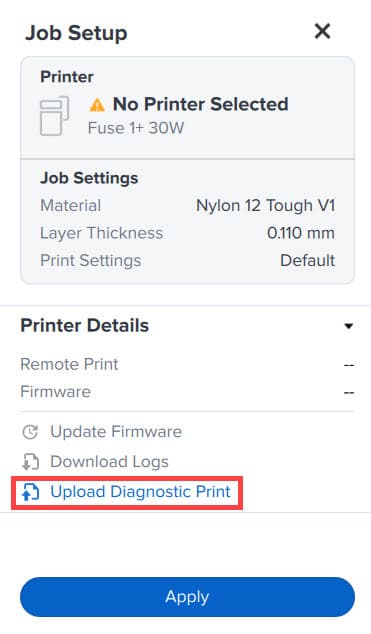
Formlabs recommends tuning the bed temperature of your printer before printing with Nylon 12 Powder for the first time. Fine-tuning the bed temperature prior to printing your first build results in fewer surface defects on your parts caused by variable printer temperatures. The diagnostic print must be printed with a mix of 70% used and 30% fresh powder (i.e., a 30% refresh rate) to be evaluated properly.
To create the recycled powder needed for the first print of a new material, Formlabs recommends aging a build chamber of fresh powder in the printer. The aging process only needs to be performed once per powder type to create sufficient recycled powder for the first print.
To age Nylon 12 Powder:
Note:
Powder may be stiff or clumped after the aging process. Sieve the powder thoroughly in the Fuse Sift or Fuse Depowdering Kit before filling a powder cartridge.