Nylon 12 White has a refresh rate of 30% to maximize efficiency and printing reliability. For the best results, follow Formlabs design specifications for SLS printing.
Formlabs recommends printing in nitrogen to maintain the consistent white appearance across multiple builds and for the most consistent mechanical properties. Parts printed in air may yellow after multiple builds and often yellow unevenly as the parts cool in the build chamber. If the end goal is to dye parts, this may not be an issue. Increasing the refresh rate to 50% when printing in air may help slow the rate of yellowing from build to build.
Best practices for printing with Nylon 12 White:
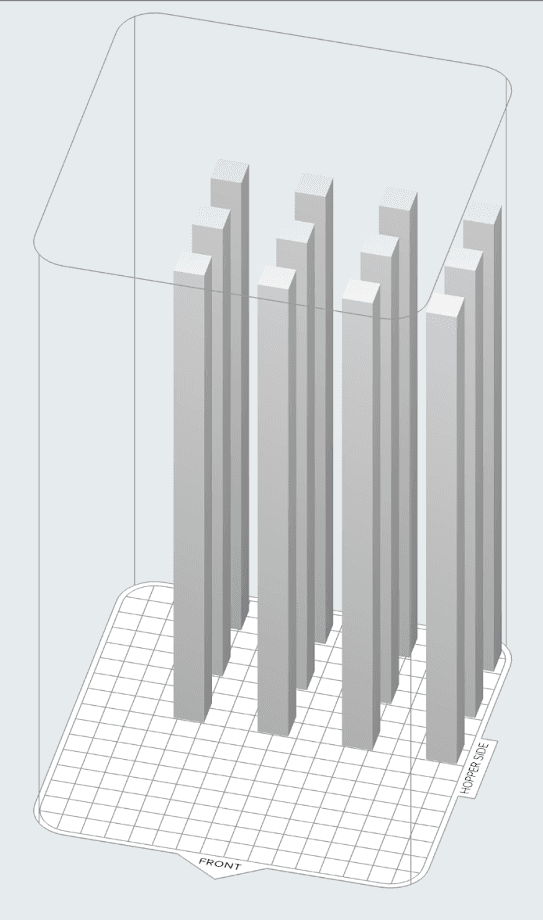
- Orient parts towards the center of the build chamber and away from build chamber walls and floor, the back wall in particular, to reduce surface defects.
- Large flat surfaces print with the best quality perpendicular to the print plane.
- Avoid facing flat faces towards the front of the build chamber.
- Slightly curved surfaces oriented along the Z-axis will result in layer lines on parts.
- Space all parts at least 3 mm from each other for best surface quality and easiest depowdering.
Refer to the support article Starting a print (SLS) to open the model in PreForm, orient it, and send it to the printer.
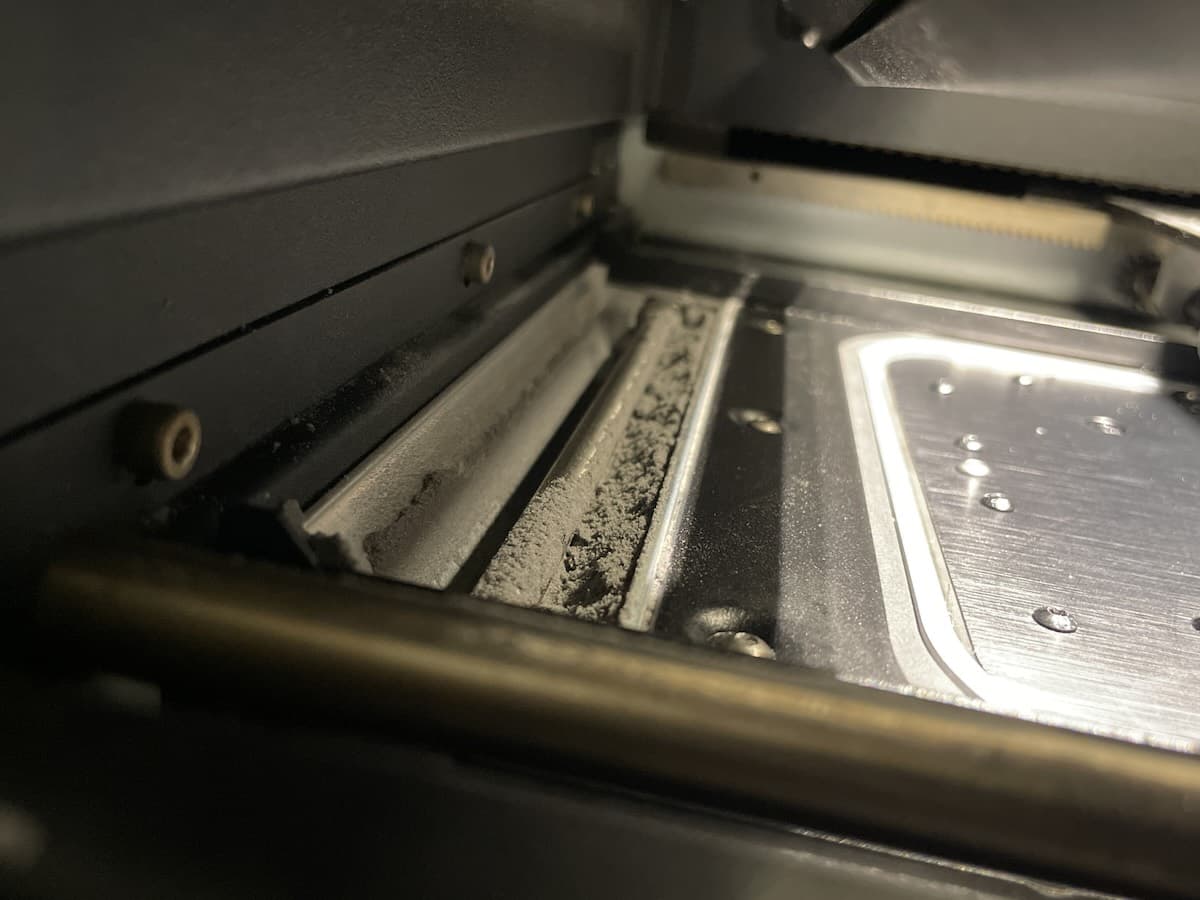
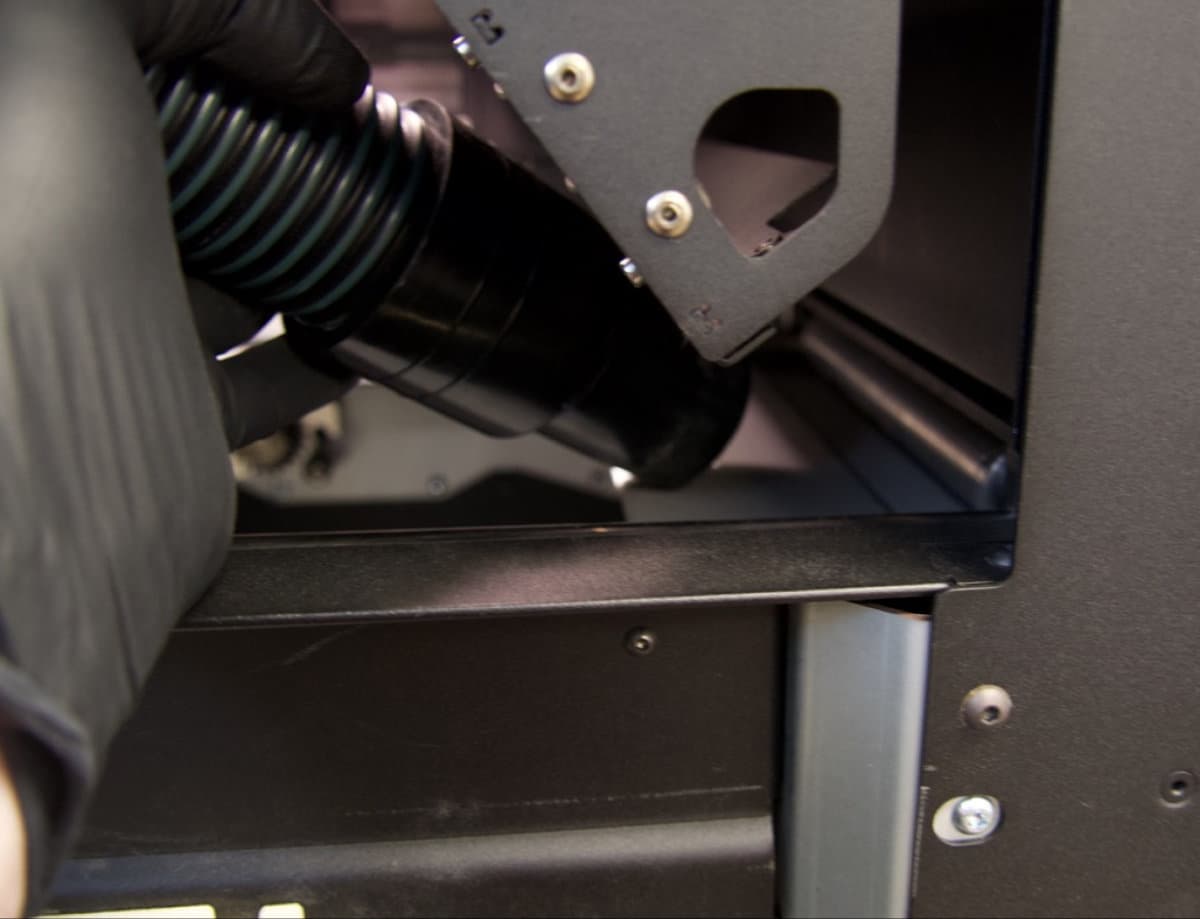
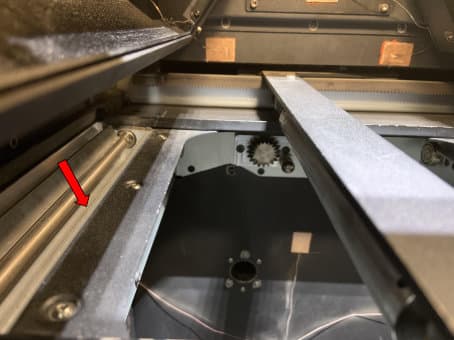
Nylon 12 White powder is stickier than other powders and may obscure the hopper window. Check that the hopper is full of powder by opening the lid on top.