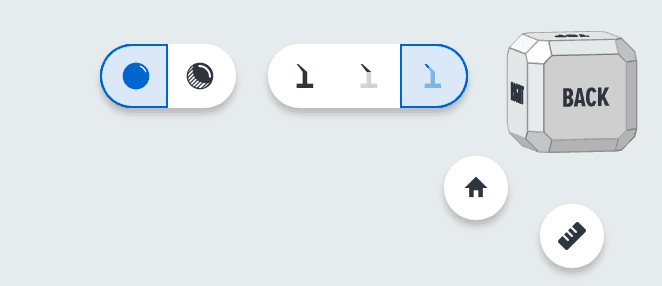
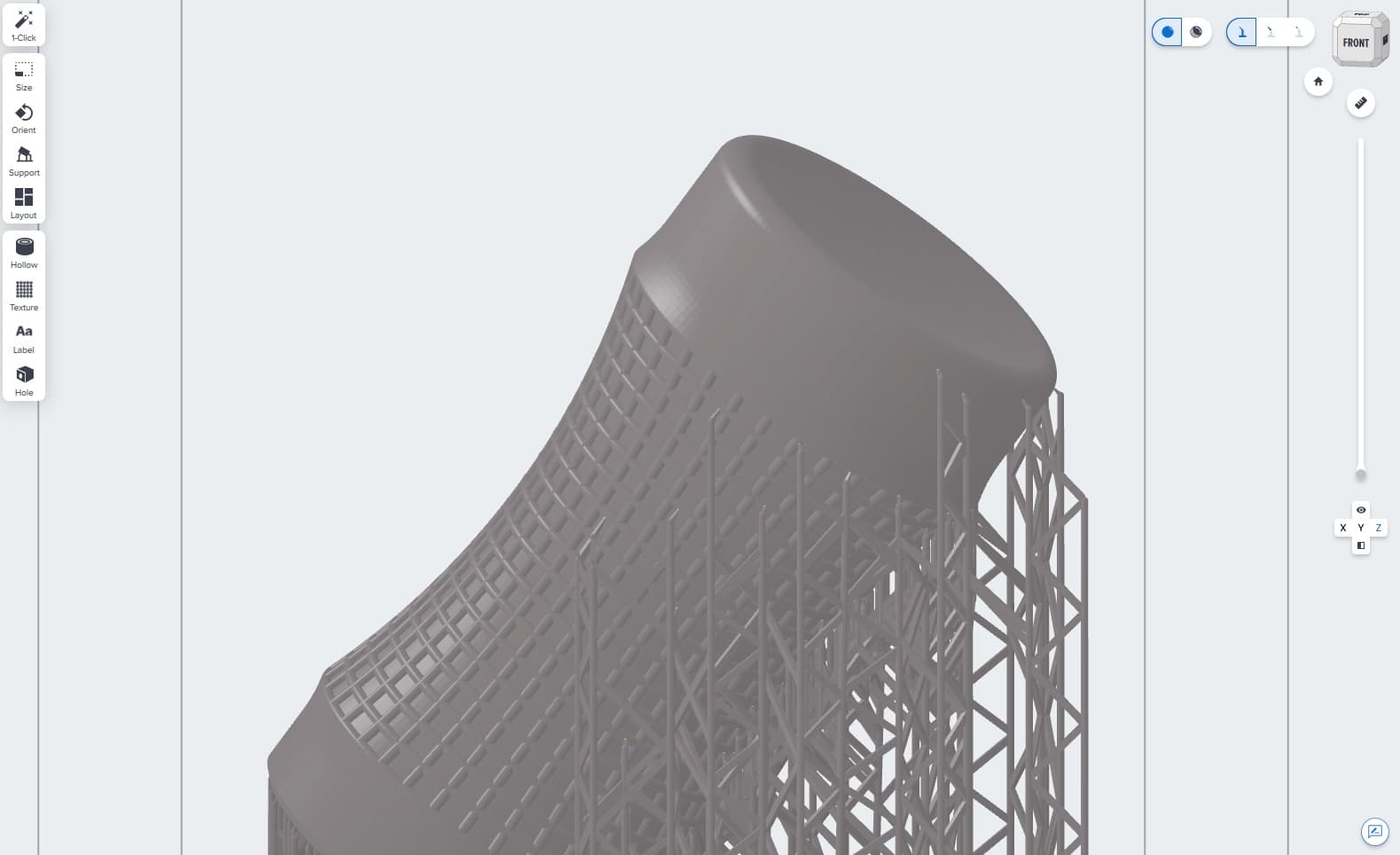
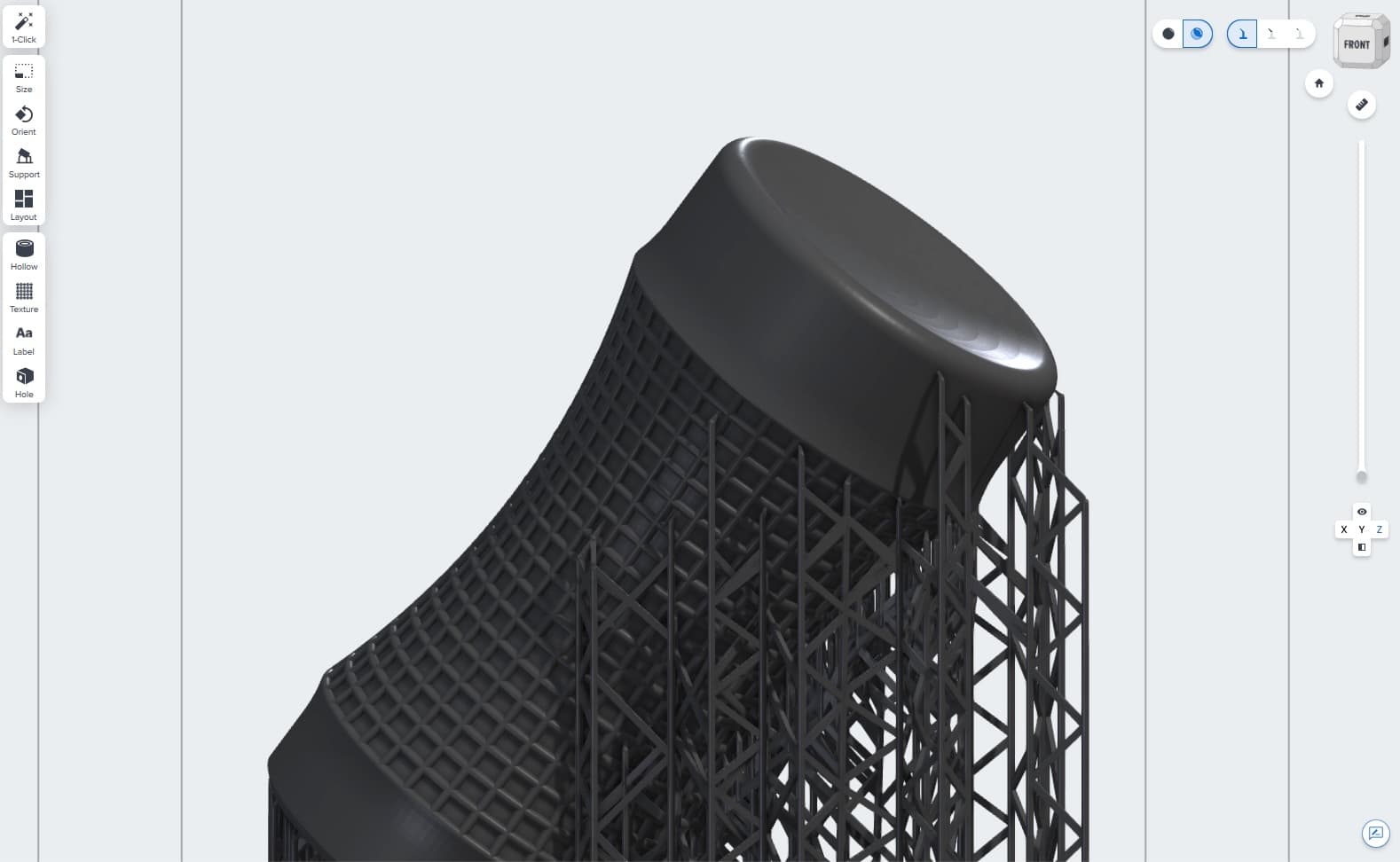
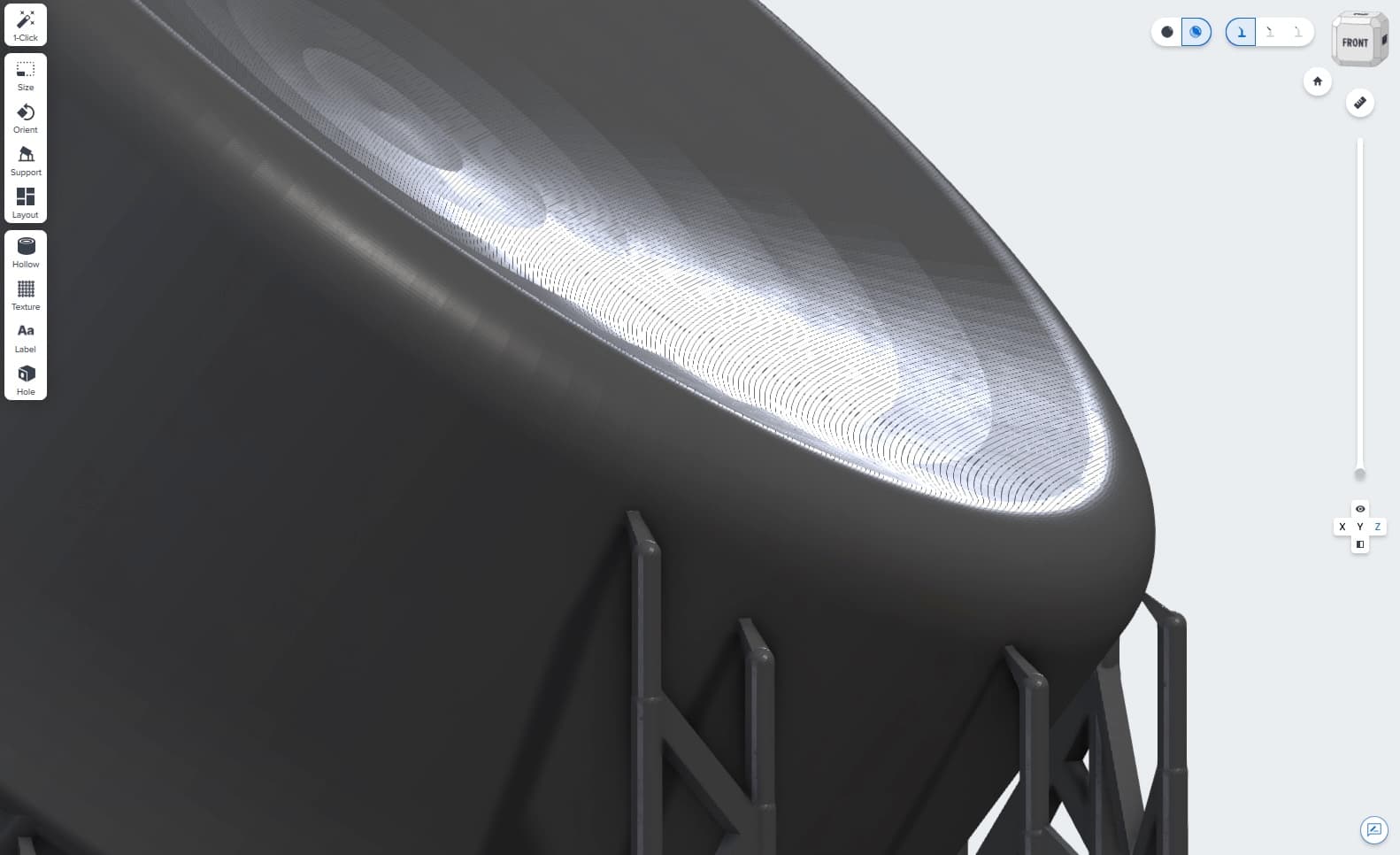
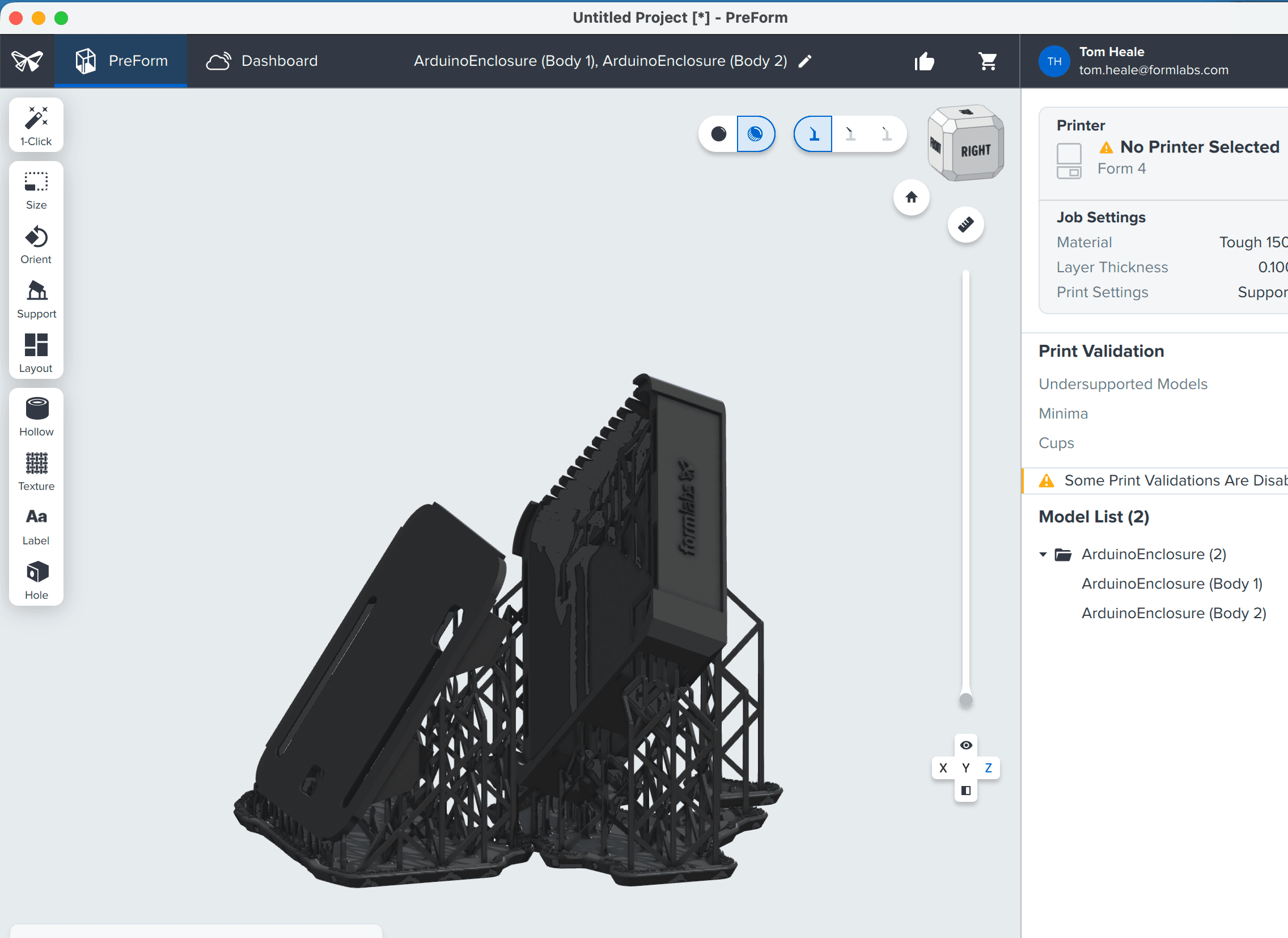
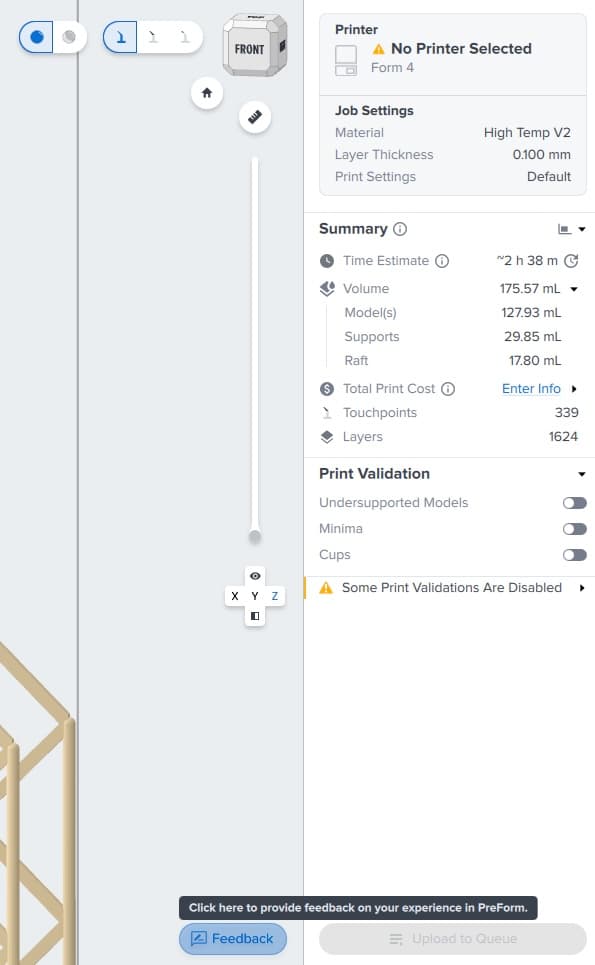
Use the material rendering controls, located next to the support structure visibility and 3D view controls, to change the rendering mode. Your selection applies across other tools and interactions, such as model orientation, layout changes, hollowing, or adding holes, texture, or labels.
Rendering mode selections are not saved with a FORM file or when you close PreForm. PreForm defaults to the Standard View when it opens or when you change materials.
Standard View
To view your models with flat rendering and a rough approximation of your selected material's color, click the left-hand render control, labeled Show Standard View . This matches earlier versions of PreForm and is the default behavior when you first open the application.