
WHITE PAPER
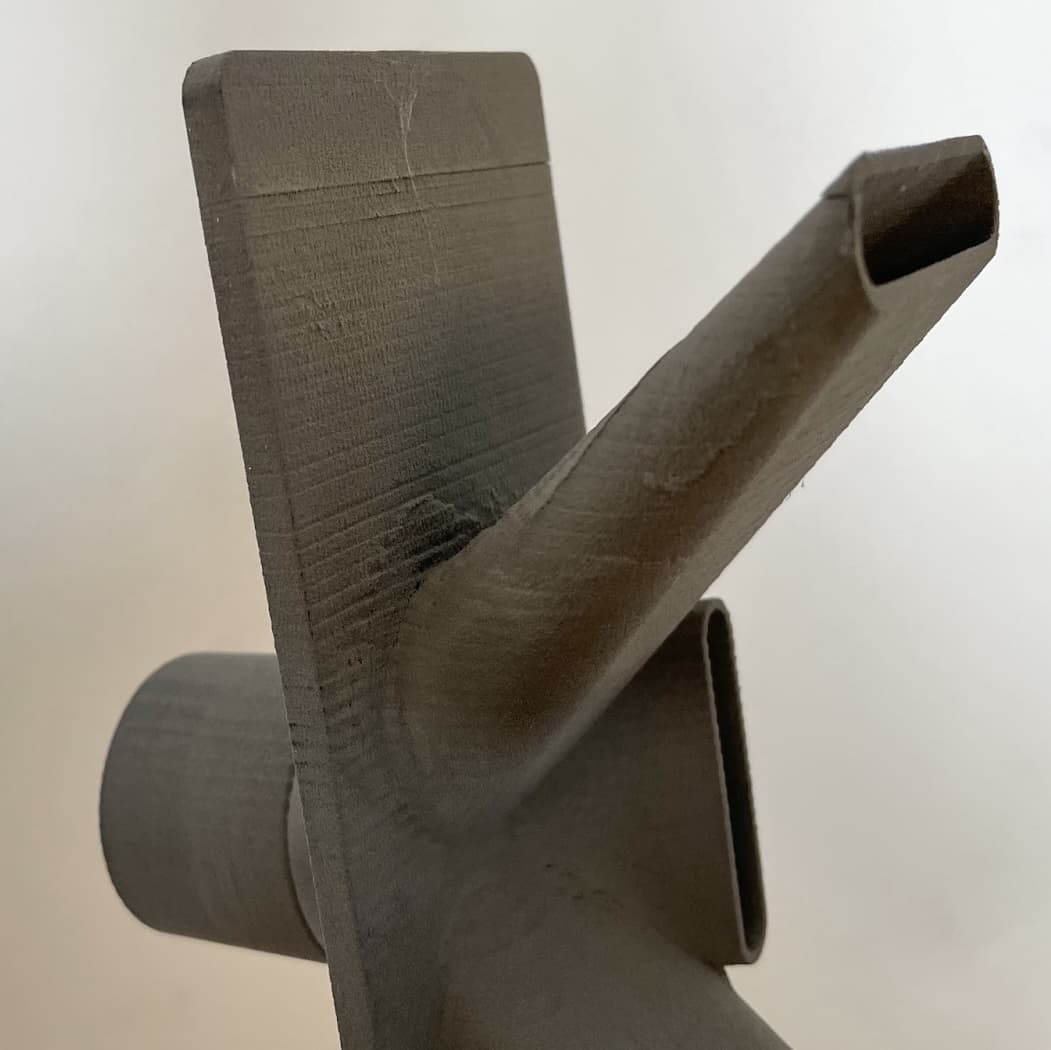
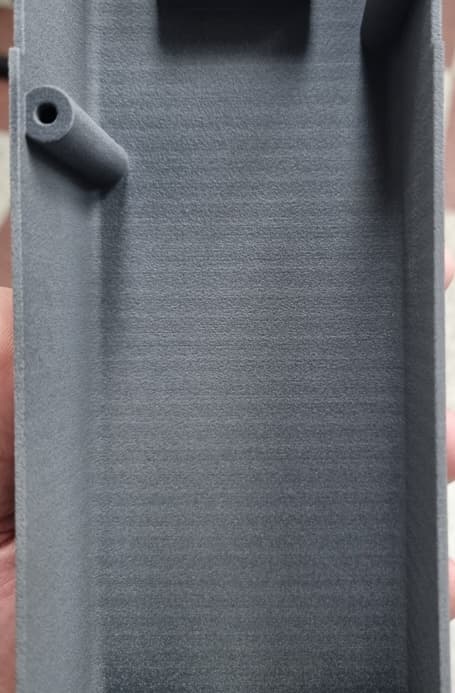
Horizontal banding (SLS)
Horizontal banding (SLS)
During printing, the build chamber lowers the print bed to allow powder to be spread and selectively sintered. This creates a cake of fully sintered parts suspended in unsintered powder. If the print bed does not move smoothly, your printed parts may exhibit surface defects. Certain model orientations can also produce these defects.
Symptoms
- Most or all parts printed in a specific build exhibit horizontal banding of varying thickness, aligned parallel to the build layers (Z-axis)
- Lines appear on the sides of the objects, but not on their top or bottom surfaces.
Causes
- Model orientation
- Contaminated build chamber lead screw or felt seal
- Loose build chamber piston arm screws
- Malfunctioning or damaged printer Z-drive assembly
Troubleshooting steps
When troubleshooting issues with horizontal banding, it is necessary to determine whether the issue is related to the printer, the build chamber, or a specific file.
- If the banding is only present on parts printing in a single build chamber:
- Clean and lubricate the build chamber lead screw.
- Check that the piston arm screws are tight and secure.
- Vacuum the print bed felt seal.
- If the print defect appears on one printer but the build chambers can print without defects on other printers, the affected printer’s Z-drive assembly should be replaced. The assembly is available from the Formlabs Store. Follow the instructions in the guide Fuse 1 Generation - Replacing the Z Motor and Drive Assembly to replace the component.
- If the issue only appears on a specific print job, check that you are following Formlabs design and orientation guidelines and adjust your models as needed.
If multiple build chambers or printers are unavailable for testing or the above steps did not resolve the issue, contact Formlabs Support or a certified service provider for further assistance.