
ヒント:
PreFormのZ-Compression Correction(Z軸圧縮補正)の値を調整すると、1つのモデルの寸法をZ軸に沿って正確に直すことができます。

Fine Tuning(微調整)は、Form 2の高度なトラブルシューティング機能です。Fine Tuning(微調整)の設定を調整して、継続的に発生する小規模な寸法誤差を修正したり、モデルの固着問題を軽減したりすることができます。
ヒント:
PreFormのZ-Compression Correction(Z軸圧縮補正)の値を調整すると、1つのモデルの寸法をZ軸に沿って正確に直すことができます。
Fine Tuning(微調整)メニューにアクセスする
Form 2では、X、Y、Z軸のすべてを調整して、造形品の寸法誤差を補正することができます。
ファインチューニングにアクセスして調整する
ヒント:
X、Y、Zのファインチューニングを調整しても、PreFormの設定は変更されません。
引き延ばされたプリントまたは圧縮したプリントの寸法を補正する
造形品がビルドプラットフォーム上で伸びたり圧縮されたりしているように見える場合は、XまたはY Scale(Y軸スケール)の値を変更してレーザーの軌道を調整し、造形品の歪みを補正します。スケール値を上げると、レーザ光路が広がり、下げると狭まります。
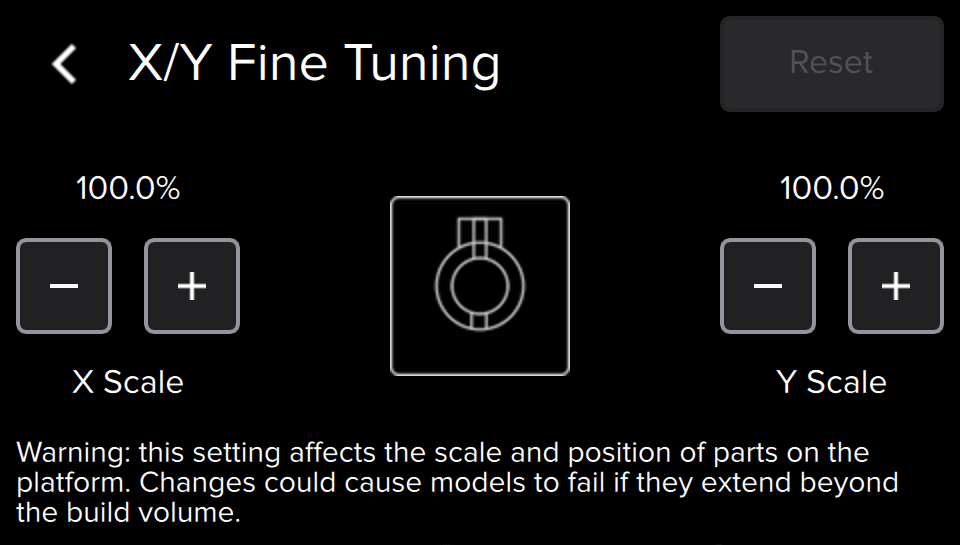
圧縮したパーツの寸法を補正する
軸に沿ってレーザ光路を延ばします。
引き延ばされたパーツの寸法を補正する
軸に沿ってレーザ光路を縮める
過剰圧縮を補正する
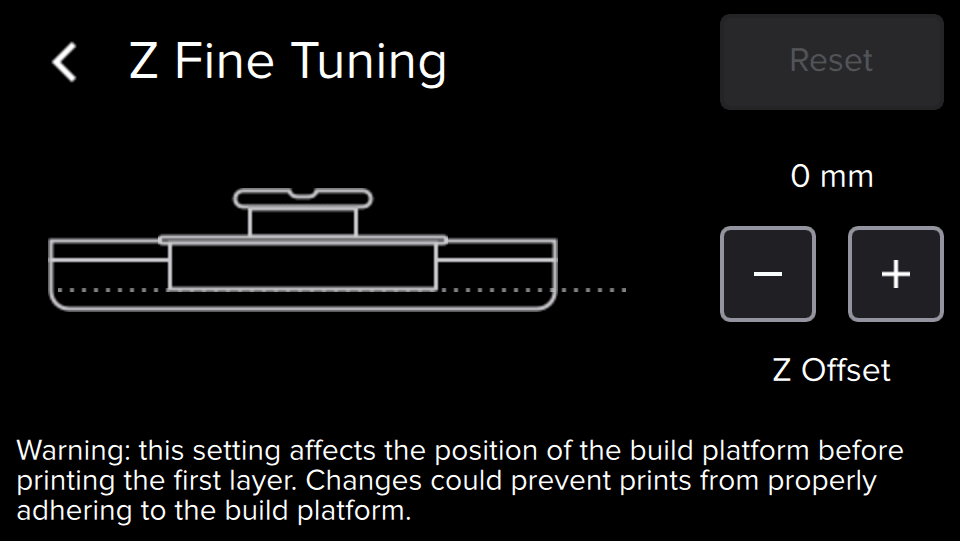
プリントしたパーツは時に、設計した寸法よりも短くなることがあります。Z軸ファインチューニング設定は、最初のレイヤーがビルドプラットフォームに付着する前の、タンクの弾性レイヤー上のビルドプラットフォームの高さを変更します。寸法が不正確な状態を示す「Z圧縮」は、ビルドプラットフォームの高さを調整することで解消できます。
ヒント:
ビルドプラットフォームの高さを1.00mmずつ調整し、小さなモデルをプリントして変更をテストし、サポート材とラフトが一貫してプリントされるまで値を調整し続けます。
Form 2でプリントジョブが実行されておらず、現在アイドル状態であることを確認します。
非付着性を直す
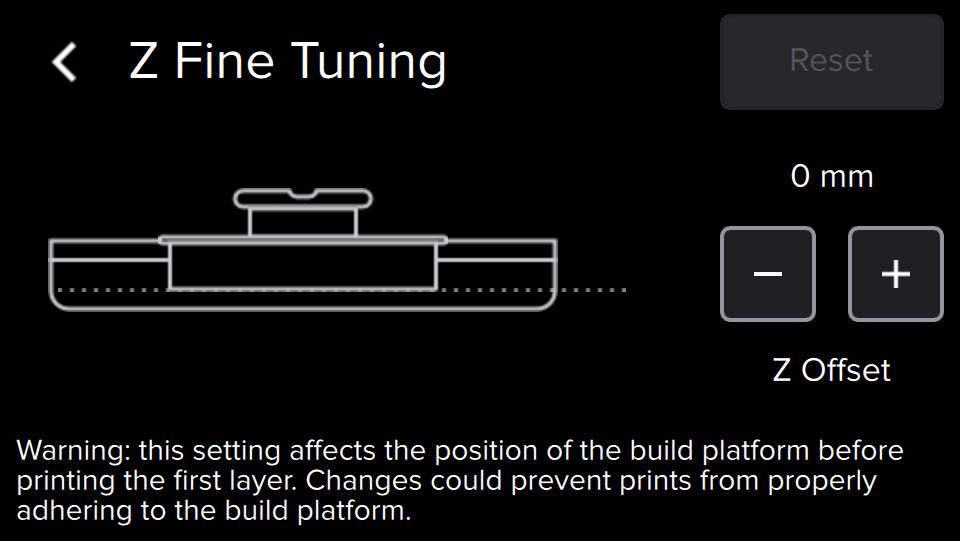
パーツがビルドプラットフォームから離れた状態でプリントが完了することがありますが、この状態は「非付着性」が原因です。Z軸ファインチューニング設定は、最初のレイヤーがビルドプラットフォームに付着する前の、タンクの弾性レイヤー上のビルドプラットフォームの高さを変更します。ビルドプラットフォームの高さを微調整することで、モデルの密着力が高まり、ビルドを適切に完了させることができるようになります。
ヒント:
ビルドプラットフォームの高さを1.00mmずつ調整し、小さなモデルをプリントして変更をテストし、サポート材とラフトが一貫してプリントされるまで値を調整し続けます。
ビルドプラットフォームを下げる
Formlabs Supportに連絡する
以下のような場合は、微調整の設定をすべてデフォルト値にリセットし、Formlabsサポートまたは正規販売代理店にお問い合わせください。