備考:
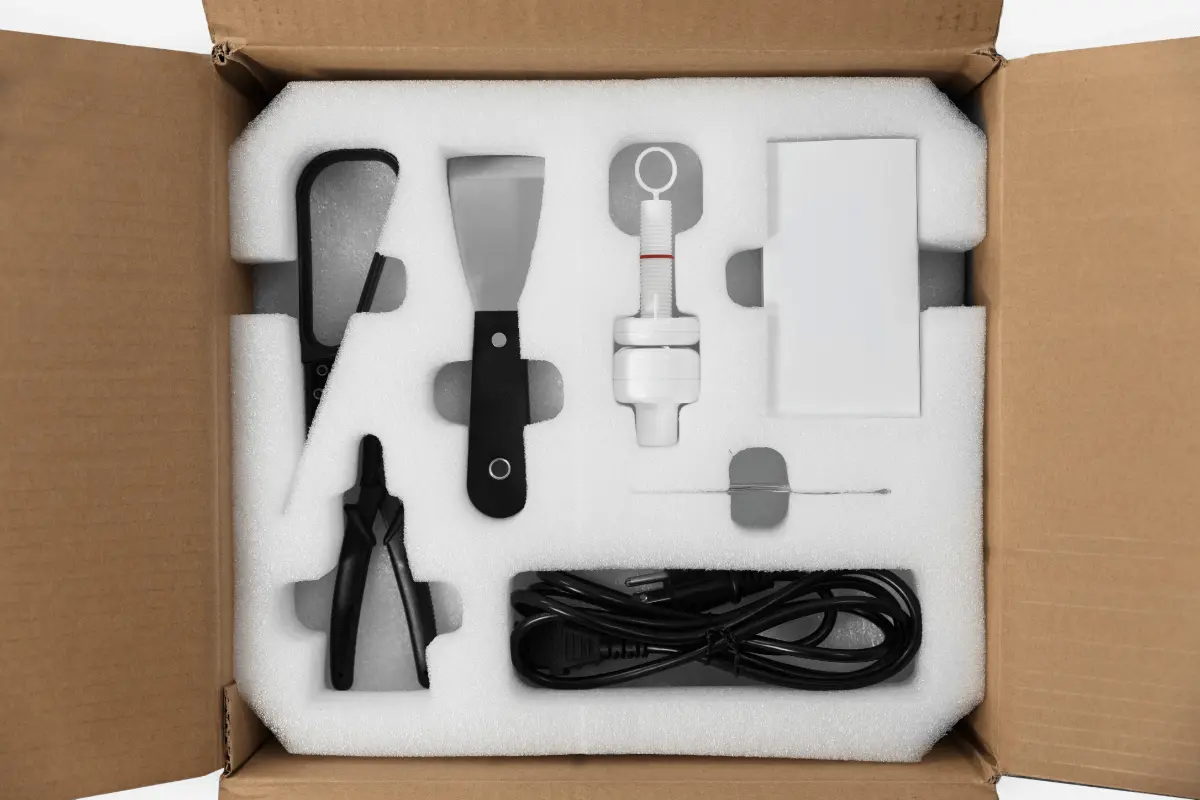
本体の電源コードは、箱の中の発泡スチロールの上に入っています。電源ケーブルが見つからない場合は、別の箱に梱包されている可能性があるため、出荷されたすべての箱を確認してください。
Plan an appropriate location for the Form Wash V1. Purchase additional finishing supplies, including a suitable washing solvent, to ensure you can start using the Form Wash when it arrives.
The Form Wash is ready for use when its wash bucket is filled with solvent, the Form Wash is connected to power, and the hydrometer is calibrated for use with your solvent.
その他の必要な用具
Prior to receiving the Form Wash, purchase ten liters of the solvent that suits your needs best.
Purchase the following additional supplies to help finish post-cured parts:
作業スペースの確保
Review the technical specifications to determine the best location for the Form Wash.
The Form Wash has the following dimensions: 26.2 × 29.3 × 34.0 cm (10.3 × 11.5 × 13.4 in). The Form Wash unit weighs 6.7 kg (14.5 lb).
Reserve the following minimum dimensions for the most convenient access:
Operate the Form Wash in a well-ventilated room with a temperature of 18–28 °C (64–82 °F). Follow safety considerations for the Form Wash.
Unboxing the Form Wash
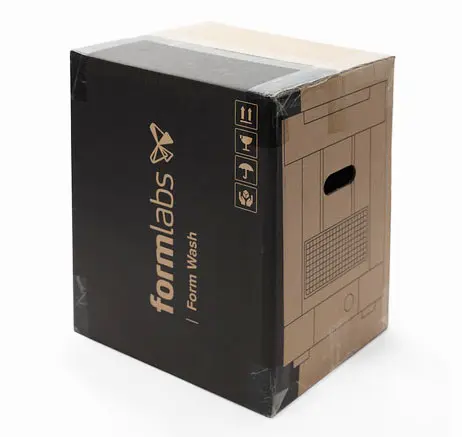
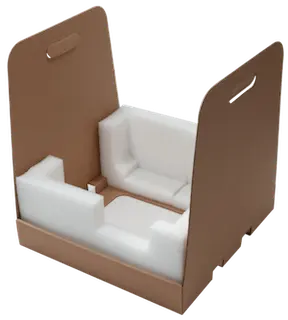
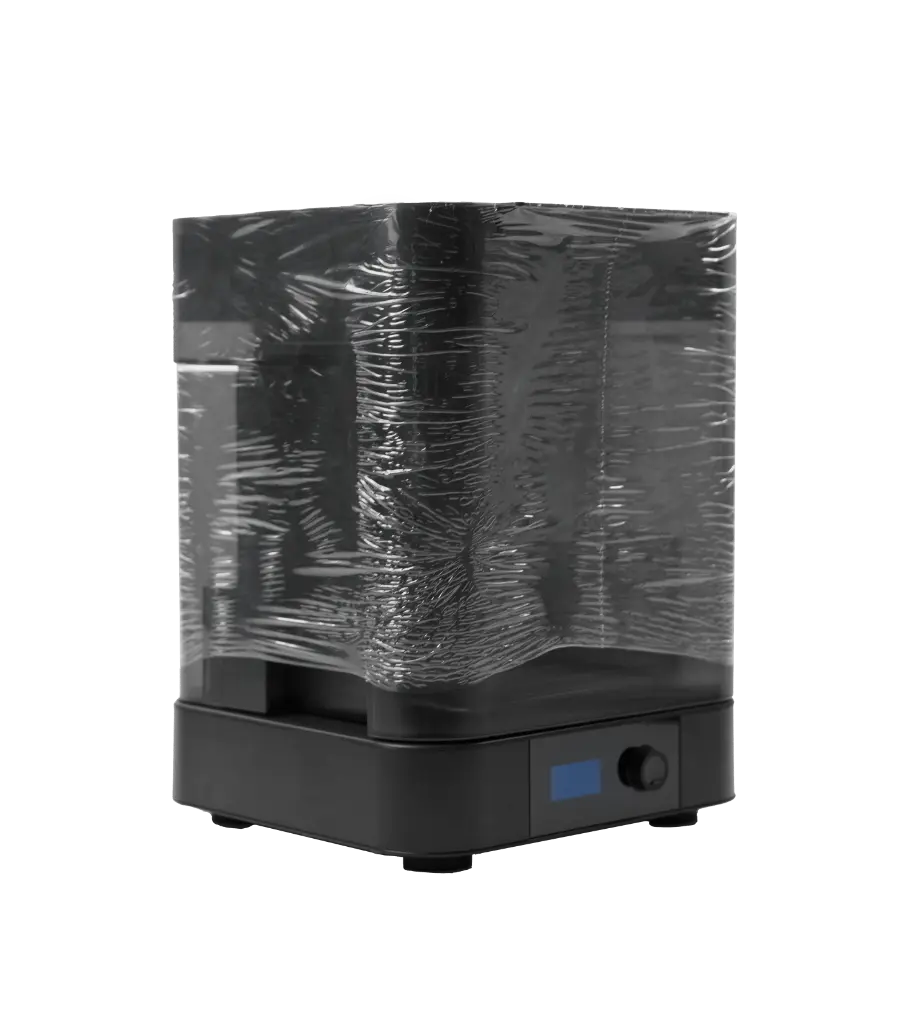
The Form Wash ships in a cardboard carton, protected by foam inserts above and below the unit. The upper foam insert contains the accessories, the power supply, and the Form Wash Safety Booklet (English only). During unboxing, inspect the Form Wash for any damage or missing items. In the case of damage or missing items, contact Formlabs Support or your authorized reseller.


To unbox the Form Wash:
備考:
本体の電源コードは、箱の中の発泡スチロールの上に入っています。電源ケーブルが見つからない場合は、別の箱に梱包されている可能性があるため、出荷されたすべての箱を確認してください。

備考:
電源に接続する前に、梱包材をすべて取り除きます。梱包材や緩衝材は、装置の保証サービスを受ける時に必要になりますので、処分せずに保管しておいてください。再梱包の手順については、取扱説明書をご参照ください。
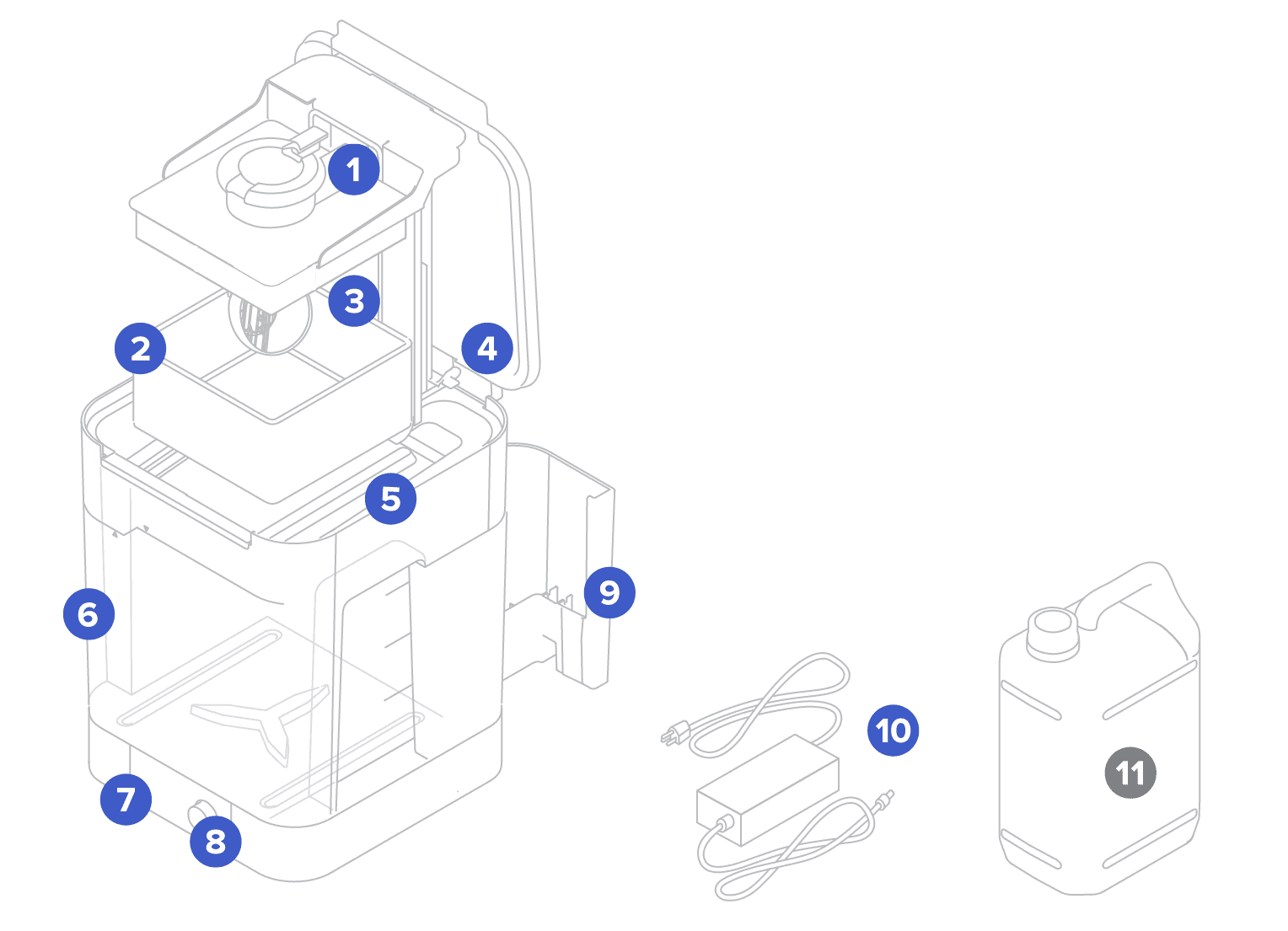
Form Wash components

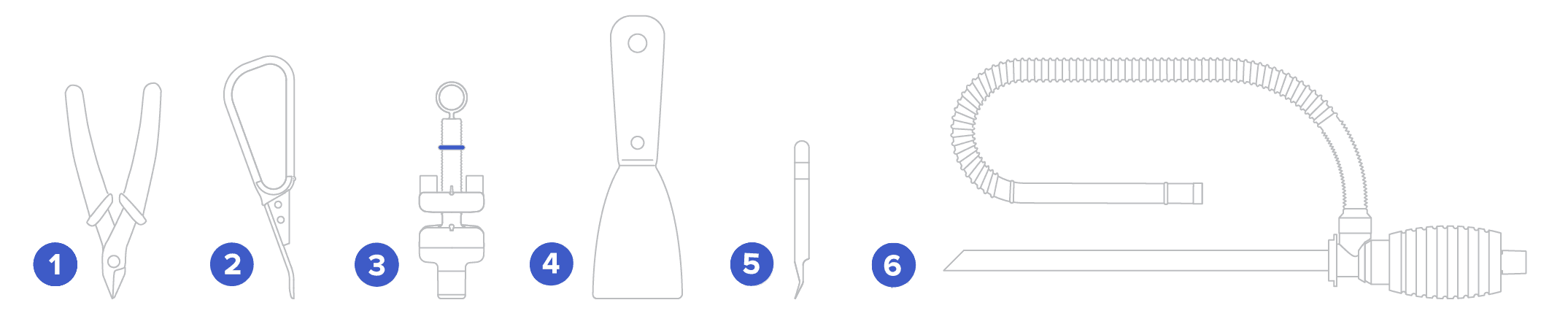
Form Wash tools and storage

Installing the Form Wash
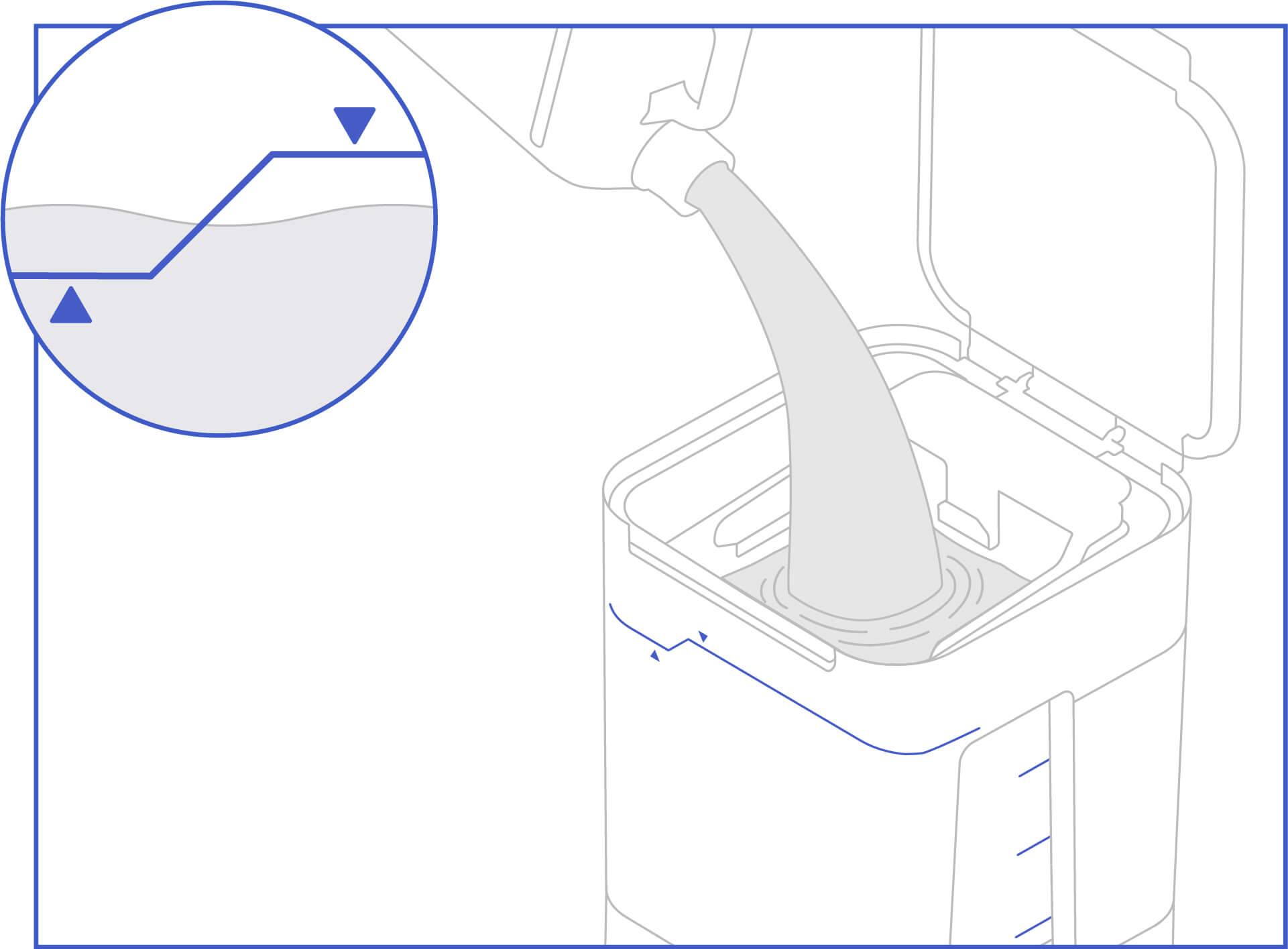
Place the Form Wash on a clean, level surface with a nearby power source. The Form Wash is ready for use once the wash bucket has been filled between the minimum and maximum fill lines and the hydrometer is calibrated. Choose whether to wash the part on the build platform or in the basket.
To prepare to use the Form Wash, follow the steps below to fill the wash bucket with solvent. If you are using isopropyl alcohol, calibrate the included hydrometer.
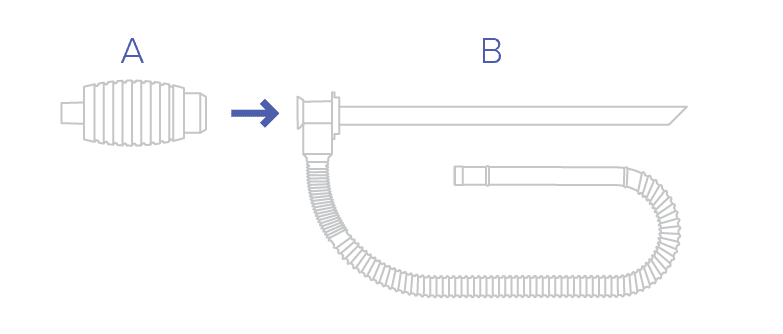
Step 1: Assemble the siphon pump
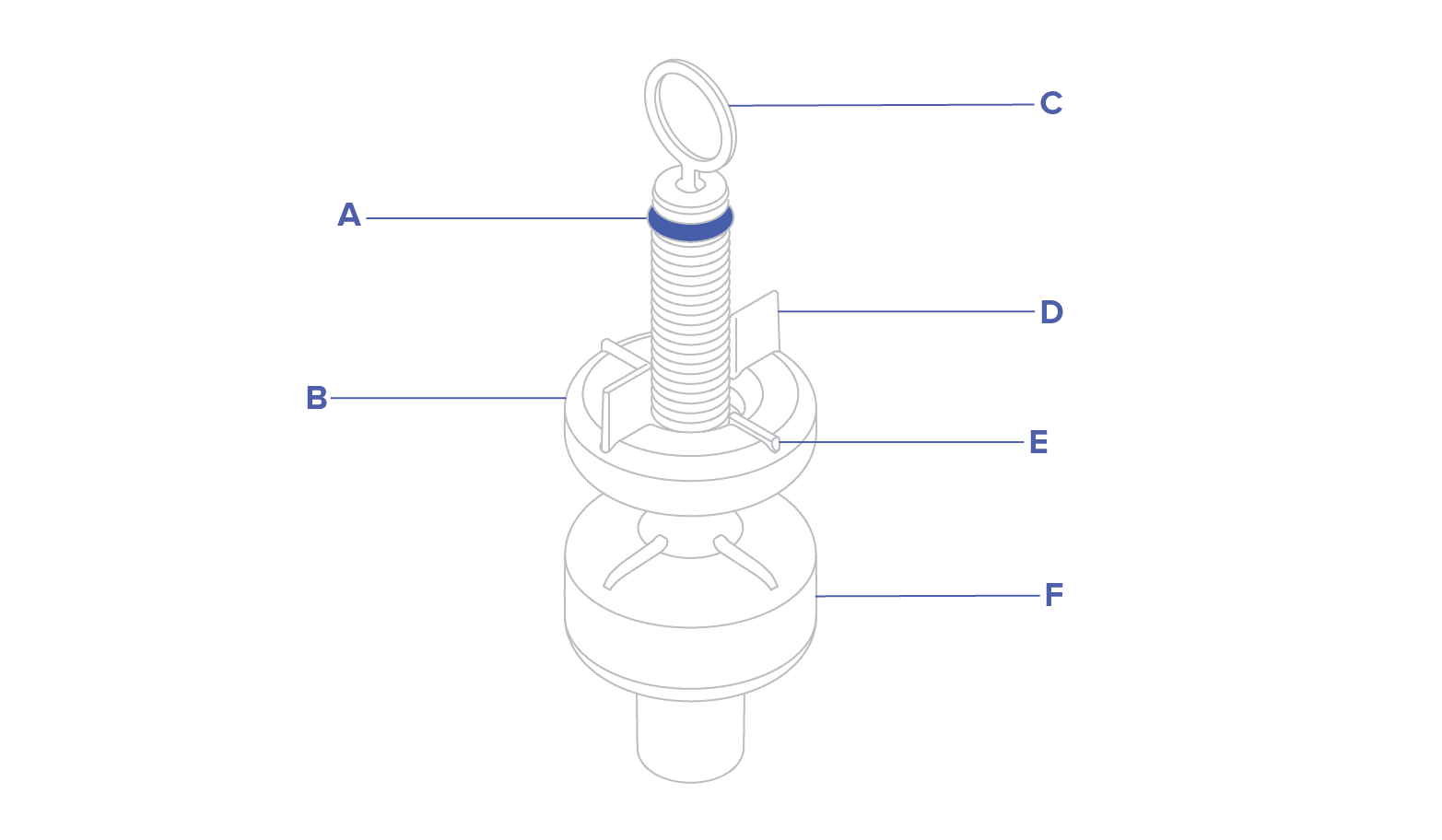
To assemble the siphon pump, screw the handle (A) into the rigid tube (B) of the siphon pump.

Step 2: Fill the wash bucket with solvent

Tip:
For more information about using a siphon, refer to the support articles Replacing IPA and Washing prints with TPM.
Step 3: Connect the power supply
Connect the power cable and external supply to the Form Wash and a power source. The Form Wash includes a USB port to allow for firmware updates.
Step 4: Calibrate the hydrometer (IPA only)
Reference the components of the hydrometer according to the following names:

To calibrate the hydrometer:
Notice:
The hydrometer packaged with the Form Wash does not measure the correct range of specific gravity for use with TPM. A hydrometer that can measure a specific gravity of 0.962–1.000 can be used to measure the resin concentration in the TPM. When the specific gravity of the used TPM is above 1.000, it will not be fully effective as a final wash.
Read the support article Washing prints with TPM for more information.