Tip:
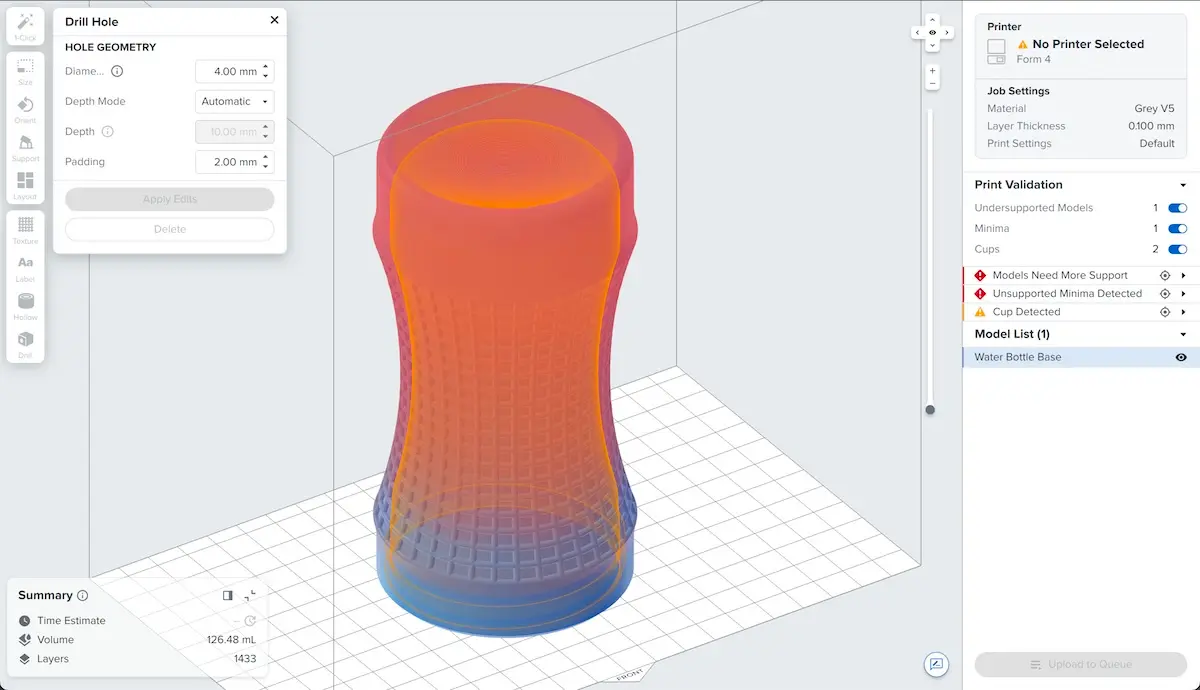
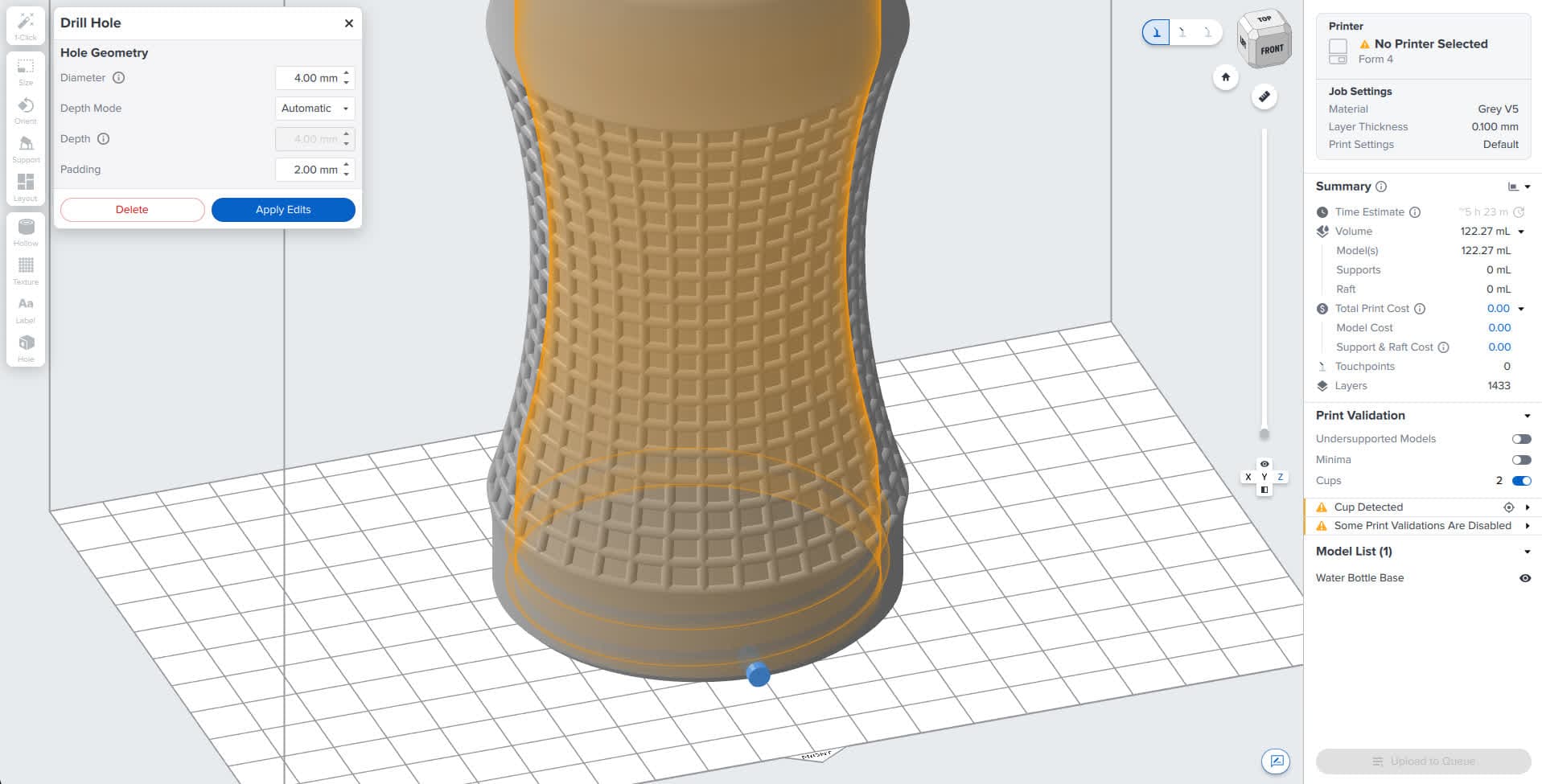
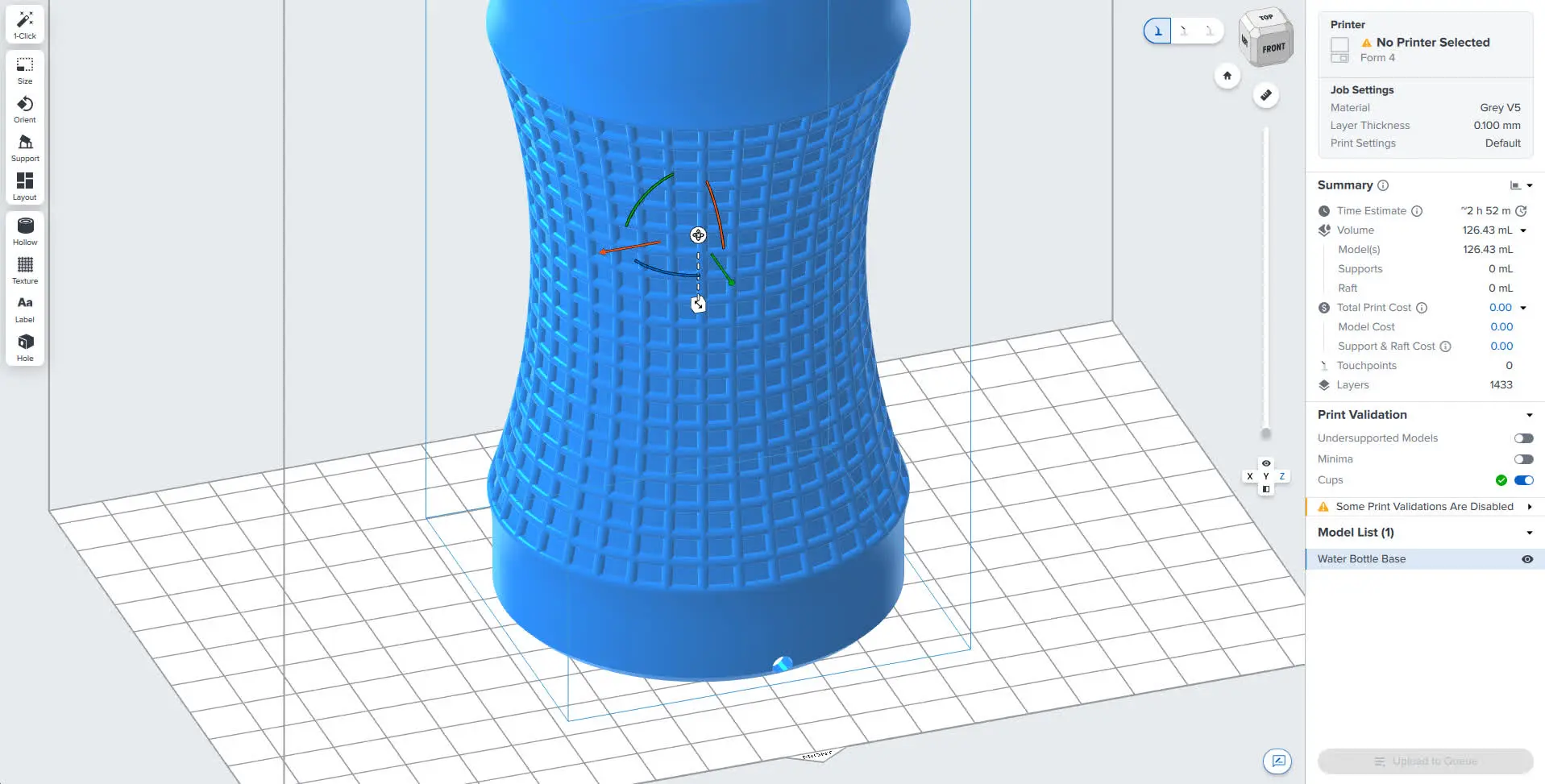
- Starting with PreForm 3.65.0, model edits such as labels, drilled holes, textures, and hollowing operations now appear as individual, named entries in the model list. You can select, adjust, or delete each edit directly rather than having it baked permanently into the mesh. Reordering model edits also changes the order in which they are applied.
- Enable the Show Cups toggle to highlight potential cups in your model.
- Check the design specifications for 3D models for your printer to find requirements for minimum hole diameter and minimum drain hole diameter.