
Form Mobile
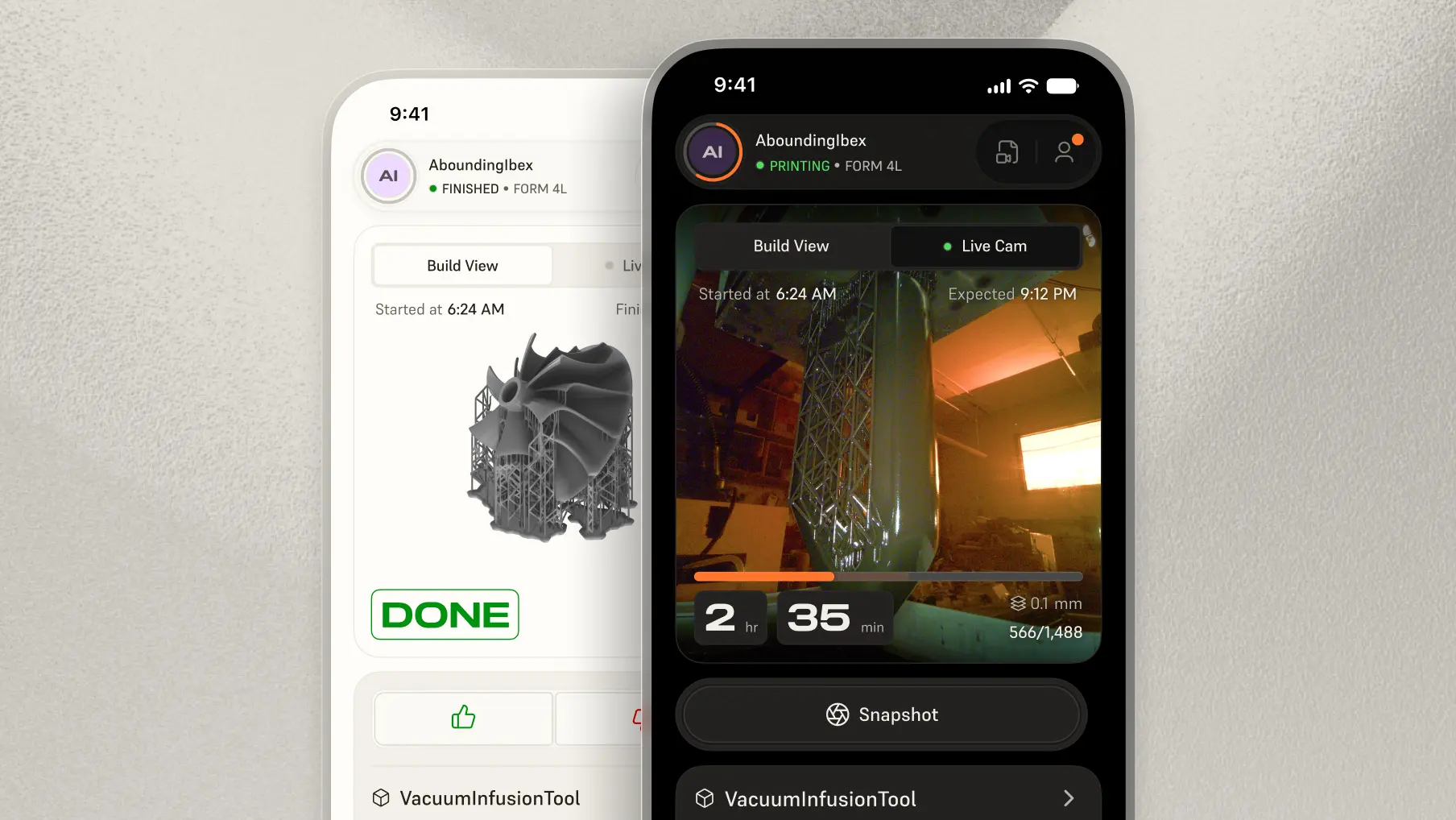
Monitor and Print From Anywhere
Start a print before you get home or to your office, check on a job from the other side of the building, and watch it happen live. Form Mobile gives you control over the print process, and the freedom to walk away from it.
Download now for free.


Know What Your Printer Is Doing
Track progress, layer count, and time remaining in real time. Open the integrated camera to watch the print happen, and get a push notification the moment a job finishes or needs attention. No more walking over to see how much time is left.

Start Prints From Anywhere
Prime and ready your printer from anywhere, then start a queued job or re-run something you've printed before with a single tap. Have a part waiting for you when you arrive instead of starting the clock when you sit down.

Capture and Share the Process
Every print builds a timelapse you can play back from your phone and share with a client, a colleague, or anyone who still thinks 3D printing looks like magic.
Works With Your Fleet
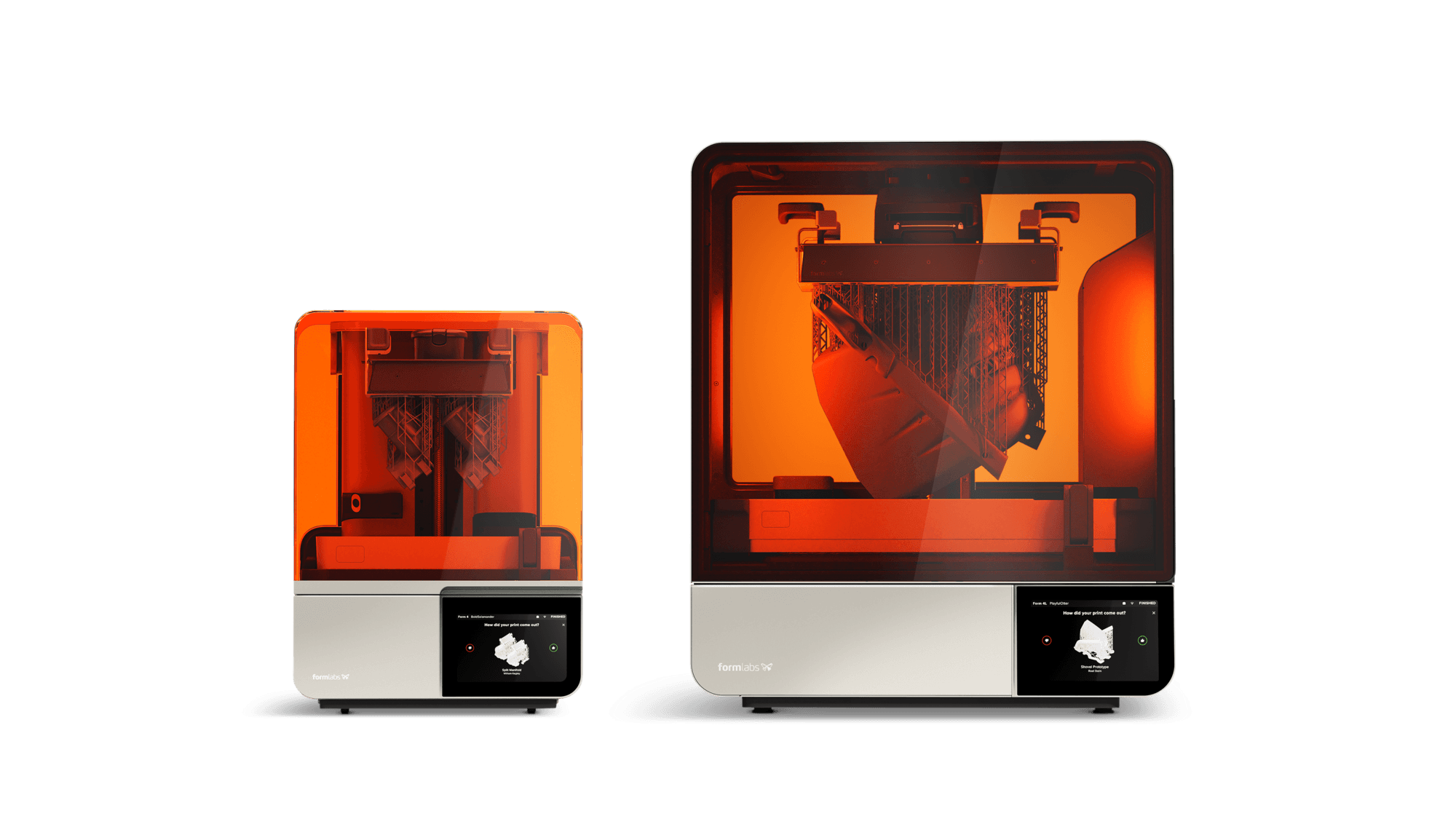
Supported
- Form Studio 1
- Form 4
- Form 4L
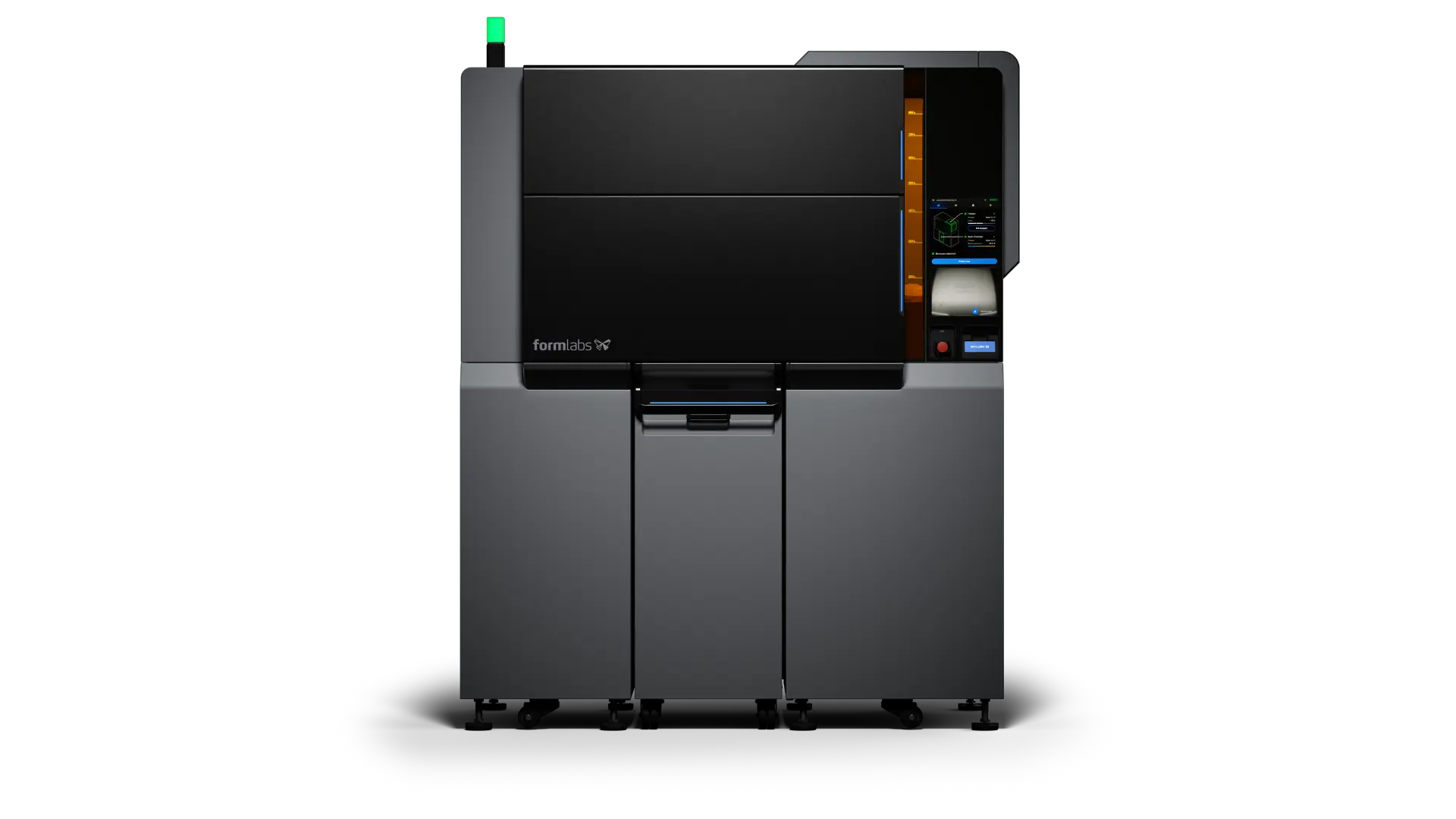
Coming Soon
- Fuse X1
Set Up in Three Steps

1. Download the app for iOS or Android.

2. Sign in to your Formlabs account

3. Scan the QR code on the printer you want to add
FAQ
Yes. Form Mobile is free to download on iOS and Android, with no license or subscription. It uses the same Formlabs account, so if you have a printer registered, you have everything you need.
No. Your printer reports its status to your Formlabs account over its own internet connection, and the app reads from there, so you can check in from home, from a client site, or from the other side of the building. The printer needs to be powered on and online, but your phone doesn't need to be anywhere near it. For an in-depth overview about the connectivity and security of Formlabs hardware and software, visit our support page.
No. Orientation, supports, and layout still happen in PreForm on your computer. Form Mobile picks up after that, starting jobs from your queue or your print history, and following them through to the finished part.
No — but the printer has to be primed first. That means enabling remote printing and getting the hardware ready: resin or powder loaded, tank seated, and the build platform clear of the last part. Once it's primed, you can start the next job from anywhere. Our guides walk through priming your SLA printers and SLS printers for remote printing.
Yes. Printers are registered to an account, and anyone with access to that printer group sees them in the app. Permissions carry over from Dashboard, so admins control who can view a printer and who can start prints on it. Note: only one livestream at a time.
No, they serve different purposes. Dashboard is where you manage a fleet: material inventory, print statistics, user access, service coverage. Form Mobile is for the print in front of you right now.
More From Formlabs Software
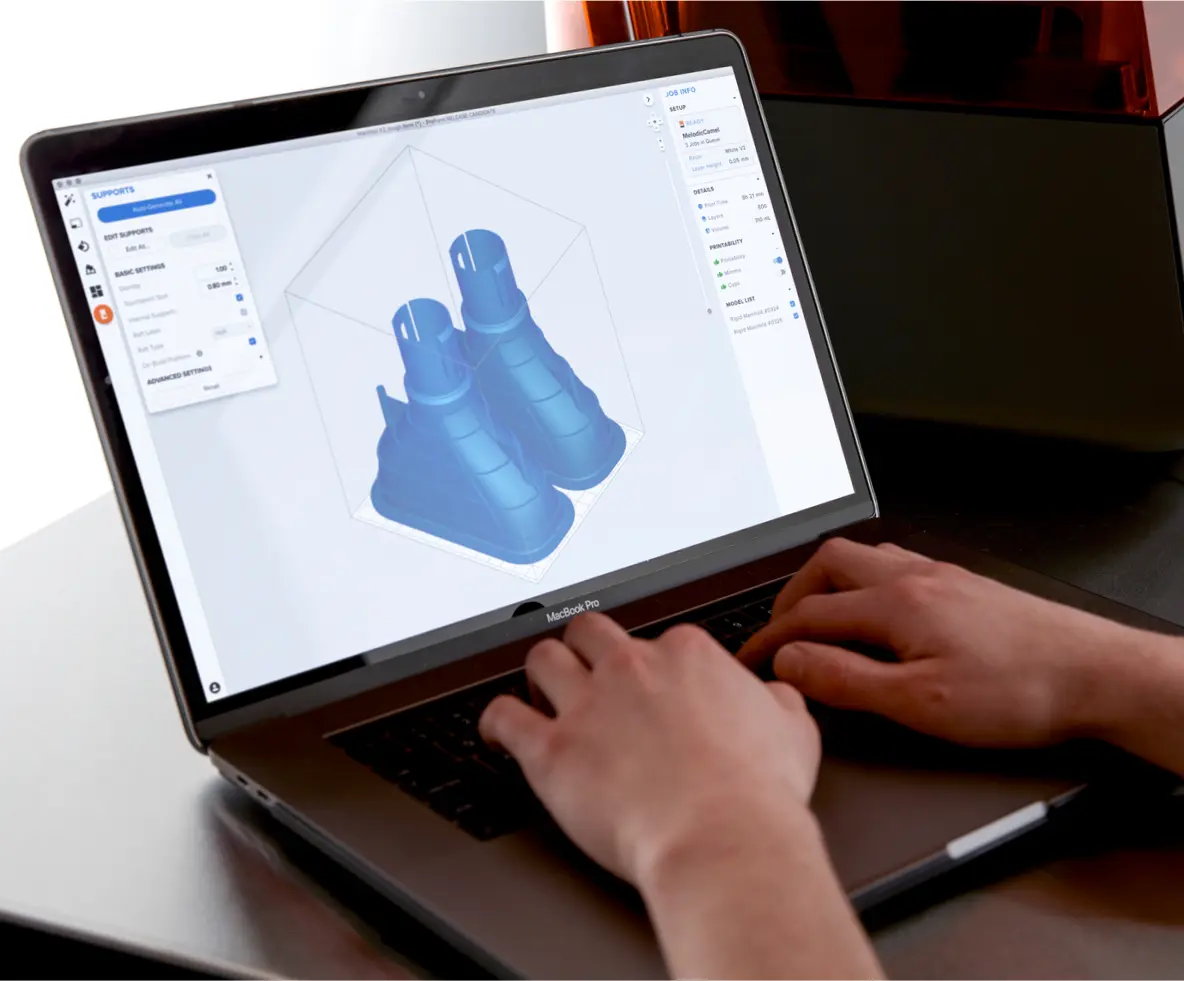
Print Preparation Simplified
Prepare your models automatically in minutes, upload them to your printer, and let it build. Offered totally for free, so you never worry about licenses, annual fees, or installation limits.

Monitor And Manage Your 3D Printers Online
Follow your prints online, track consumables and service coverage, organize printers and manage access, and get notifications when a print is finished — all for free.