Formlabs uses analytics data to improve printer performance and fix problems quickly.
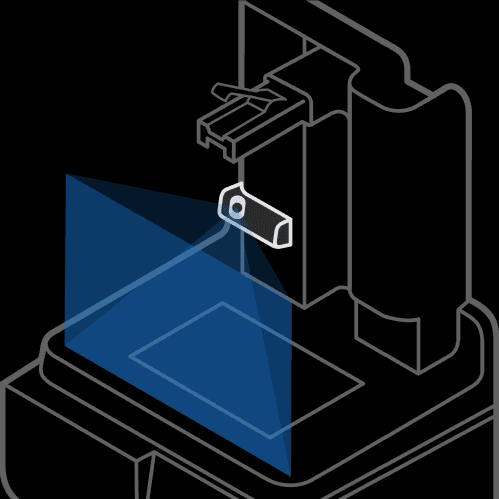
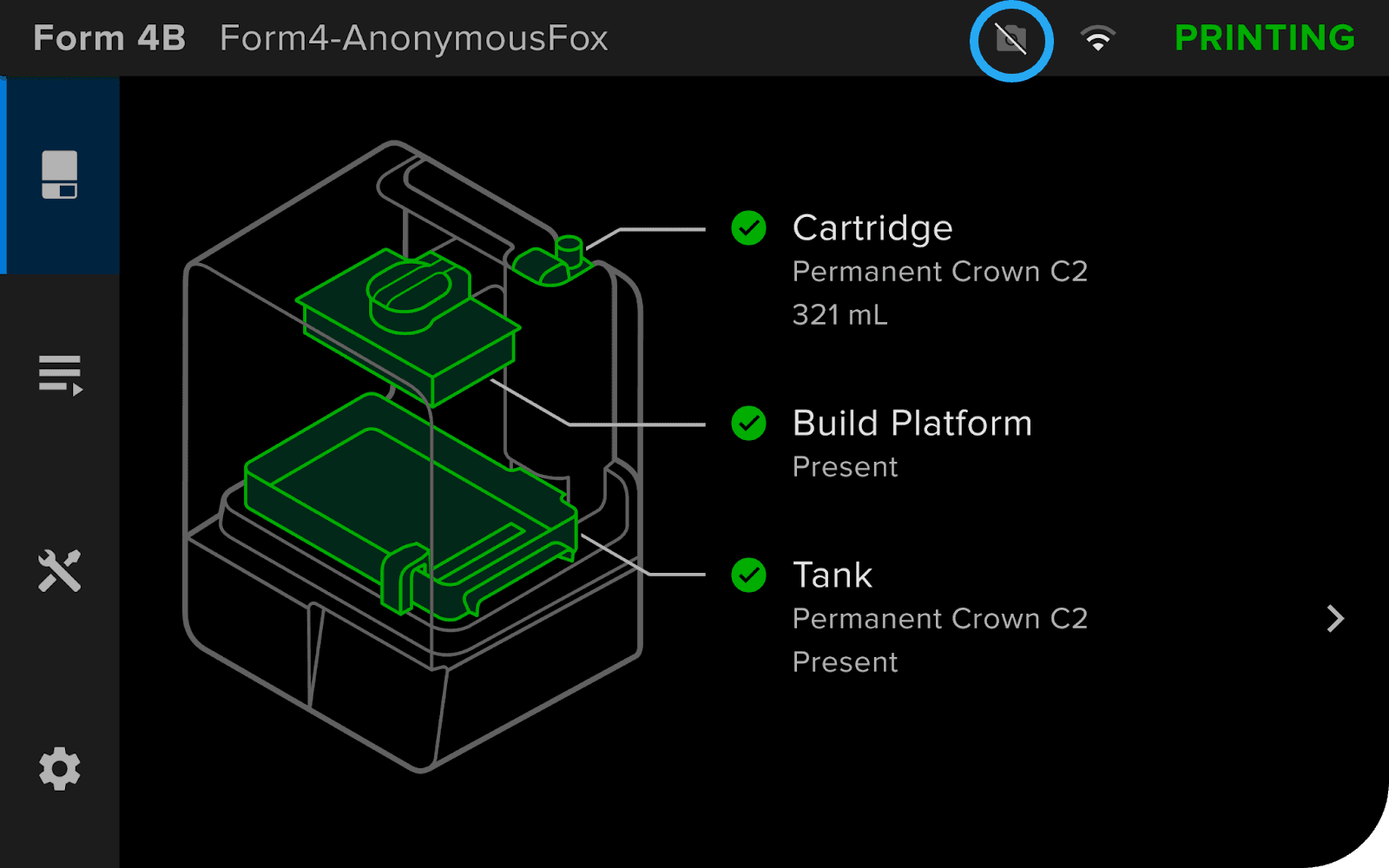
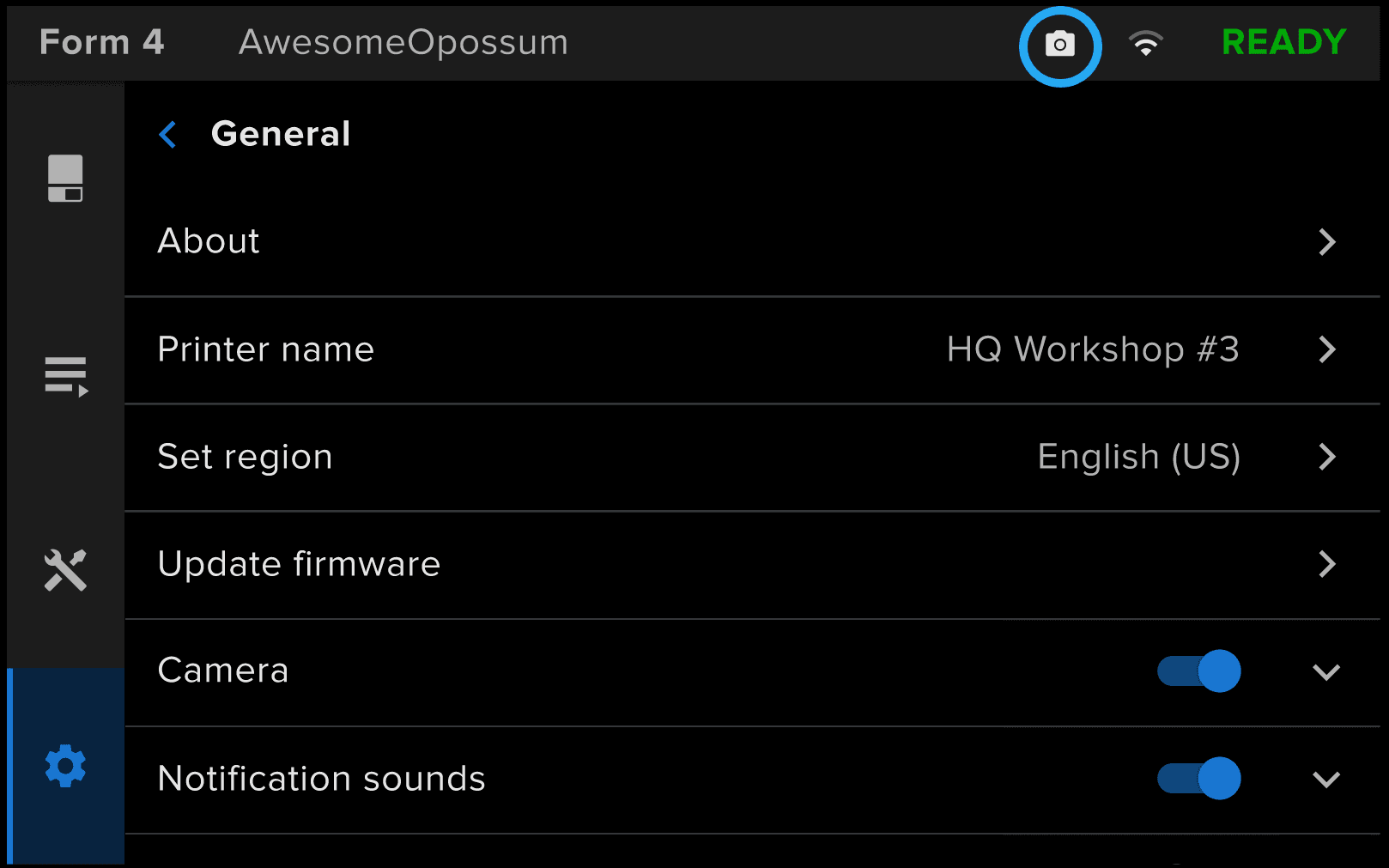
When the camera and post-print photo analytics are enabled, Form 4 and Form 4L generation printers automatically save a photo of the print and the build platform. If the printer is connected to the internet, it also uploads the photo to Formlabs servers.
To adjust the camera analytics settings:
- On the printer’s touchscreen, tap the gear icon. The Settings menu appears.
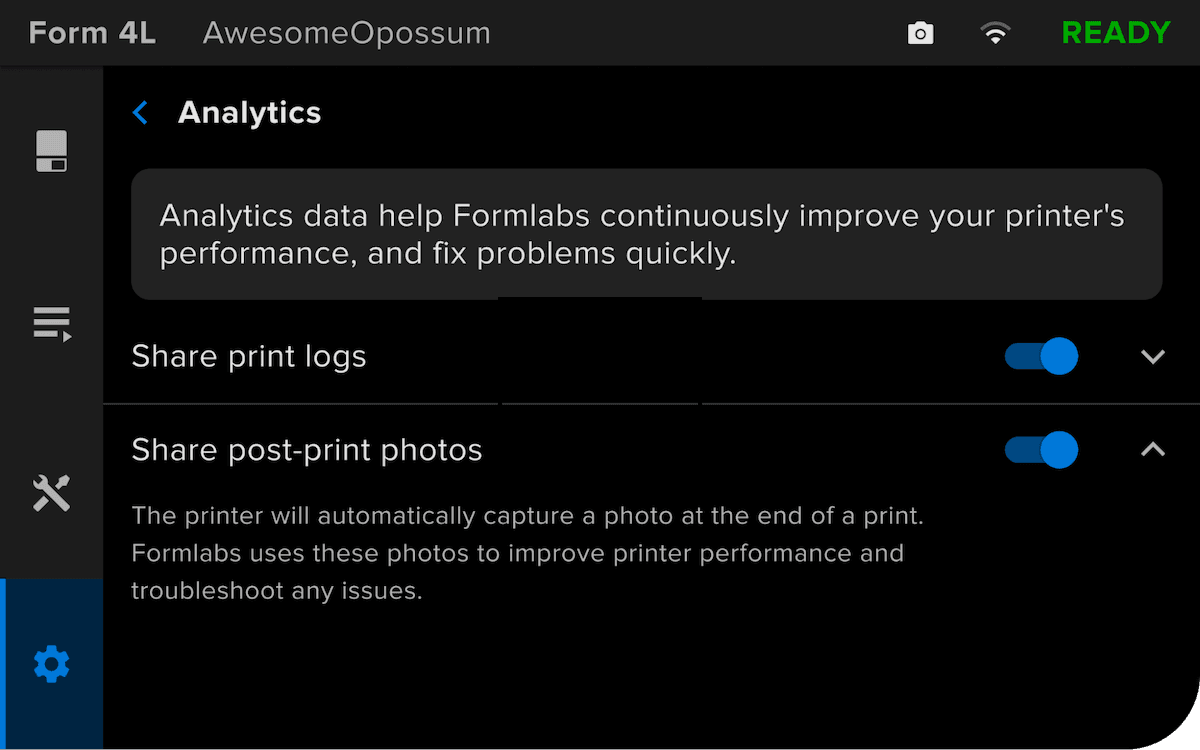
- Tap Analytics. The Analytics menu appears.
- To enable post-print photos: Toggle Share post-print photos to ON. The toggle turns blue.
To disable post-print photos: Toggle Share post-print photos to OFF. The toggle turns gray.