
Tip:
Visit the Fuse 1 interactive tour for a 3D view of many of the components detailed below.

Tip:
Visit the Fuse 1 interactive tour for a 3D view of many of the components detailed below.
External components
| Item | Description | Image/video |
|---|---|---|
| Print enclosure door | Provides access to the print enclosure and optical cassette tray. | |
| Door handle | A grab slot to help close the door. | 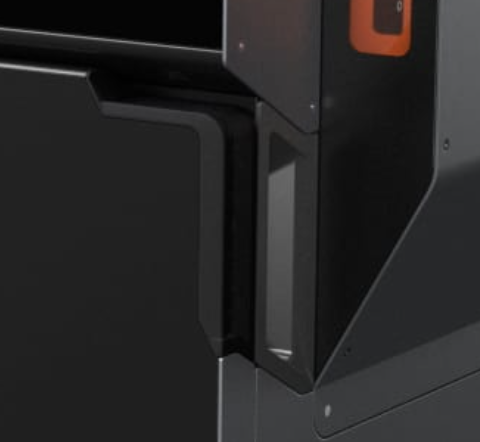
|
| Manual door release | The print enclosure door is normally opened via the touchscreen. In case of emergency, pull the door release handle inside the filter cabinet to open the print enclosure door. | |
| Card reader | Each package of Formlabs powder includes an ID card. This card contains powder credit which must be loaded onto the printer via the card reader to tell the printer how much powder is available. |
Filters
| Item | Description | Image/video |
|---|---|---|
| Filter cabinet | The filter cabinet houses the exhaust and intake filters. | |
| Filter cabinet door | Sealed door for accessing the intake and exhaust filters. | 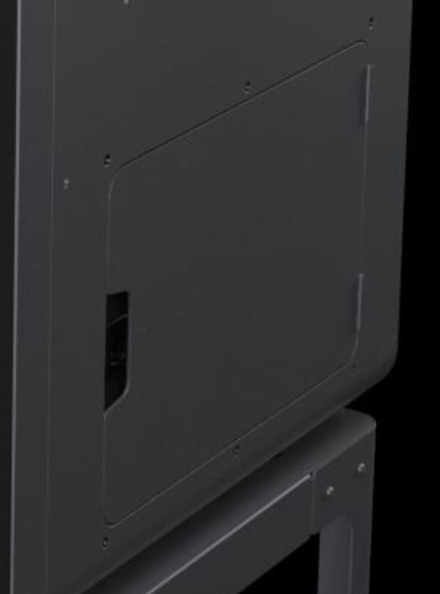
|
| Exhaust filter | The exhaust filter removes powder and sintering byproducts from the printer's exhaust that would otherwise be expelled into the workspace. | |
| Intake filter | The intake filter removes contaminants from air being drawn into the printer. |
Powder hopper
| Item | Description | Image/video |
|---|---|---|
| Hopper | Stores up to 9 kg (19.8 lb) of powder for printing. | |
| Hopper lid | Prevents debris from entering and powder from leaving the hopper. | 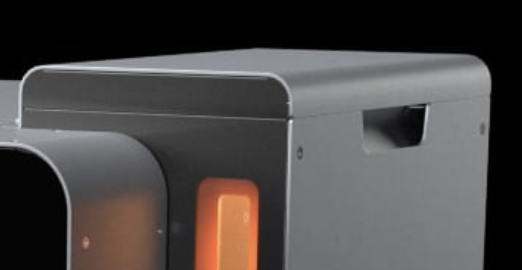
|
| Hopper window | Allows for visual check of powder level in the hopper. | 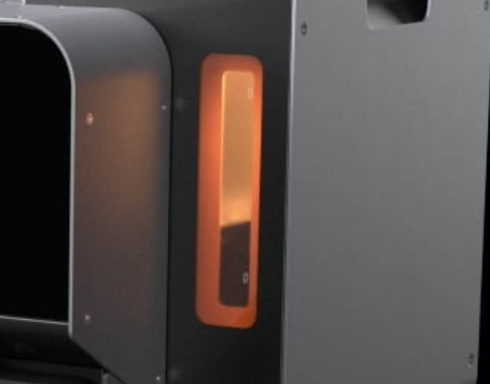
|
Display assembly
| Item | Description | Image/video |
|---|---|---|
| Display assembly | The display assembly contains the touchscreen and the display circuit board. A ribbon cable connects the display assembly to the motherboard. | |
| Touchscreen | The LCD capacitive touch user interface displays print information, settings, and error messages. |
Motherboard and electronics
| Item | Description | Image/video |
|---|---|---|
| Motherboard | The main circuitry through which all systems in the machine communicate. | |
| Power supply | The Fuse 1 requires a 230 VAC (50 Hz), 7.5 A power supply (EU) or 120 VAC (60 Hz), 15 A power supply (US) for nominal operation. | |
| Motor and temperature control board | This board handles motor control and temperature sensing in the Fuse 1. These subsystems allow the Fuse 1 to print accurate and high-quality parts. | |
| Heater control board | This board controls the heaters in the Fuse 1. A precise and consistent internal temperature is key for successful prints. | |
| Front display connector | This connector links the display to the motherboard via a ribbon cable. | 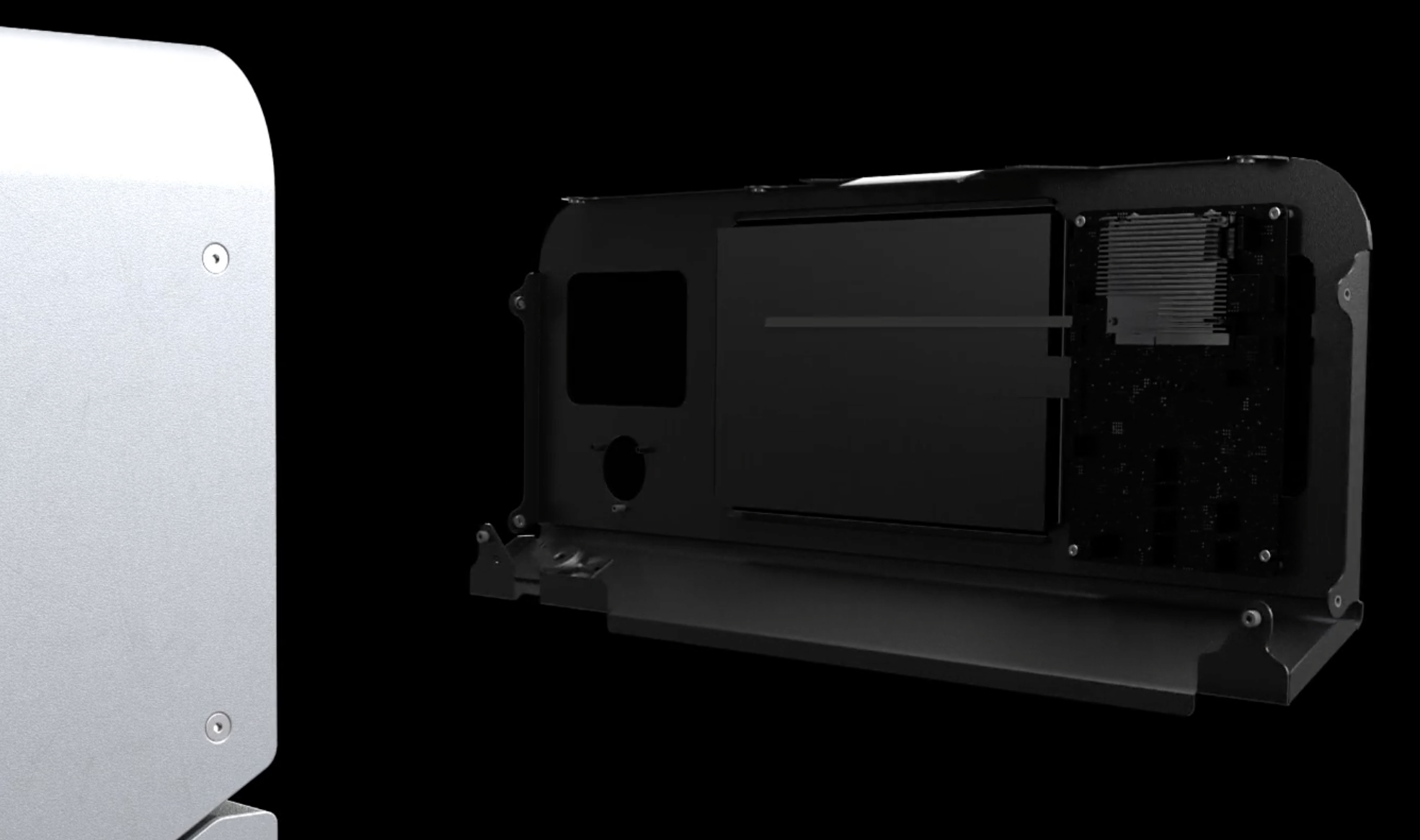
|
| Wi-Fi antenna | The Wi-Fi antenna enables the Fuse 1's wireless connectivity. The antenna is connected to the machine's motherboard. | 
|
| Ethernet and USB ports | The Fuse 1 can connect to a network via Ethernet or to a computer via USB. These ports are connected to the motherboard and can be accessed from the back of the machine. | |
| Fan | A cooling fan pulls warm air away from electronic components. | 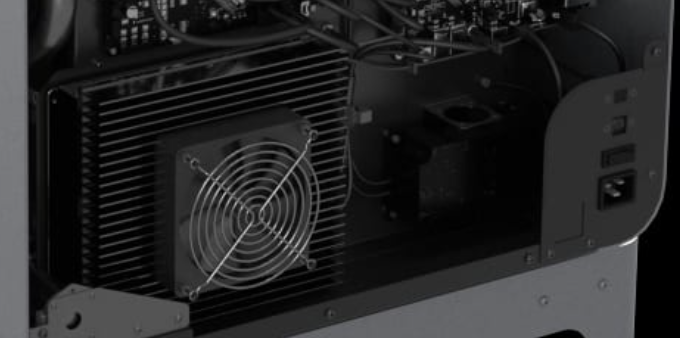
|
IR sensor
| Item | Description | Image/video |
|---|---|---|
| IR sensor | An infrared (IR) sensor monitors conditions inside the print enclosure, and functions as a secondary interlock measure for the laser. | |
| IR sensor door | Provides top-down access to the IR sensor and powder card reader. | |
| Sensor window | The exposed surface that allows infrared radiation to enter the sensor. | 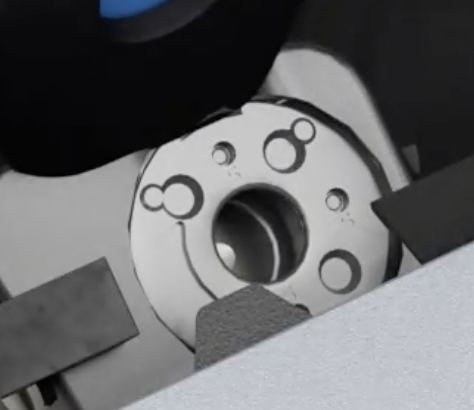
|
| Ethernet socket | Used to connect the sensor to the machine and disconnect for cleaning. | 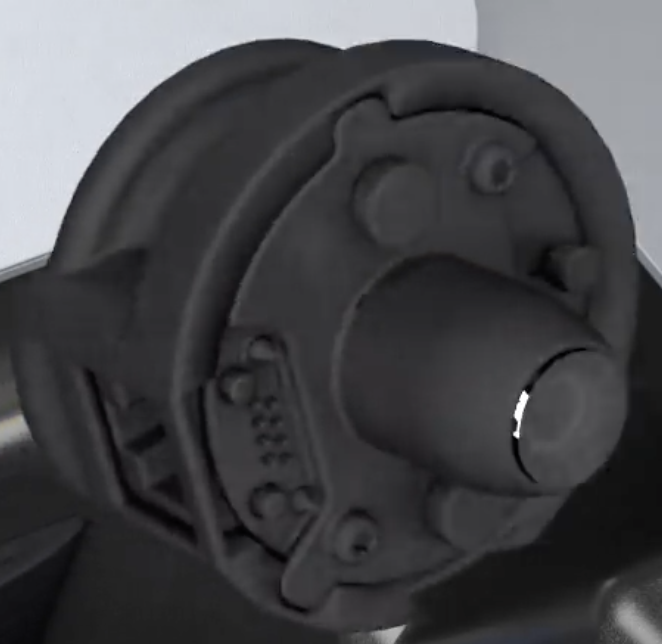
|
| Status light | Indicates if the sensor is seated correctly (green) or incorrectly (yellow). | 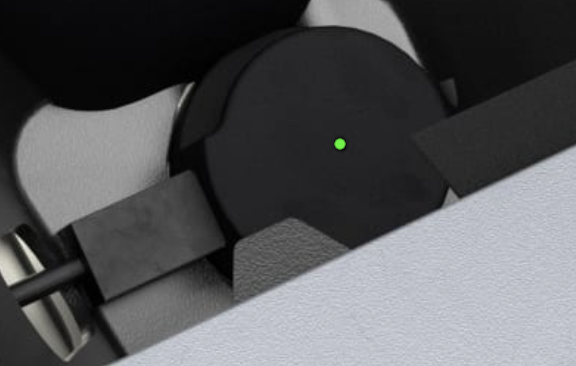
|
Build chamber
| Item | Description | Image/video |
|---|---|---|
| Build chamber | An interchangeable component of the Fuse 1 that contains the print bed, heaters and temperature sensors, and encapsulates the sintered parts and loose powder from a print. The accompanying plug allows the Fuse 1 and Fuse Sift to monitor the build chamber, and differentiate one build chamber from another. | |
| Print bed | The moving surface (Z-axis) on which powder is deposited and sintered. | 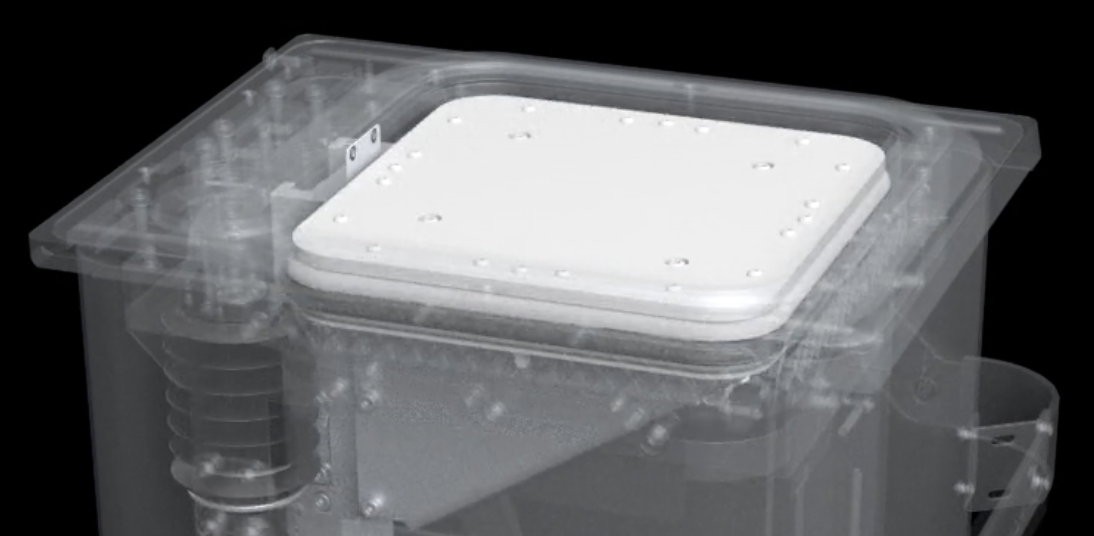
|
| Print bed piston | The print bed is the moving surface on which powder is deposited and sintered. The print bed piston moves the print bed to the correct position for each layer during a print. | |
| Front handle | Silicone handle for loading and unloading the build chamber. | 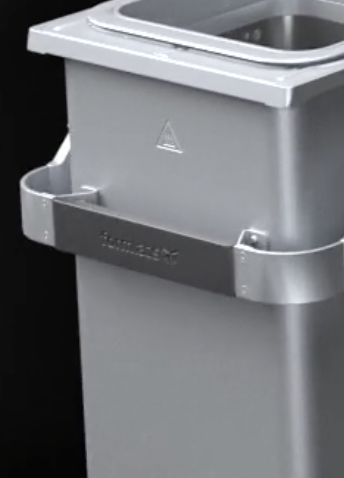
|
| Side handles | Silicone handles on each side for moving the build chamber. | 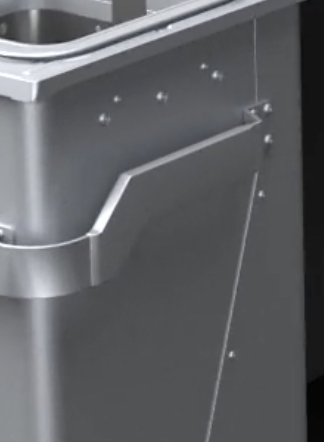
|
| Plug holster | A retainer to keep the plug secure when moving or storing the build chamber. | 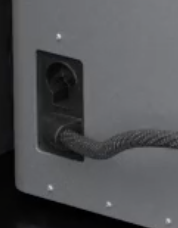
|
| Build chamber latch | Secures the build chamber. | 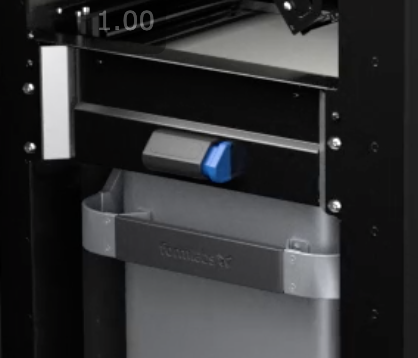
|
| Build chamber plug | Main connector for the build chamber’s heaters and temperature sensors. | 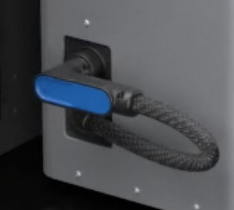
|
| Build chamber socket | Connects the build chamber’s plug. | 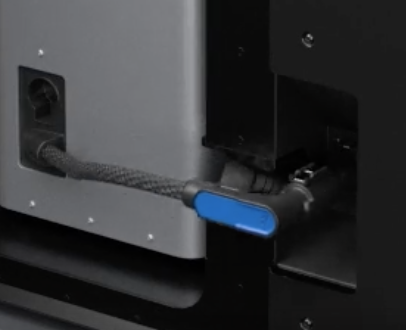
|
Print enclosure
| Item | Description | Image/video |
|---|---|---|
| Print enclosure | Houses the build chamber and optics system for printing. | 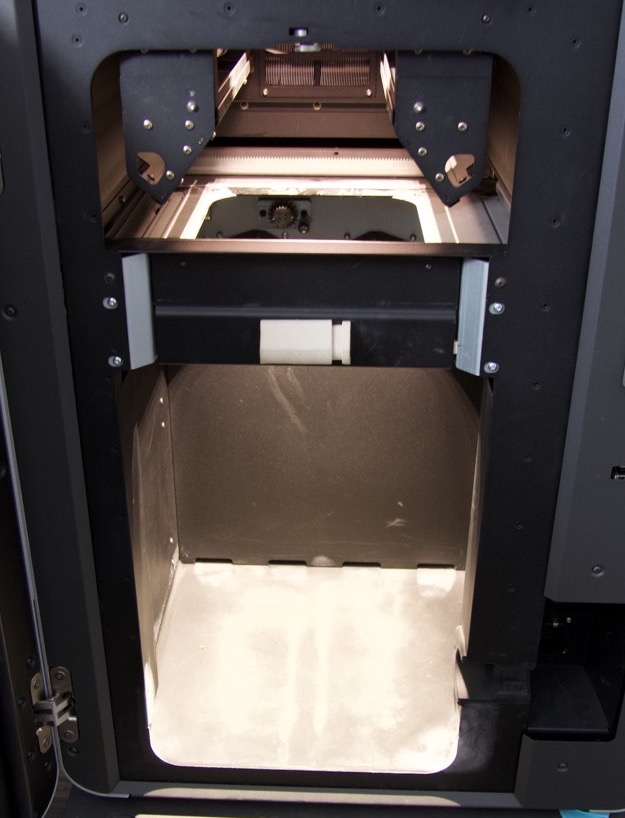
|
| Recoater roller | A bar that moves from left-to-right to pick up powder from either side of the upper print enclosure, then deposits it as a layer on the print bed or the previous layer. | 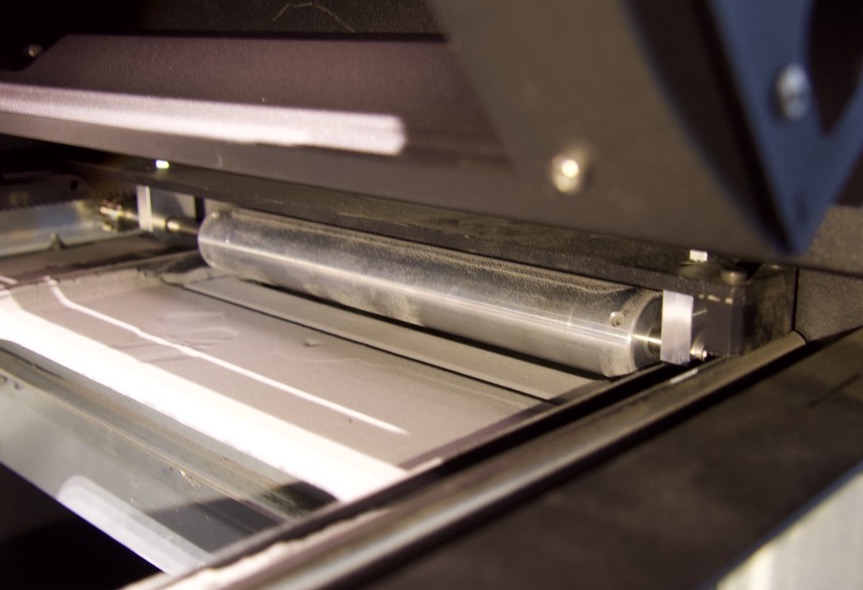
|
| Powder troughs | Two powder troughs run along the sides of the print enclosure above the build chamber. The recoater roller deposits powder from the troughs as a layer on the print bed or the previous layer. | 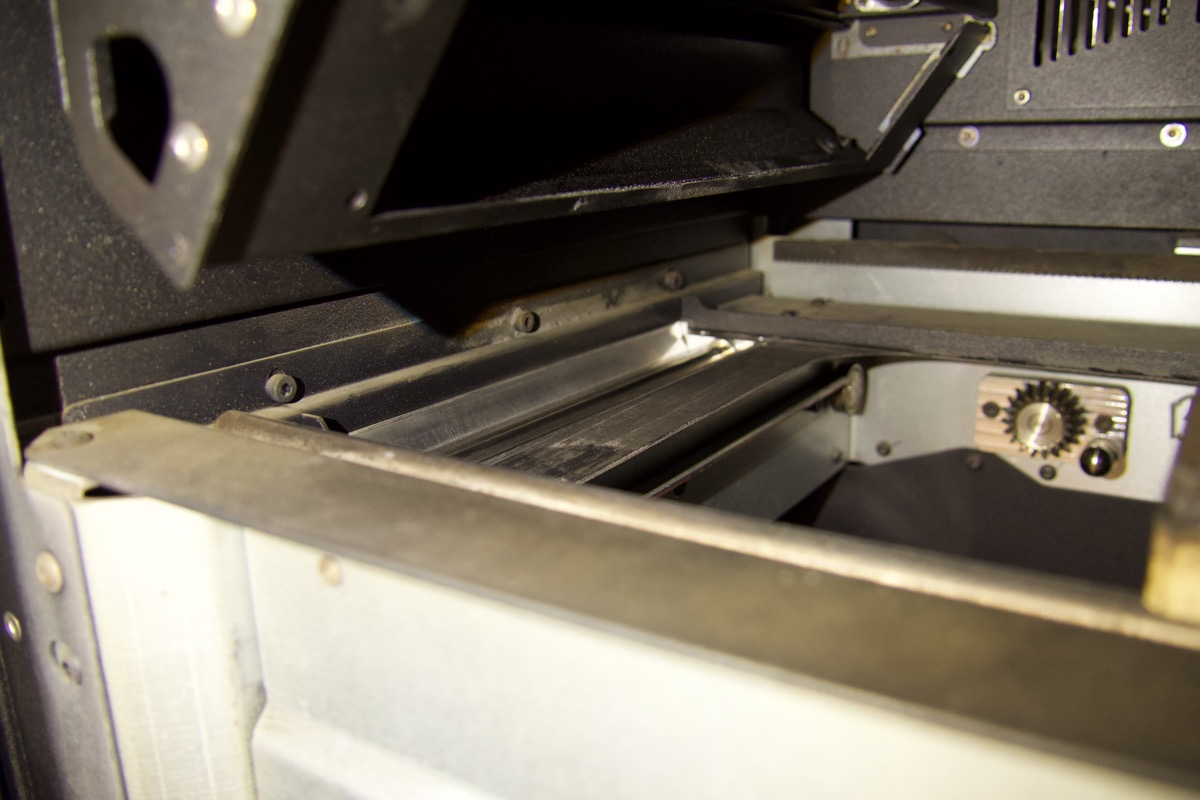
|
| Flippers | Two paddles, one on the left and right side of the powder handling system, that move powder into position for the recoater roller to pick-up and deposit onto the print bed. | 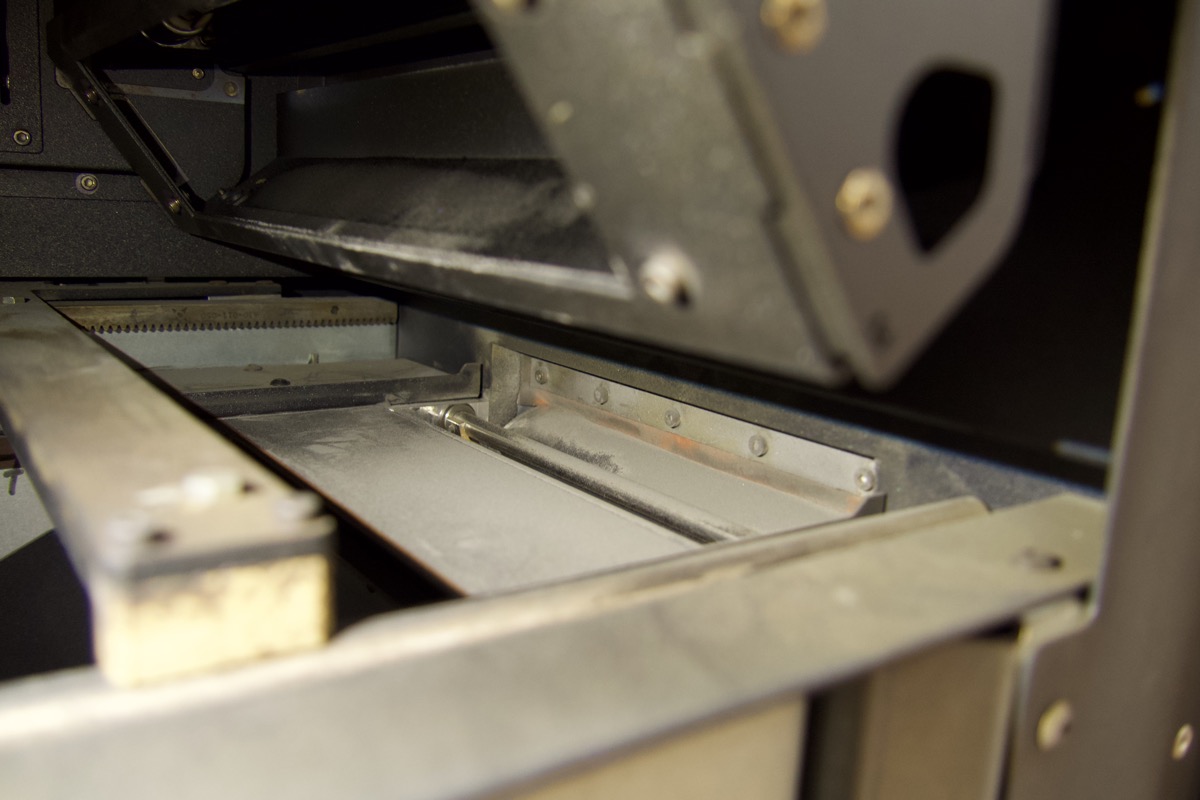
|
| Quartz heaters | A heating system consisting of a tungsten element sealed inside quartz tubes that emits infrared radiation to heat the print enclosure during a print. | |
| Interlock | A safety mechanism that automatically shuts off the laser if the print enclosure door is open, or if the IR sensor is misaligned. | 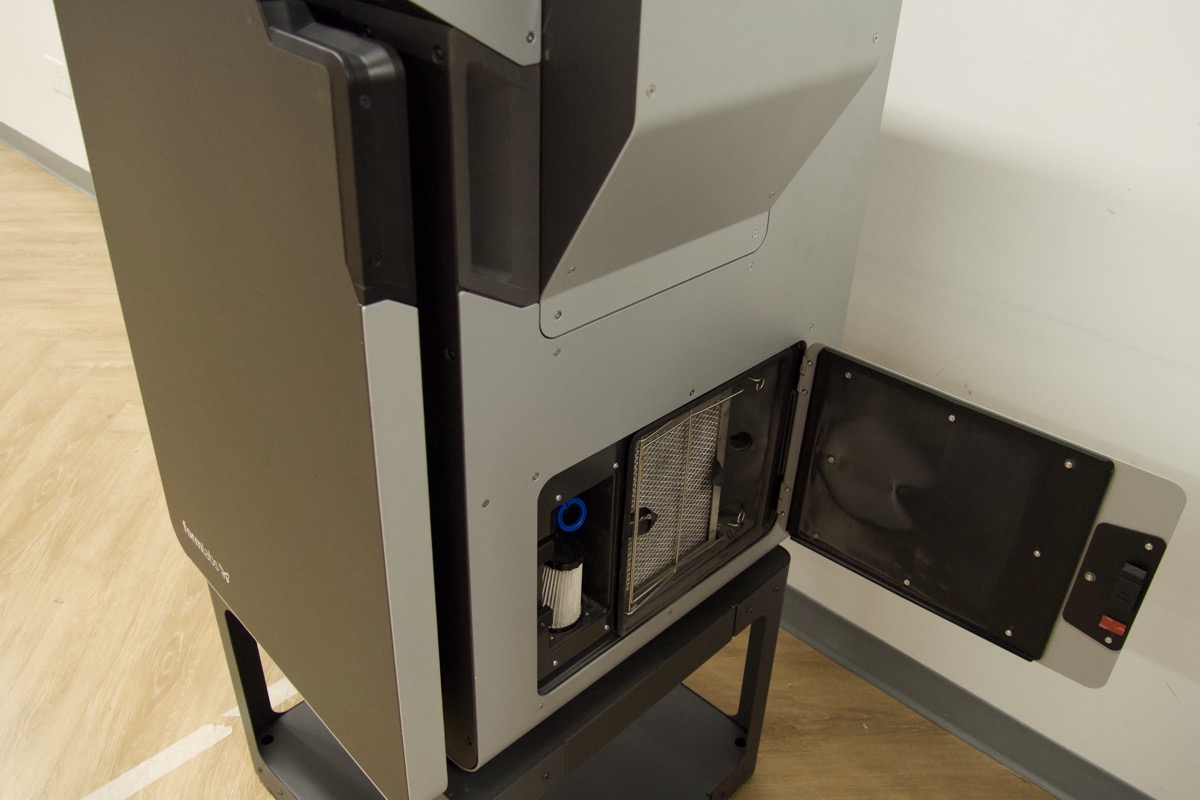
|
Optics
| Item | Description | Image/video |
|---|---|---|
| Laser | The laser is the source of sintering energy in the Fuse 1 with a wavelength of 1065 nm, and a maximum output of 10 W. The Fuse 1 is a Class 1 laser product. | |
| Galvanometer (galvo) | A high-speed precision motor that positions a mirror used for reflecting the laser spot. The Fuse 1 uses two galvos to position the laser spot along the X and Y-axes of the print area. | 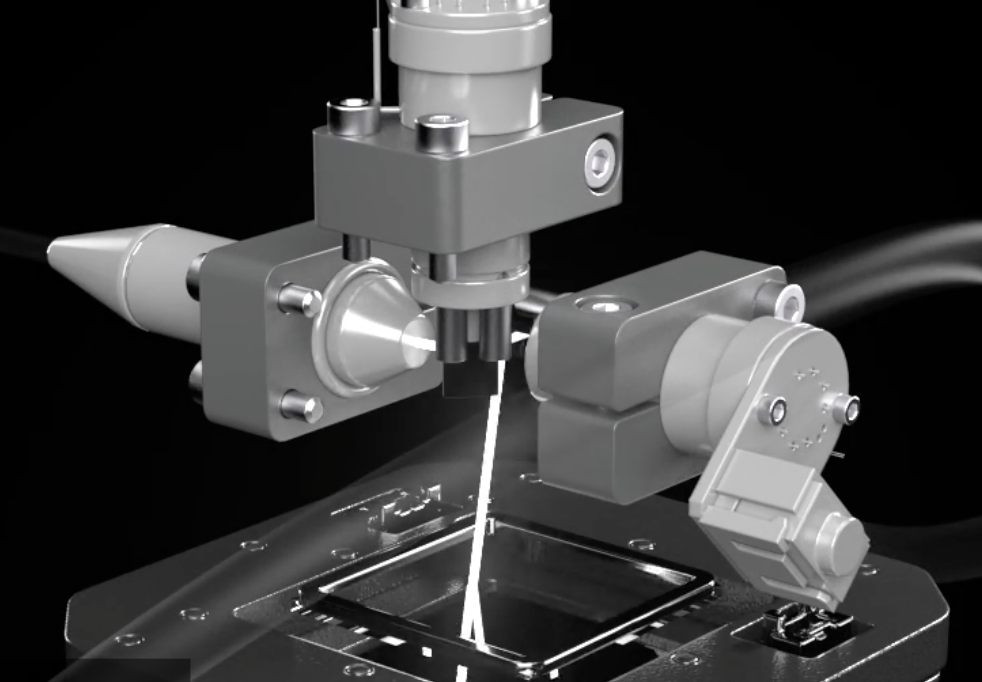
|
Optical cassette
| Item | Description | Image/video |
|---|---|---|
| Optical cassette | A cassette that contains two glass windows—one for the printer's laser and the other for the printer’s camera—a set of corresponding gaskets, and a pass-through for the IR sensor. The windows protect the components behind them from excess wear and off-gassing that results from sintering powder. | |
| Cassette tray | Holds the optical cassette in place. To open the cassette tray, loosen the thumb screw on the ceiling of the print enclosure. | 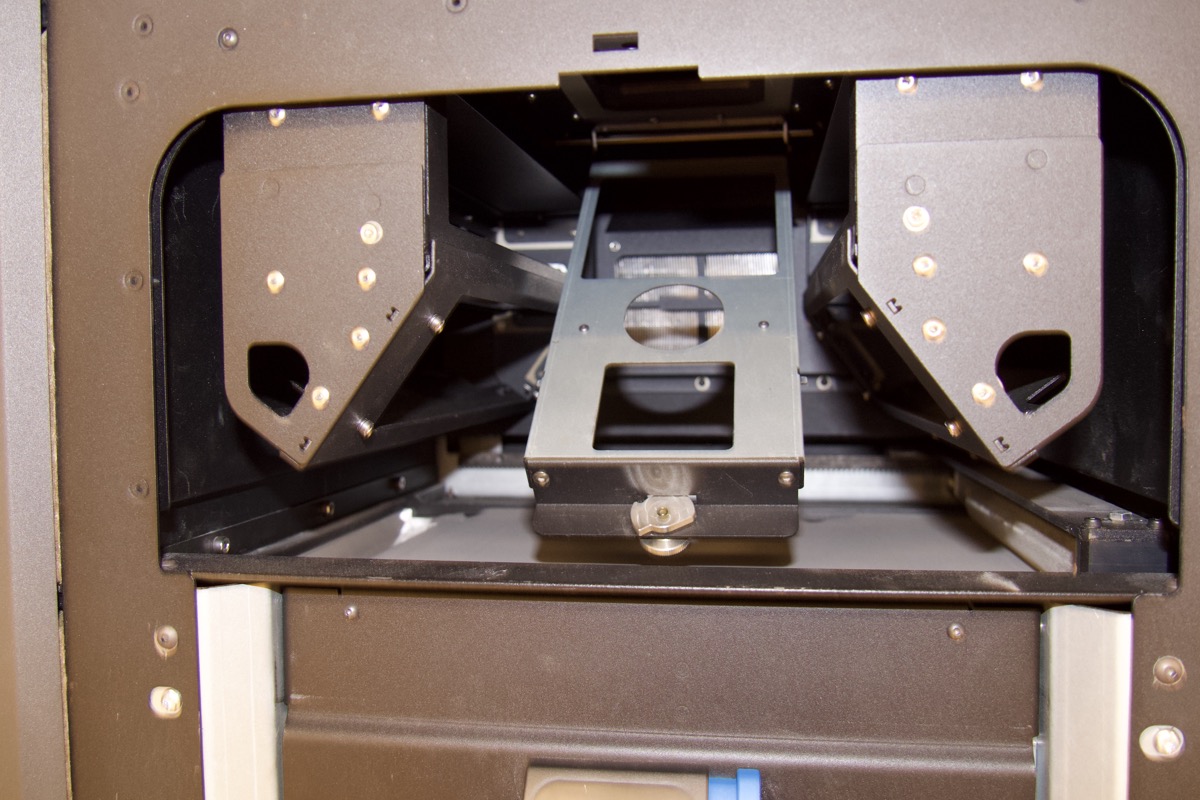
|
| Tray catch | Two hooks that align the optical cassette to the cassette tray. | 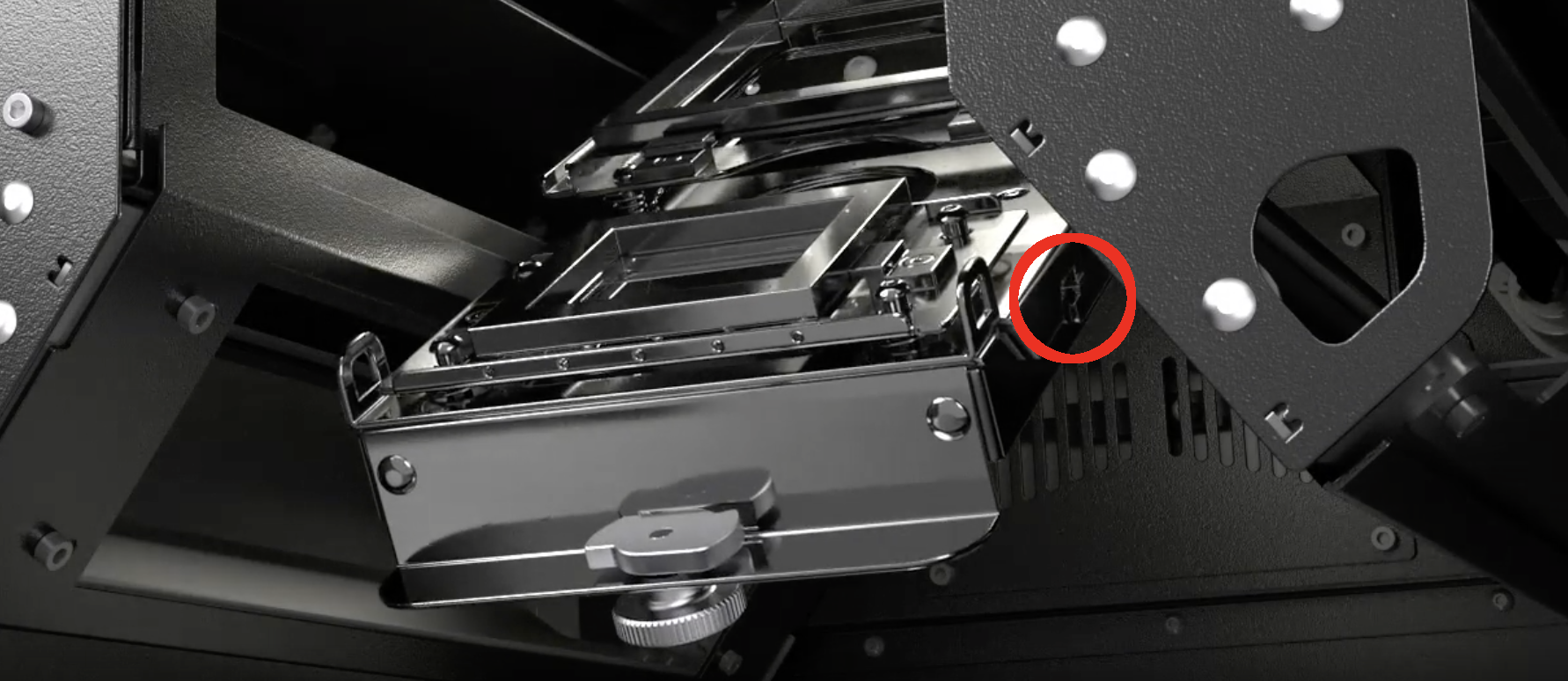
|
| Laser window | Protects the laser during printing. | 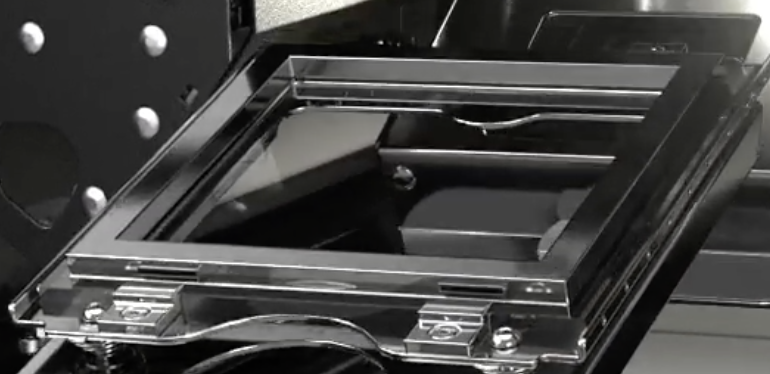
|
| Laser window gasket | Seals the top of the laser window from the print enclosure. | 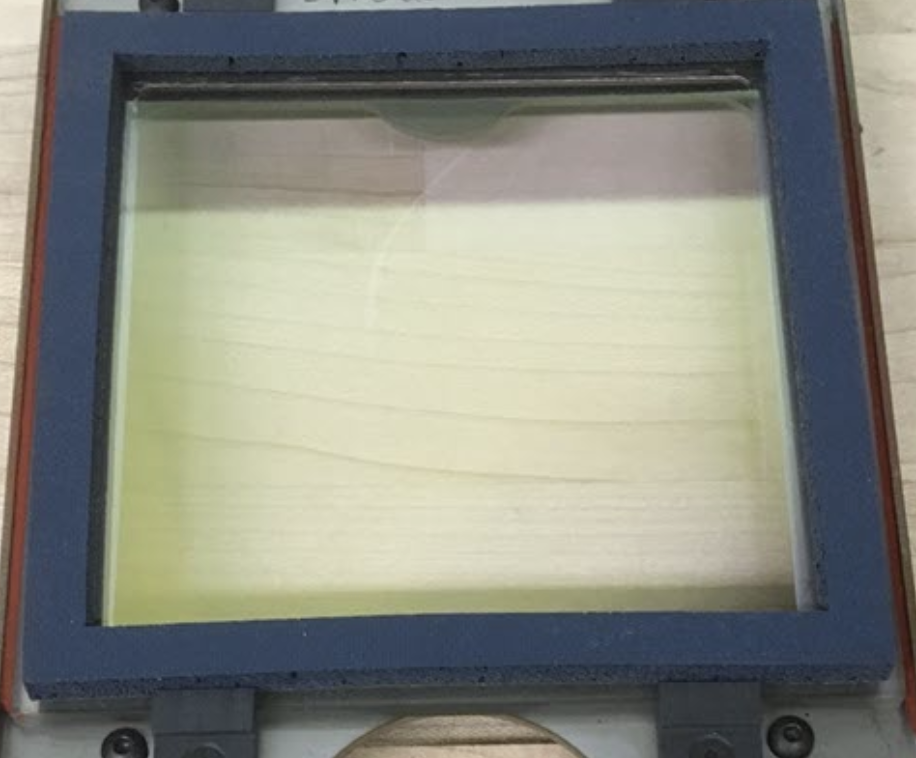
|
| Camera window | Protects the camera lens during printing. | 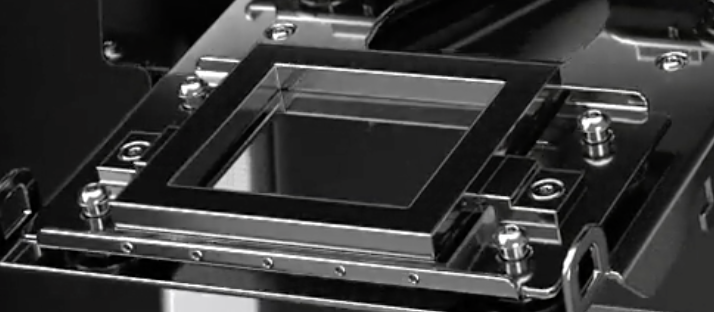
|
| Camera window gasket | Seals the camera window from the print enclosure. | 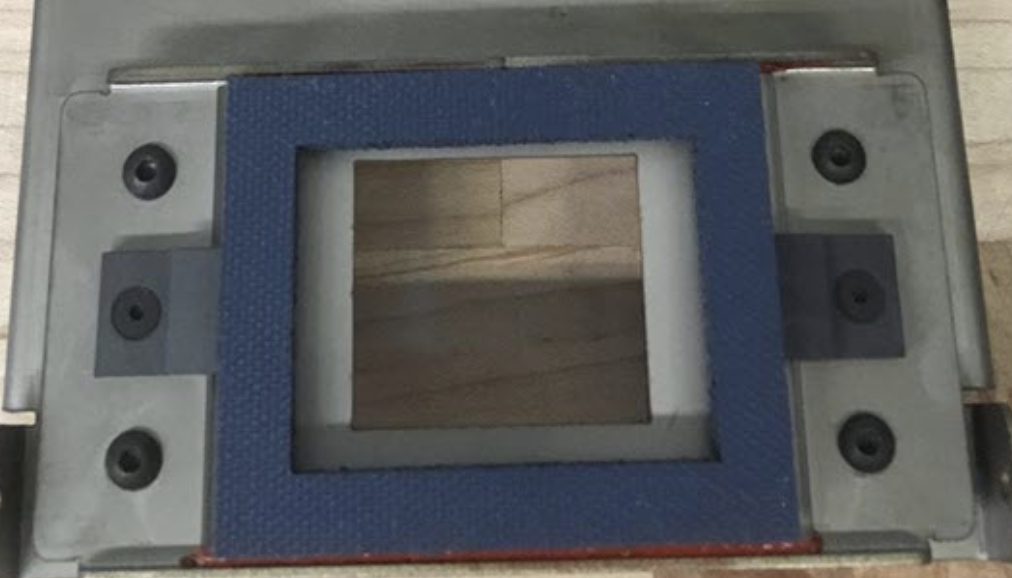
|
Powder cartridge
| Item | Description | Image/video |
|---|---|---|
| Powder cartridge | The container in which SLS powder is mixed and transported to from the Fuse Sift to the printer’s hopper. | |
| Cartridge wings | Two brackets for locking the cartridge to the mixer. | 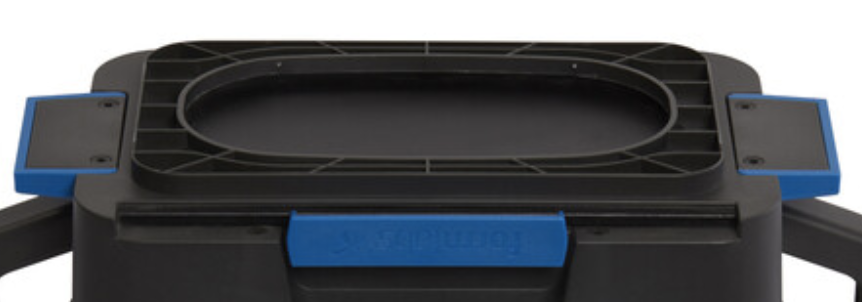
|
| Cartridge valve | The primary opening for filling and depositing powder. | 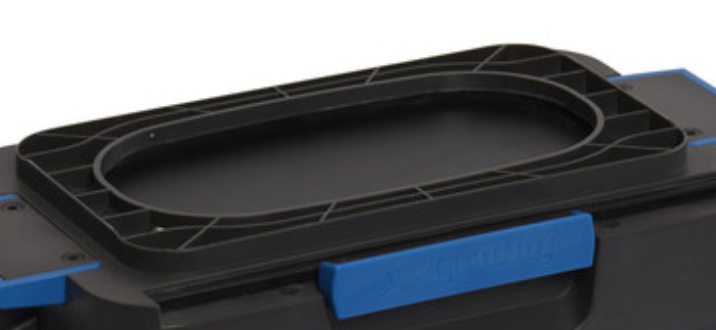
|
| Valve knife | Used to close and open the cartridge valve. | 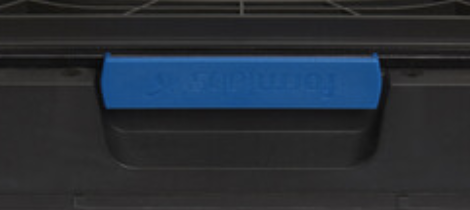
|
| Cartridge handles | For holding and lifting the cartridge. | 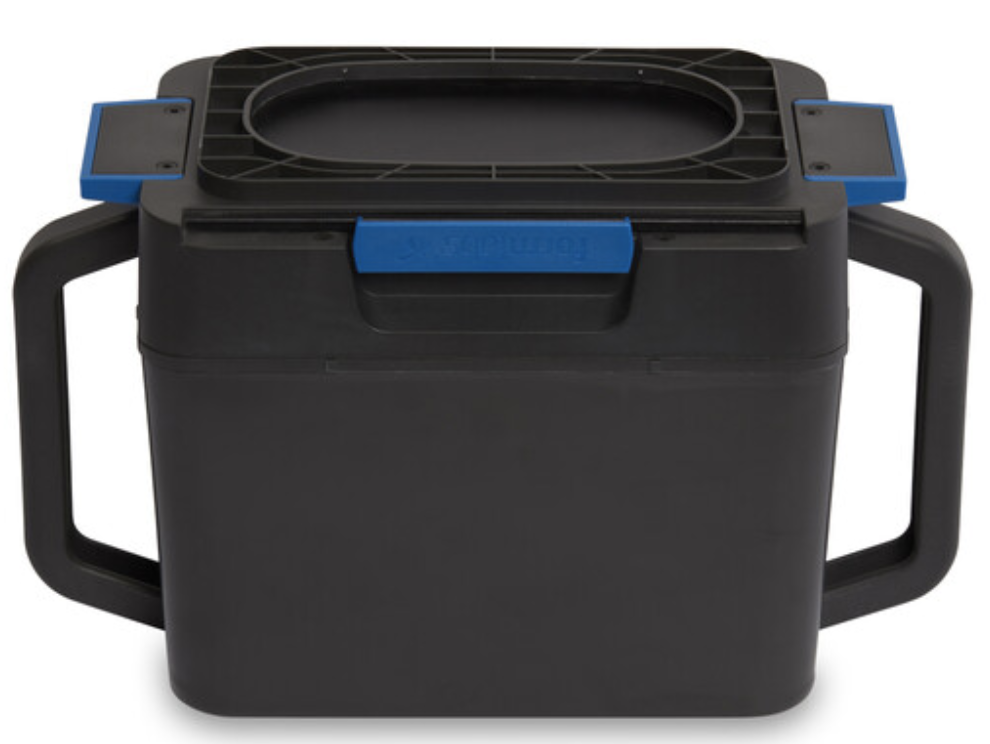
|