Notice:
If you are shipping a printer to Formlabs, do not ship the build platform, resin tank, power and USB cables, and other accessories. These items will not be returned to you.

Follow these instructions to package the Form 3/Form 3B for protection during shipping or transit. The printer’s original packaging is required for warranty service.
Packaging materials
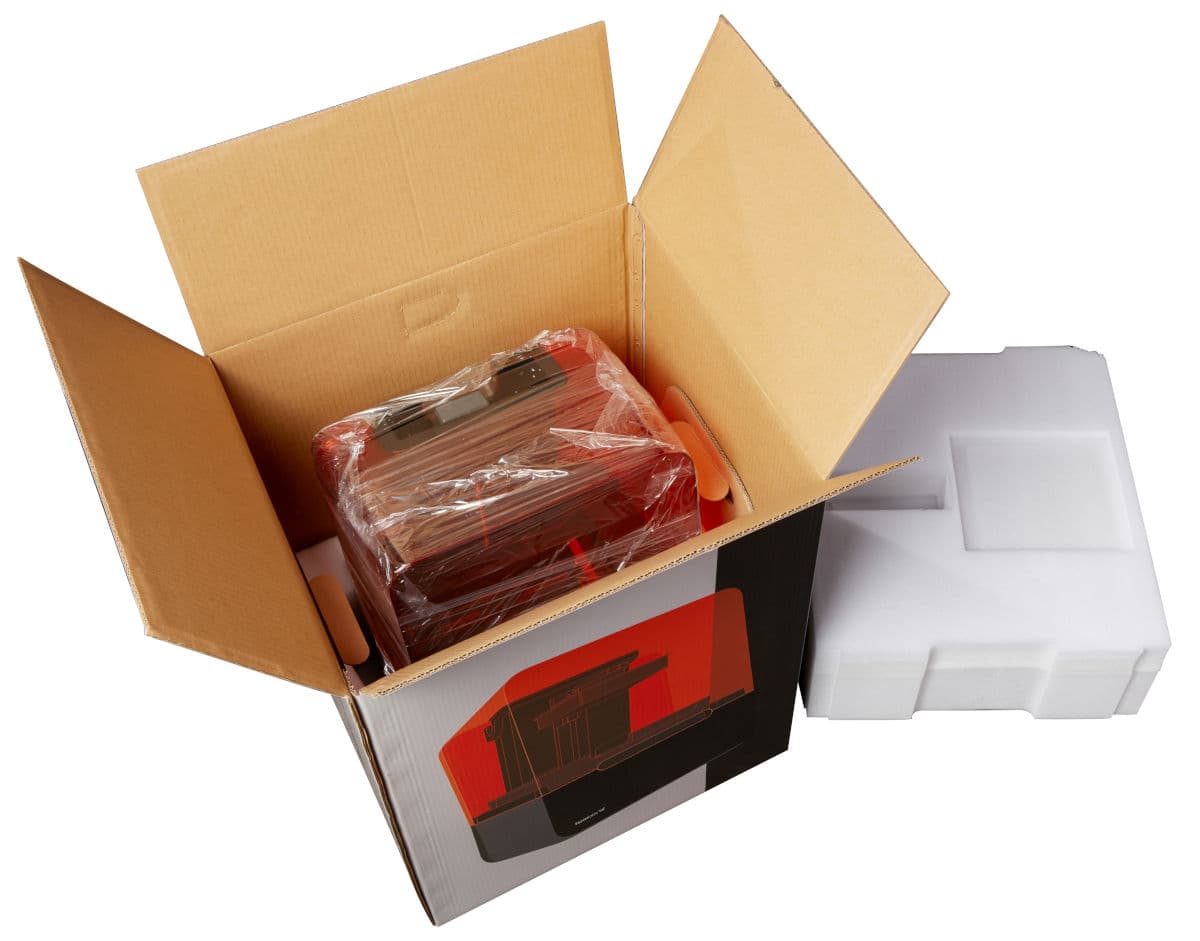
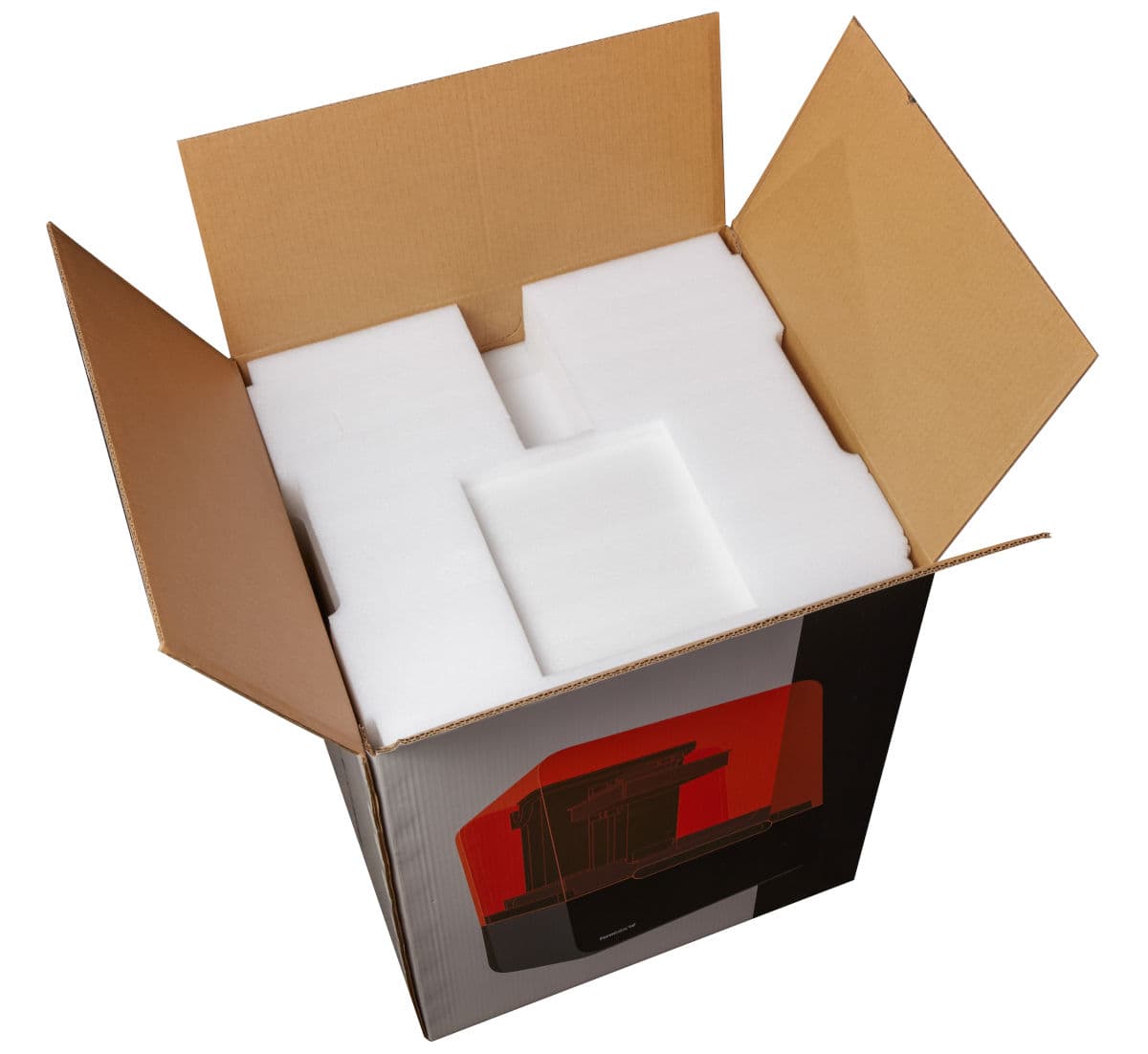
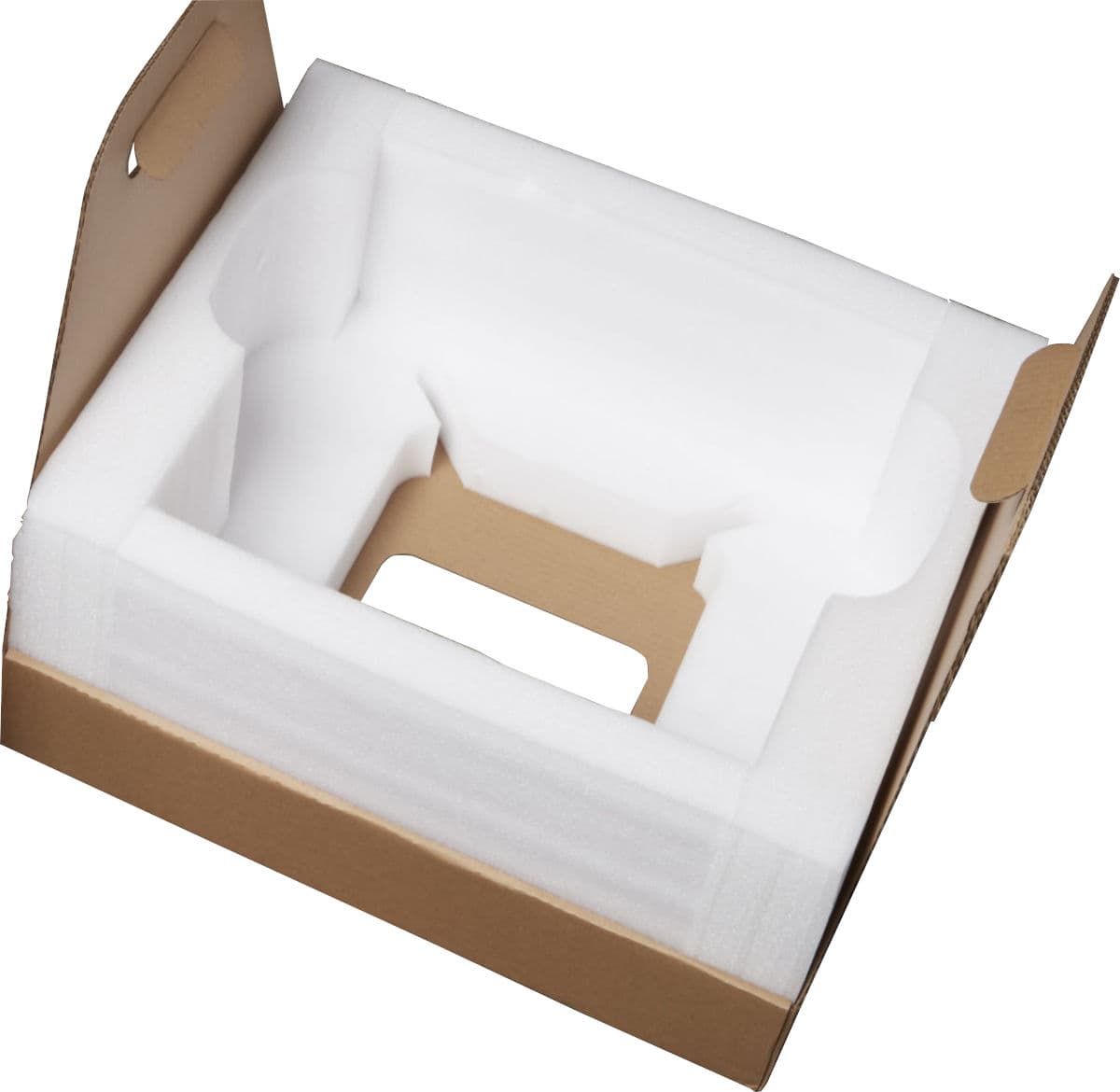
Form 3/Form 3B packaging materials are designed to be kept and reused for transporting your printer. The printer’s complete packaging kit consists of:
Preparing to ship
Notice:
If you are shipping a printer to Formlabs, do not ship the build platform, resin tank, power and USB cables, and other accessories. These items will not be returned to you.
Inspecting and reassembling packaging
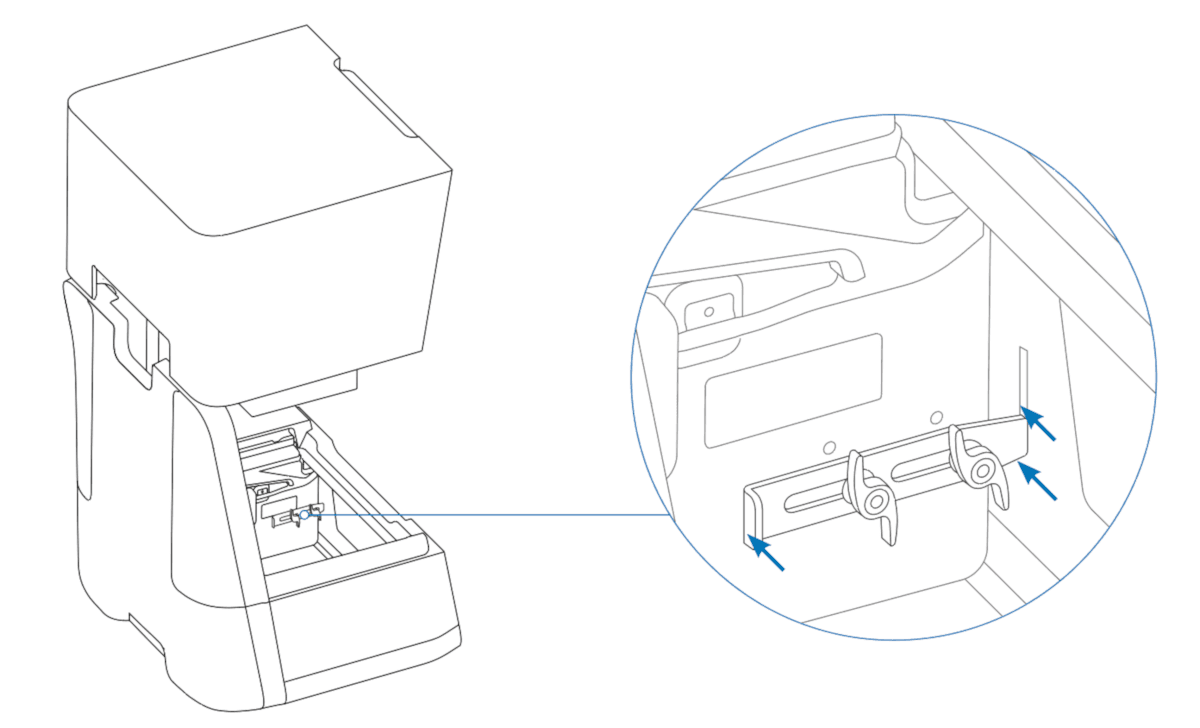
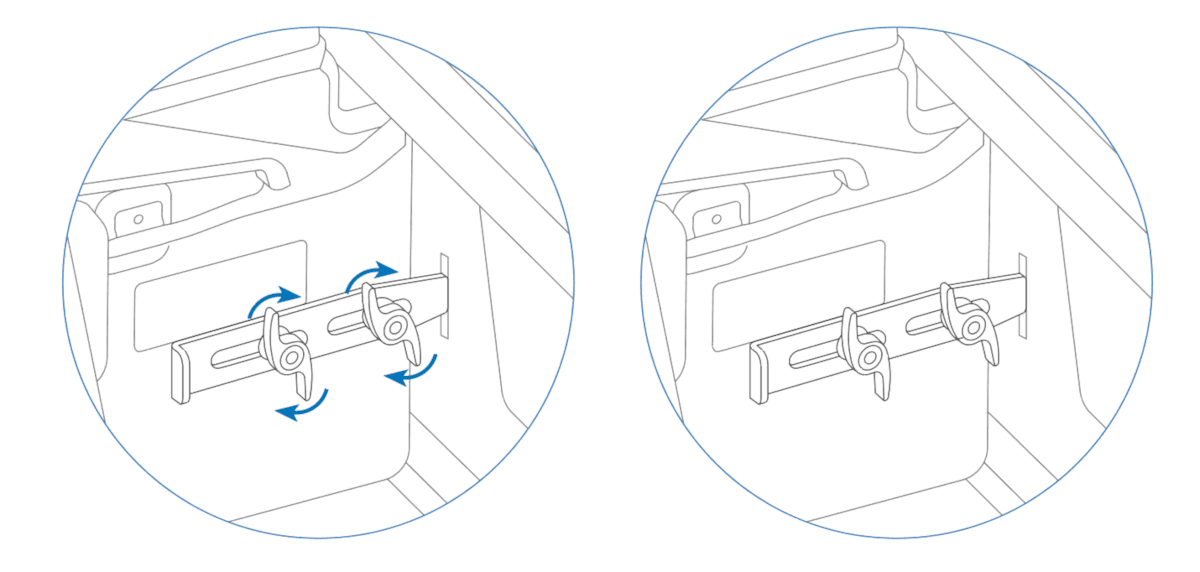
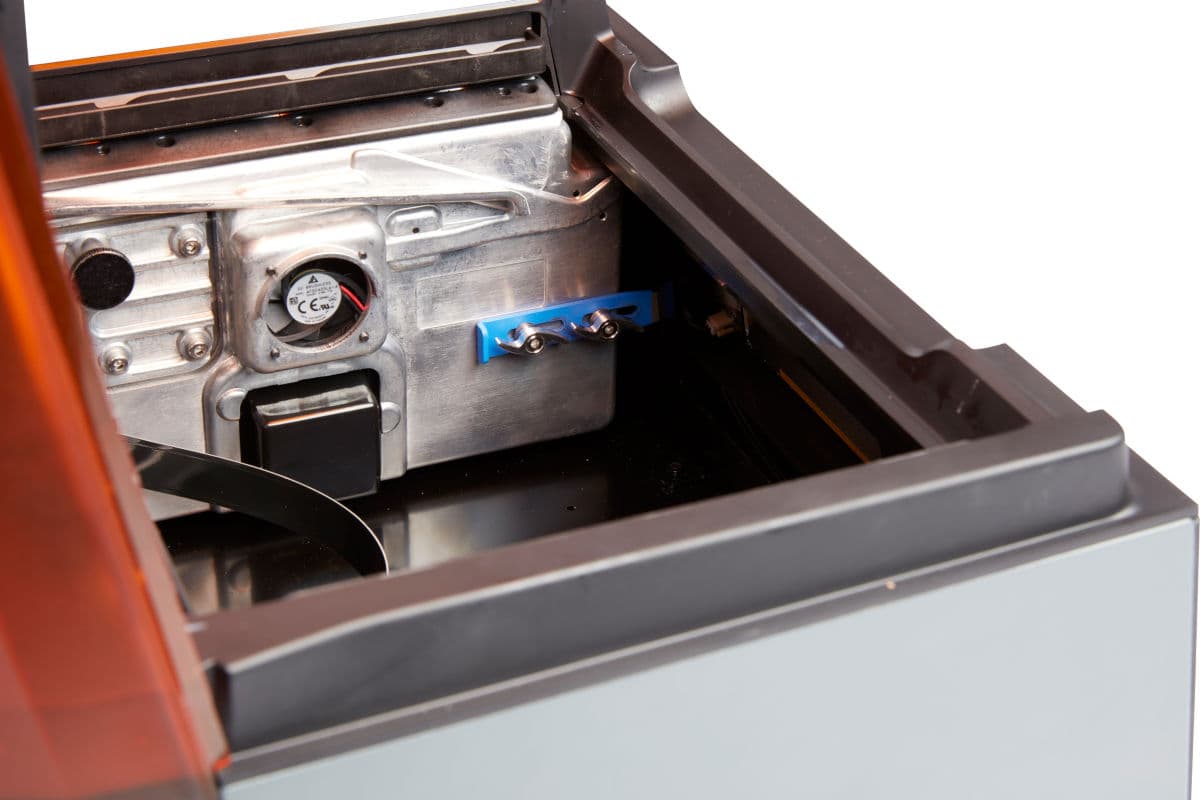
Installing the shipping latch
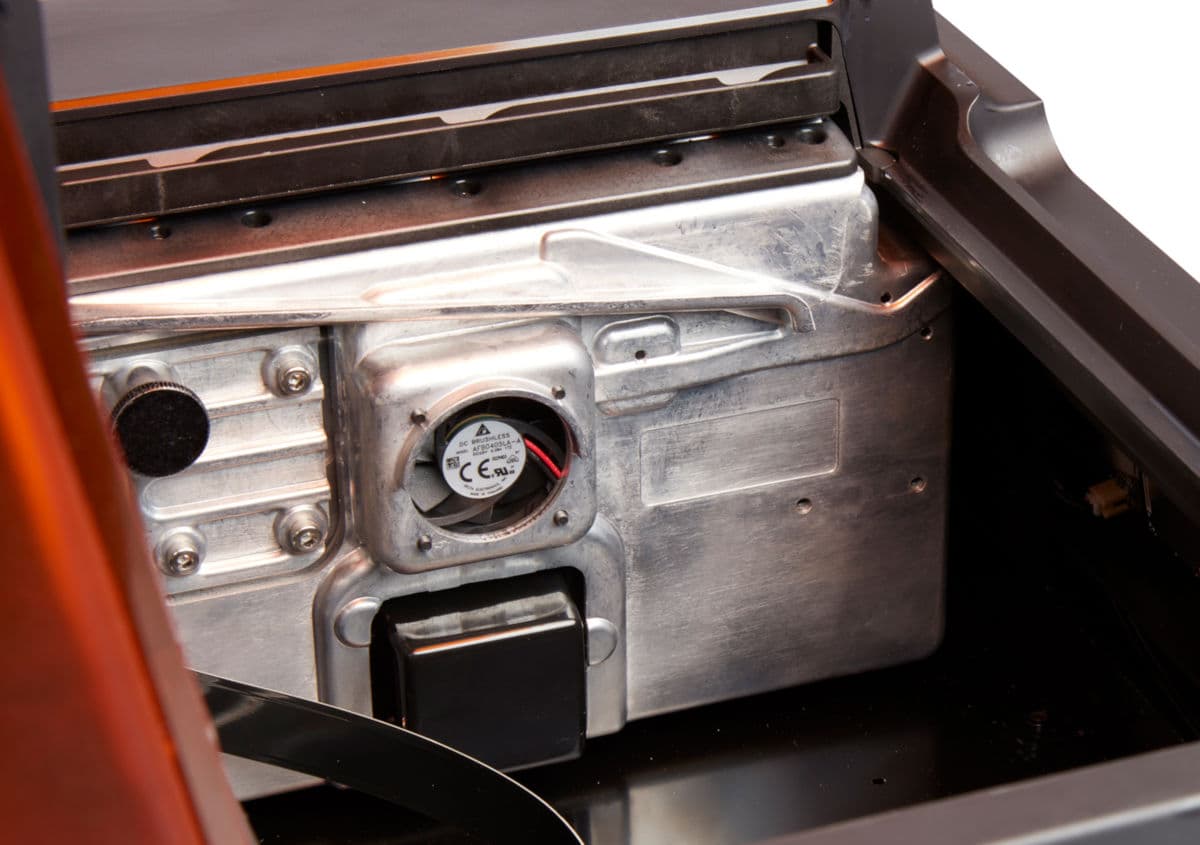
The Light Processing Unit (LPU) housing has a shipping latch that must be installed before shipping the Form 3/Form 3B. This prevents damage to the LPU and the optical components it contains.
The shipping latch is removed during the initial printer setup. If you do not have the original shipping latch, contact Formlabs Support or your authorized reseller.
Wrapping the printer
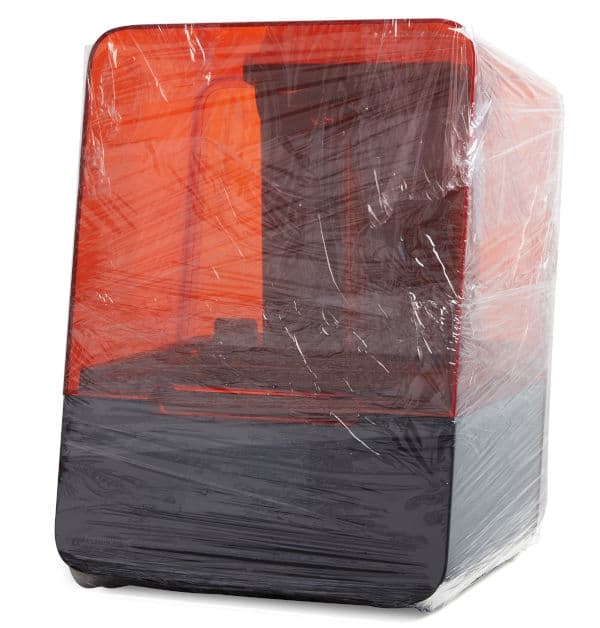
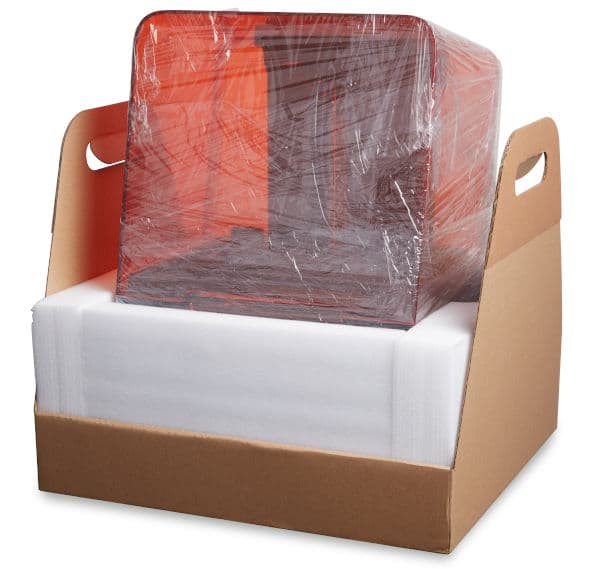
Securely wrap the seam between the printer’s top cover and lower shell to maintain alignment in transit. Wrap with plastic wrap multiple times horizontally and vertically so the entire printer is covered and the cover is firmly stabilized.
Packing the printer