WHITE PAPER
Formlabs Logo

Shipping your Form 3L/Form 3BL

Shipping your Form 3L/Form 3BL

Follow these instructions to package the Form 3L/Form 3BL for protection during shipping or transit. The printer’s original packaging is required for warranty service.

Packaging materials

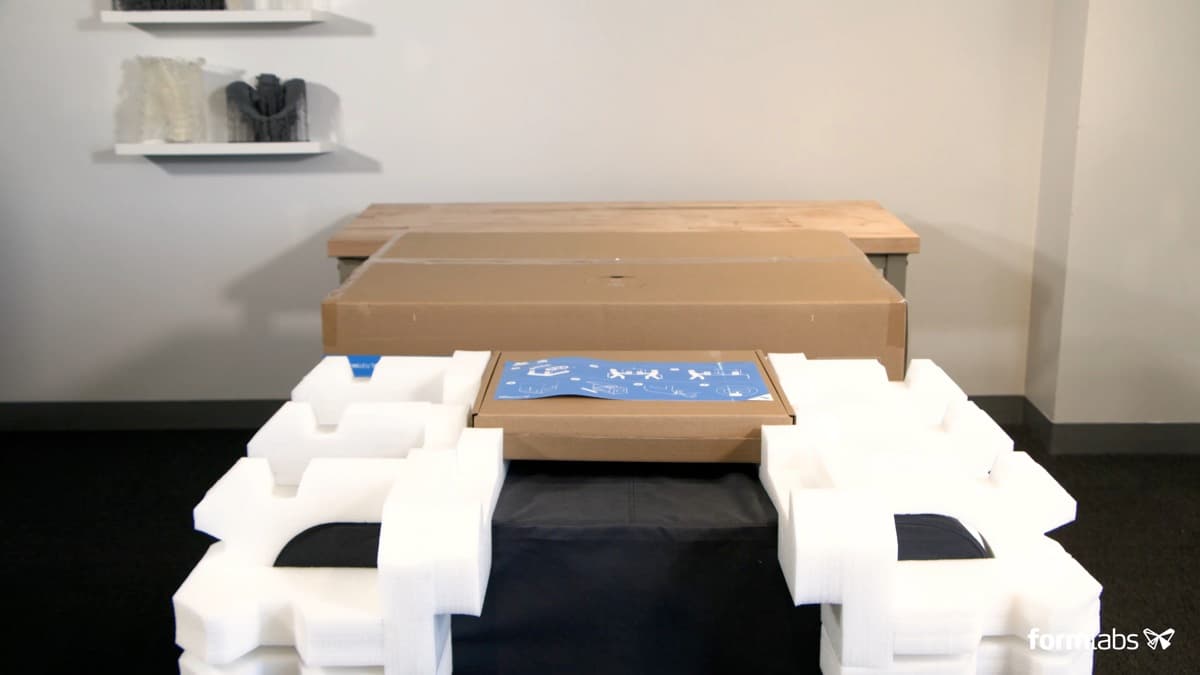
Form 3L/Form 3BL packaging materials are designed to be kept and reused for transporting your printer. The printer’s complete packaging kit consists of:

  • 1 outer carton, cardboard
  • 1 carrier tray, cardboard
  • 1 carrier tray insert, foam
  • 2 lifting straps, cardboard
  • 2 upper inserts, foam
  • 1 X-stage brace, cardboard
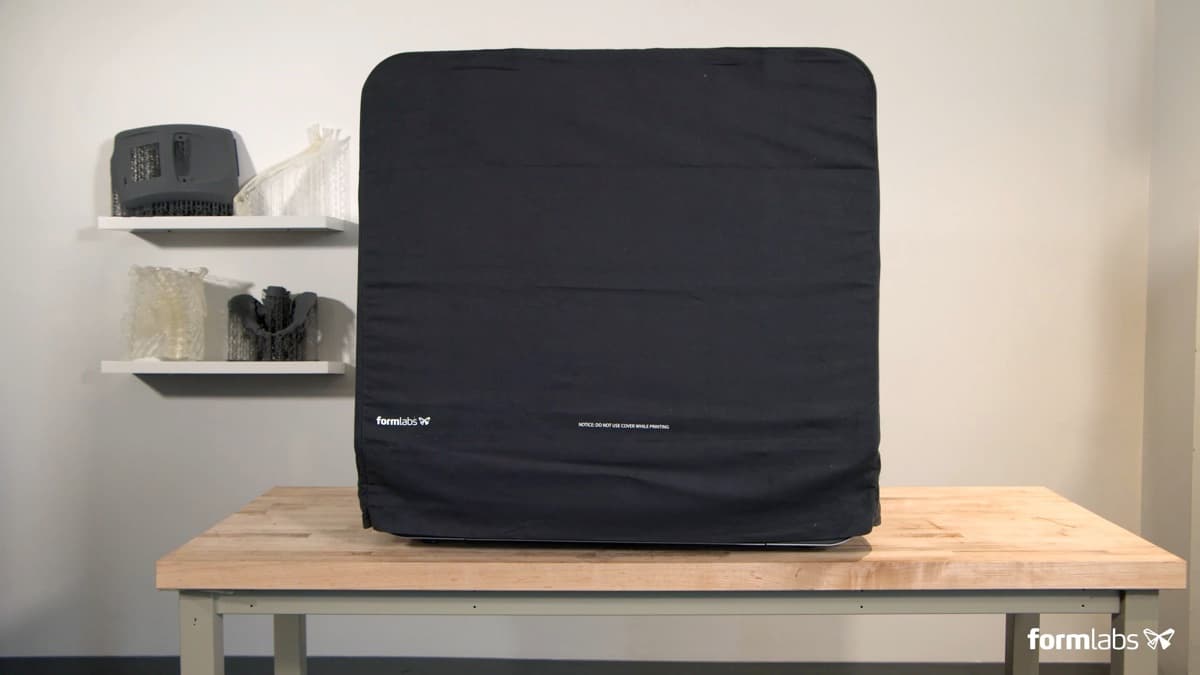
  • 1 microfiber printer sleeve

Preparing to ship

To prepare the printer:

  1. Always remove the build platform, resin tank, and resin cartridges before moving or packaging the printer.
  2. Wipe residual resin from the build platform and store the platform away from sunlight.

Notice:

Do not ship the printer with any resin inside. Resin left inside the machine can leak during transit, which may result in additional fees or void the warranty.

Do not ship the printer with the resin tank, resin cartridges, or build platform inserted into the printer. Consumables left inside the machine can become loose during transit and damage sensitive components, which may result in additional fees or void the warranty.
  1. Store the resin tank in the tank case.
  2. Store the resin cartridges with the vent caps pressed closed and the valve covers installed.
  3. Unplug all cables (power, Ethernet, and USB) from the back of the machine.
  4. Unscrew the Wi-Fi antenna from the back of the unit.

Notice:

When shipping a printer to Formlabs or a certified service provider for replacement or repair, the build platform, resin tank, resin cartridges, power and USB cables, and other accessories should not be shipped and will not be returned after service. Original packaging is required for warranty service. Contact Formlabs Support or a certified service provider for unique guidance on shipping requirements.

Packing the printer

To package the printer:

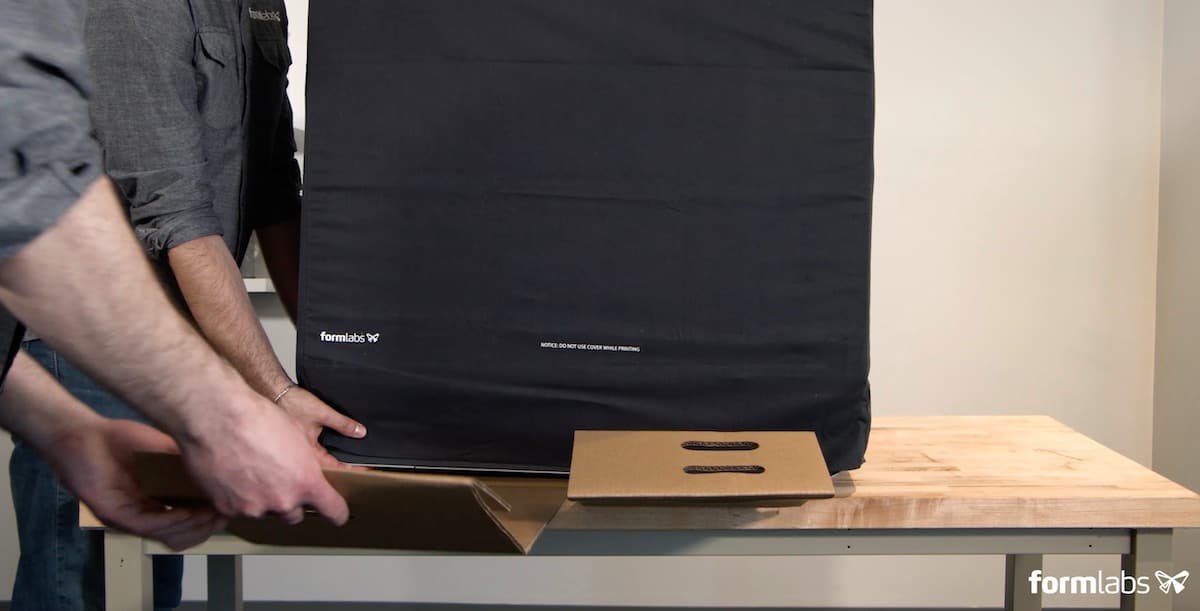
  • Tilt one side of the printer up and slide a carrying sling underneath. Repeat with a second sling under the other side of the printer.
  • Lower the outer box onto the printer.
  • Seal each edge of the opening with adhesive packing tape.