

Cleaning the Fuse X1 camera window and purge housing
Cleaning the Fuse X1 camera window and purge housing
The Fuse X1 uses a camera to monitor the status of the print. If the printer detects a defect in a part, it stops printing that specific part in order to safely and successfully complete the rest of the print job. Any contamination blocking the camera could lead to inaccurate print monitoring and print failures.
Clean the camera window and purge housing after every 240 hours of printing time (roughly every two weeks), or when indicated by the printer touchscreen.
To clean the camera window and purge housing:
-
Open the print chamber door.
-
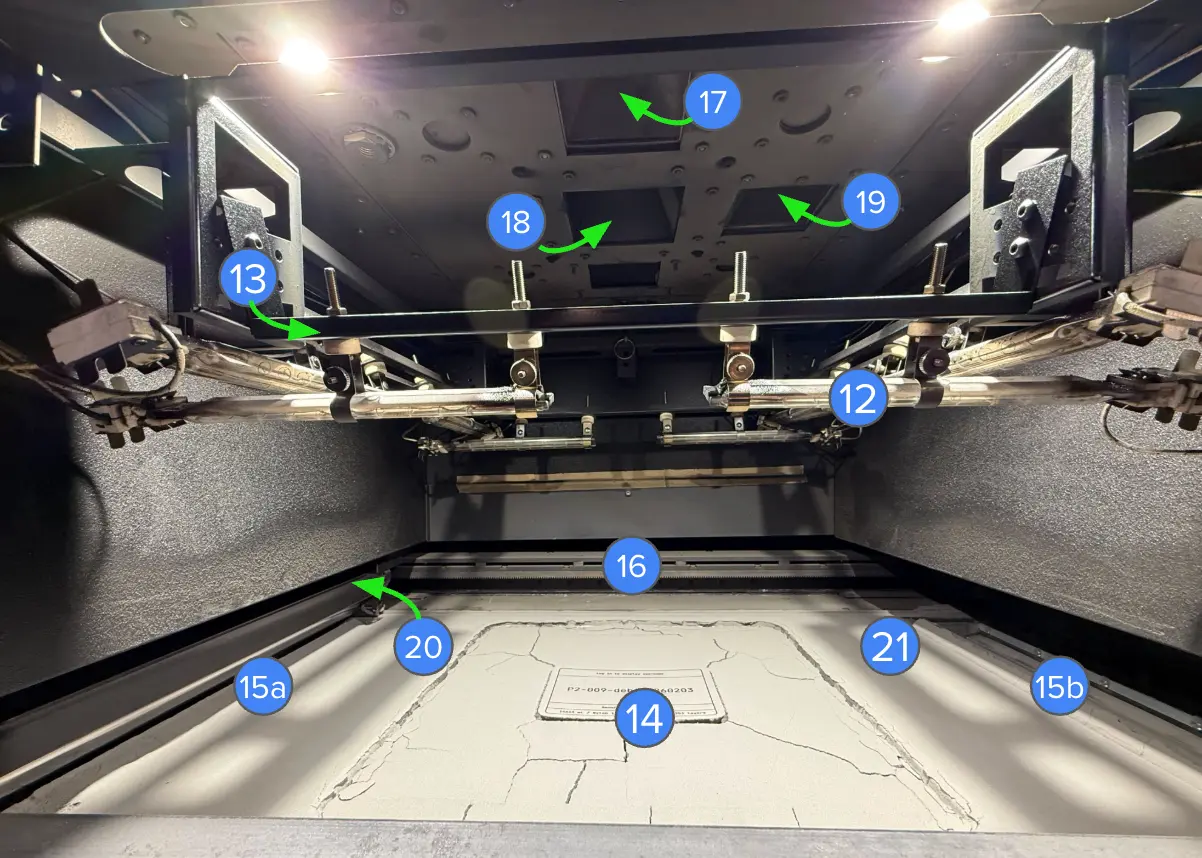
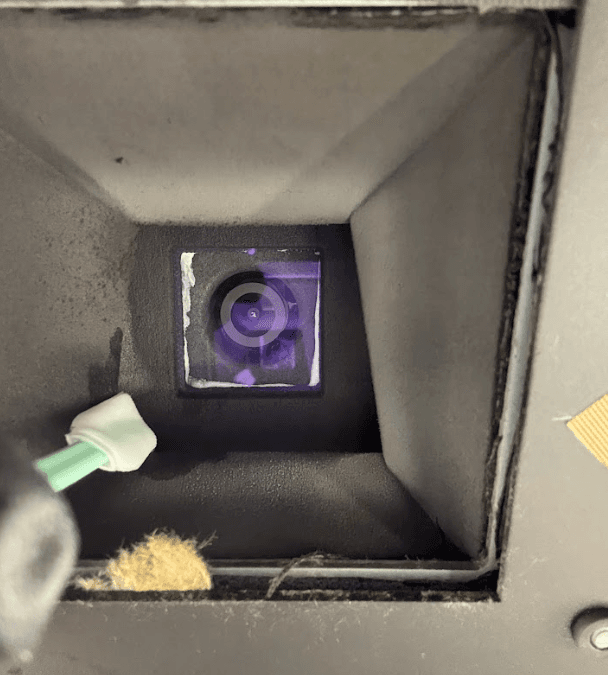
Use a telescoping mirror wand to locate the inside of the camera purge housing (item 17 in the figure below).
- Use a polyester swab wetted with ethanol to wipe the inner surface of the purge housing.
-
Using an 8 mm hex driver, unlatch and open the maintenance access door, above the print chamber door.
-
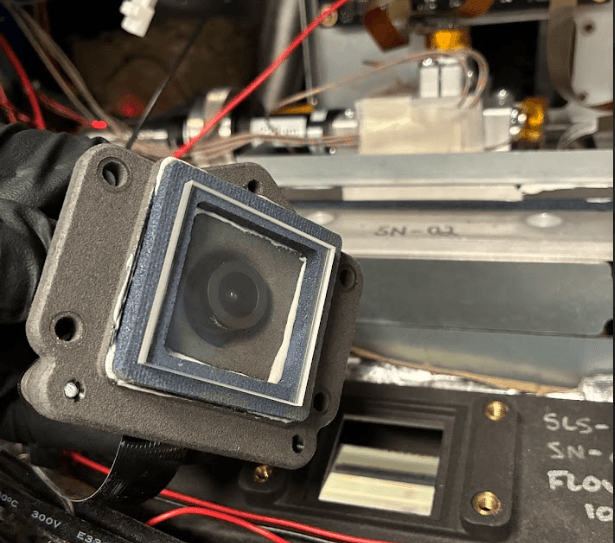
Unlatch the camera module from the printer.
-
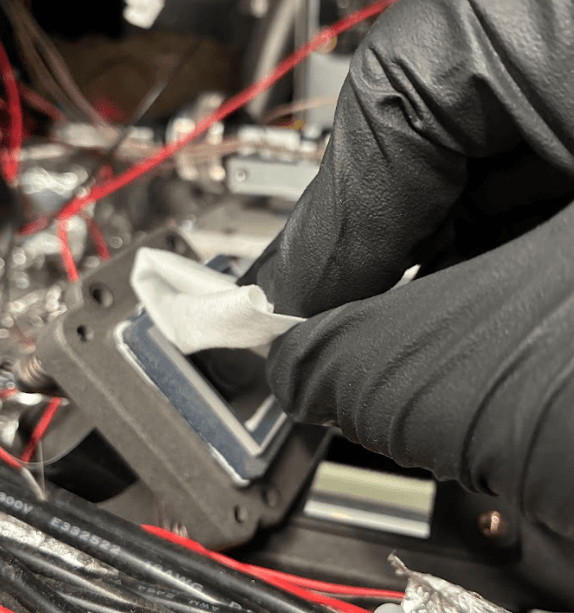
Remove the camera and use a microfiber cloth wetted with ethanol to wipe the window.
-
Place the camera module on its mount and latch it in place.
-
Close the maintenance access door. Latch it shut using an 8 mm hex driver.