
Notice:
Take extreme care not to damage the tank film when stirring the resin. Using a sharp tool can scratch, puncture, or deform the film. Damaged tanks may impact print quality or cause resin spills.

Some resins contain pigments that settle during storage, particularly if a resin tank has not been used for an extended period of time. The Form Studio 1 will remind you to stir the resin with the included plastic tank scraper to homogenize the resin.
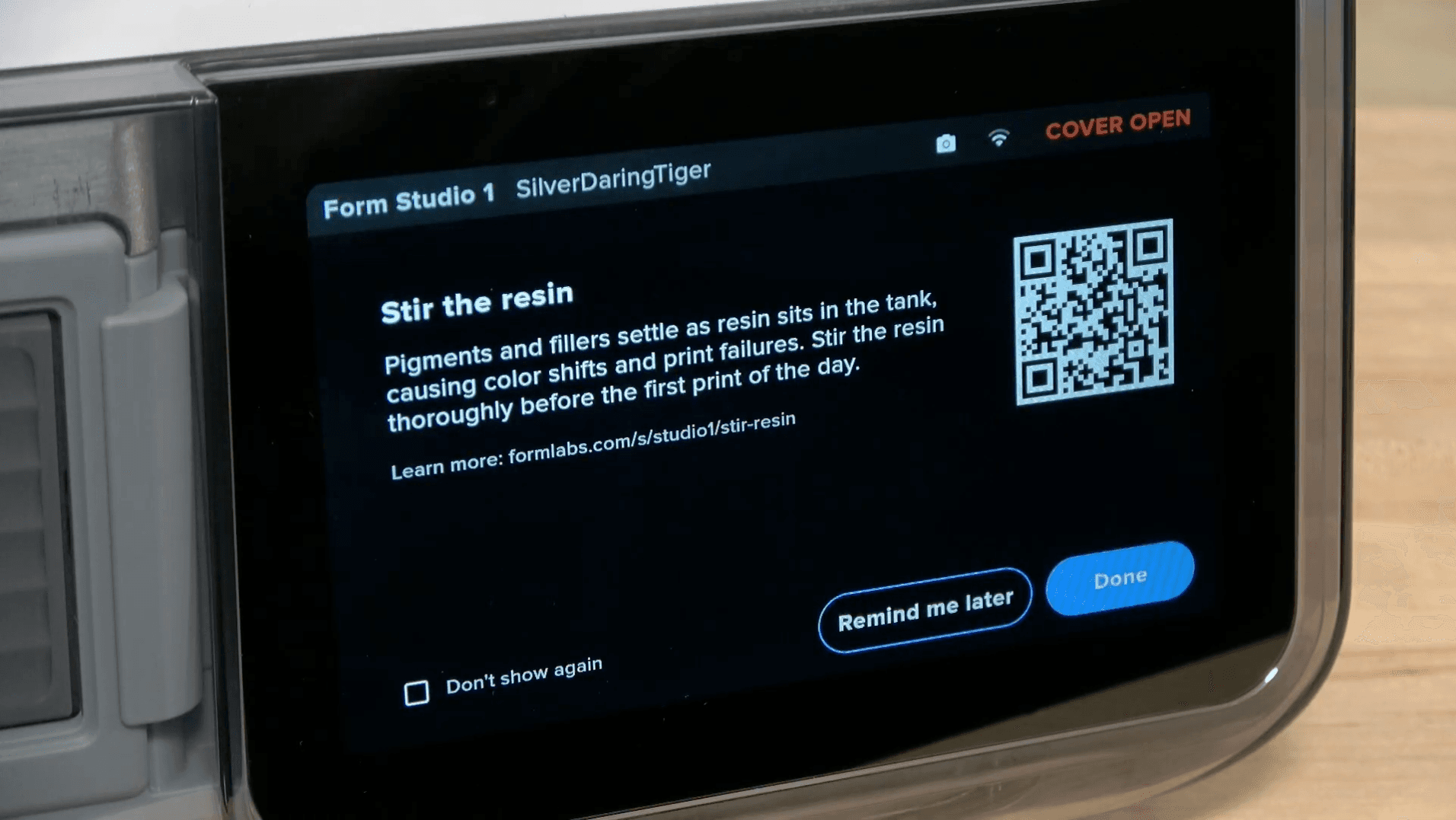
When you see the Stir the resin notification:
Formlabs also recommends shaking the resin cartridge to homogenize the resin before inserting it into the printer.
Notice:
Take extreme care not to damage the tank film when stirring the resin. Using a sharp tool can scratch, puncture, or deform the film. Damaged tanks may impact print quality or cause resin spills.