
Tip:
Formlabs recommends registering powder to its intended printer as soon as you receive it, even if it will not be used immediately.

As printed parts are extracted from the powder cake, the Fuse Sift collects unsintered powder to be reused and recycled in another print job. Because this powder has been exposed to the heat of the Fuse 1’s print enclosure, this recycled powder must be mixed with fresh powder to ensure a continued level of success when printing. Fill the new powder hopper with fresh powder before dispensing powder into a powder cartridge.
https://www.youtube.com/watch?v=wOfuoGOxYts
Registering powder
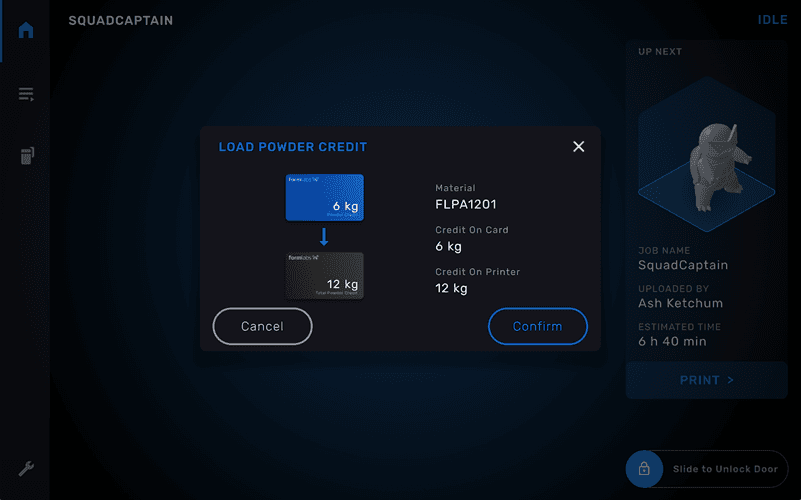
Before adding new powder to the Fuse Sift, register the powder to the printer you intend to use it with.
To register powder on a Fuse 1:
Tip:
Formlabs recommends registering powder to its intended printer as soon as you receive it, even if it will not be used immediately.
Adding fresh powder to the fresh powder hopper
Fill the hopper with fresh powder to ensure that the proper dispense ratio is maintained when powder is later transferred from the different hoppers into the cartridge.
To add fresh powder to the fresh powder hopper:
Tip:
If your powder is packaged in a bag, pour directly from the bag into the fresh powder hopper or use a clean scoop to transfer the powder. Consider using a tool with a built-in dispenser, such as a bird seed scoop, to minimize spills.
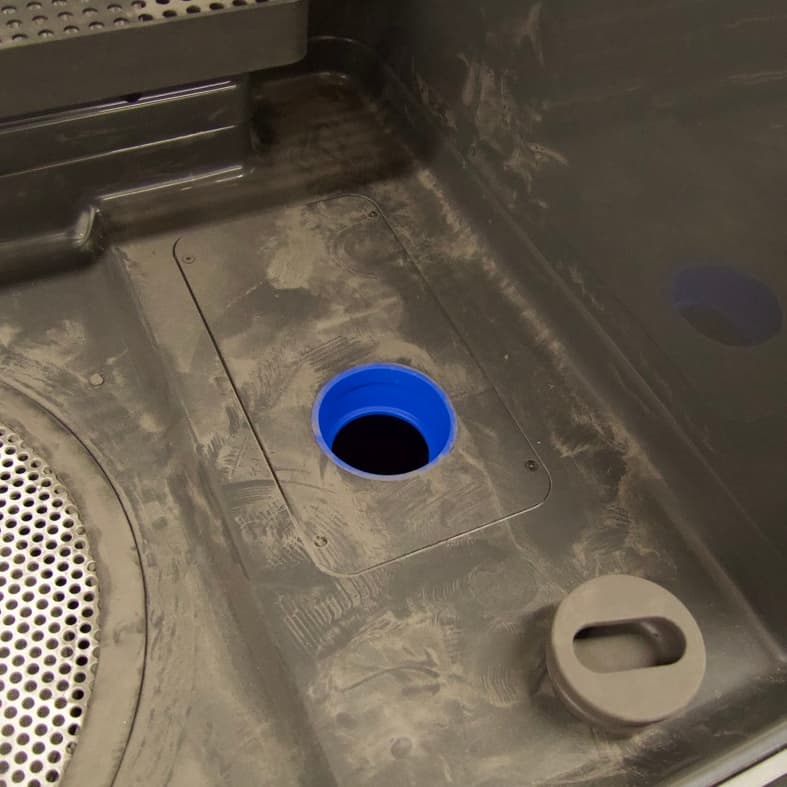
Original fresh powder hopper without Fuse Sift Funnel
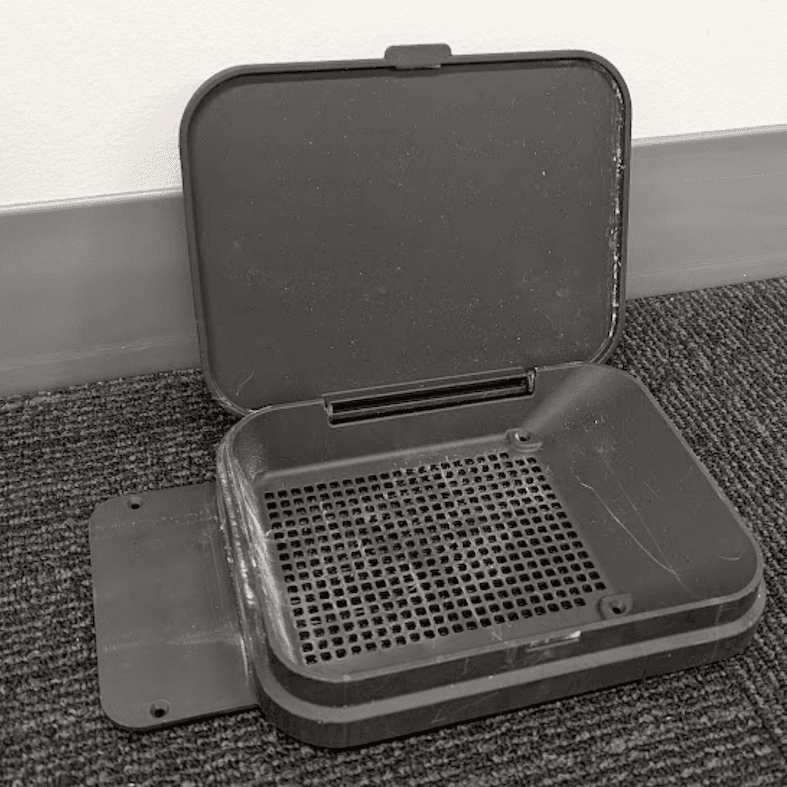
Fuse Sift Funnel with lid opened
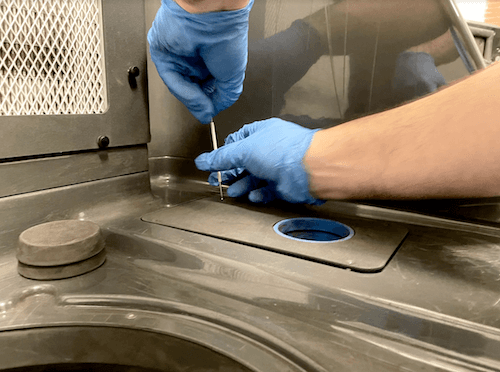
Installing the Fuse Sift Funnel
If your Fuse Sift has a flat fresh powder hopper lid with a plug, it may be difficult to fill the hopper with bagged powder. Purchase or print and install the Fuse Sift Funnel to more easily fill the fresh powder hopper.
Next steps
Once your fresh powder hopper has been filled, you are ready to dispense both used and fresh powder into a powder cartridge.