Caution:
Do not use compressed air or an air gun to clean the print enclosure, build chamber, or any other component. Mobilizing loose powder increases the risk of unintentional inhalation or ingestion.

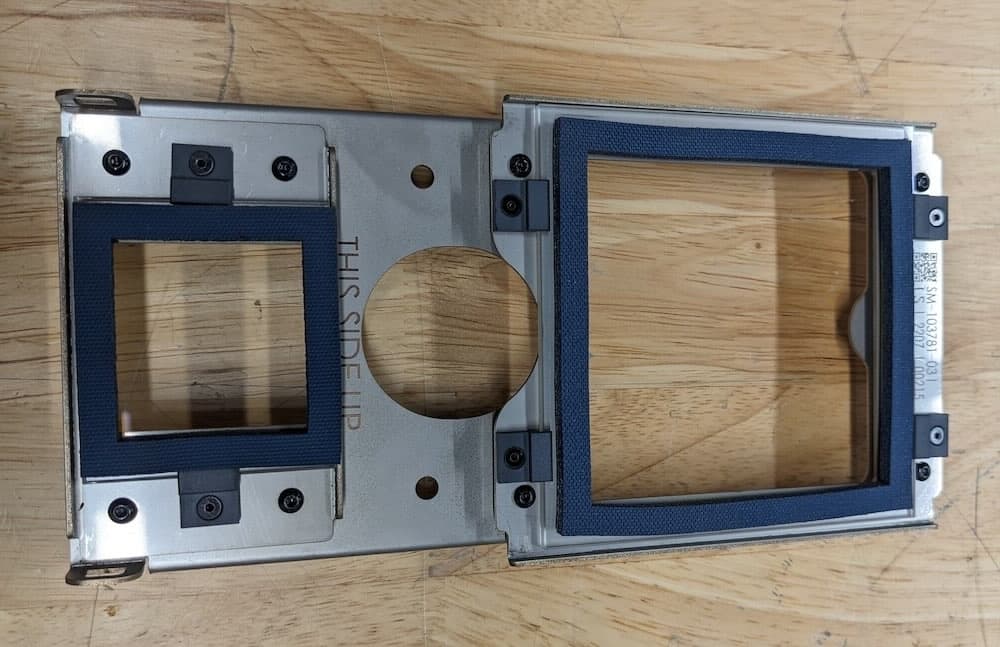
Inspect the Fuse 1’s optical cassette after every print. If the optical cassette is contaminated or dirty, clean it before using it again.
The standard cleaning process requires ethanol. If the standard process is insufficient, perform a more thorough cleaning using Alconox, ethanol, and distilled water. Dispenser bottles for these cleaning agents come packaged with the Fuse 1.

Caution:
Do not use compressed air or an air gun to clean the print enclosure, build chamber, or any other component. Mobilizing loose powder increases the risk of unintentional inhalation or ingestion.
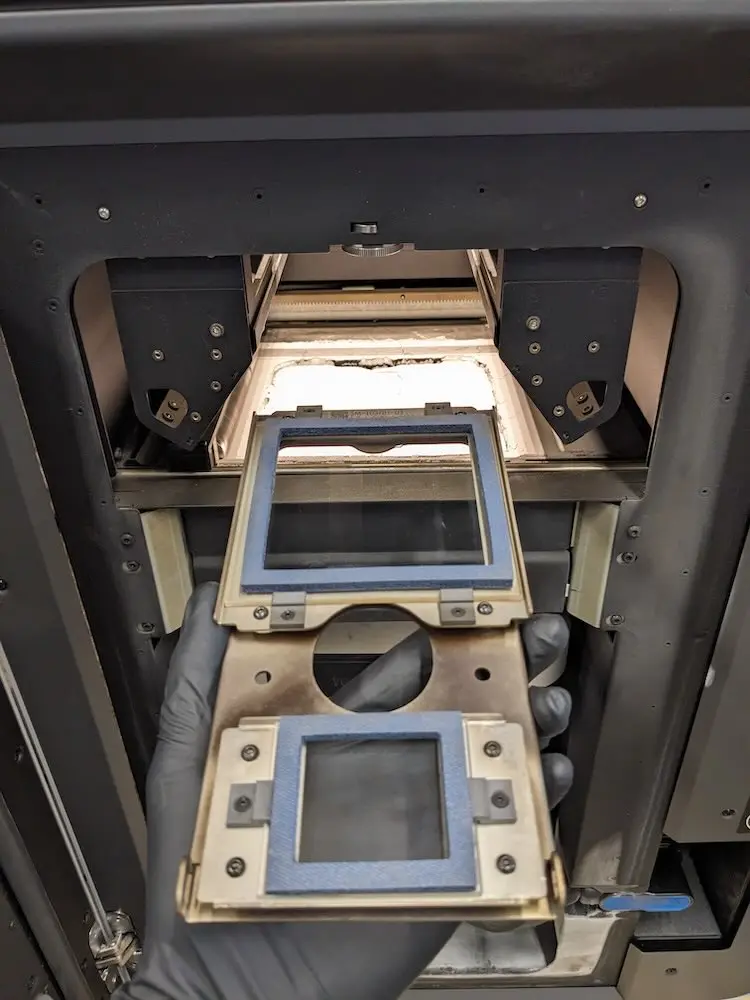
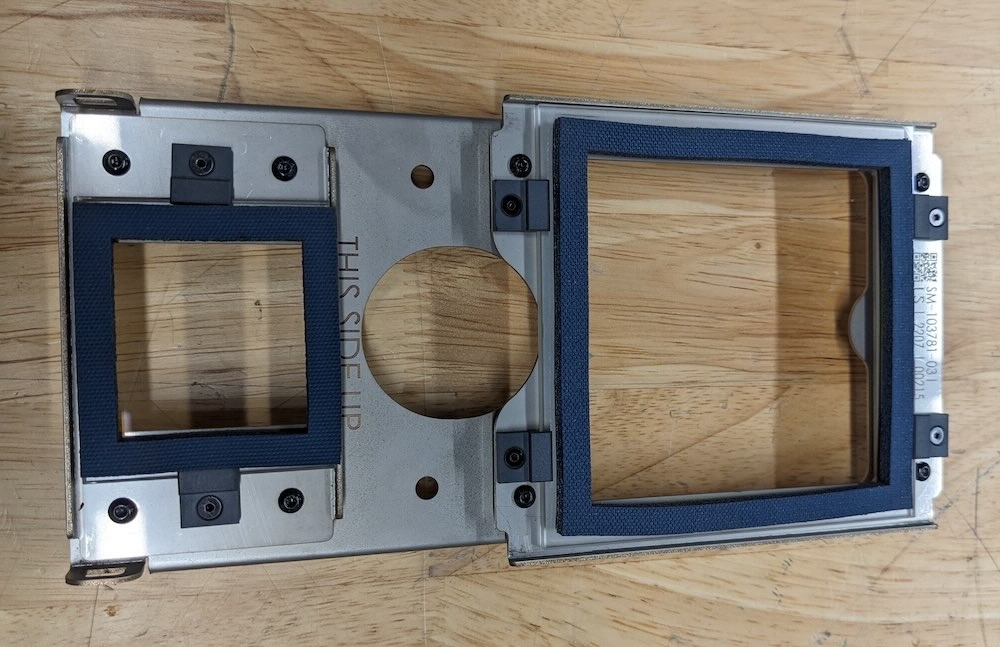
Before cleaning: An optical cassette removed from the Fuse 1 after a print job. The optical cassette shows defined streaking and clouding.
Note:
If there are visible streaks or deposits on the glass, or if sections look foggy, repeat the procedure. Small blemishes or color differences do not affect print success or quality.
Required resources
Estimated time: 15 minutes
Standard cleaning:
Full cleaning:
Note:
If ethanol is unavailable, 99.9% isopropyl alcohol is an acceptable alternative cleaning agent. Isopropyl alcohol does not evaporate as quickly as ethanol and is more difficult to clean with.
Inspecting the optical cassette
Inspect the optical cassette after each print to determine if it needs to be cleaned.
Step 1: Remove the optical cassette
Remove the optical cassette from the printer. For detailed instructions, see the support article Removing and replacing the Fuse 1’s optical cassette.
Step 2: Inspect the optical cassette
Inspect the optical cassette for signs of loose powder, dust, condensed outgassed compounds, or other contaminants. Look for:
If you see that the optical cassette has been contaminated, clean it following the standard optical cassette cleaning procedure below. Expect to need to clean the optical cassette after 5–10 prints.
Standard optical cassette cleaning
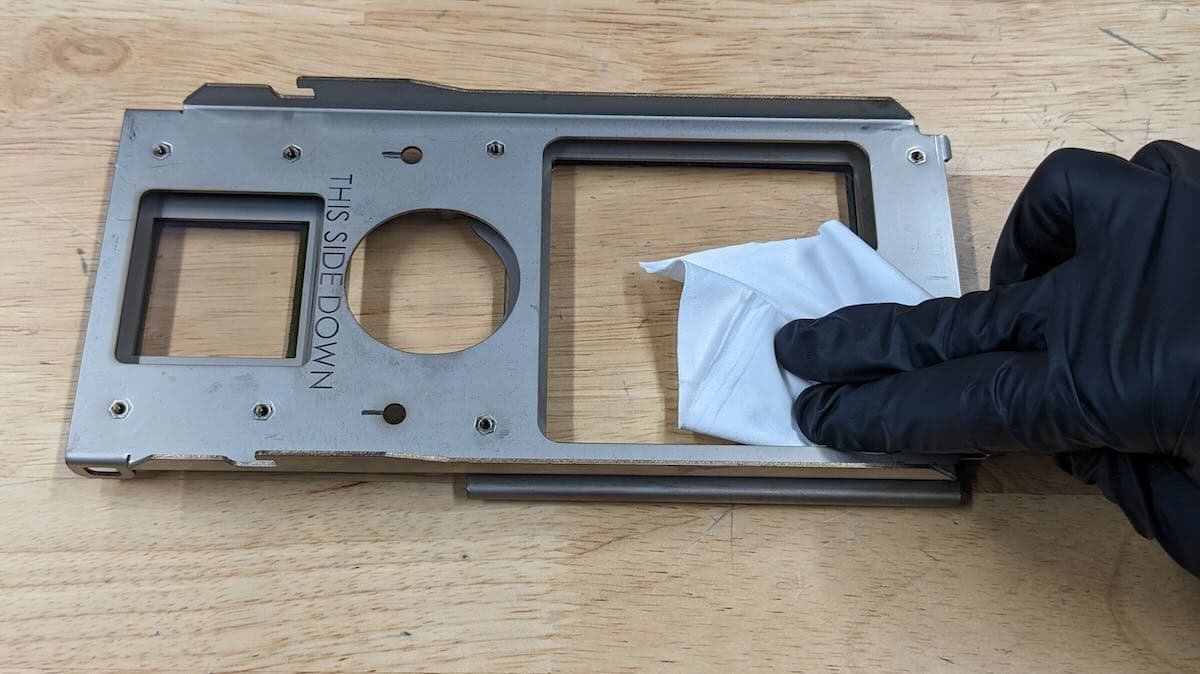
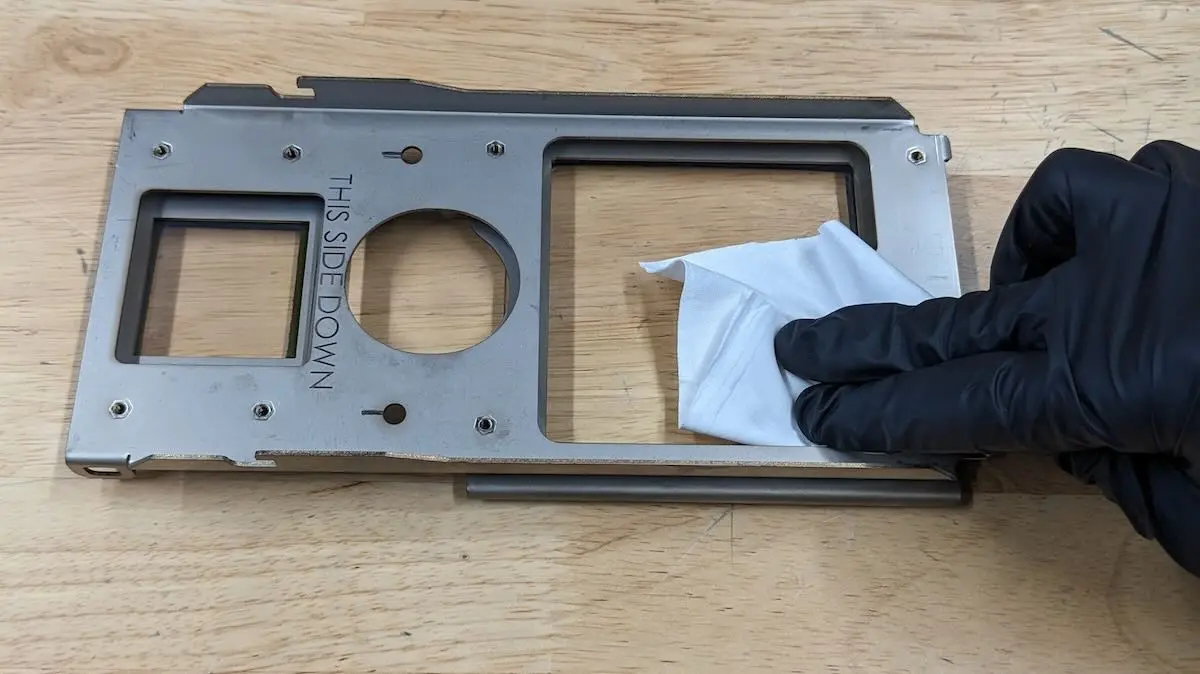
Place the optical cassette on a clean, flat surface with the gaskets face down. Clean the glass optical window by wiping a microfiber cleaning cloth wet with ethanol in a crosshatch pattern.
Step 1: Put on gloves
Put on a new, clean pair of nitrile gloves. Powder, skin oils, and other contaminants may smudge the glass windows.
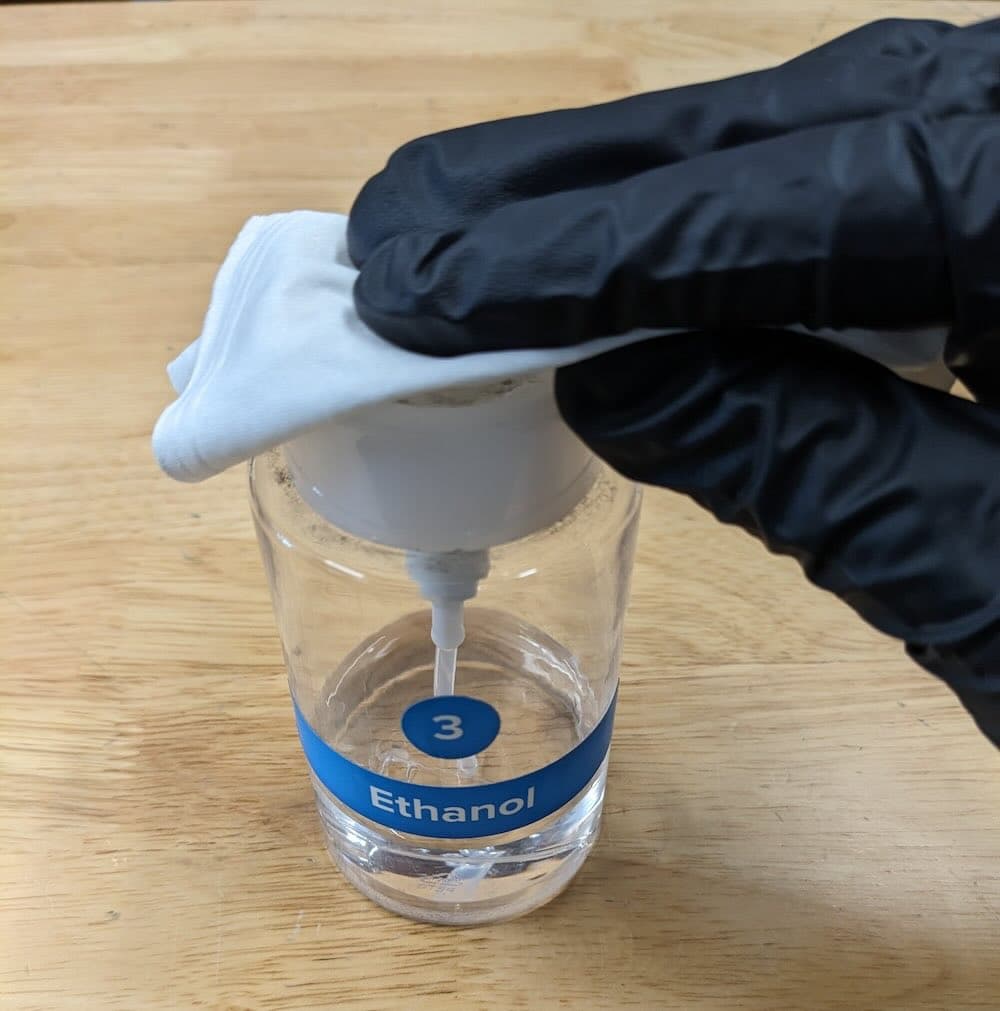
Step 2: Wet a new microfiber cleaning cloth with ethanol
To wet a new microfiber cleaning cloth with ethanol:
Step 3: Wipe the optical cassette
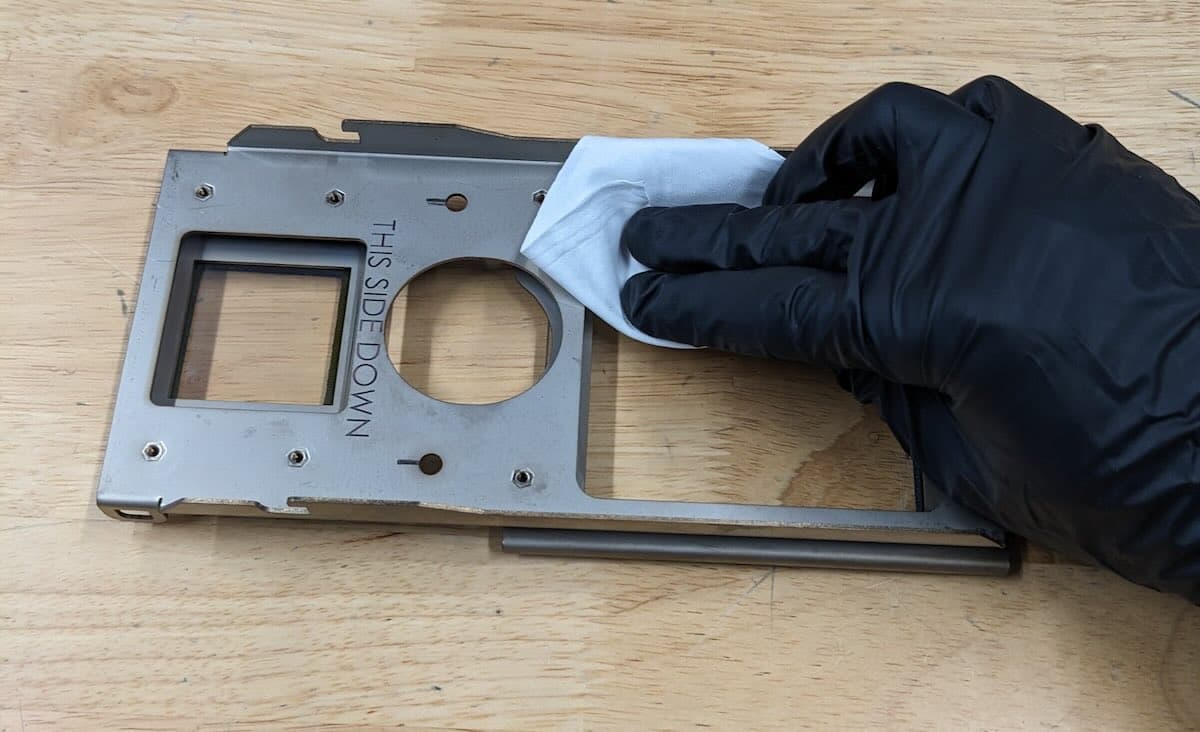
Wipe the optical cassette with the microfiber cleaning cloth wetted with ethanol in a single direction, moving across the glass until the entire window has been cleaned.
Step 4: Wipe perpendicular to the first pass
Perform a second wipe with the microfiber cleaning cloth. Wipe in a direction that is perpendicular to the first pass.
Step 5: Wet a new microfiber cleaning cloth with ethanol
Wet an unused microfiber cleaning cloth with ethanol as in step 1.
Step 6: Wipe the optical cassette gaskets
Pick up the optical cassette and wipe the gaskets with the microfiber cleaning cloth to remove any contaminants.
Step 7: Wait for ethanol to evaporate
Allow 1–2 minutes for the ethanol on the optical cassette to fully evaporate before inspecting the glass windows and reinserting the optical cassette into the printer.
Note:
Small blemishes or color differences do not affect print success or quality.
Additional cleaning steps
Cleaning the optical cassette with Alconox
Use Alconox to perform the first cleaning of the optical cassette by wiping in a cross-hatch pattern.
Step 1: Put on gloves
Put on a new, clean pair of nitrile gloves. Powder, skin oils, and other contaminants may smudge the glass windows.
Step 2: Place the dirty optical cassette on a clean surface
Place the dirty optical cassette, with the gaskets facing down, on a clean surface. The side without gaskets should be face up.
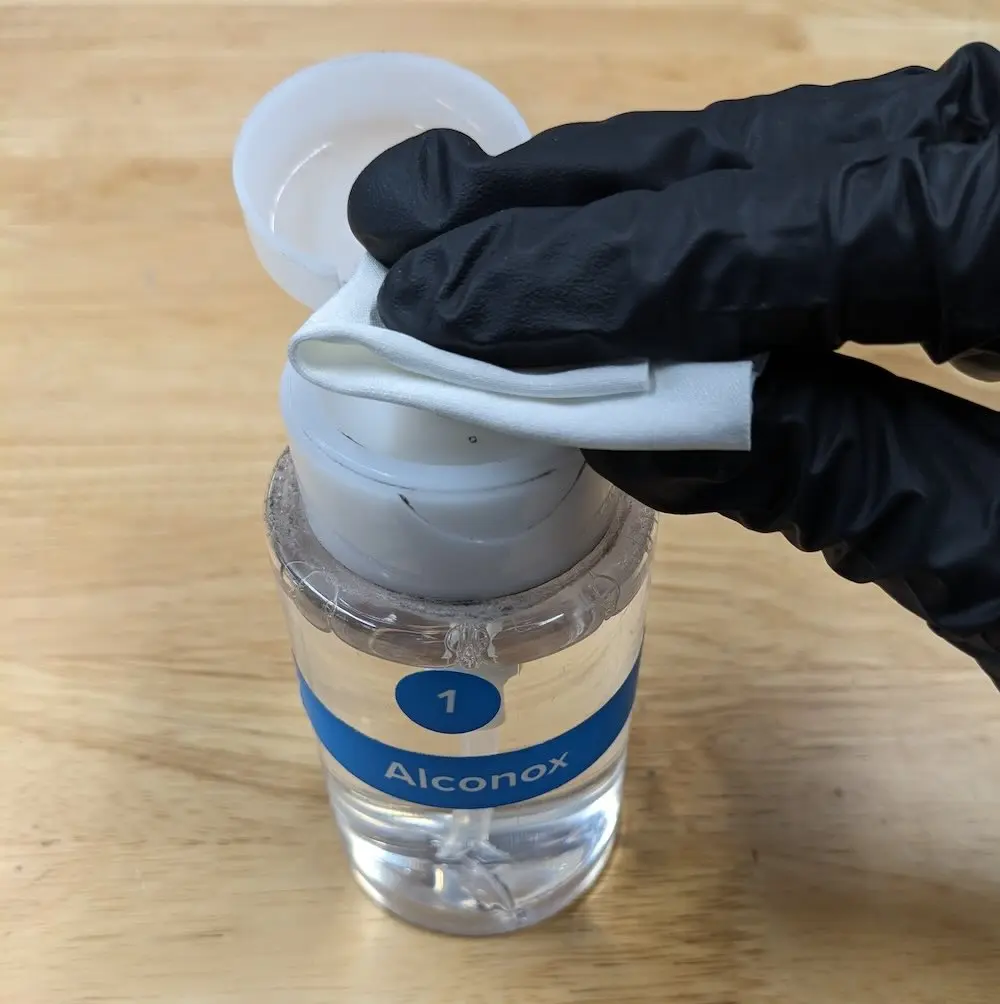
To wet a new microfiber cleaning cloth with Alconox:
Step 4: Wipe the optical cassette
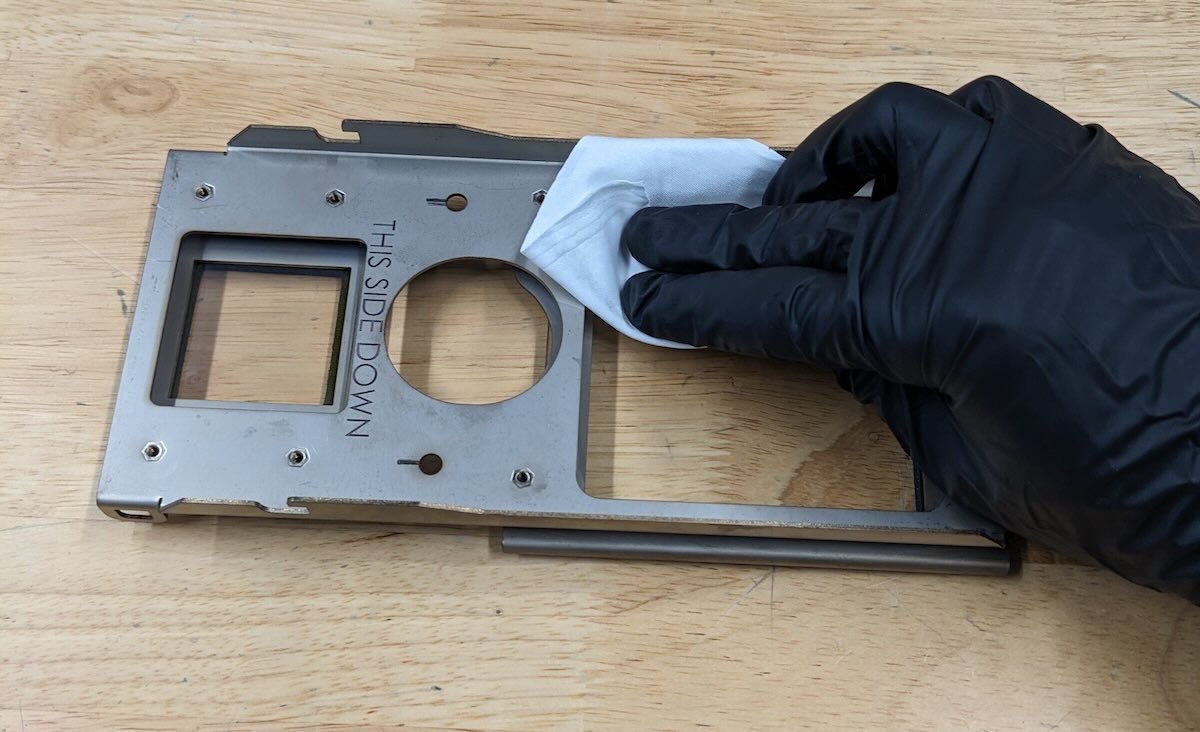
Wipe the optical cassette with the microfiber cleaning cloth wetted with Alconox in a single direction, moving across the glass surface until the entire surface has been cleaned.
Note:
The side without blue gaskets should be cleaned while the optical cassette is face up on a clean surface.
Wipe the glass again with the same microfiber cleaning cloth, in a direction that is perpendicular to the first pass.
Cleaning the optical cassette with distilled water
After wiping the glass windows with Alconox, clean off the Alconox with distilled water.
Step 1: Clean or change gloves
Before continuing, either wipe down your gloves with a new cleaning cloth wetted with distilled water or exchange them for new gloves. This prevents trace amounts of Alconox from being redeposited onto the optical cassette.
Step 2: Rinse the optical cassette with distilled water
Rinse the optical window thoroughly with distilled water dispensed from a squirt bottle. Ensure that all Alconox is fully removed from the optical cassette.
Step 3: Dry the optical cassette with a new microfiber cleaning cloth
Wipe the optical cassette with a new, dry cleaning cloth until the glass surface dries.
Note:
It may require multiple cleaning cloths to fully dry the entire optical cassette.
Cleaning the optical cassette with ethanol
Once the optical cassette is clean with distilled water and dry, perform one last cleaning pass by wiping a microfiber cleaning cloth wet with ethanol in a crosshatch pattern. Leave the optical cassette positioned as-is, with the gaskets face down.
To wet a new microfiber cleaning cloth with ethanol:
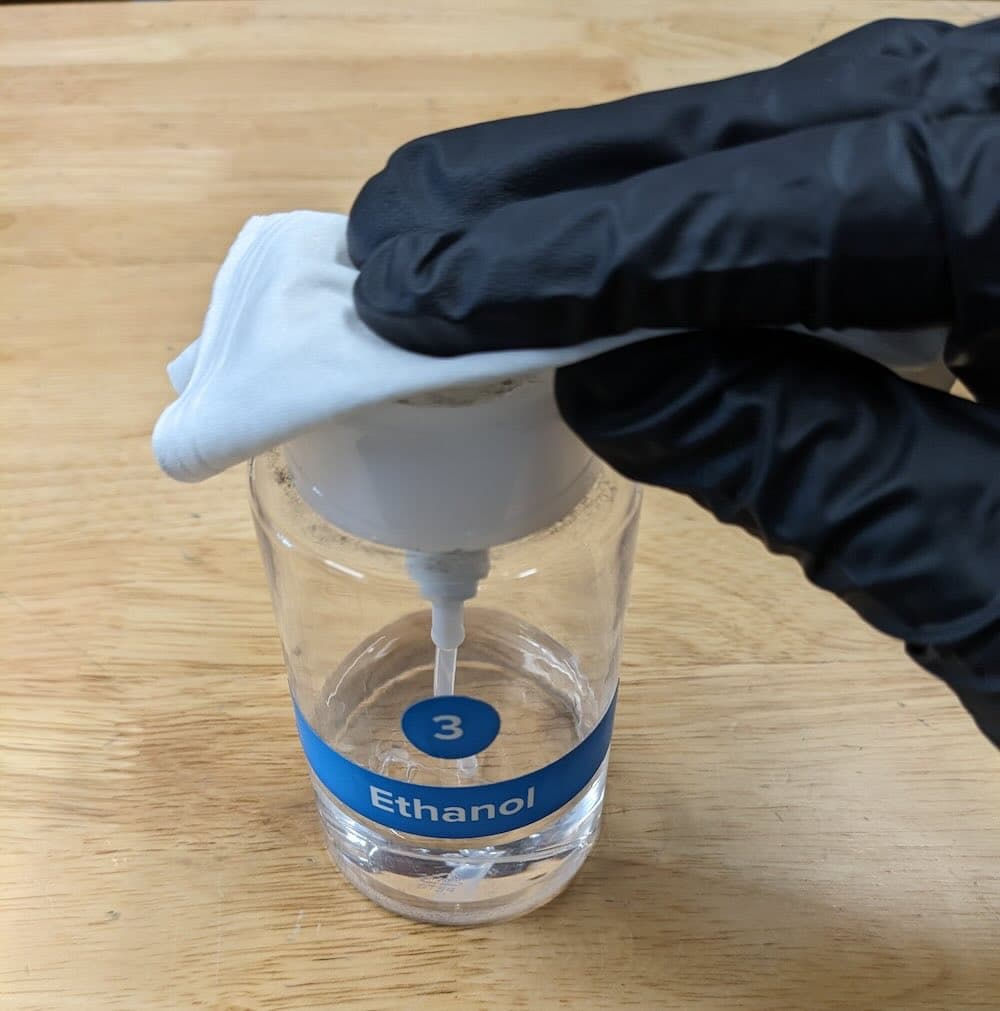
Wipe the the optical cassette with the microfiber cleaning cloth wetted with ethanol in a single direction, moving across the glass until the entire window has been cleaned.
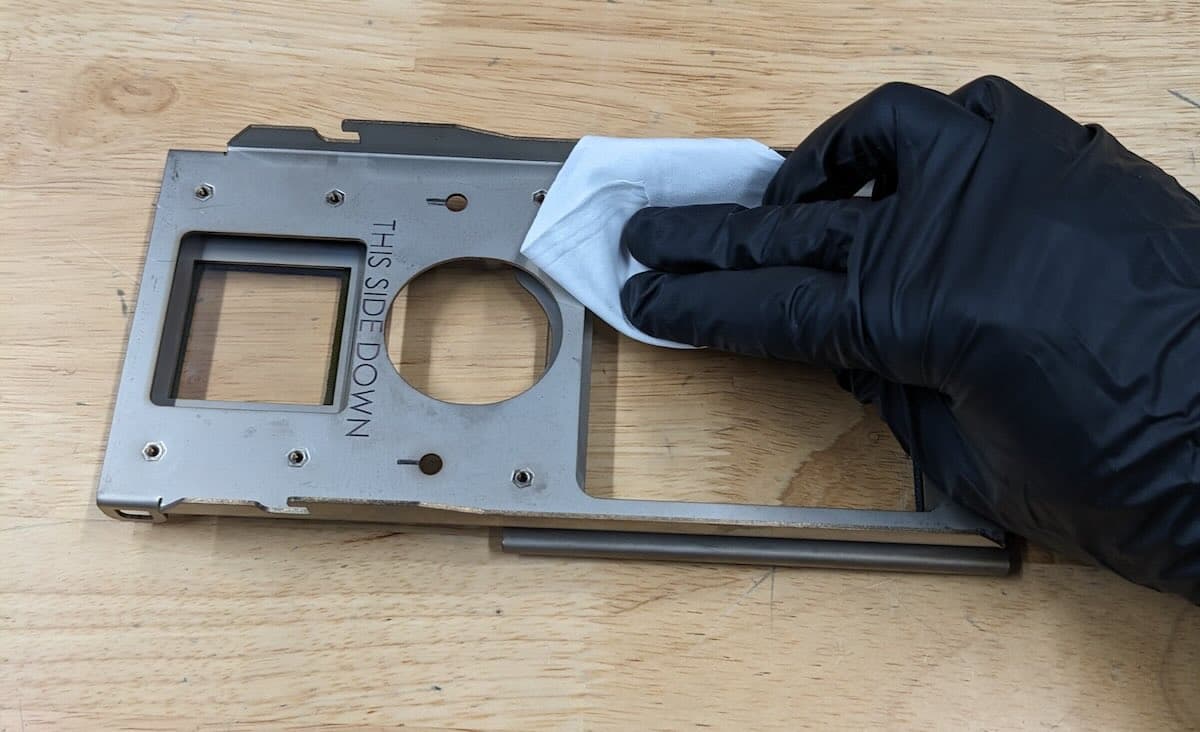
Perform a second wipe with the microfiber cleaning cloth. Wipe in a direction that is perpendicular to your first pass.
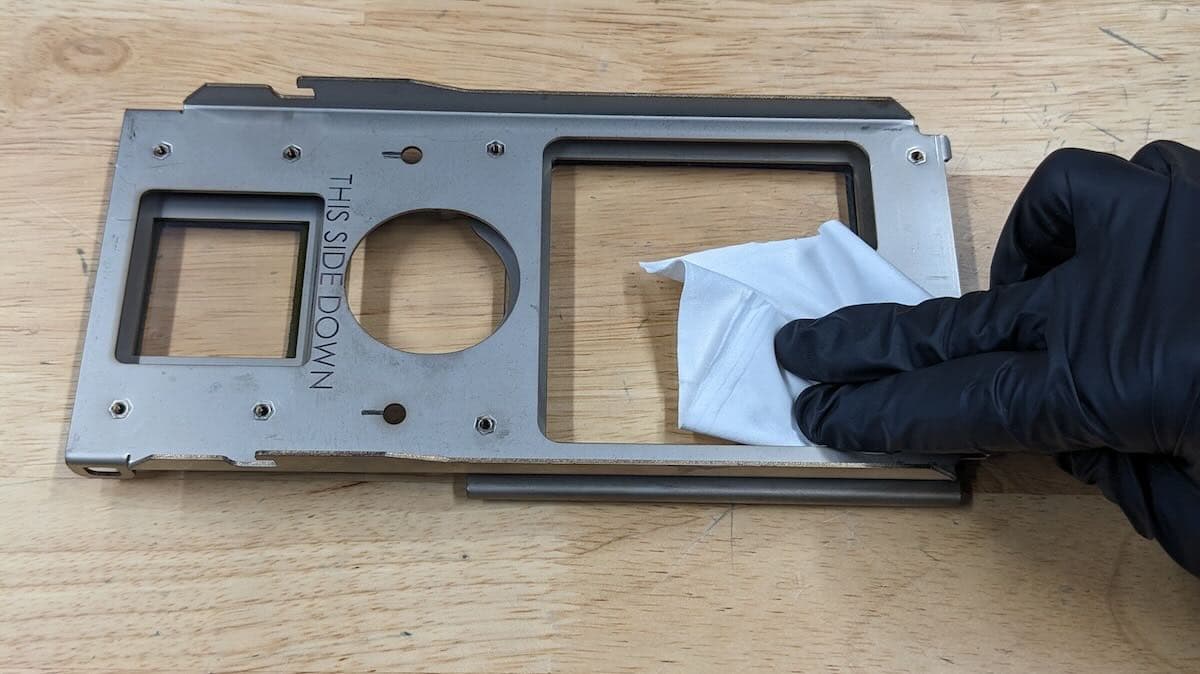
Step 4: Wait for ethanol to evaporate
Allow 1–2 minutes for the ethanol on the optical cassette to fully evaporate before inspecting the glass windows and reinserting the optical cassette into the printer.
Inspect the glass windows of the optical cassette. If there are visible streaks or deposits, or sections look foggy, repeat the procedure.