
Warning:
Use appropriate personal protective equipment when handling loose or unsintered powder. Refer to the support articles Safety with Fuse 1 generation printers and Safety with the Fuse Sift for more information.

The powder cartridge is the container in which SLS powder is mixed and transported from the Fuse Sift to the printer’s hopper. For the best printing results, store and maintain powder cartridges according to Formlabs recommendations.

Warning:
Use appropriate personal protective equipment when handling loose or unsintered powder. Refer to the support articles Safety with Fuse 1 generation printers and Safety with the Fuse Sift for more information.
Cleaning the powder cartridge internal cavity
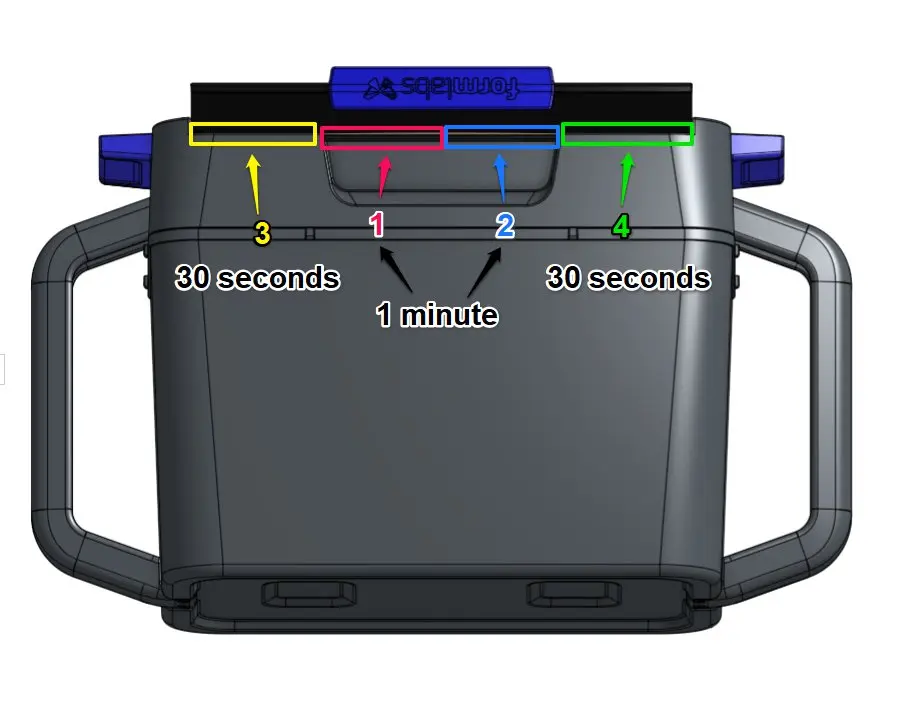
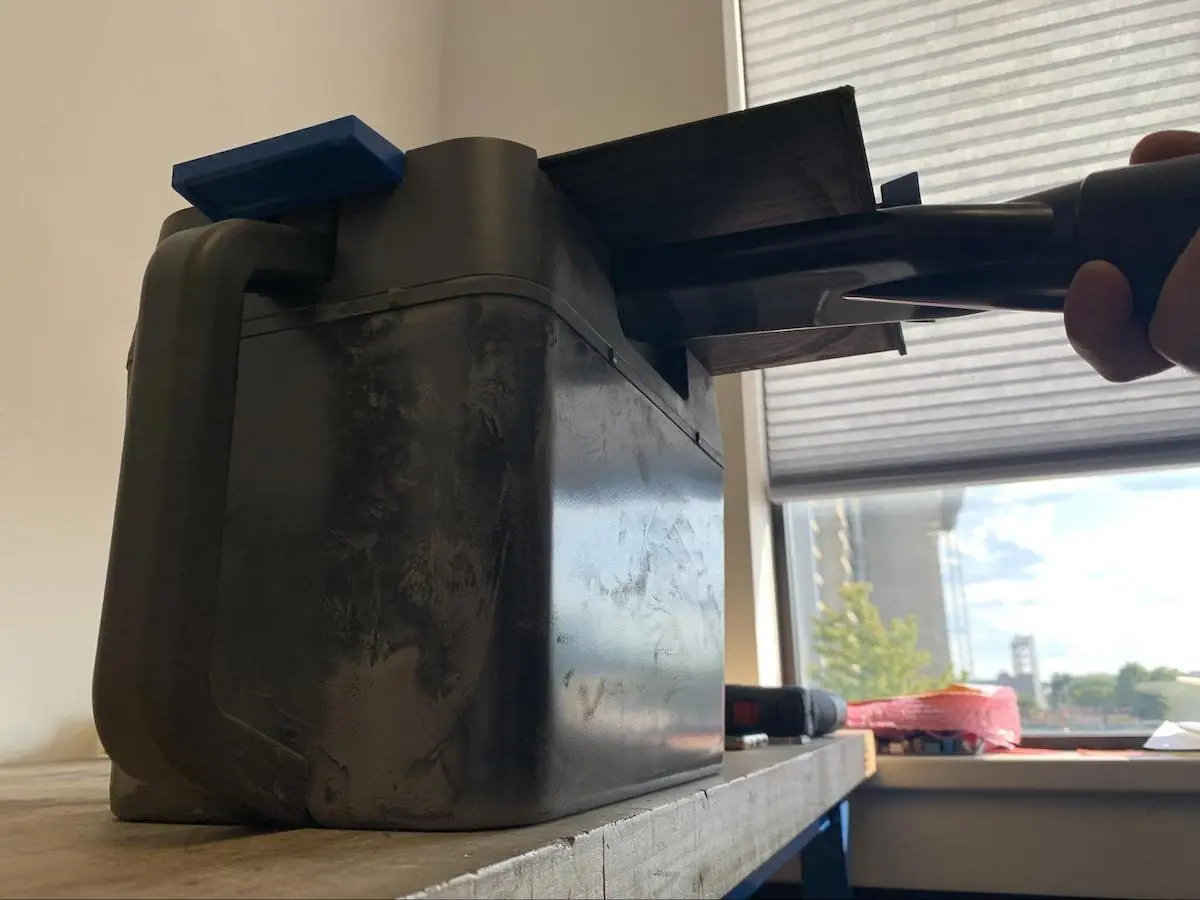
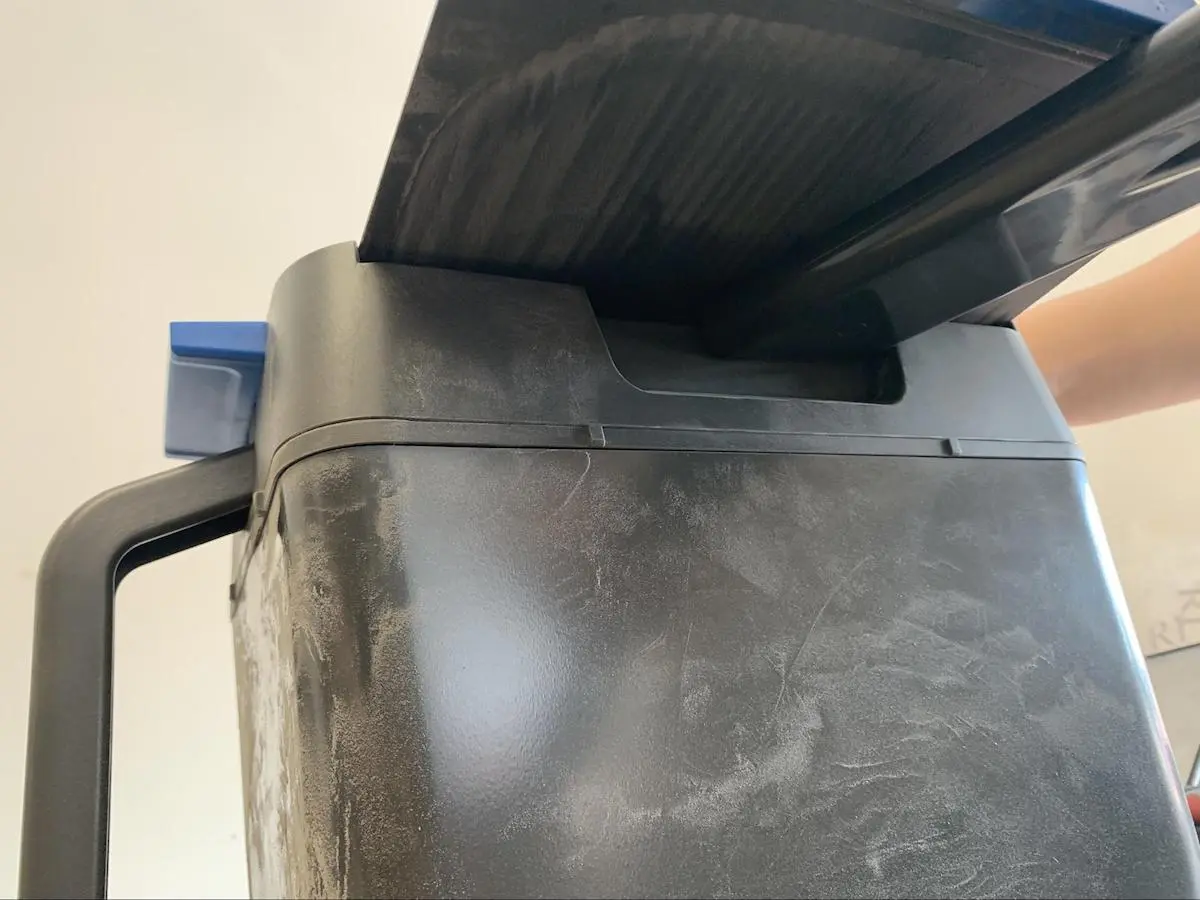
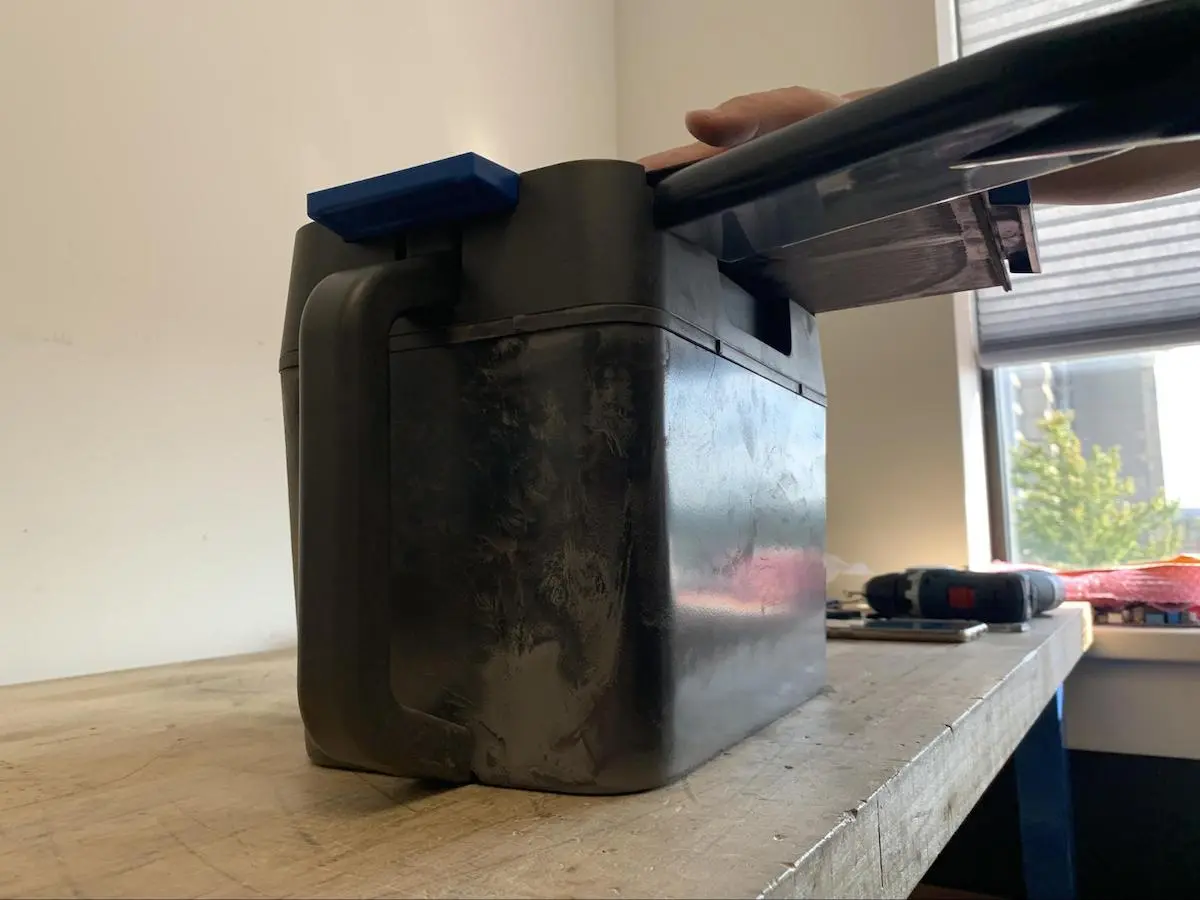
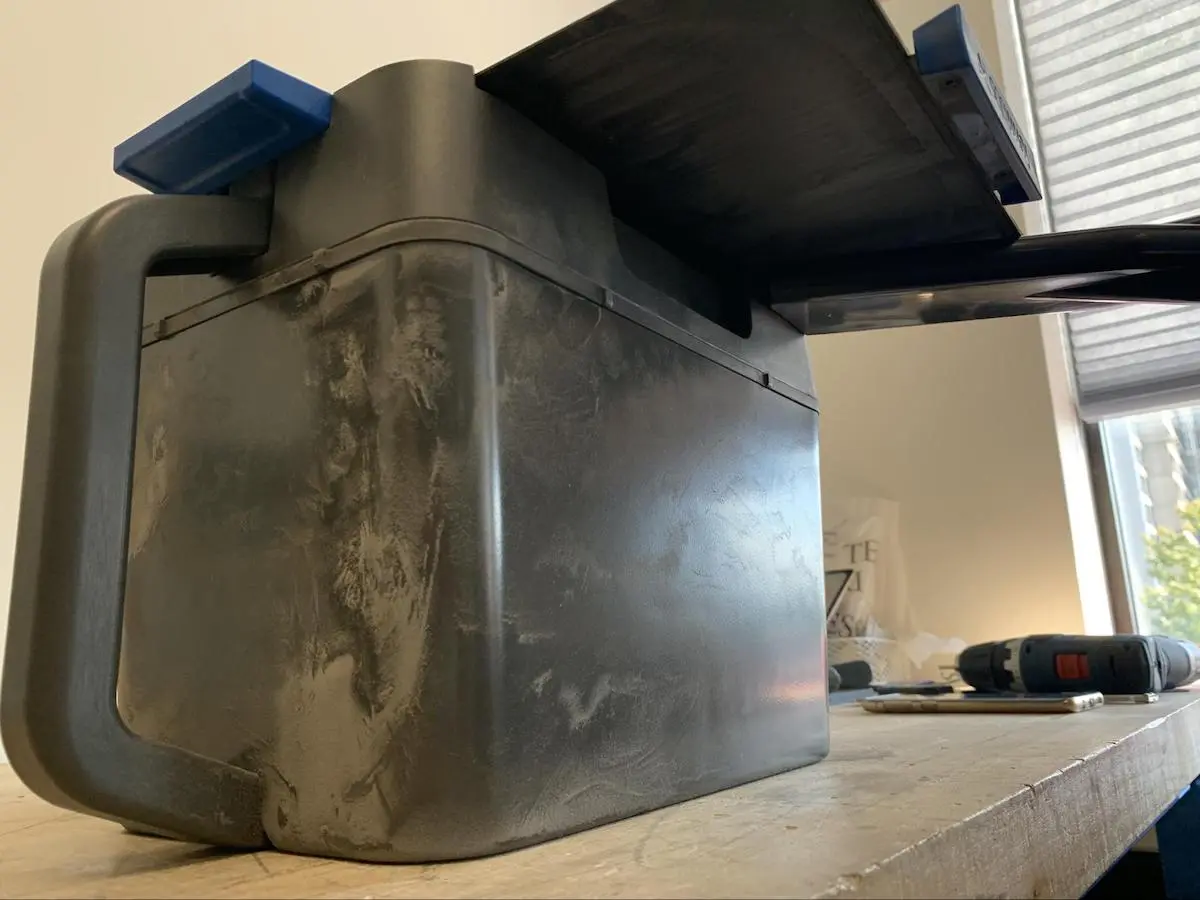
During regular use, powder accumulates within the walls of the powder cartridge. Clean the cartridge if you notice small amounts of powder leaking from the cartridge. Attach the vacuum’s crevice tool (included with the Fuse Sift) to reach the space between the knife valve and the body of the powder cartridge and remove the excess powder.
Notice:
The powder cartridge should be cleaned after processing approximately 50–100 prints, or if powder starts leaking, whichever comes first.
To clean the powder cartridge’s internal cavity:
Vacuum the space between the knife valve and the body of the powder cartridge in four stages:
Storage
Store powder cartridges according to Formlabs guidelines. Store cartridges upright in a low-humidity environment. Keep the cartridge valve closed to prevent fibers or other debris from contaminating the powder.
Regularly check the area where cartridges are stored for leaks and spills. Clean up spilled powder with a vacuum that is grounded and bonded (e.g., a Class II, Division 2 vacuum).
Disposal
Follow Formlabs guidelines to dispose of empty cartridges.