

Controlling printer notifications (Form Studio 1)
Controlling printer notifications (Form Studio 1)
You can control the visibility of several printer notifications, speeding up your interactions with the machine.
To control printer alerts on a Form Studio 1 printer:
- On the printer's touchscreen, tap Settings > Configuration > Notifications and alerts. The Notifications and alerts screen appears.
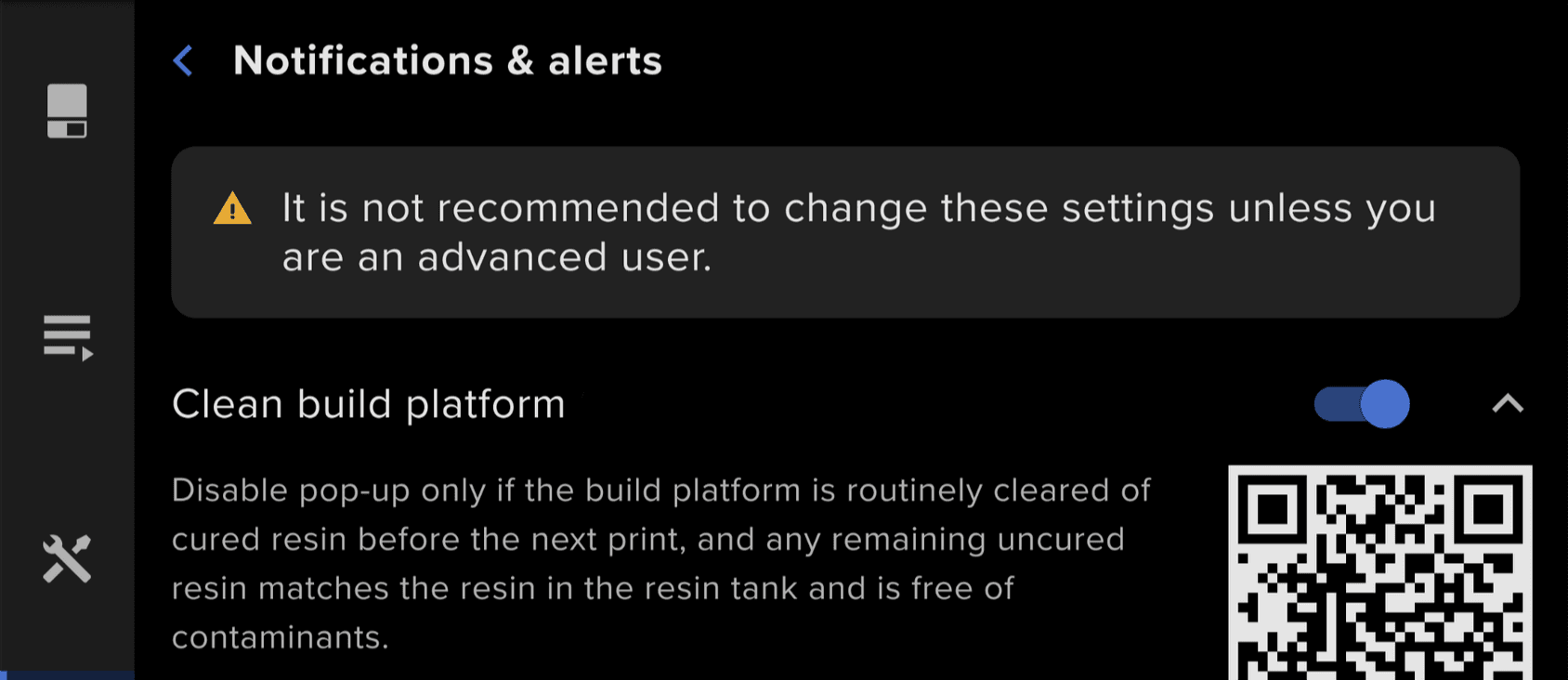
- Tap the toggle next to a notification name to enable or disable it. You can enable or disable the notifications listed in the table below. Tap the down arrow next to a notification name to learn more about it.
| Notification | Effect |
|---|---|
| Clean build platform | When this notification is disabled, the printer does not ask you to confirm that the build platform is clean and secured when you insert it. You will still need to confirm that the build platform is clean, either on the printer status screen or in PreForm during the print job upload, to start a print. Formlabs recommends disabling this notification only if you routinely clean and resecure the build platform without prompting between prints. Inserting a build platform with cured debris, a previous print, or liquid resin that does not match the resin in the tank may lead to print failures. |
| Cartridge inserted | When this notification is disabled, the printer does not show a message to remind you to open the vent cap when a resin cartridge is inserted. Formlabs recommends disabling this notification only if you routinely open the vent cap without prompting when inserting a resin cartridge. A closed vent cap may prevent resin from dispensing during the print. |
| Clean resin tank | When this notification is disabled, the printer does not remind you to clean the resin tank after a print failure is detected or you mark a print as failed. Formlabs recommends disabling this notification only if you are routinely cleaning the resin tank after debris-related print failures. Residual debris may cause more print failures during subsequent prints. |
| Stir the resin | When this notification is disabled, the printer does not remind you to periodically manually stir the resin in the resin tank before a print. Formlabs recommends disabling this notification only if you routinely stir the resin in the resin tank, particularly if it has been sitting idle for an extended period of time. Printing with unstirred resin may lead to color shirts between prints and occasional print failures. |