
Notice:
To avoid damage to equipment, check the resin tank compatibility table in Choosing the right material to confirm you are using a resin tank that is compatible with this material.

Notice:
To avoid damage to equipment, check the resin tank compatibility table in Choosing the right material to confirm you are using a resin tank that is compatible with this material.
Formlabs Castable Wax Resin provides accurate, sealed margins and contains 20% wax for reliable casting with clean burnout. No post-cure is required, allowing for a faster and simpler workflow.
Castable Wax Resin prints at 25 microns and 50 microns.
Note:
To learn more about the performance or specific material properties of Castable Wax Resin, please refer to the Safety Data Sheet (SDS) and Technical Data Sheet (TDS). Always consult the SDS as the primary source of information to understand safety and handling of Formlabs materials.
Required resources
Sold by Formlabs:
Sold by third parties:
Workflow overview
NOTICE:
This is an abbreviated version of the instructions in Dental Casting and Pressing from 3D Printed Patterns [en]. Read the application guide for detailed instructions about design, settings, and part orientation for Castable Wax Resin.
Scan
Capture the digital impression directly, using an intraoral scanner, or indirectly, using a desktop optical scanner, to scan a polyvinyl siloxane (PVS) impression or stone model.
Design
Import the scan files into dental CAD software to design the restoration or appliance. Use software that offers open STL file export, such as software offered by 3Shape or exocad, to ensure compatibility with PreForm.
Import and design procedures vary by software package. For additional information and support, contact the software manufacturer or reseller.
Notice:
To avoid damage to equipment, check the resin tank compatibility table in Choosing the right material to confirm you are using a resin tank that is compatible with this material.
Crown and bridge supports
Orient crown and bridge patterns with the fitting areas or margins facing upwards to avoid adding supports to the most critical part of the restoration.
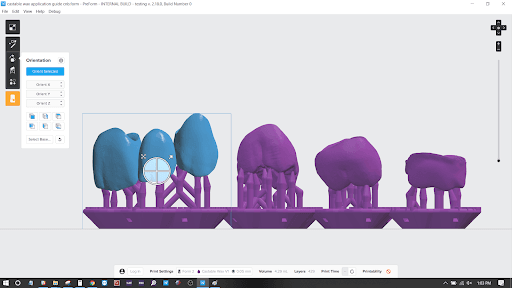
For full contour crown and bridge patterns, place support touchpoints on the cusp tips and not on the contact areas of the crown.
Partial denture frame supports
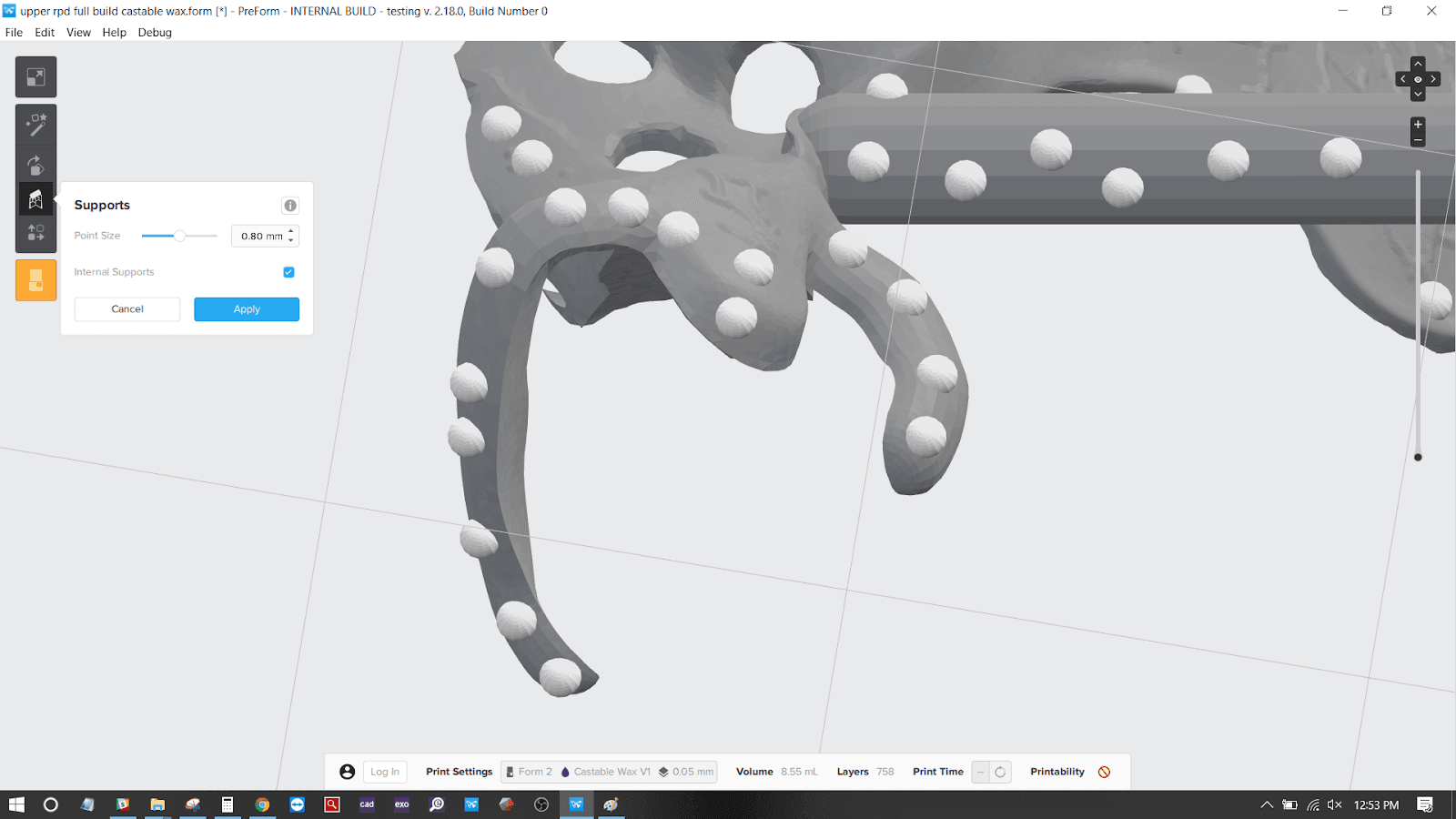
Manually remove and place supports as needed. Avoid placing supports on surfaces that will come in contact with the patient's dentition or other important areas of the partial denture frame.
Notice:
Denture frame clasps should be at least 800 microns thick to prevent warping before casting.
Thoroughly agitate the resin cartridge by shaking and rotating it several times.
Upload the job and press the button on the printer to start the print.
Finishing
The Form Wash and other washing systems agitate the solvent bath and remove parts from the bath after a set time. Wash parts according to the support article for your device. Pay particular attention to information that affects mechanical properties or biocompatibility requirements.
If the pattern is hollow, ensure liquid resin is flushed out thoroughly from internal channels and hollows. Allow parts to fully dry.
Castable Wax was designed for use without post-curing. For the highest accuracy, Formlabs does not recommend post-curing printed patterns, as this can result in a small amount of shrinkage.
Print, process, and cast or press patterns as soon as possible after printing. If this is not possible, store washed Castable Wax patterns in a cool and dark place.
Notice:
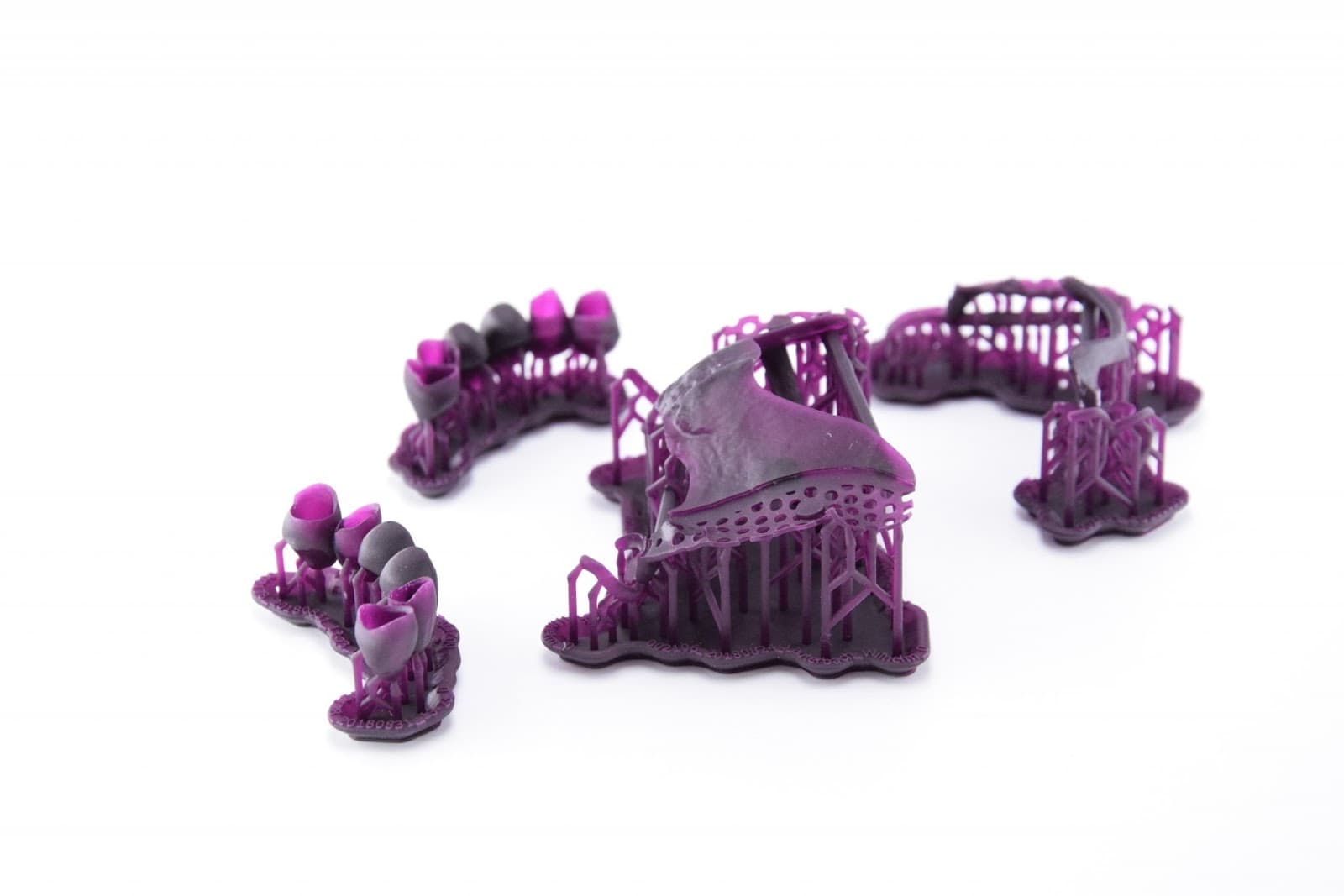
Very thin parts like removable partial dentures are easy to break during the support removal process. Design well-placed supports or attachments in CAD to make support removal easier and less sensitive.
Use the flush cutters included in the Formlabs Finish Kit or a very sharp scalpel to carefully remove the supports. Leaving supports attached to very small parts may reduce the risk of breakage during post-processing and provide a better fit after casting.
Wear safety glasses when cutting supports, as the material may be brittle and small pieces can fly off. Supports can also be removed using dental handpieces like cutting discs, burs, and polishing wheels.
Investment and casting
Casting with Castable Wax requires high-heat, phosphate-bonded investment. Refer to the Dental Casting and Pressing application guide for specific information about investing and casting. Always refer to the investment manufacturer’s recommendations.
Additional resources