
Notice:
To avoid damage to equipment, check the resin tank compatibility table in Choosing the right material to confirm you are using a resin tank that is compatible with this material.

Notice:
To avoid damage to equipment, check the resin tank compatibility table in Choosing the right material to confirm you are using a resin tank that is compatible with this material.
Dental LT Comfort Resin is engineered to be more flexible than Dental LT Clear Resin, making it more durable and more comfortable for patients. The splint gradually becomes more flexible in the mouth, providing optimal comfort and improving patient compliance with treatment plans.
Dental LT Comfort Resin also provides exceptional clarity, reducing polishing time.
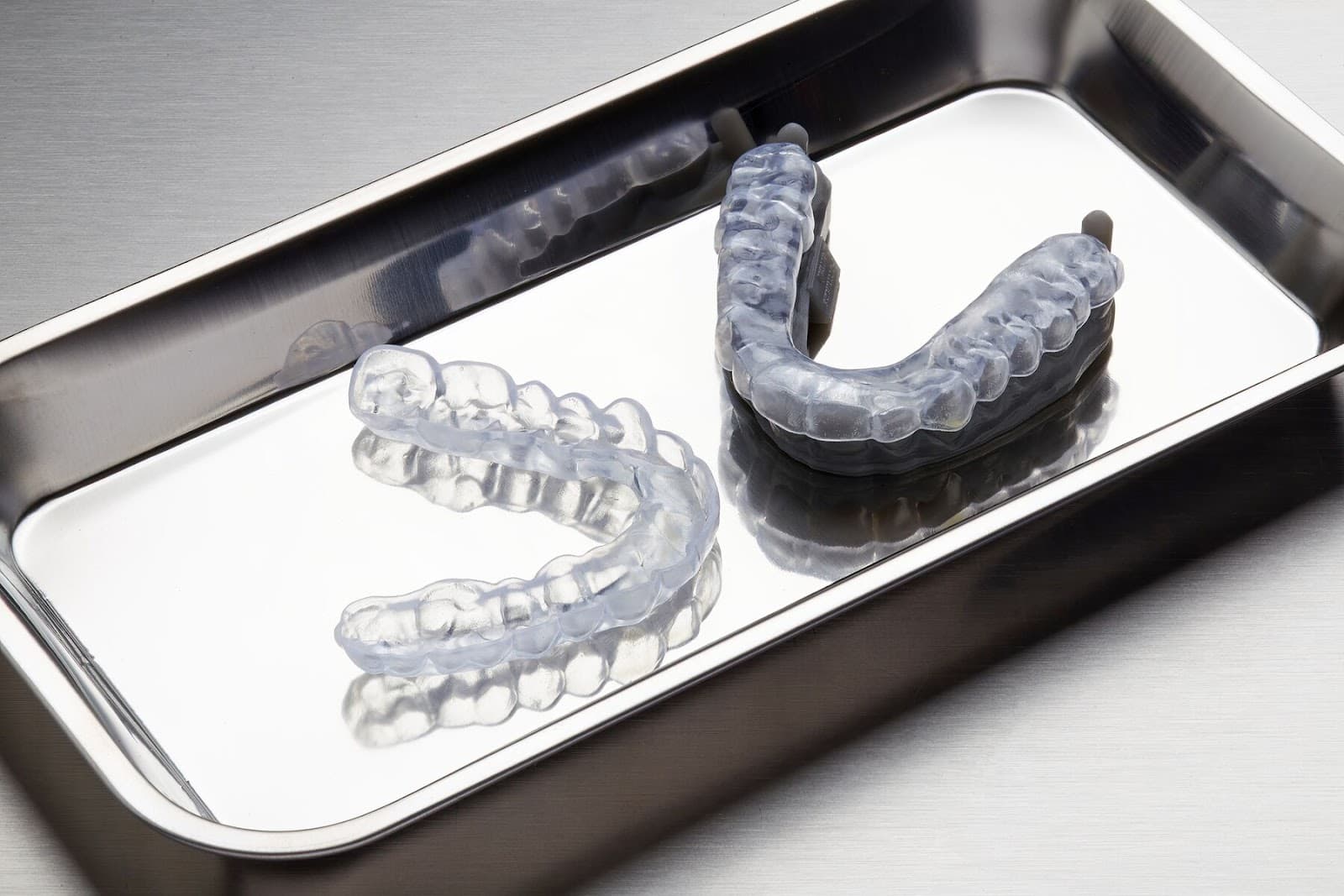
Recommended for:
Dental LT Comfort Resin prints at 100 microns.
Comparison with other materials
| Dental LT Comfort Resin | Dental LT Clear Resin | |
|---|---|---|
| Ultimate tensile strength (MPa) | 29 | 52 |
| Tensile modulus (MPa) | 994 | 2080 |
| Elongation at break (%) | 33 | 12 |
| Durometer/Shore Hardness | 75D | 78D |
| Flexural modulus (GPa) | 0.64 | 0.23 |
| IZOD Impact strength (J/m) | 98 | 35 |
To learn more about the performance properties of Formlabs resins, refer to the library of material properties data sheets.
Required resources
Made by Formlabs:
Made by third parties:
Printing with Dental LT Comfort Resin
Notice:
To avoid damage to equipment, check the resin tank compatibility table in Choosing the right material to confirm you are using a resin tank that is compatible with this material.
Install or update PreForm, then set up the next print job.
To prepare a model for printing in PreForm, follow the instructions in the manufacturing guide. When printing occlusal splints and guards, follow the steps in our application guide 3D Printing Splints with Formlabs SLA 3D Printers [EN] [DE] [ES] [FR] [IT] [JA] [KO] [PT] [RU] [ZH]:
Note:
If you encounter fit issues when the default Dental Workspace preset, reduce the angle of the splints relative to the build platform.
Washing
Follow the part washing recommendations in the manufacturing guide for the clearest and best possible results. Improper washing can lead to suboptimal mechanical and biocompatibility properties.
Post-curing requirements
Follow the post-curing recommendations in the manufacturing guide for the clearest and best possible results. Improper post-curing can lead to suboptimal mechanical and biocompatibility properties.
Newly post-cured splints have a slight green tint. Over time the part will photobleach to a clear blue hue.
Notice:
Additional resources