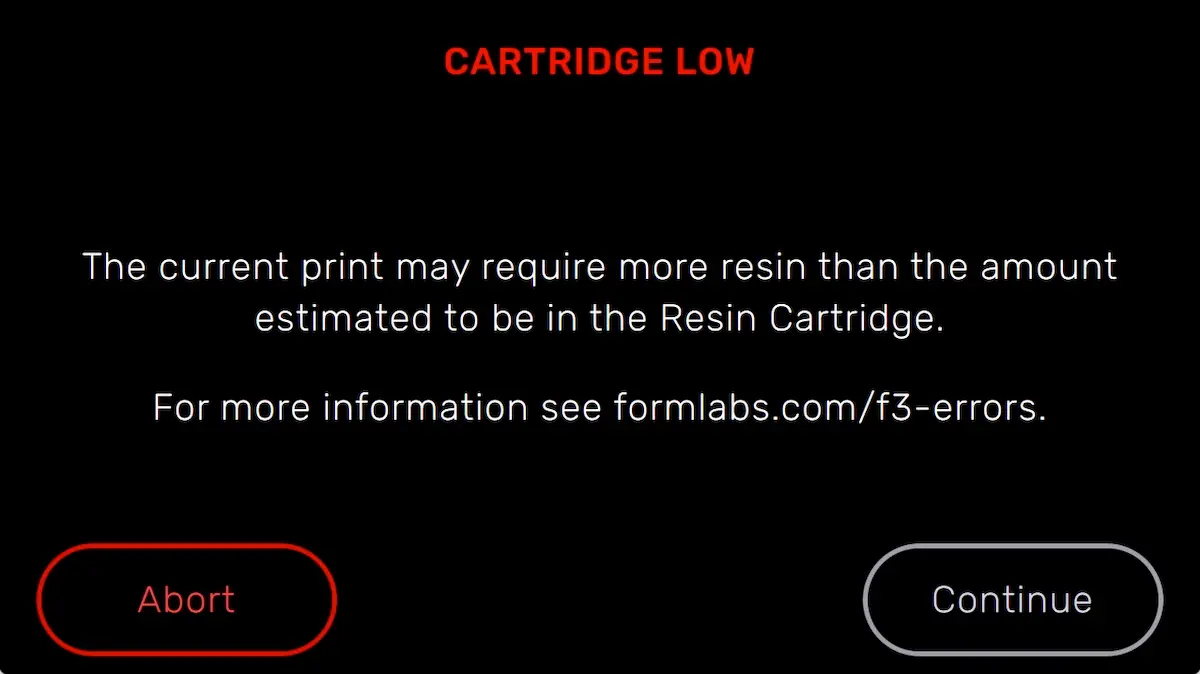
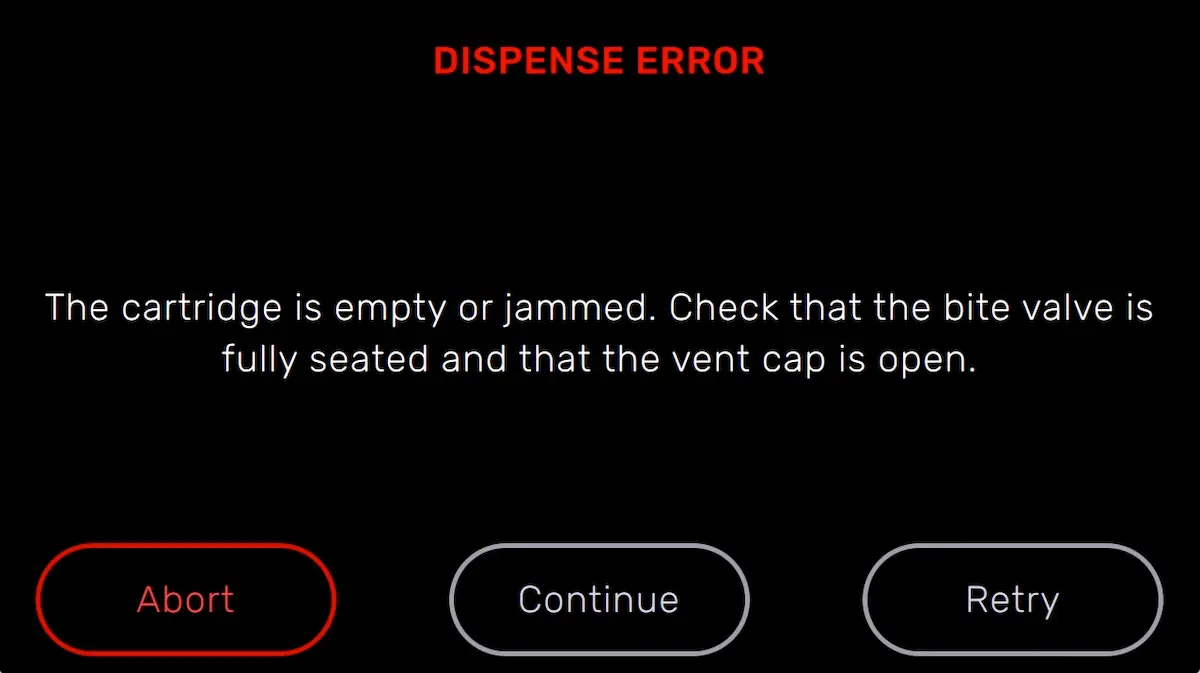
The printer displays Cartridge Dispense Error if it tries to dispense resin but nothing comes out of the cartridge. Usually, this means the cartridge is empty. Each cartridge contains and can reliably dispense one liter of resin. After the full liter dispenses, dispose of the cartridge and continue printing with a new cartridge.
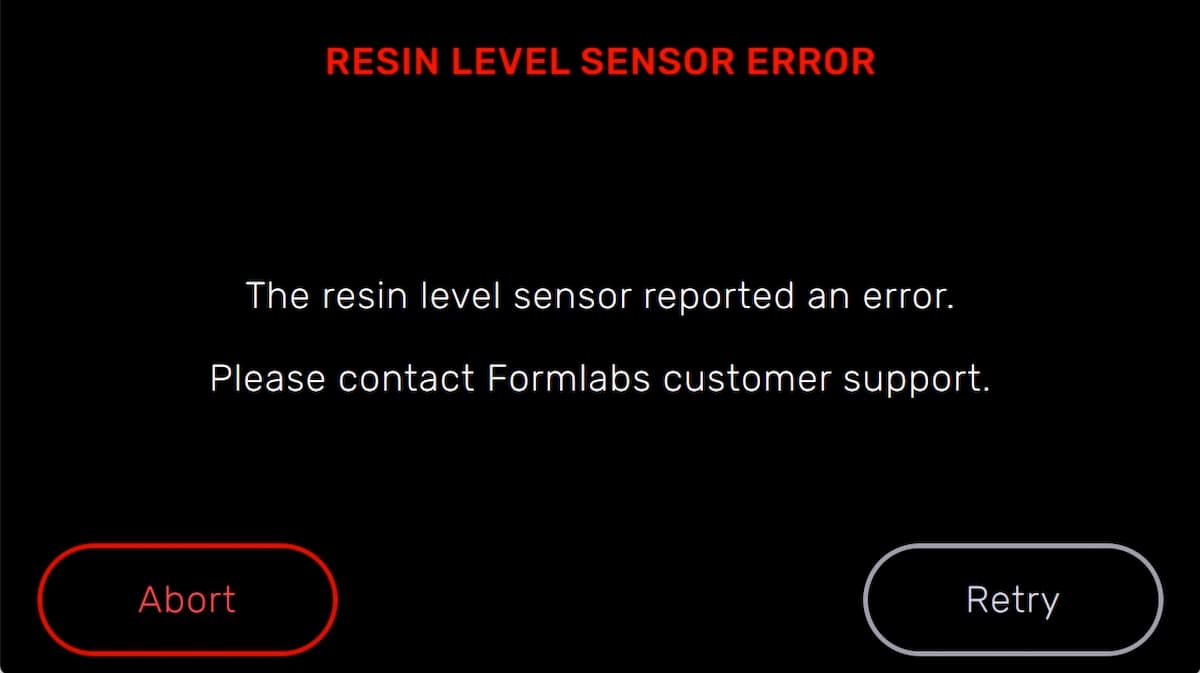
The printer may also fail to fill the resin tank or get stuck during the filling process without displaying an error. If that happens, troubleshoot the printer as you would for a Cartridge Dispense Error. Follow the steps for resolving a Resin Level Sensor Error if the issue persists.
If a cartridge is not empty but the printer is unable to dispense resin, an issue with the cartridge may be preventing resin from dispensing:
- Update the printer’s firmware.
- Check that the cartridge vent cap is open.
- Check the inside of the vent cap to ensure the vent is not blocked.
- Consider loosening the vent cap.
- Check the bite valve on the underside of the cartridge to make sure it opens when squeezed.
- If the printer does not continue the print, manually pour a small amount of resin into the resin tank and try again. Remove the resin cartridge, unscrew the vent cap, pour the resin into the resin tank, replace the vent cap, and reinsert the resin cartridge. Only add a small amount of resin so as to not overfill the tank.