WHITE PAPER
Formlabs Logo

Using True Cast Resin

Using True Cast Resin

Use True Cast Resin for precision casting of intricate jewelry and complex engineering components up to 5 mm thick. Pieces printed in True Cast offer exceptional details and smooth surfaces under a wide range of casting workflows and conditions.

Engineered for reliability, quality, and versatility, True Cast Resin integrates into a wide range of burnout schedules. Low thermal expansion, minimal shrinkage, and 0.03% ash content ensure clean burnout and consistently excellent casting outcomes.

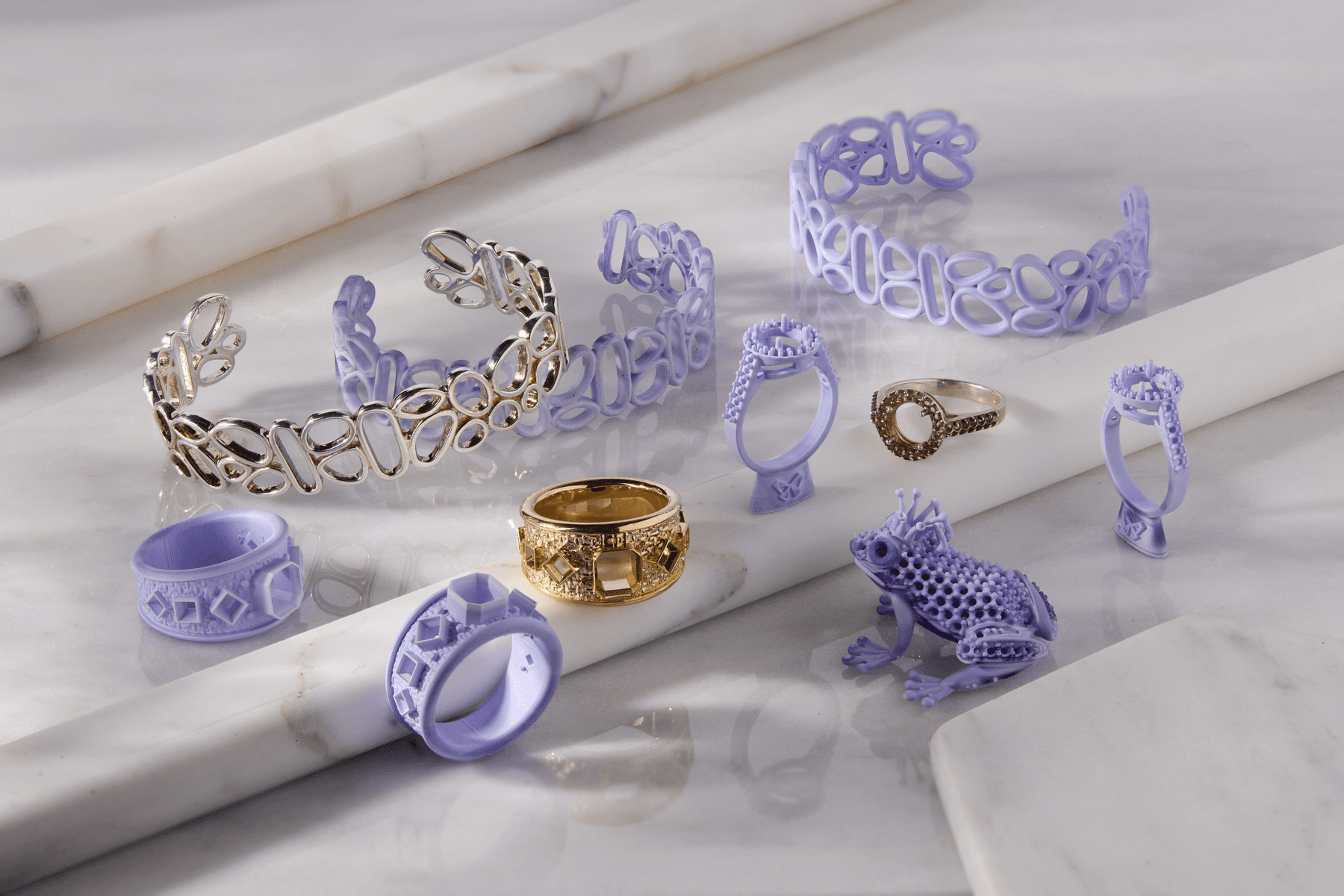
Parts printed in True Cast Resin

Note:

To learn more about the performance or specific material properties of True Cast Resin, refer to the Safety Data Sheet (SDS) and Technical Data Sheet (TDS). Always consult the SDS as the primary source of information to understand safety and handling of Formlabs materials.

Recommended for:

  • Medium jewelry
  • Heavy jewelry
  • Medallions and figurines
  • Engineering components

Not recommended for:

  • Wire filigree—use Castable Wax Resin
  • Parts larger than 5 mm thick—use Clear Cast Resin

True Cast Resin prints at 25 microns and 50 microns. For peer support for printing with this material, join the Formlabs Jewelry/Casting group on Facebook.

Required resources

Sold by Formlabs:

Sold by third parties:

  • Compatible resin printer
  • Burnout oven
  • Casting equipment (vacuum chamber and casting system, such as the Neutec J2R)
  • Ancillary equipment including end nippers, flasks, investment, vacuum, wax, waxing tools, etc.
  • IPA or ethyl alcohol (concentration of 91% or higher)
  • Compressed air
  • Sandpaper (1000 grit)
  • Resin heater

Workflow overview

1 - Pattern Design
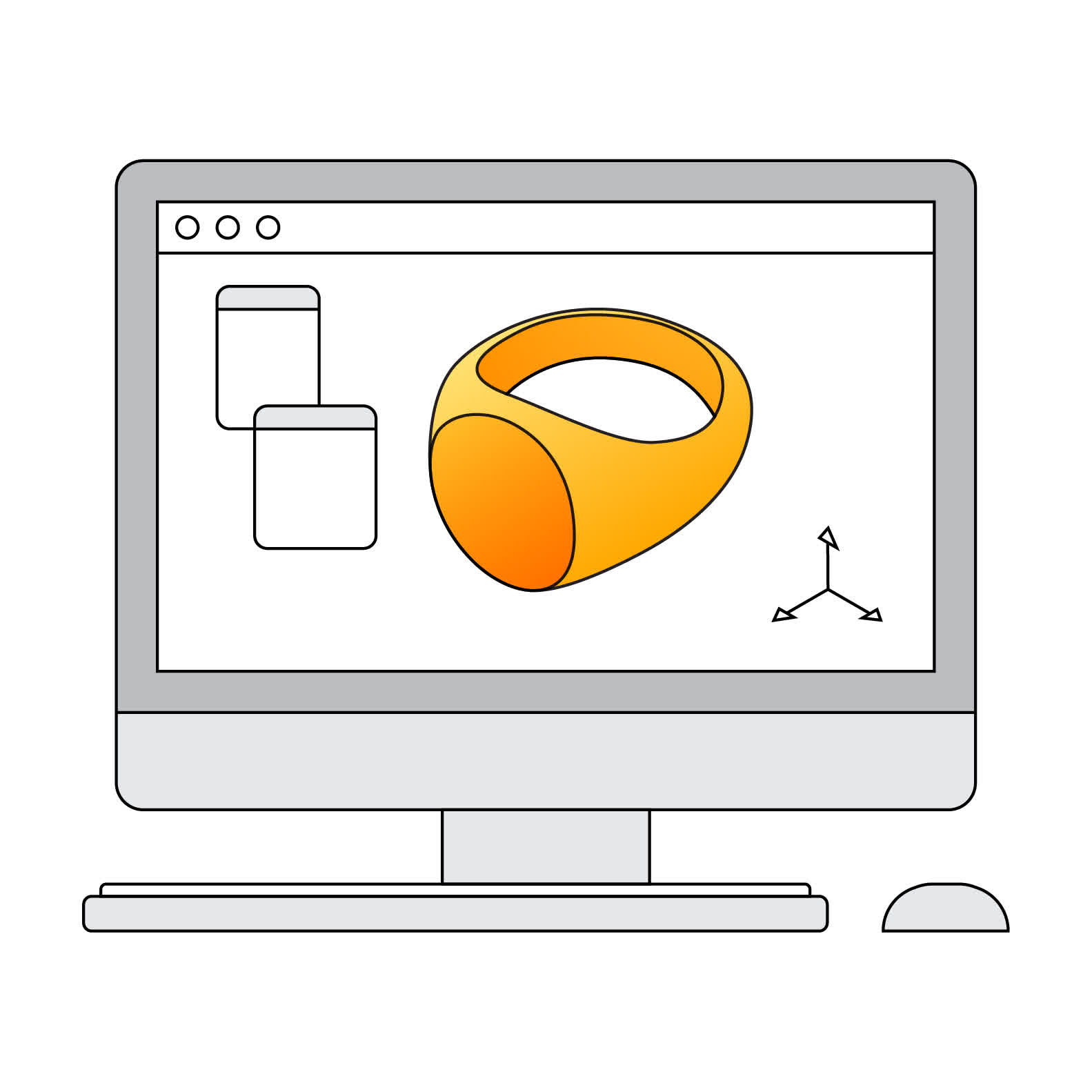
1 - Pattern design
Design the part in CAD software.
2 - Pre-Heat and Mix
2 - Pre-heat and mix resin
Heat and then mix the resin prior to printing to ensure that the wax component is completely liquid and evenly dispersed.
3 - Pattern Printing
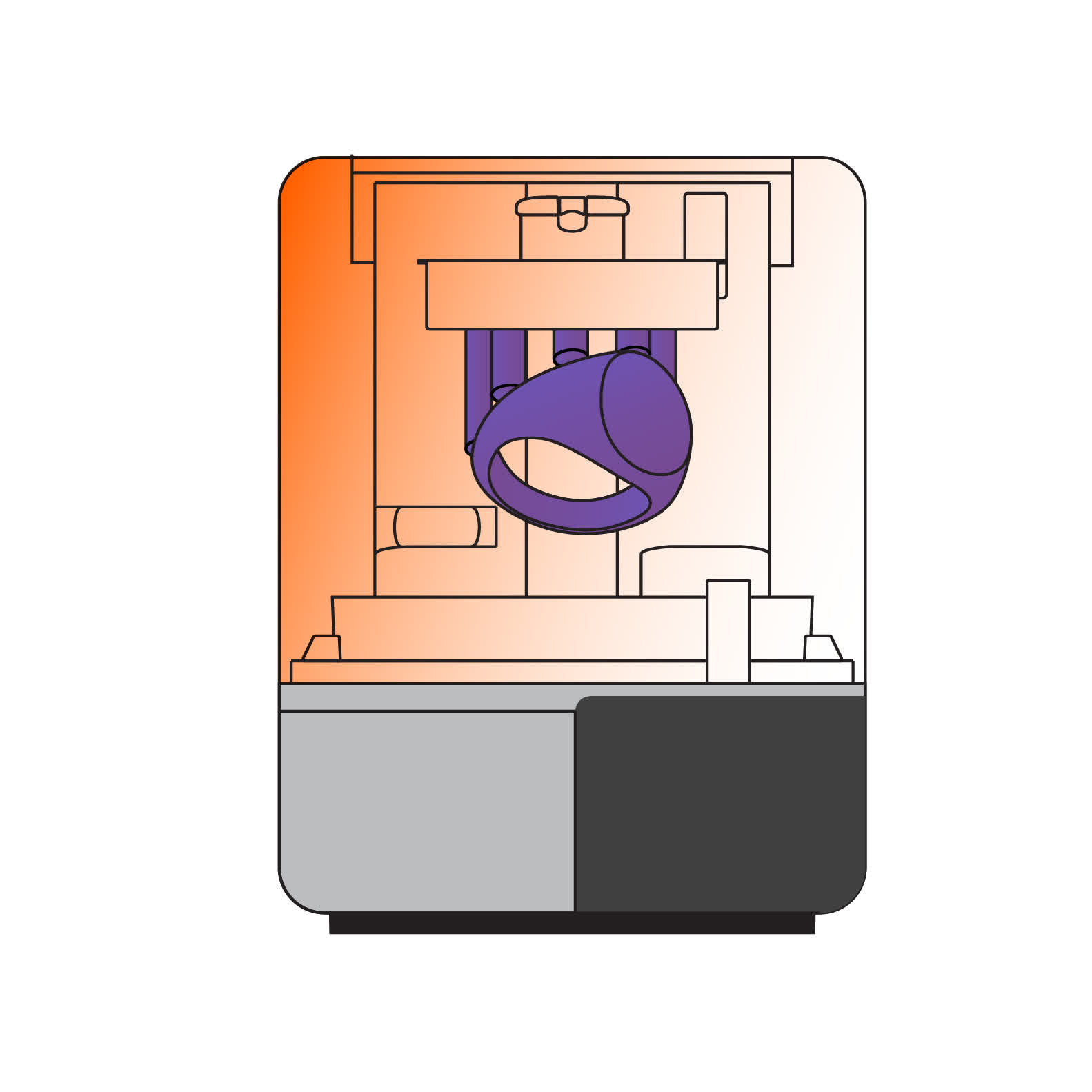
3 - Pattern printing
3D print with True Cast Resin following Formlabs instructions.
4 - Wash Patterns
4 - Wash patterns
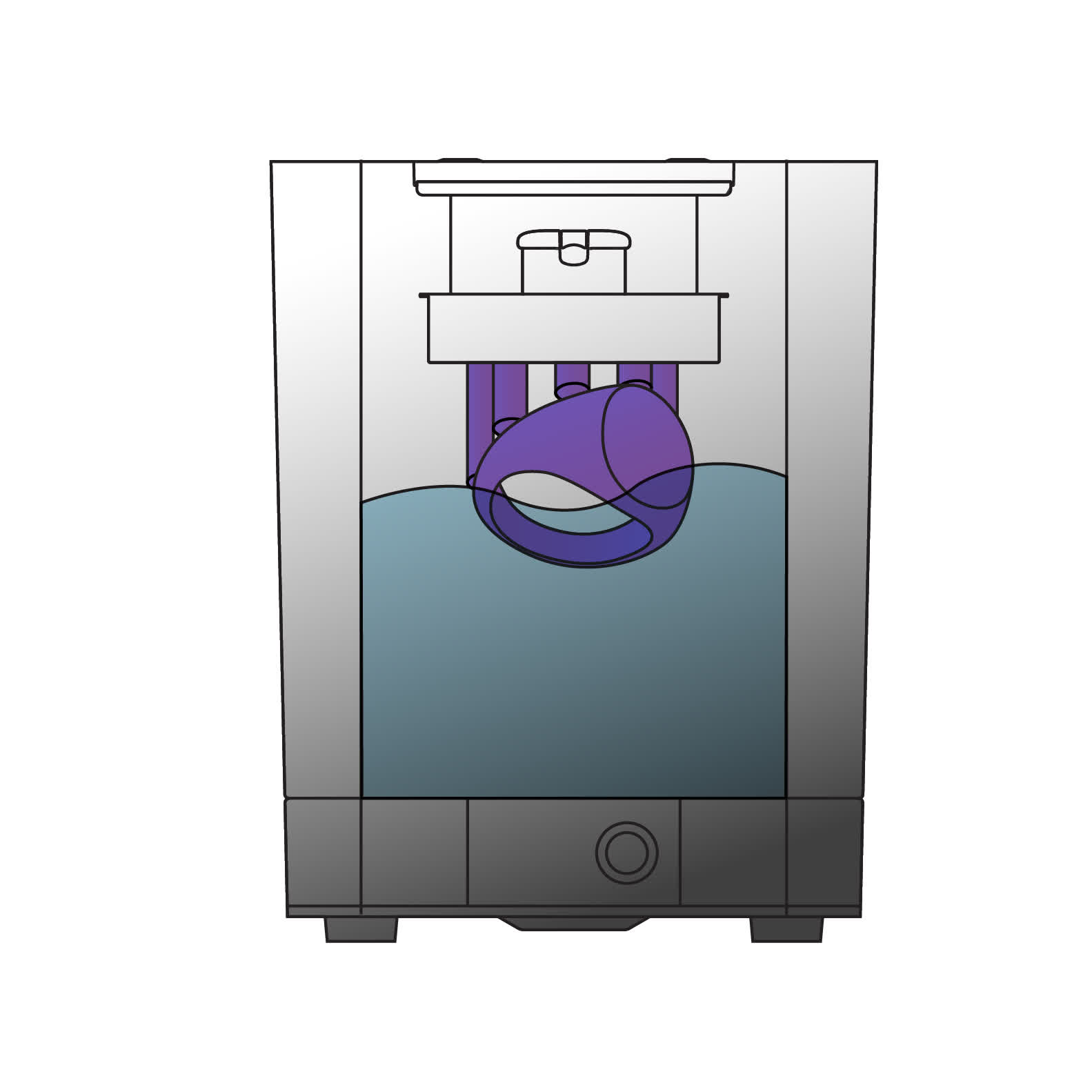
Thoroughly clean the printed patterns with IPA to remove any residual uncured resin. Rinse the parts for a second time in clean IPA to ensure that the patterns are completely clean. Uncured resin on parts may result in casting defects.
5 - Dry With Compressed Air
5 - Dry with compressed air
Use compressed air to dry the printed parts completely. This will ensure the parts are free of any uncured resin and IPA prior to casting.
6 - Post-Cure Patterns
6 - Post-cure patterns
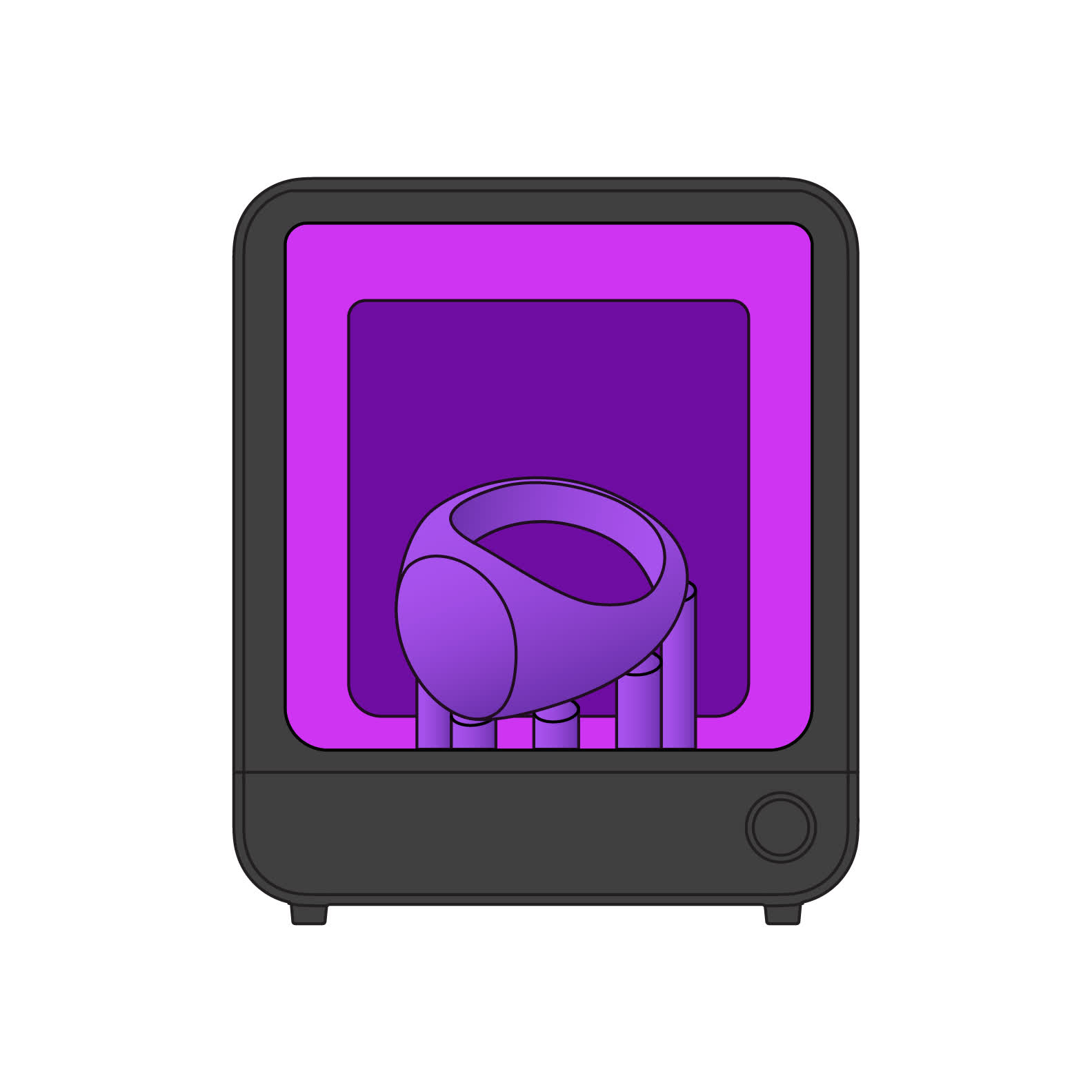
For best casting results, post-cure the parts to complete the polymerization reaction started during printing. This will improve the strength and robustness of the patterns and reduce defects during the casting process.
7 - Build the Sprue Tree
7 - Build the sprue tree
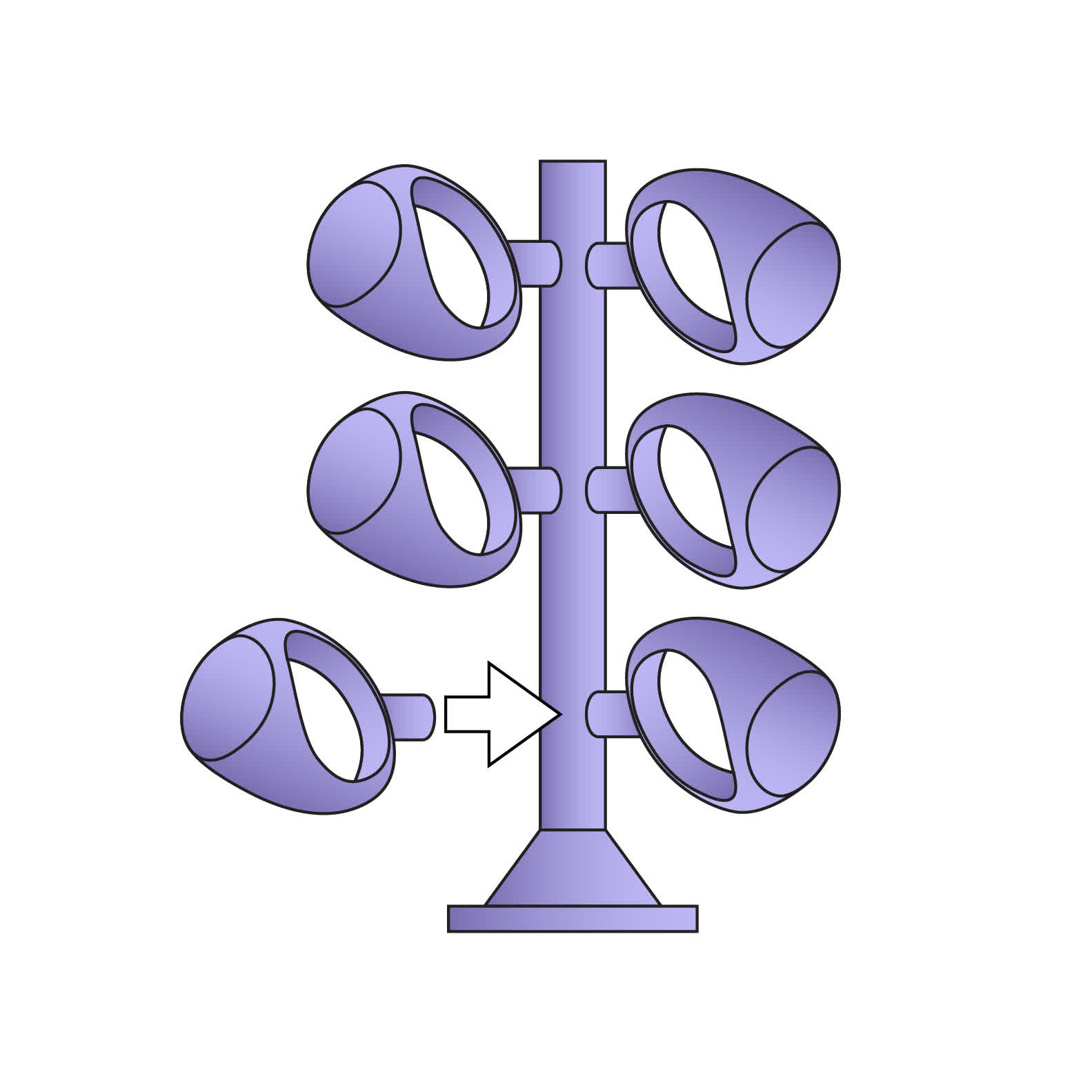
To prepare for casting, attach the prints to a wax tree using sprue wax. Attach the tree to a casting flask.
8 - Prepare the Mold
8 - Prepare the mold
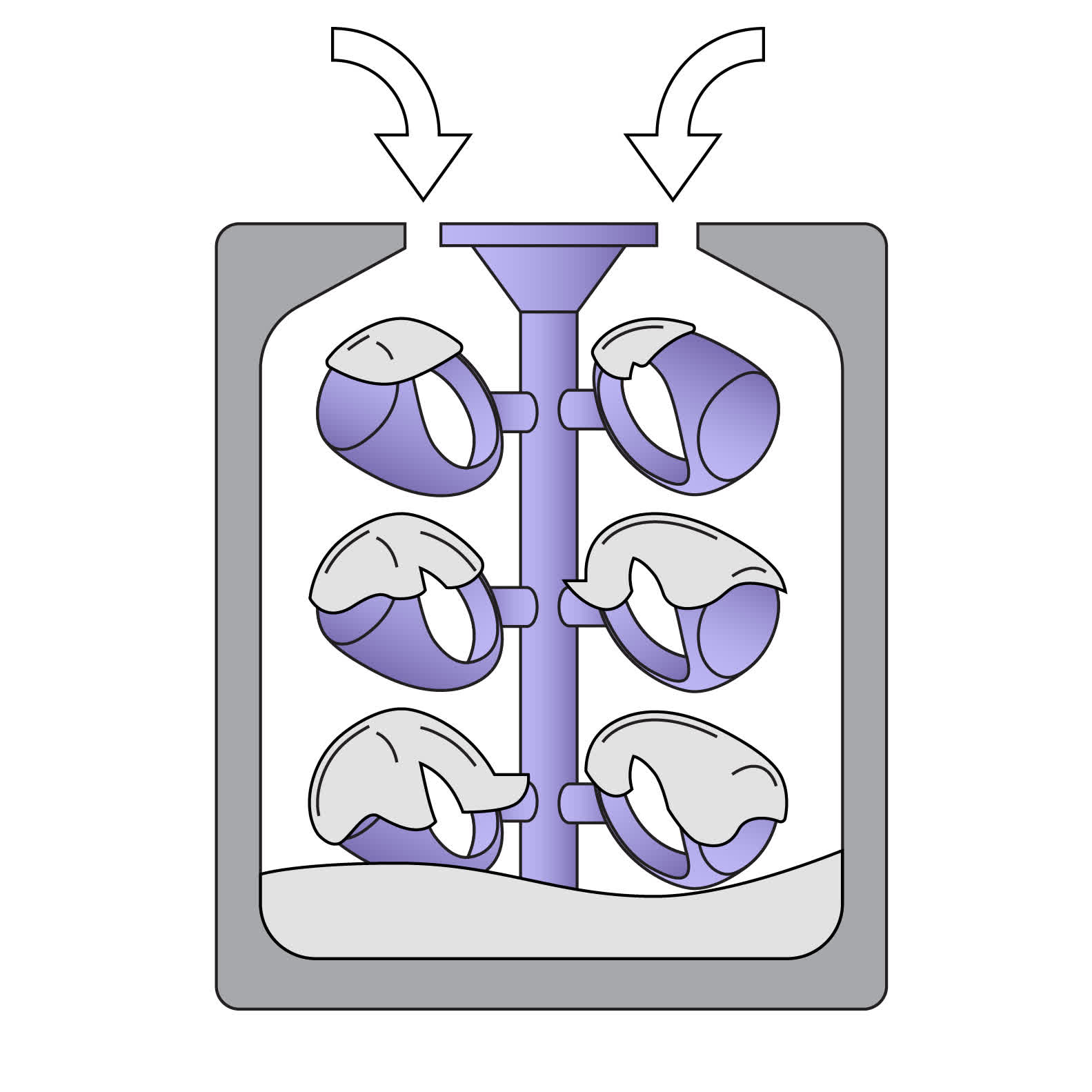
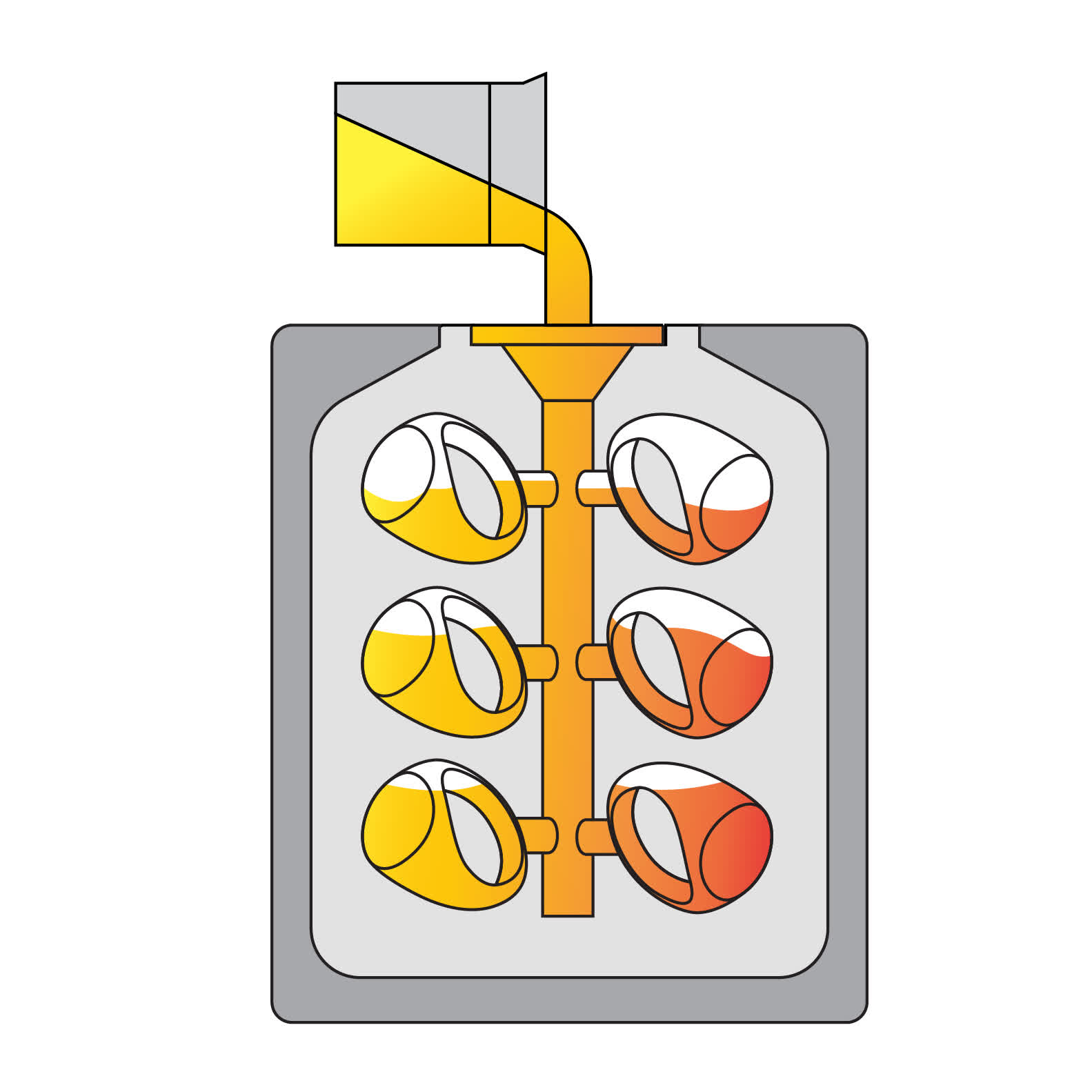
Mix the investment and water following the investment manufacturer’s instructions. Slowly pour the investment into the flask.
9 - Burnout
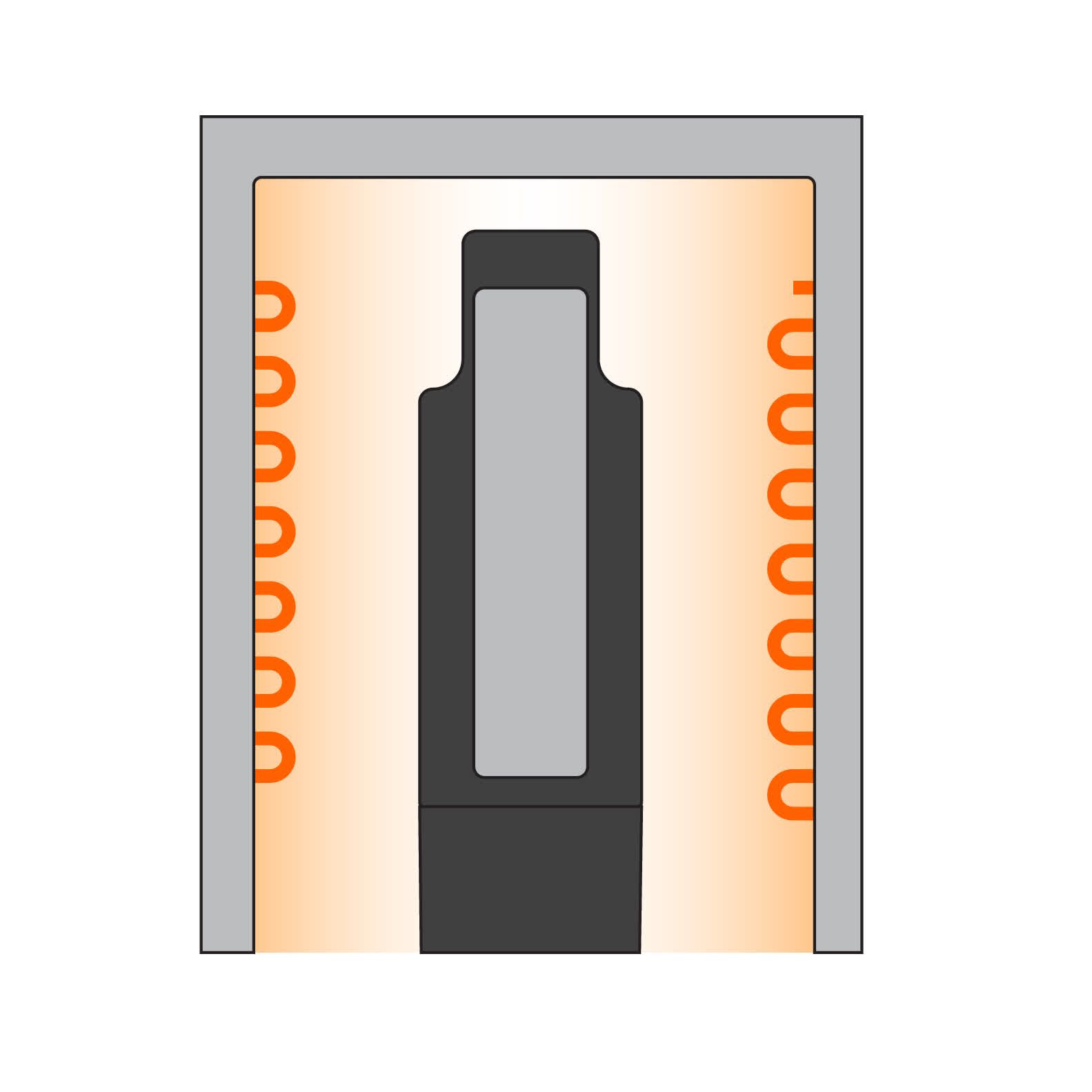
9 - Burnout
Place the flasks in an oven and follow the burnout schedule recommended by your investment material.
10 - Cast
10 - Cast
Cast metal in flask.
11 - Recover the Parts
11 - Recover the parts
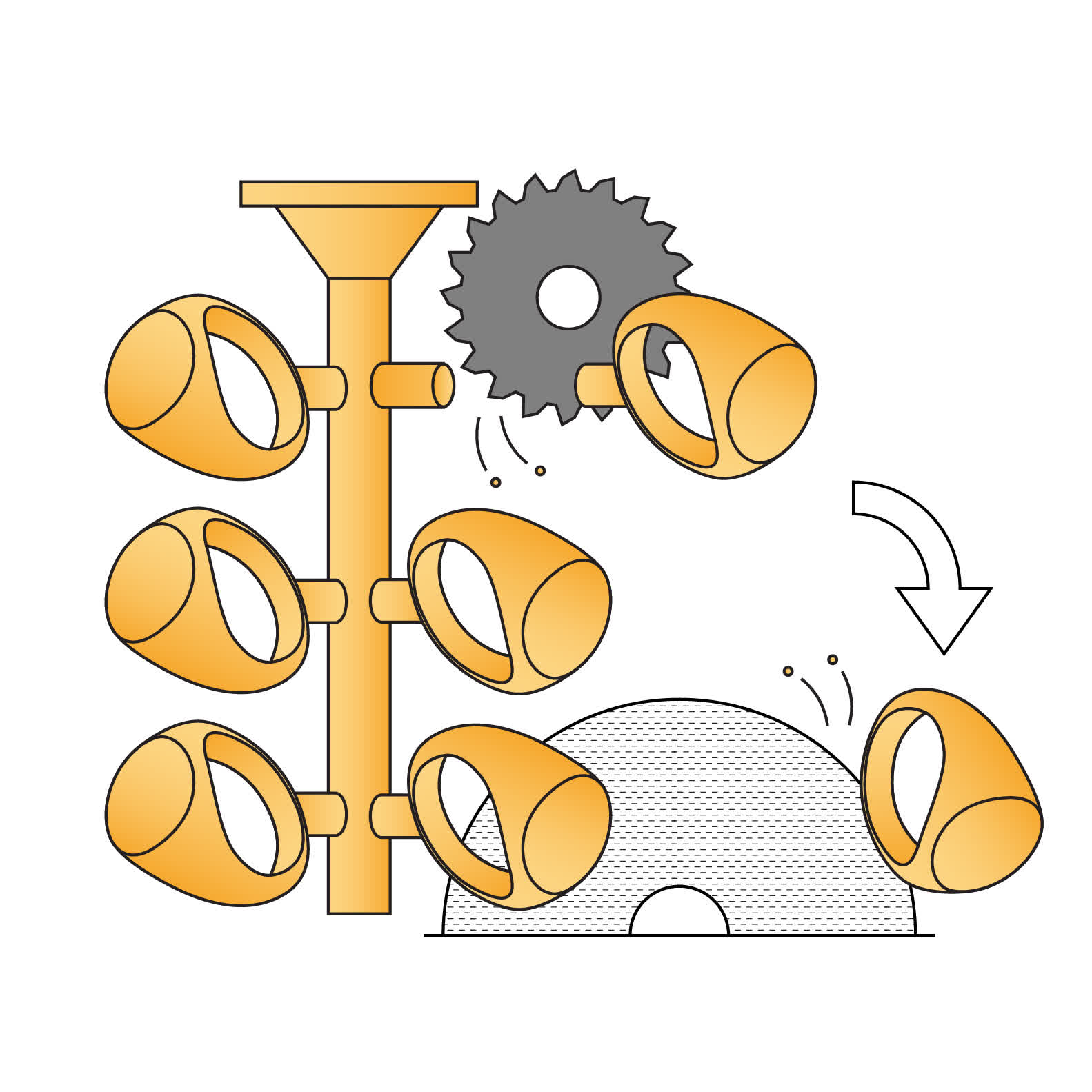
Reclaim the cast parts, remove them from tree, and use sand blasting to clean off any residual investment if needed.
12 - Finish
12 - Finish
Post-process and finish parts as needed.

Before printing

True Cast Resin contains wax and solidifies over time at room temperature. This is a normal characteristic for True Cast Resin and not a sign of expired resin.

Formlabs recommends heating the resin in the cartridge on a weekly basis or as needed to prevent the resin from separating. To heat the resin, choose one of the following heating options:

  • Place the resin cartridge or bottle in a low heat oven at 45 °C for one hour.
  • Place the resin cartridge or bottle in a water-tight bag and submerge in a water bath at 45 °C for one hour.

Notice:

Do not place the resin cartridge directly in the water. Submerging the resin cartridge in water may damage the RFID sticker and prevent the printer from properly detecting the cartridge.

  • Place the resin cartridge or bottle in a resin/filament warmer at 45 °C for 30–60 minutes.
  • Third-party resin bottles only: Place the resin bottle in the microwave for 30 seconds.

Notice:

Do not place Formlabs resin cartridges in the microwave, as it damages the RFID sticker and prevents the printer from properly detecting the cartridge.

Once the resin is warm, shake the resin cartridge or bottle vigorously for 30 seconds to fully incorporate the wax into the resin. Warm resin has a low viscosity and may be prone to staining. Handle with care.

Formlabs does not recommend reheating True Cast Resin already present in Formlabs resin tanks. The resin thins and liquifies when the printer heats the resin tank during the preprint process. For third-party resin tanks, users may need to remove True Cast Resin from the tank while not in use to prevent the wax from solidifying.

Design guidelines

Casting is both a skill and an art form. The design of the piece to be cast is as important as the material properties for successful results. Pay attention to the design of individual features, the flow of material in the investment, and the printing configuration. Learn more about the best design parameters for common jewelry features, such as prongs, filigree, engraving, surfaces, raised text, and milgrain, in the white paper Jewelry 3D Printing: Basic Design Parameters, Supports, and Orientation [EN] [DE] [FR] [IT] [ZH] from Formlabs.

Print feature recommendations

When printing with True Cast Resin, Formlabs recommends designing models with wall thickness between 500 microns and 5 mm.

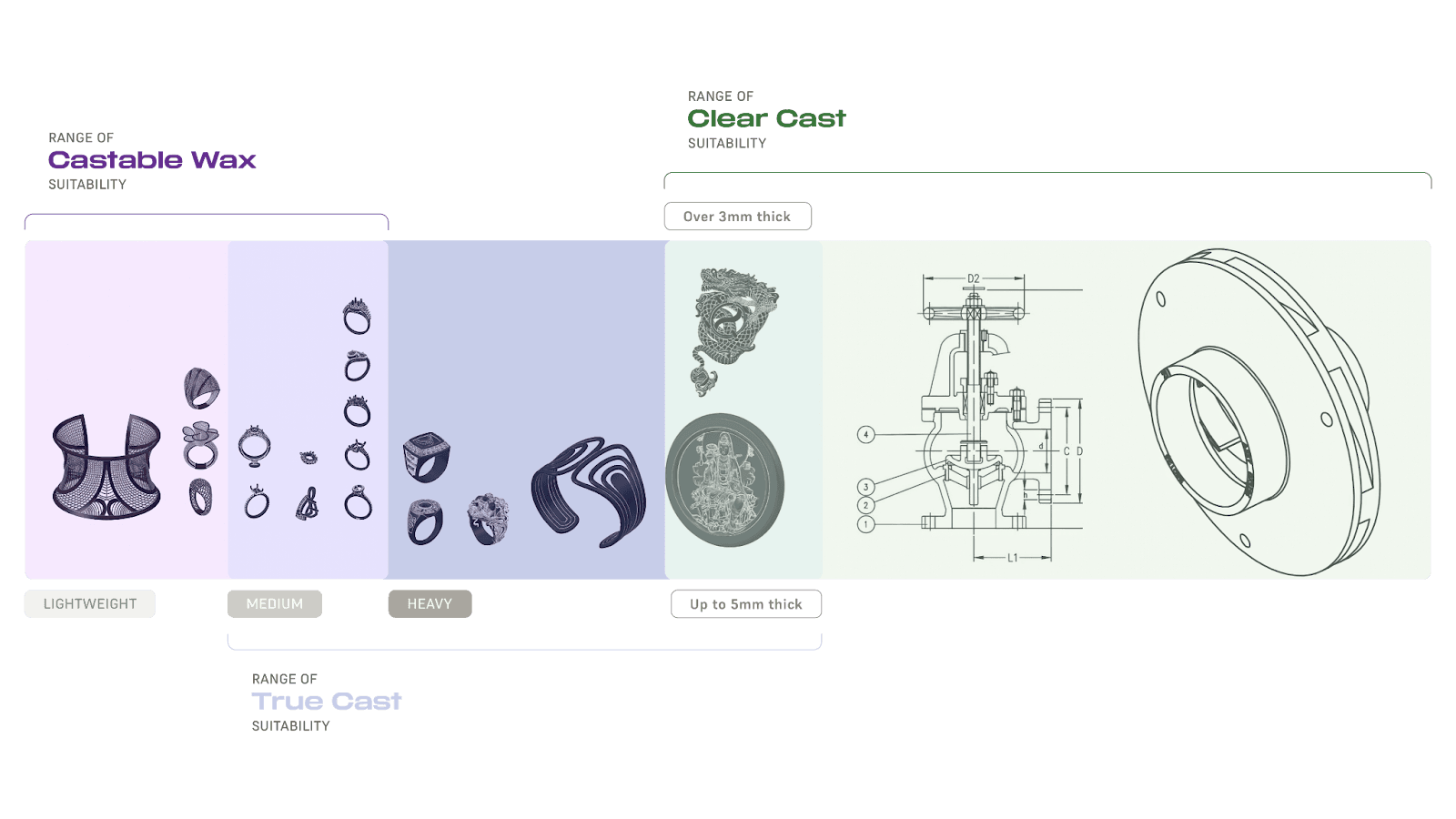
When choosing a casting resin, take the casting properties of each material into consideration. For smaller parts or wire filigree, use Castable Wax Resin. For medium to heavy jewelry or small engineering components, use True Cast Resin. For larger investment casting, use Clear Cast Resin.


Suitability range for Formlabs castable resins

Avoid investment breakage

Design models with a smooth surface flow. Avoid creating sharp corners and edges. Sharp edges not only increase metal turbulence, but they also concentrate expansion stresses in the mold.

Concentrated expansion stress causes investment breakage. Signs of investment breakage are filled-in negative features such as engraves and stone holes in the cast part. Investment breakage is usually accompanied by rough cast surfaces or pitting, resulting from investment debris.

Examples of models with knife edges, stone holes, or engraves.

Take care when designing models with knife edges, stone holes, or engraves.

Be mindful of the depth of small, negative features with fragile investments. Keep engraved channels and holes wider than they are deep.

Example of small negative features on a ring.
Avoid sharp corners.

Sprues

Formlabs recommends designing sprues that are straight or taper down towards the piece. Supports added in PreForm should not be used as sprues. Incorporate 3D printed sprues into the design process for increased printing and casting success.

Only use 3D printed feed sprues if there would be physical difficulty placing a wax sprue. Wax sprues promote better cast part quality as they provide early access to oxygen to the part when melted in the casting process.

To prevent casting failures, add a sprue attachment point such as a hole in the bottom of a ring or a small hollow post to your CAD model.

Add a sprue attachment point.

Print sprues directly on the model to reduce waxing time and reduce the number of supports. During the CAD design phase, add a sprue joining the part to the wax tree with a single point of connection. A self-supporting model with a hollowed-out main tree can fully eliminate the need for additional supports.

Printed model with multiple sprues joining parts to the wax tree.
The same model, cast in bronze.
Printed model with multiple sprues joining parts to the wax tree.
The same model, cast in bronze.

Printing with True Cast Resin

Printing with Formlabs printers

Before printing with True Cast Resin, either on a Formlabs printer or a third-party printer, be sure to heat the resin cartridge or resin bottle if it has been sitting at room temperature for more than a week.

Install or update PreForm, then set up the next print job.

To prepare a model for printing in PreForm:

  1. Open a model.
  2. Select the resin, resin version, and the desired layer thickness.
  3. Orient your models.
    • Rings and other similar small parts: Orient vertically to minimize support touchpoints.
    • All other models: Follow Formlabs best practices for orienting parts. Orient the model 30–45 degrees relative to the build platform.
  4. Generate supports.
    • Formlabs recommends turning off internal supports on latticed parts, as they may interfere with the lattice structure.
    • Use internal sprues and supports to prevent two thin features from merging and creating wishbones.
    • Make sure any overhangs or joins are sufficiently supported.
  5. Send the print job to the printer.

If the resin cartridge has been sitting at room temperature for over a week, warm the resin cartridge and shake to ensure the resin is mixed completely.

Printing with third-party printers

True Cast Resin is compatible with most third-party resin 3D printers. Formlabs recommends using the recommended print settings for third-party printers.

Design self-supporting models that are large enough to fully resolve. Formlabs recommends using spherical support settings on Lychee and Chitubox.

Chitubox

Chitubox settings for small and medium sized rings.
Chitubox settings for larger parts.
For small and medium sized rings, use 600 micron touch tips.
For larger parts, use 1 mm touch tips with a contact depth of 600 microns.

Lychee

Lychee settings for small and medium sized rings.
Lychee settings for larger parts.
For small and medium sized rings, use 600 micron touch tip breaking points with a 400 micron touch tip.
For larger parts, use 1.5 mm touch tips.

Finishing

Parts printed in True Cast Resin turn a dark purple when rinsed in solvent and lighten to a pale lavender color when dried. The color does not affect the burnout or final casting of the part, but may indicate how clean the part is of solvent. Larger parts with internal cavities may not dry evenly, leaving parts with a marbled color effect.

Marbled color effect on a part printed in True Cast Resin

A part printed in True Cast Resin changing color as it is dried with compressed air

Marbled color effect on a part printed in True Cast Resin

True Cast Resin color change is not always uniform, especially for thick parts or when parts cannot be dried completely with compressed air. The color change does not affect the castability of the part as long as it is fully cleaned and cured.

The Form Wash and other washing systems agitate the solvent bath and remove parts from the bath after a set time. Wash parts according to the support article for your device. Formlabs recommends removing supports with a high-quality flush cutter to avoid tear-outs after the first wash. Spray or rinse parts with fresh solvent before drying.

If the model is hollow or has internal channels, ensure liquid resin is flushed out thoroughly from these features. Dry the parts thoroughly with compressed or forced air after removing from the solvent bath. Allow parts to fully dry before post-curing.

Post-curing requirements

True Cast Resin does not require post-curing, although Formlabs recommends post-curing to reduce defects during the casting process. Refer to instructions for your particular machine for appropriate recommendations:

Sand down remaining touch tips with 1000 grit sandpaper after post-curing.

Casting with True Cast Resin

Parts printed in True Cast Resin do not require a specialized burnout schedule. Follow the recommended process for general casting in your desired investment material. Printed parts are shelf-stable and can be cast up to six months after printing without experiencing shrinkage.

For detailed information on casting with Formlabs resins, read the application guide Introduction to casting with Formlabs resins [EN] [DE] [ES] [FR] [IT] [JA] [ZH] and other Formlabs resources. For peer support for printing with this material, join the Formlabs Jewelry/Casting group on Facebook.

Below is a sampling of prints and castings that have worked well for other customers using different printers, investments, burnout schedules, metals, casting machines, and cleanup methods.

PartBurnout Rate (°C/hr)Burnout End Temperature (°C)Burnout Hold Time (hrs)InvestmentMetalMetal Temp (°C)Flask Temp (°C)Casting MachineCleanup Method
Small RingFULL933Prestige Optima™Silver1000482Neutec J2RWater Break, Sandblast
3307323
180Casting temperature1
Small RingFULL933Prestige Optima™Ancient Bronze1120600Neutec J2RWater Break, Sandblast
3307323
180Casting temperature1
Heavy RingFULL933Prestige Optima™Ancient Bronze1120600Neutec J2RWater Break, Sandblast
3307323
180Casting temperature1
Ring1202Ransom & Randolph® Plasticast®White Gold1300650Indutherm VC500Water Break, Pickle Pot
4002.5
7001
Ring1202Ransom & Randolph® Plasticast®Yellow Gold1130600Indutherm VC500Water Break, Pickle Pot
4002.5
7001
Ring1202Ransom & Randolph® Plasticast®Silver1050550Indutherm VC500Water Break, Pickle Pot
4002.5
7001
Ring1202Ransom & Randolph® Plasticast®Brass950520Indutherm VC500Water Break, Pickle Pot
4002.5
7001
Ring1502Ransom & Randolph® Plasticast®Gold980425VIGOR CentrifugalWater Break, Pickle Pot
4252
6903
Casting temperature
Pendant1502Ransom & Randolph® Plasticast®Gold980425VIGOR CentrifugalWater Break, Pickle Pot
4252
6903
Casting temperature
Ring150932.5Prestige Optima™Silver950–1100550Neycraft CentrifugeWater Break, Ultrasonic, Pickle Pot
1501502.5
2857904
200Casting temperature1
Ring150932.5Prestige Optima™14k Gold1000–1175550Neycraft CentrifugeWater Break, Ultrasonic, Pickle Pot
1501502.5
2857904
200Casting temperature1
Ring150932.5Prestige Optima™14k White1000–1175550Neycraft CentrifugeWater Break, Ultrasonic, Pickle Pot
1501502.5
2857904
200Casting temperature1
Ring3009Prestige Optima™White GoldPickle Pot
7502
5002
Ring3009Prestige Optima™SilverPickle Pot
7502
5002
Small Ring932Prestige Optima™14k Gold
7305
Mini-sculpture933Prestige Optima™Bronze1100–1200425Sandblast
7303
Ring, figurine, pendantFULL1003Prestige Optima™Bronze, silver960560Ultraflex J4 LiteManual pick, Ultrasonic, Tumble, Steam
1504502
1757804
Casting temperature

Additional resources