WHITE PAPER
Formlabs Logo

Removing parts from the build platform

Removing parts from the build platform

Part removal is an essential step in the printing process. Depending on resin type and the geometry of each part, some parts may be easier to remove from the build platform than others.

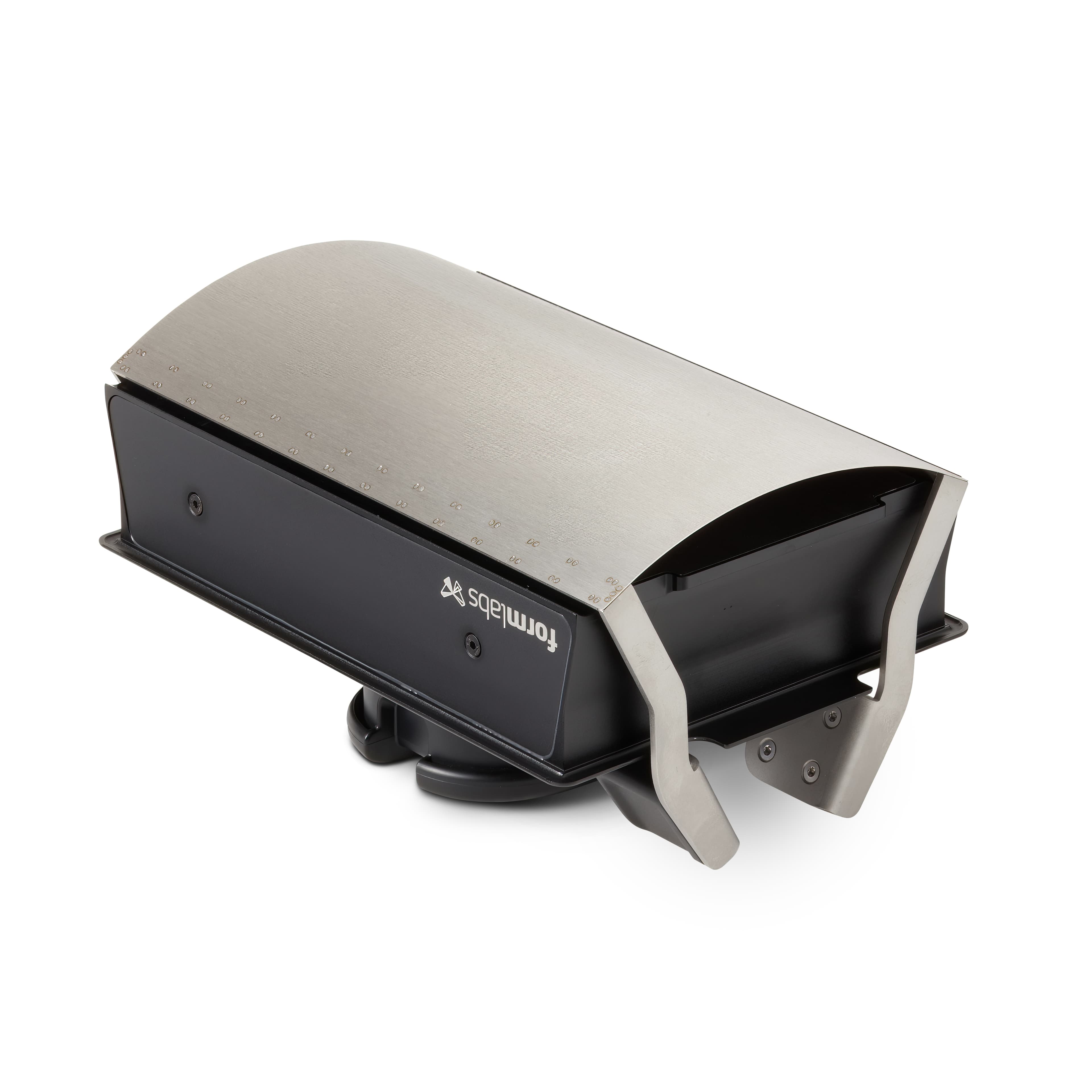
Formlabs recommends using a build platform with a flexible print surface, such as the Build Platform 2, to enable a cleaner, quicker release of parts. For information on how to remove parts from Formlabs flexible build platforms: see:

Caution:

Cutting hazard: Using the included tools (e.g., flush cutters or scrapers) on slippery surfaces such as a resin-coated build platform can result in sudden movement. Orient sharp tools away from yourself, especially when cutting or scraping.

Risk of eye injury: Some methods of support removal may cause small pieces of supports to break away. Beware of flying debris and consider wearing eye protection and gloves to protect the skin and eyes.
Orienting models in PreForm

Model orientation and layout affects how easy it is to remove the printed parts from the build platform. For best results, follow Formlabs best practices for orienting models:

  • Orient large or long parts so that smaller surfaces are touching the build platform.
  • Orient models at an angle to reduce the surface area of each layer and to make parts easier to remove.
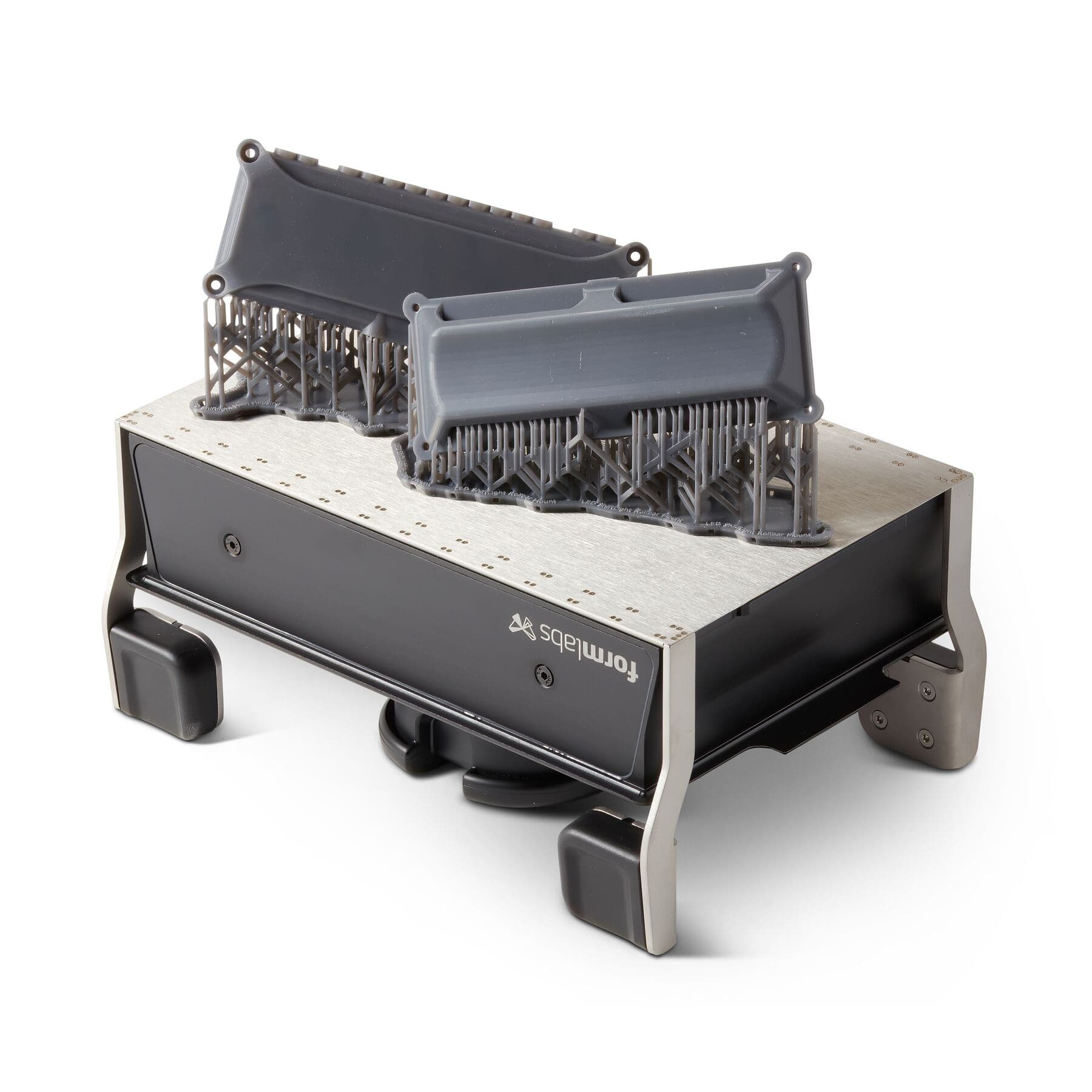
  • Print parts on a raft. Rafts have beveled edges to ease part removal and prevent damage to the parts themselves.

If printing directly on the build platform is necessary, orient the part so that the face that is least critical for the part's application or aesthetics is attached to the build platform. Take special care when removing parts printed directly on the build platform, as removal tools may chip the edges of the part.

Tip:

Formlabs offers build platforms with flexible print surfaces that simplify part removal and have their own guidelines for print setup. For information on how to set up your prints and remove parts from Formlabs flexible build platforms, see:

Removal

The first few layers of every part are over-cured for better adherence. How strongly the printed parts adhere to the build platform depends on their geometry, the resin, the condition of the build platform, and other factors. Use tools like the flush cutters or scraper to peel parts off the build platform. Try a variety of part removal techniques to find the ones that work best for your parts and your workflow.

Use tools like the flush cutters or scraper to peel parts off the build platform. Try a variety of part removal techniques to find the ones that work best for your parts and your workflow.

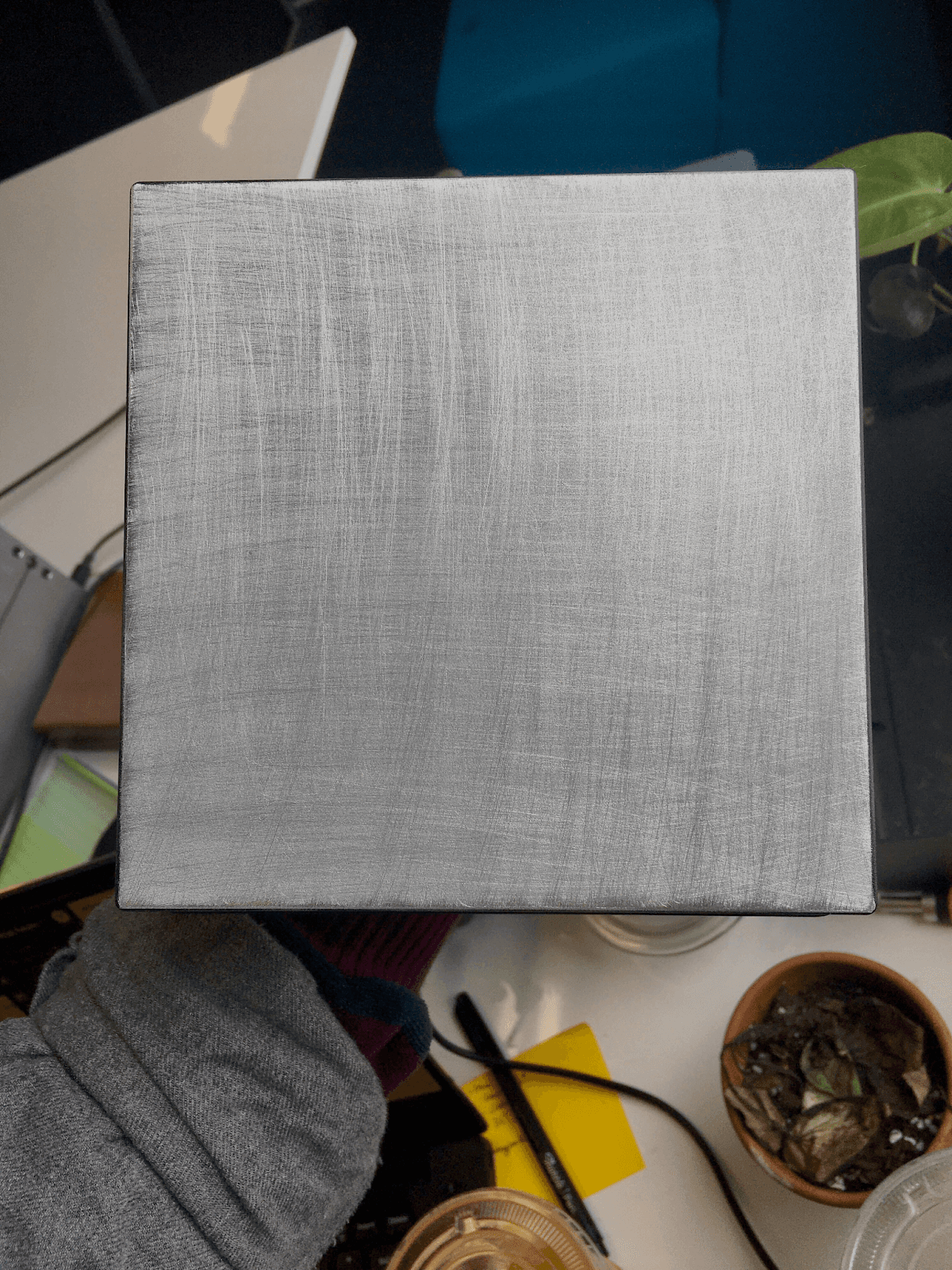
Tools used to remove parts will scratch the metal surface of the build platform. Scratches are normal and actually improve part adherence during the initial layers of printing.

Form 2/Form 3/3B/3+

Form 3L/Form 4L

Form 4

alttext

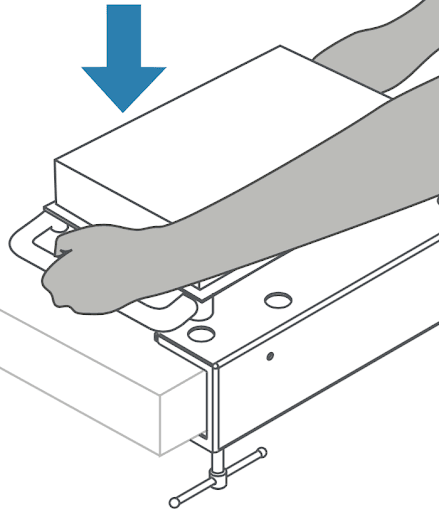
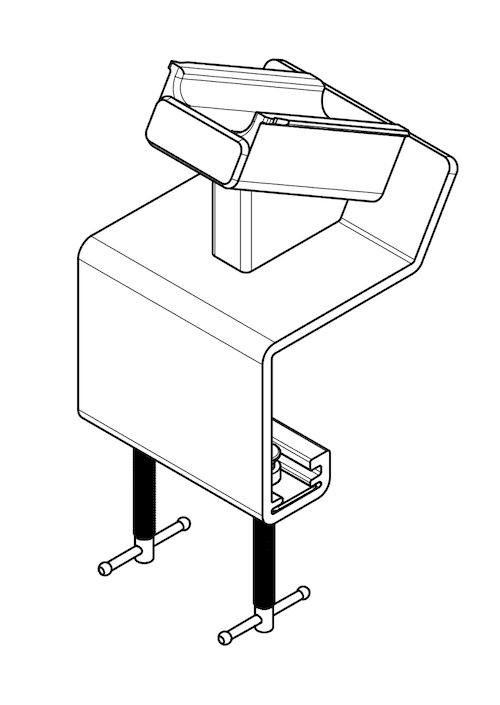
Create a stable surface for part removal by attaching the build platform to the jig. Most printed parts should come off the build platform with relative ease using the part removal tools included in the Finish Kit. Slide the removal tool or scraper under the angled edge of the raft to release parts from the build platform.

Caution:

To avoid injury, face the edges of tools away from you and direct the force away from you.

Form 3L/Form 4L

Form 4

alttext
alttext

For soft resins like Flexible 80A Resin and Elastic 50A Resin, slide the scraper under one edge of the raft and slowly peel the part away from the build platform.

Parts printed in very rigid resins like Rigid 10K Resin and Rigid 4000 Resin may be difficult to remove from the build platform. If basic part removal does not work, use a mallet to gently tap the handle of the removal tool.

Other methods

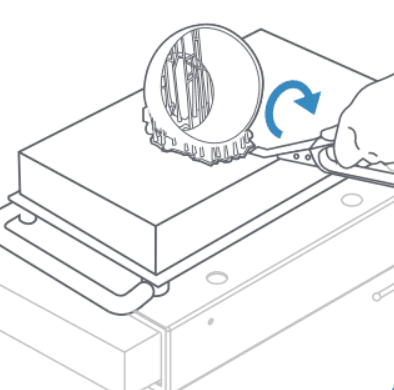
Step 1:

Position the flat face of the flush cutters against the build platform, with the blades on either side of a corner of the raft. Squeeze the handle to force the blades between the part and the build platform.

Step 2:

Insert a scraping tool under the corner of the part. Keep the scraping surface parallel to the build platform and push the scraper beneath the part.

Removing stuck parts from build platform

Occasionally, you may find it difficult to remove parts from the build platform. The most common reason is that the surface of the build platform has developed gouges that provide more surface area for the resin to adhere to. Certain resins, like Grey Pro Resin, may also adhere more strongly to the platform.

Causes

  • Gouges in build platform surface
  • Overcompression
  • Printing with specific materials, such as Grey Pro Resin

Troubleshooting

  • Use a non-food freezer to cool the part and the build platform before trying again.
  • Check for signs of overcompression. If overcompression is happening, follow the instructions in Fine Tuning Formlabs LFS printers to recalibrate the Z-axis.
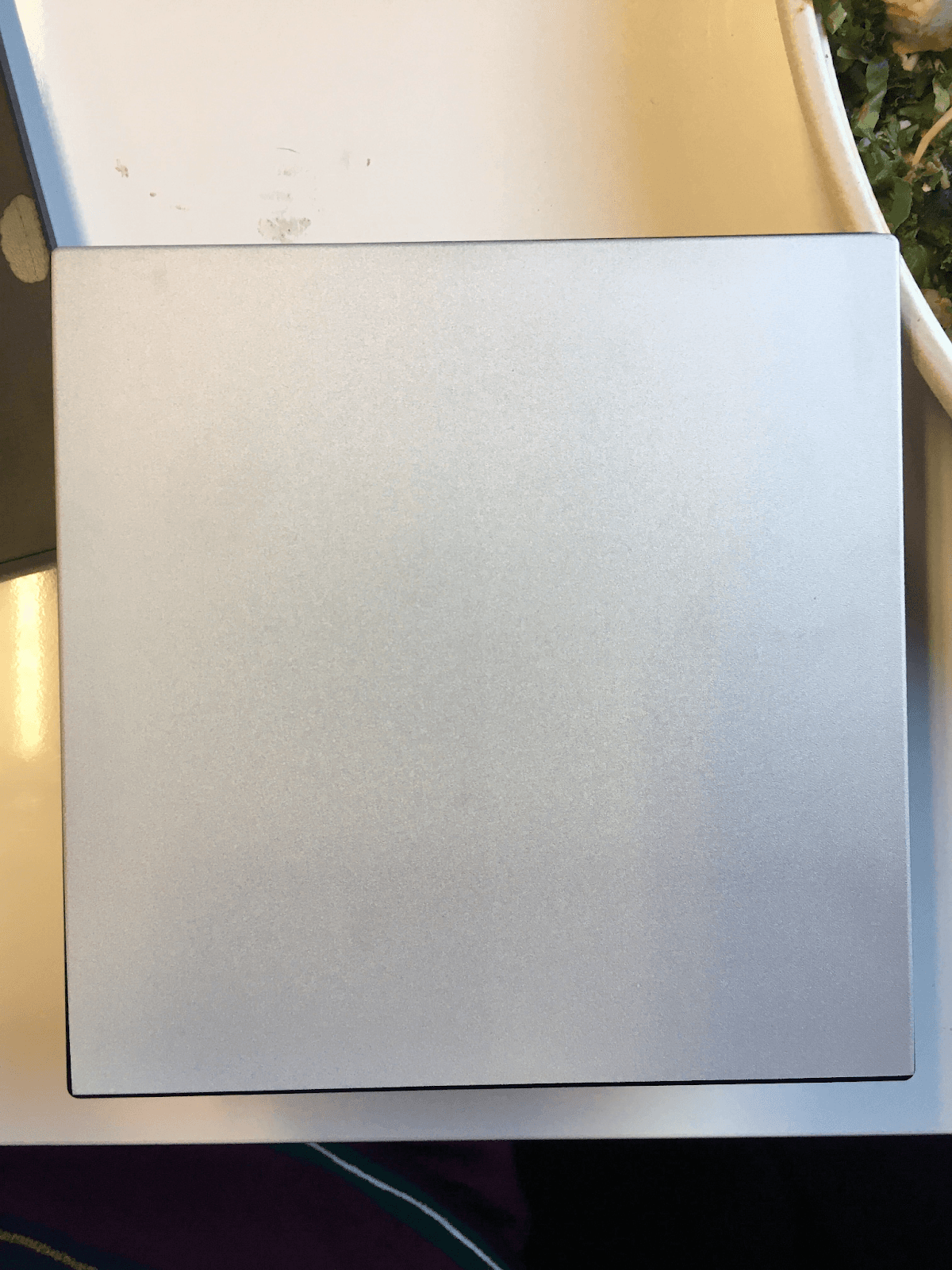
  • If fine tuning does not resolve the issue, sand down the build platform to smooth out the surface using coarse sandpaper (80–120 grit). Sand in both directions, covering the entire surface of the build platform. After sanding, wipe down the build platform with a paper towel to remove any metal dust.
Build platform surface
Sanded build platform surface
  • Warm the build platform with a hair dryer or heat gun.
  • Spray a small amount of wash solvent around the edges of parts.
  • If the part is very large and can take the impact, hit the build platform or the part against a hard surface to knock the part loose.