
Warning:
Use appropriate personal protective equipment when handling loose or unsintered powder. Refer to the support article Safety with Formlabs SLS products for more information.

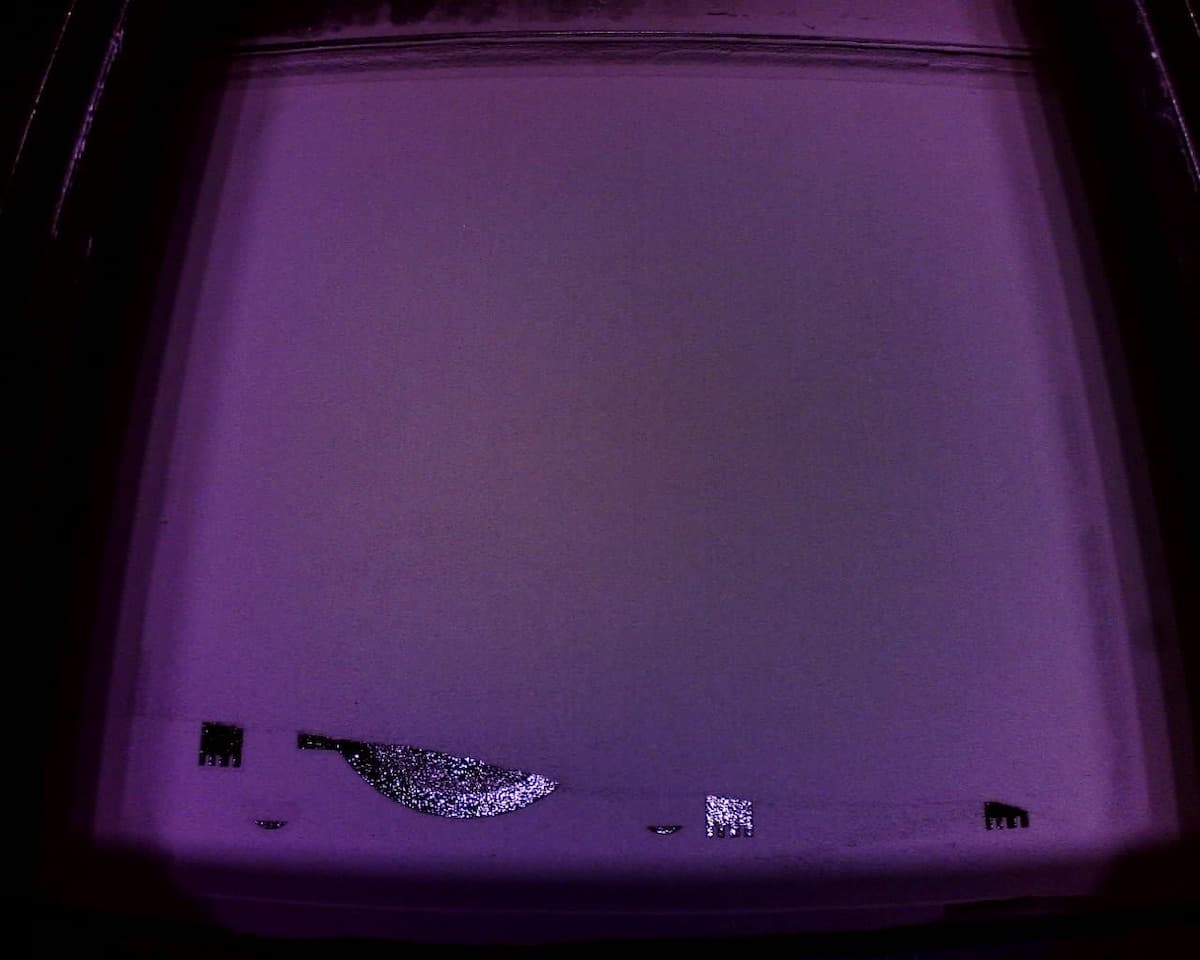
Underdosing describes a disruption to the powder flow during a print. This is usually caused by insufficient powder and may result in print failures.
During normal operation, Fuse Series printers monitor the printing plane for debris, fibers, voids, or a deficit of powder. If the printer determines that not enough powder is deposited after a recoating pass, it will intervene and abort the print with an error.
Underdosing may also be a sign of a tilted printer or a mechanical error with the printer’s hopper agitator motor.
Symptoms
Causes
Troubleshooting steps
Warning:
Use appropriate personal protective equipment when handling loose or unsintered powder. Refer to the support article Safety with Formlabs SLS products for more information.
Add sufficient powder to the printer
If the hopper empties during a print, the print fails. Add sufficient powder and powder credit to the printer before starting a print.
Fuse X1 firmware 1.3.0 added a pre-print powder volume check. If you are running an older firmware version or skipped the insufficient powder warning, you may run out of powder during a print, leading to underdosing and failure.
Break up powder bridges
Powder in the hopper can settle to the point where it does not flow down to the doser. This can occur if the hopper is left full for at least weeks without any printing and may happen faster in hot or humid environments.
If a print fails due to underdosing despite the printer having sufficient powder in the hopper, remove the vacuum conveyor from the top of the hopper and agitate the powder in the hopper with a clean stick or similar tool to break up any bridges or clumps.
Check the agitator motor
The agitator at the bottom of the powder hopper is intended to prevent bridging. If it fails or malfunctions, powder bridges can develop. Without the agitator motor running, powder bridging can occur at normal temperature and humidity.
Tap Maintenance > Motor Moves. The Motor Moves menu appears. Use the UI buttons to move the agitator and confirm that it can move normally. If it does not move, contact Formlabs Support or a certified service provider .
Level the printer
Printers that are not properly leveled or that shift over time (e.g., placed on an unstable surface), can experience uneven powder delivery. Check that printer is level before printing again.
Contact Formlabs Support
If the issue persists despite the actions taken, contact Formlabs Support or a certified service provider and upload diagnostic logs.