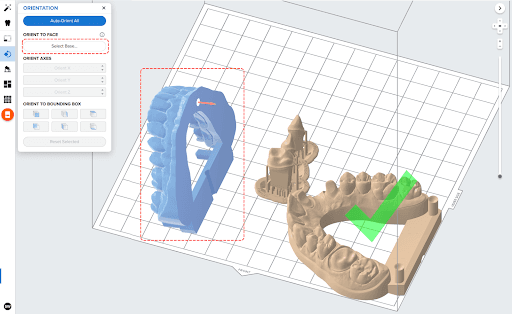
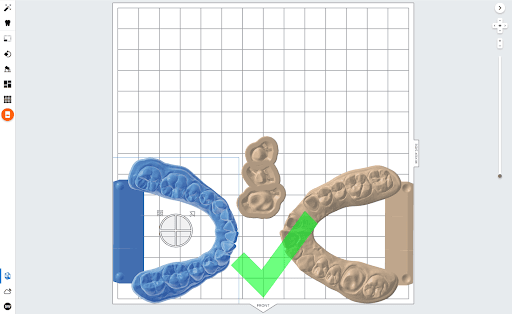
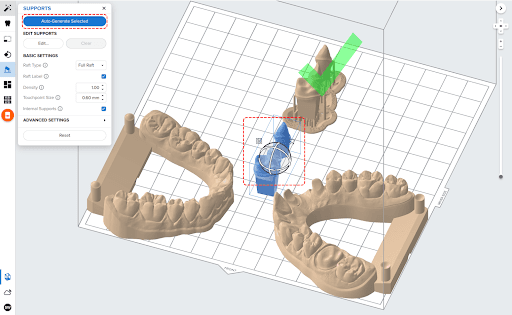
When removing flat parts from the build platform, consider using the flush cutters included in the Finish Kit to release the model at its corner edge. Use the part removal tool to release parts with a chamfered edge and the scraper to detach dies from the build platform.
The Form Wash agitates the solvent bath and removes parts from the bath after a set time. Wash parts according to the support article Form Wash time settings.
If applicable, remove support structures, then use a file or a handpiece to sand support touchpoints. Remove any small skirt-like features that print on the base of the part with a file or a rotating handpiece. A large skirt may block the insertion of the die.
Adjustments in post-processing
If the die is fitting just slightly too tight, spray a fine powder, such as indicating spray or titanium oxide spray, below the margin to lubricate the surface slightly and improve the fit. Quickcheck and Occlude are common brands. Fine powder spray is recommended to lubricate dies with a tight fit, but it is not necessary if the models fit as expected.